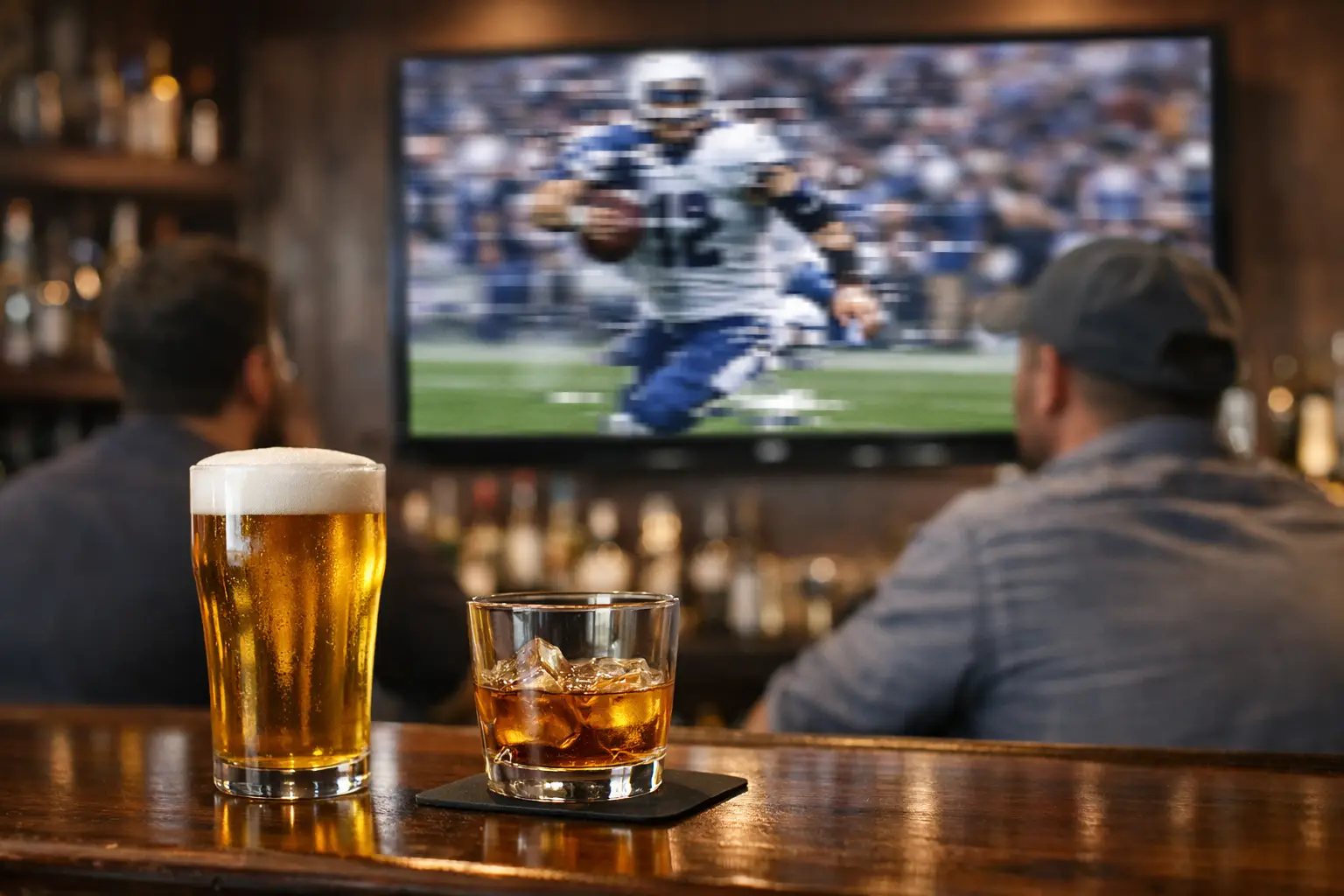
A packed bar can go from electric to angry in seconds when the match freezes at the edge of the box. If you're asking what causes live stream lag in bars, the answer is usually not one single failure. It is a chain reaction across internet service, internal network design, WiFi load, screen distribution, and the number of people who all showed up expecting flawless video at the same time.
In a live sports environment, lag is not just a technical annoyance. It changes guest behavior, slows table turns, increases comped drinks, and puts your staff in a defensive position. For Atlanta bars preparing for major tournament traffic, understanding where lag starts is part of protecting revenue.
What causes live stream lag in bars most often
The most common cause is congestion. That can happen outside the building, inside the building, or both. A bar may have enough internet bandwidth on paper, but still struggle because the connection is shared poorly, the WiFi is overloaded, or the streaming path to each TV adds delay at every step.
A typical live stream in a bar does not move through one clean system. It often starts with the ISP connection, passes through a modem and firewall, hits a switch, reaches a streaming device or set-top box, then gets pushed to one or many displays. If any link in that path is underpowered, misconfigured, or competing with guest traffic, the picture suffers.
There is also a difference between buffering and delay. Buffering is the stop-start behavior guests notice immediately. Delay is when your bar is 20, 30, or 60 seconds behind the action. Many operators focus only on freezes, but excessive delay can be just as damaging when fans hear the goal from the bar next door first.
Internet bandwidth is only part of the problem
Many venue owners assume lag means they need to buy a bigger internet plan. Sometimes that is true. Often it is incomplete.
Streaming live sports at commercial scale is not the same as casual residential viewing. You may have multiple TVs, back-office systems, POS traffic, digital signage, music streaming, surveillance cameras, and dozens or hundreds of guest devices all pulling from the same pipe. During a major match, that load spikes fast.
But raw speed is not the only metric that matters. Latency, jitter, and packet loss matter just as much. A connection advertised at high download speeds can still perform poorly for live video if packets are delayed or dropped. That is why some bars see lag despite paying for premium service.
There is also the issue of asymmetric circuits. A connection with strong download but weak upload can struggle if your systems are constantly sending data out, especially with cloud POS, camera backups, or guest uploads crowding the line. The result is unstable performance that looks random from the floor but is predictable from the network side.
WiFi overload creates hidden match-day failures
If your streaming devices are on WiFi, you are accepting more risk than many operators realize. WiFi is convenient, but crowded hospitality environments are hard on wireless performance.
Bars create exactly the conditions WiFi hates: dense client counts, physical interference, competing radios, and constant movement. Add a packed room full of guests auto-connecting to free WiFi, and your access points can become saturated long before your ISP circuit is maxed out.
This is where many bars get caught. The internet service is fine, but the delivery method inside the venue is not. A smart TV at the far end of the room, connected over a congested 2.4 GHz band, will not deliver stable live sports no matter how good the outside connection is.
Poor access point placement makes this worse. So does using consumer-grade gear in a commercial environment. On a light weekday, the system may look acceptable. On a Saturday night match with full occupancy, it fails under the exact conditions that matter most.
Streaming devices and TVs add their own delay
Not all lag is network lag. Sometimes the bottleneck is the hardware receiving or processing the stream.
Smart TVs, low-cost streaming sticks, and older set-top devices vary widely in how they buffer, decode, and output video. Some are simply not built for a high-pressure multi-screen bar setup. They overheat, fall behind on app updates, or struggle when the stream changes bitrate under load.
Then there is the issue of inconsistency. If different TVs use different device models, different apps, or different firmware versions, one wall of screens may be close to live while another trails badly behind. That creates a poor guest experience even if nothing fully freezes.
Video distribution also matters. If you are mirroring one source across multiple displays through splitters, matrix switches, extenders, or AV-over-IP systems, each layer can introduce latency. The more conversion points in the chain, the more room there is for timing drift, handshake errors, or degraded signal quality.
The streaming platform itself may be the issue
Sometimes the problem is not in your building at all. Live streaming platforms can experience demand spikes, regional congestion, or encoding delays during marquee events.
Bars often assume that because a stream works at home, it should scale cleanly in a commercial venue. That is not always the case. Consumer streaming services are optimized for broad delivery, but not every platform performs equally well during high-volume live sports windows. Some build in longer buffers to reduce freezing. That may improve continuity, but it also increases delay.
This creates a trade-off. A platform with a larger buffer may look stable but run far behind real time. A lower-latency stream may feel more immediate but become more sensitive to network fluctuations. For bars, the right choice depends on whether the bigger risk is visible buffering, audio from nearby venues, or both.
Network configuration problems are common and expensive
A poorly configured network can make a good circuit perform badly. This is one of the most overlooked answers to what causes live stream lag in bars.
Common issues include no traffic prioritization, flat networks with no separation between guest and operational traffic, overloaded firewalls, bad DNS performance, unmanaged switches, or aging cabling. None of these problems are dramatic until demand spikes. Then they all show up at once.
Quality of Service can help, but only if it is set correctly and supported across the network path. VLAN segmentation matters too. Guest WiFi should not be competing directly with streaming endpoints, POS terminals, and back-office systems. If everything sits on the same network with no policy control, the loudest traffic wins.
Even security tools can contribute if they are undersized. A firewall doing deep inspection on a heavy night may become the choke point. That is not an argument against cybersecurity. It is an argument for sizing infrastructure for actual venue demand instead of average daily traffic.
Why lag gets worse during major sports events
Peak event traffic changes the math. More guests connect. More phones pull social content. Staff rely harder on cloud systems. Streaming demand rises across the city. ISPs and platforms see broader load. The same network that survives a regular Tuesday can fail during a tournament match because every variable moves in the wrong direction at once.
This is why readiness matters more than speed tests. A single pre-event test at noon does not tell you how the system will behave at kickoff with a full room. Live event environments need capacity planning, path testing, and failover thinking built around worst-case conditions.
For Atlanta operators expecting World Cup traffic, this is especially important. Match-day exposure is public, immediate, and expensive. A stream outage is not just an IT ticket. It is a floor-level business incident.
How bars can reduce live stream lag before it hits service
The first priority is to move critical streaming endpoints to wired connections wherever possible. Ethernet is more stable, more predictable, and easier to troubleshoot under load. If a TV or streaming device is business-critical, treat it that way.
Next, separate guest WiFi from operational systems. Streaming, POS, security, and staff traffic should not be fighting with hundreds of customer devices. Then review your access points, switch capacity, firewall throughput, and ISP performance against actual event demand, not basic occupancy estimates.
Standardizing hardware also helps. Using the same streaming devices, app versions, and update schedules across screens reduces variability. So does testing full-screen synchronization before big events instead of discovering drift during the national anthem.
Redundancy matters too. A backup internet circuit, cellular failover, or alternate feed path can turn a full outage into a brief disruption. The right setup depends on venue size, budget, and the cost of downtime. Not every bar needs the same level of resilience, but every bar showing live sports needs a plan.
Operationally, the best teams monitor before guests complain. That means checking latency, packet loss, device health, and stream status in real time. It also means having someone accountable for escalation. When the room is full, you do not want staff guessing whether the issue is the app, the ISP, the TV, or the WiFi.
GDS Technology works in exactly these pressure-heavy environments because bars and venues do not get second chances during live play. The goal is not generic IT support. It is keeping screens up when the crowd is watching.
The smartest move is to treat lag as a business continuity issue, not a consumer tech annoyance. If your stream matters to revenue, the network behind it needs to be built for game time, not just for opening hours.