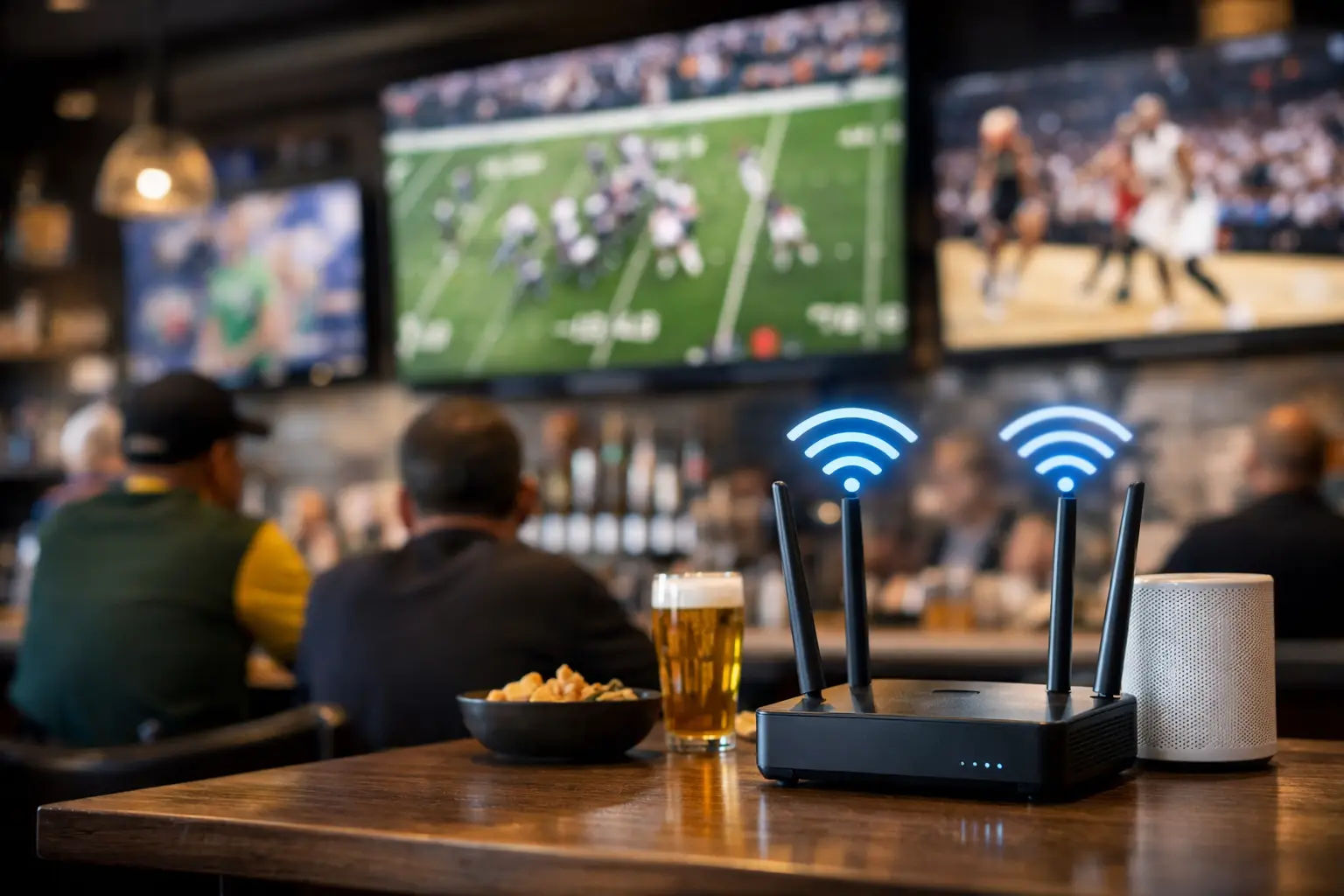
The problem usually shows up five minutes before kickoff. Every TV is pulling a stream or guide data, staff tablets are running orders, payment terminals are active, and 200 guests walk in with phones that instantly join the network. If you need a sports bar wifi overload fix, the answer is rarely “buy a faster plan” and hope for the best. Match-day failures come from capacity, design, and traffic control problems that surface all at once.
For Atlanta operators preparing for major sports traffic, that distinction matters. A bar can have plenty of internet bandwidth on paper and still suffer frozen streams, stalled POS transactions, and angry guests posting about bad service before the first half ends. The fix starts with understanding where the overload is actually happening.
What causes sports bar WiFi overload
Most overloaded venue networks fail in one of three places. The first is the WAN edge - your internet circuit, modem, and firewall. The second is the wireless layer - access points that cannot handle the number of concurrent devices in a crowded room. The third is internal competition - guest traffic choking the same network paths your streaming, POS, and staff systems rely on.
In sports bars, the wireless layer is often the first visible failure point. Guest devices constantly scan, roam, reconnect, and consume airtime even when users are not actively browsing. That overhead is easy to underestimate. A room with 150 people can mean well over 250 active devices once watches, tablets, and secondary phones are counted.
Streaming adds a separate strain. If your TVs depend on smart platforms or app-based feeds, those streams compete with everything else unless they are segmented and prioritized correctly. A network that looks fine on a quiet Tuesday can collapse under Saturday volume because the design assumed average traffic, not event traffic.
A sports bar WiFi overload fix starts with segmentation
If guest WiFi, POS, office systems, streaming devices, security cameras, and staff devices share the same flat network, you are already operating with unnecessary risk. Segmentation is not a luxury for large venues. It is the baseline for any bar where connectivity affects revenue in real time.
Guest WiFi should live on its own network with its own policies. Streaming endpoints should be separated from guest traffic. POS should be isolated and protected from both. That structure does two things immediately. It reduces broadcast noise and device chatter across the environment, and it gives you the ability to enforce traffic rules that protect the services that matter most.
This is where many venue owners get misled by consumer-grade gear. It may advertise high speeds, but it usually offers weak controls once the room fills up. In a sports bar, control matters more than raw headline speed. You need to decide what gets priority, what gets rate-limited, and what gets blocked when capacity tightens.
More bandwidth helps, but only if the network can use it
Upgrading your internet circuit can help, but only in the right circumstances. If your ISP handoff is saturated during peak demand, more bandwidth is the right move. If your firewall is undersized, your access points are overloaded, or your channels are badly tuned, a bigger pipe will not solve the guest experience.
This is the trade-off many operators miss. Internet bandwidth is one part of the path. Wireless airtime, AP placement, uplink capacity, DHCP scope sizing, firewall throughput, and content filtering all affect performance. If any one of those breaks under load, users experience the same symptom - slow or failed connectivity - even though the root cause is somewhere else.
A proper assessment looks at utilization across the full stack. Not just what your ISP sold you, but what your hardware can sustain when the room is full and every screen matters.
Access point density matters more than most bars expect
One or two strong access points in the center of the room is not a high-density design. It is a common mistake. In busy hospitality spaces, too few APs create sticky connections, poor roaming behavior, and overloaded radios. Too many APs without tuning can also create interference. The answer is placement and tuning, not simply adding hardware blindly.
A good sports bar wifi overload fix often includes more access points running at lower power, with channel planning built for dense occupancy. That approach shortens the distance between user and AP, improves signal quality, and spreads clients more evenly. It also reduces the tendency of devices to hang onto a distant AP while a closer one sits underused.
Building materials complicate this further. Brick, metal studs, kitchen equipment, coolers, and mounted displays all affect signal propagation. A layout that works in an open office will not behave the same way in a bar with multiple rooms, patio seating, and a busy back-of-house.
Protect streaming and POS with traffic policy
On match day, not all traffic deserves equal treatment. That is the practical reality. Guest browsing and social posting should not be able to disrupt card payments or live feeds. Quality of service, client limits, bandwidth shaping, and application-aware policies are what turn a basic network into an event-ready network.
For example, guest users can be rate-limited per device so a small number of heavy users do not consume disproportionate capacity. Streaming devices can be placed in a priority class. POS and staff applications can be guaranteed minimum performance. Some categories of nonessential traffic can be suppressed during peak windows.
There is a balance here. If guest WiFi becomes too restricted, the customer experience suffers. If it is too open, business-critical systems take the hit. The right policy depends on venue size, layout, carrier coverage in the building, and how much guests truly rely on your WiFi versus cellular service.
Don’t ignore the backhaul and switching layer
Wireless gets blamed for many problems that are really wired bottlenecks. If access points are uplinked to older switches, limited by poor cabling, or sharing oversubscribed backhaul, the wireless side cannot perform to spec. This becomes more common as bars add more smart TVs, IP cameras, digital signage, tabletop ordering, and cloud-managed systems over time.
A venue that expanded in phases may have a patchwork network behind the ceiling tiles. Different switch generations, unmanaged hardware, poor PoE budgeting, and undocumented cabling all create instability under pressure. Those issues might stay hidden until a major event pushes traffic to peak levels.
That is why readiness work has to include the wired side. AP health is only as good as the switch port feeding it.
Redundancy is part of the fix
If your venue depends on internet-delivered broadcasts, cloud POS, or app-based ordering, a single point of failure is a business decision. Primary circuit outages, modem failures, firewall crashes, and ISP neighborhood issues do happen. During a high-profile event, the cost of waiting on a generic support queue can be severe.
A serious resilience plan includes failover connectivity, pretested recovery procedures, and local support that can respond quickly when remote troubleshooting stalls. In some cases, dual-WAN with automatic failover is enough. In others, the right answer includes separate carriers, segmented backup paths, or temporary event-specific capacity.
For bars expecting World Cup-level demand in Atlanta, this becomes less about convenience and more about continuity. GDS Technology is built around that exact pressure point: keeping venue operations stable when guest volume, streaming dependency, and public visibility are all elevated at the same time.
How to tell if your current setup will break under load
You do not need to wait for a failure to know the network is underbuilt. Warning signs usually appear early. Guest complaints cluster in one area of the room. TVs buffer when occupancy rises. Staff terminals lag during rush periods. Devices randomly disconnect and reconnect. Internet speed tests look decent at the office desk but terrible on the floor.
Another warning sign is operational improvisation. If staff know which terminal “usually works,” which TV app needs constant reboots, or which corner has unusable WiFi, the network is already telling you it cannot deliver consistent performance.
The right next step is not guesswork. It is a venue-specific assessment that measures client density, AP load, coverage overlap, RF conditions, switch capacity, internet utilization, and failover readiness under realistic event conditions.
The fix is design, not luck
There is no single device that solves sports bar congestion. The real sports bar wifi overload fix is a coordinated design: segmented networks, correctly sized firewall and switching, tuned access point placement, protected streaming paths, controlled guest traffic, and tested failover.
That may sound intensive, but the alternative is worse. Every overloaded match day trains customers to expect a bad experience, puts revenue at risk, and forces staff to troubleshoot during your busiest hours instead of serving the room.
If your network is part of the guest experience, then it is part of operations. Treat it with the same seriousness as your screens, staffing plan, and beverage inventory. When the crowd arrives early and every device comes online at once, the best fix is the one already tested before the doors open.