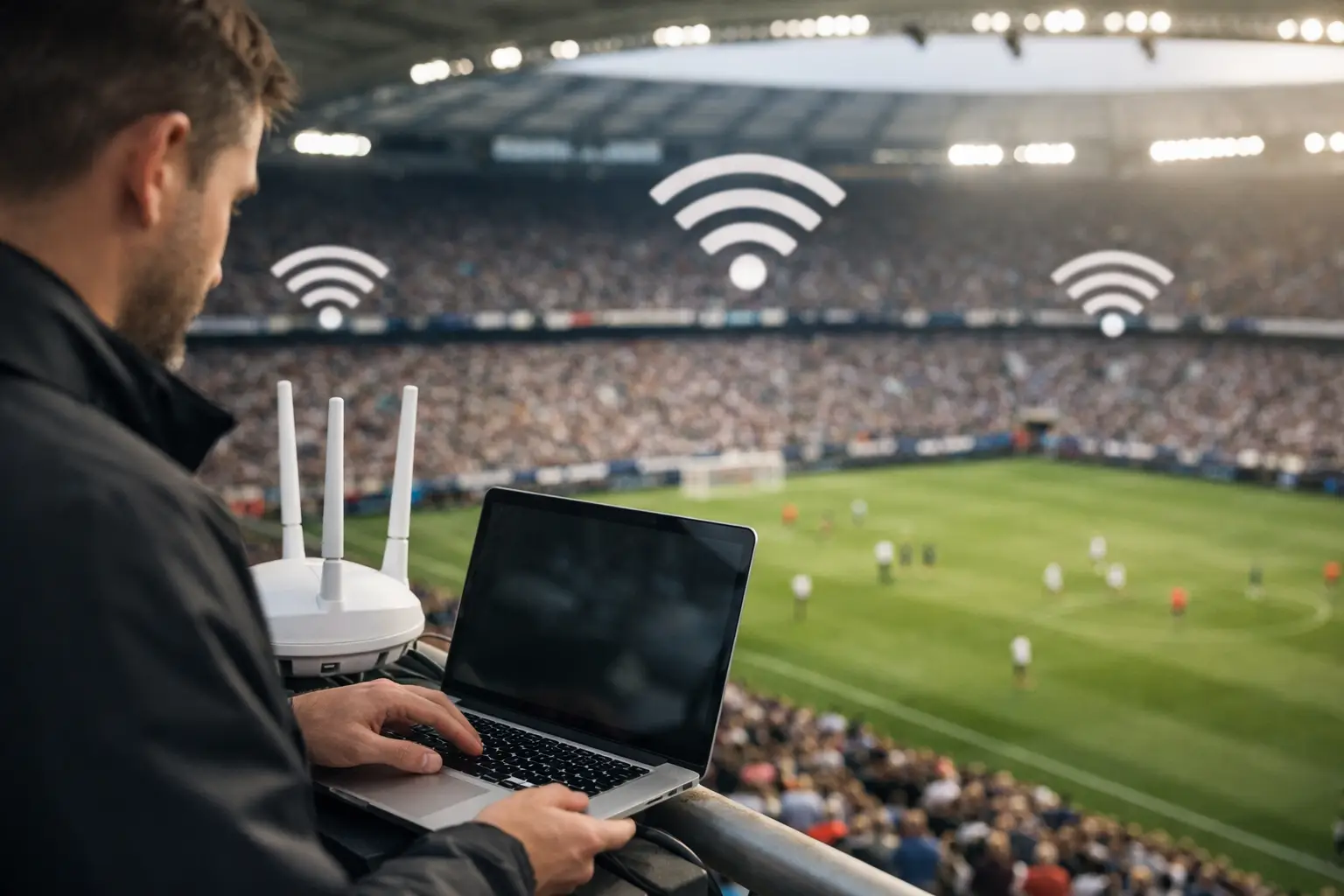
A packed room can expose a network problem in minutes. Guests arrive with multiple devices, staff process orders over tablets, digital signage updates, payment terminals stay active, and every screen is expected to carry a clean live match. Venue WiFi optimization services are built for that exact moment: when ordinary internet access turns into a revenue-critical operating system.
For Atlanta hospitality operators preparing for major sports traffic, the question is not whether guest demand will increase. It is whether the network has been tested for the increase before the doors open. A connection that performs well on a quiet Tuesday can fail under the combined load of hundreds of phones, streaming workflows, point-of-sale traffic, and back-office operations.
Why Match-Day WiFi Fails in Otherwise Good Venues
Most match-day failures are not caused by one obvious broken device. They are caused by capacity assumptions that no longer hold. A venue may have a fast internet circuit, but that alone does not guarantee reliable WiFi. Internet bandwidth is only one part of the path between the source stream and the guest experience.
Wireless access points can become overloaded when too many clients associate with the same unit. Older switches may lack the power budget to support newer access points at full capability. Poor channel planning can create interference between nearby radios, especially in dense entertainment districts, hotels, or multi-tenant buildings. A network designed around daily operations can become congested as soon as a major match creates a full house.
Streaming adds another layer of risk. The video feed may be delivered over a dedicated connection, a managed service, or a consumer-grade source. Each arrangement has different failure points. If guest WiFi, staff devices, and critical streaming equipment all compete on the same flat network, one burst of traffic can affect everything else.
The business impact is immediate. Guests see buffering or dropped connections. Staff lose access to ordering systems. Managers cannot reach cloud applications. A venue that promoted a match-day experience is left explaining why the screens went dark or the payment line stopped moving.
What Venue WiFi Optimization Services Actually Fix
Effective venue WiFi optimization services begin with the venue's real operating conditions, not a generic coverage map. Coverage matters, but capacity, segmentation, interference, and failover determine whether the venue stays functional under pressure.
Capacity Must Match the Crowd
A room with strong WiFi signal can still deliver poor performance. Signal strength tells only part of the story. The network must support the number of active devices, their traffic behavior, and the physical layout of the crowd.
An optimization assessment measures where clients gather, which areas experience the highest demand, and whether access points are carrying balanced loads. In a sports bar, the busiest areas may be near screens and service counters. In a hotel, demand may surge in the lobby, ballroom, meeting rooms, and guest-room floors at the same time. In an event venue, temporary production equipment can change the radio environment overnight.
The answer may be additional access points, repositioning existing equipment, upgrading cabling, or tuning radios to use cleaner channels. It depends on the building materials, floor plan, client density, and the kinds of devices connected. Adding hardware without a design review can create more interference than capacity.
Critical Traffic Needs Its Own Lane
Guest browsing should never have the same priority as point-of-sale systems, streaming encoders, security cameras, staff communications, or venue management tools. Network segmentation separates those functions so a crowded guest network cannot interfere with operations.
A properly configured venue network commonly uses separate connections for guest access, staff devices, payment systems, streaming and production equipment, and building systems. Traffic policies then prioritize what must remain available. If bandwidth tightens, noncritical guest activity can be managed before business-critical applications are affected.
This is also a security decision. Open or poorly isolated guest networks create unnecessary exposure to internal systems. A match-day WiFi plan should protect operations while still giving visitors fast, simple access where appropriate.
Streaming Requires More Than a Fast Download Test
Speed tests can look excellent while live video still suffers. Streaming reliability depends on consistency: packet loss, latency, jitter, route quality, local network contention, and the condition of the equipment carrying the feed.
For venues showing high-profile matches, the stream should be tested from source to screen before peak traffic begins. That includes the receiving device, cabling, displays, audio path, network ports, and any backup source. A venue may need a secondary internet connection, cellular failover, or an alternate streaming method based on its risk tolerance and event schedule.
Failover is not a checkbox. It must be configured and tested. A backup circuit that has never been exercised may not take over cleanly when the primary service fails. The same is true for power protection, switch redundancy, and replacement hardware.
The Readiness Process Before High-Visibility Events
The strongest results come from planning before the room fills. A technical readiness process should start with an on-site assessment of the network, physical infrastructure, ISP service, WiFi coverage, and streaming workflow. It should identify single points of failure and rank them by operational impact.
Next comes remediation. That can include firmware updates, switch configuration, access point tuning, cabling corrections, VLAN setup, quality-of-service policies, firewall review, and failover testing. Some venues require targeted improvements. Others need a redesign because the existing system was never intended for sustained high-density use.
Testing should mirror real match-day conditions as closely as possible. Run live stream checks while guest WiFi is active. Confirm point-of-sale connectivity during a controlled load test. Verify that staff know which equipment is critical and who to contact if a failure occurs. A written escalation plan saves time when a problem happens during a match instead of at 10 a.m. on a maintenance day.
For large events, monitoring is the difference between reacting late and intervening early. Engineers should be able to see circuit health, access point status, bandwidth patterns, device availability, and alert conditions. Local support also matters. Remote troubleshooting has limits when a switch needs replacement, a cable is damaged, or an access point must be physically moved before doors open.
When to Optimize and When to Upgrade
Not every venue needs a full network replacement. A well-designed system with a few configuration issues can often improve quickly through tuning, segmentation, and targeted hardware changes. That is the value of an independent assessment: identify the actual constraint before spending money.
However, optimization cannot overcome hard limits. If an internet circuit is undersized, switches cannot deliver enough power, access points are obsolete, or cabling is unreliable, upgrades may be required. The right decision depends on expected occupancy, guest-device density, streaming requirements, and how much revenue is at risk during downtime.
A 60-seat neighborhood bar has different needs than a hotel hosting sponsors, media teams, and watch parties across several floors. A venue broadcasting one match on a few displays has different exposure than an operation built around continuous live programming. The network design should reflect the business model, not a one-size-fits-all equipment package.
What Venue Operators Should Expect From Their IT Partner
During high-pressure events, a generic help desk is rarely enough. Operators need a partner that understands that a buffering screen, offline terminal, or failed guest network becomes a front-of-house issue immediately.
Expect a clear readiness scope, documented findings, prioritized actions, and accountability for the systems being monitored. Ask who responds after hours, whether support is local, how failover is validated, and what happens if hardware fails during an event. Ask whether the provider understands live streaming paths, not just office WiFi.
GDS Technology supports Atlanta venues with readiness planning, network recovery, WiFi optimization, and live-event technical response designed for these conditions. The focus is practical: protect the stream, protect transactions, protect guest experience, and keep the operation moving.
The best time to find a weak access point, overloaded circuit, or untested backup connection is when the room is empty. Schedule the assessment early enough to make corrections, test under load, and enter match day with a plan your team can execute.