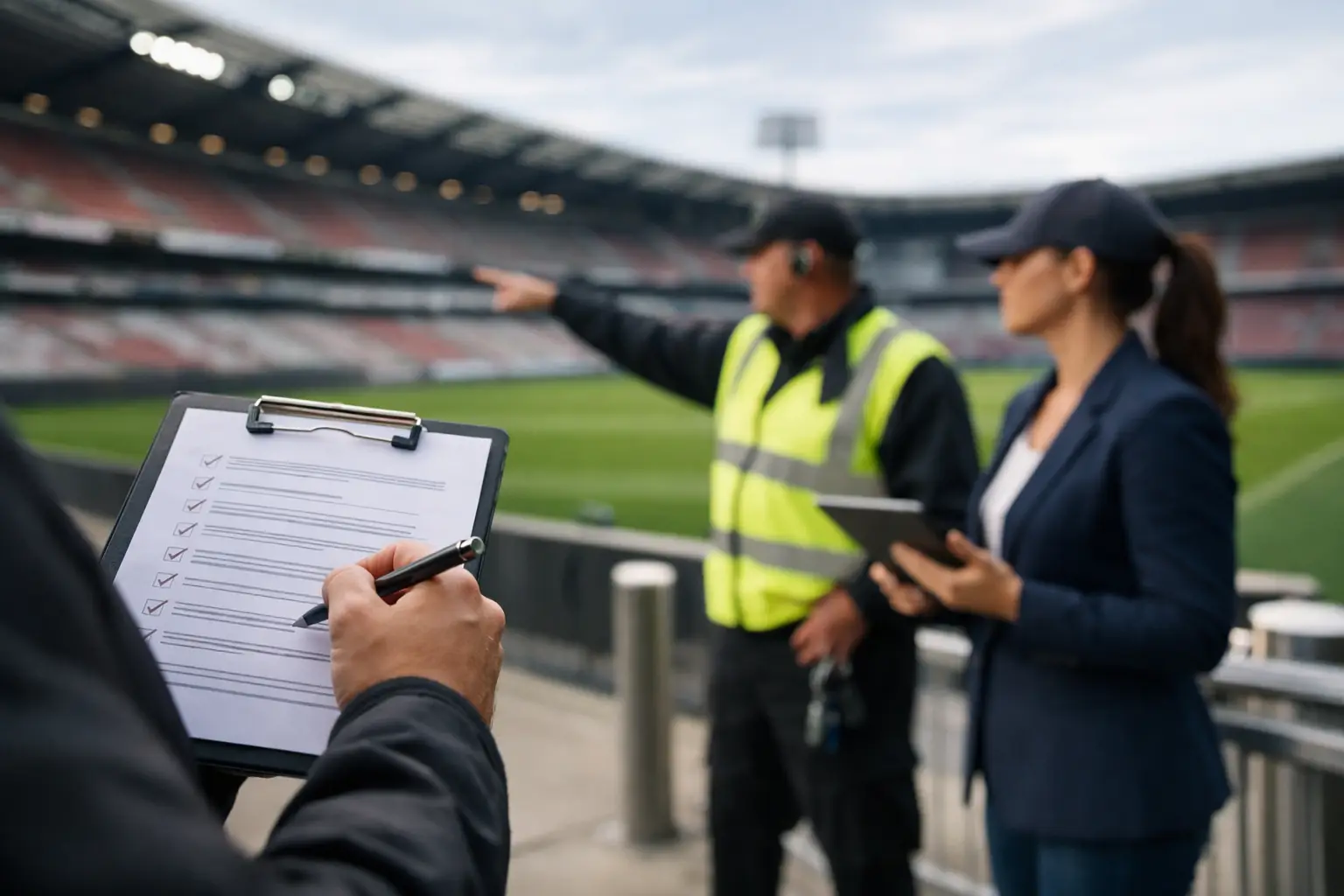
A packed room can expose a weak network in minutes. One frozen match stream, stalled payment terminal, or overloaded guest WiFi connection can turn a high-revenue fixture into refund requests, bad reviews, and a room full of customers looking at their phones instead of the screen. This venue readiness audit checklist is built for Atlanta operators preparing for match-day demand, when capacity, visibility, and patience are all under pressure.
A readiness audit is not a generic IT inspection. It is a practical test of whether the venue can deliver live video, reliable transactions, guest connectivity, and staff communications at the same time, under the load you expect when the doors are full. The right standard is simple: identify the failure points before customers do.
Start With the Business-Critical Services
Every venue has technology that is inconvenient when it fails and technology that immediately stops revenue. Separate the two before reviewing equipment. For most sports bars, restaurants, hotels, viewing venues, and sponsor activations, the priority stack starts with live streaming or broadcast delivery, primary internet, point-of-sale systems, staff communications, and the WiFi guests will use throughout the event.
Document the owner for each service, the support contact, the physical location of the equipment, and the action staff should take when it stops working. A manager should not have to search an old email thread for an internet account number while a major match is underway.
Also establish what “working” means. A speed test alone is not proof that a venue is ready. The stream must play cleanly on every display, payment terminals must complete transactions, and guest WiFi must remain usable while staff devices, TVs, tablets, security cameras, and back-office systems are active.
Venue Readiness Audit Checklist: Network and Internet
The network is the dependency beneath nearly every match-day service. Audit it in the same conditions you expect on event day, not at 10 a.m. on a quiet Tuesday. Run testing during a busy service period if possible, or generate realistic traffic from streaming devices, staff systems, and guest connections.
Use this checklist to verify the fundamentals:
- Confirm the primary internet circuit’s documented upload and download capacity, service provider contact path, modem location, and account details.
- Test the failover connection by forcing the primary circuit offline. Verify that critical services recover, identify what does not fail over, and record the actual recovery time.
- Check that networking equipment has battery backup and that the backup runtime is realistic for your environment. A UPS that lasts five minutes is not a continuity plan for a prolonged outage.
- Review firewall capacity, switch ports, cabling condition, and access point placement. Heat, loose connections, full ports, and poorly placed access points often show up as “random” failures on busy nights.
- Separate guest traffic from payment, streaming, operations, and security systems. Guest WiFi should never compete unchecked with the devices that keep revenue moving.
- Confirm remote access is secure and available to the people authorized to support the venue. Emergency access that depends on one unavailable employee is not emergency access.
Bandwidth requirements depend on your stream source, display count, cloud applications, and number of connected guests. A venue may have a fast circuit and still experience poor performance because too many devices share the same wireless channel, a low-capacity firewall becomes overloaded, or guest traffic is not controlled. The audit must look beyond the provider handoff.
Test WiFi Where Customers Actually Sit
Walk the floor with a current device. Test seating areas, patios, private rooms, entrances, bars, restrooms, and staff-only zones. Do not assume an access point mounted centrally covers the entire room well, especially through walls, kitchen equipment, glass, or dense crowds.
Measure more than signal bars. Look for slow roaming between access points, connection drops, high latency, and channels crowded by neighboring businesses. Set sensible guest policies before the event, including a connection limit per device if needed. The trade-off is clear: aggressive limits protect critical operations but can frustrate guests. In a match-day venue, protect the systems that process payments and deliver the match first.
Validate Streaming From Source to Screen
A stream can be available at the source and still fail in the venue. Test every part of the delivery path: provider login, playback device, HDMI or distribution equipment, audio routing, display power, and the physical screen itself. Confirm that devices will not enter sleep mode, install updates, or request an unexpected login during service.
Check live playback long enough to catch buffering, audio drift, resolution drops, and overheating. A five-minute test is useful, but a full pre-event playback session is stronger evidence. If the venue uses multiple zones, confirm that all screens are showing the intended feed and that audio is synchronized where it needs to be.
Document a fallback. That could mean a secondary approved source, a spare playback device already configured, replacement cables on site, or a technician who can respond locally. Do not rely on a last-minute personal hotspot as a streaming contingency. It may work in an empty room and collapse once hundreds of nearby phones begin competing for cellular capacity.
Protect Payments, Operations, and Security
Match-day revenue cannot wait for a general network repair. Test point-of-sale terminals on both the primary and failover paths. Verify that terminals can reconnect after an outage, printers remain reachable, and staff know how to use approved offline procedures if the payment platform supports them.
Review credentials and access before the crowd arrives. Disable accounts that no longer need access, require strong authentication for administrative systems, and confirm that key recovery contacts can reach the right vendor support teams. A shared password taped inside an office cabinet is not an access policy.
Cybersecurity is operational readiness. High-profile events bring more phishing attempts, fraudulent booking messages, and opportunistic attacks against busy hospitality businesses. Patch network equipment and endpoints on a planned schedule, not during the match window. Back up configuration files for firewalls, switches, and WiFi systems so a failed device can be replaced without rebuilding the environment from memory.
Inspect the Physical Layer and Power Plan
Many event failures are physical. Walk the telecom room, network closet, bar stations, display locations, and any temporary activation areas. Label equipment and cables clearly enough that an on-site manager can identify the right component during a call with support.
Look for blocked vents, overloaded power strips, exposed cables, water risks, unsecured gear, and equipment stacked where it cannot dissipate heat. Confirm that electrical circuits supporting network hardware, displays, and point-of-sale equipment can handle the planned load. Temporary screens, additional coolers, lighting, and sponsor equipment can change the power picture quickly.
If your contingency plan includes a generator, test the actual transfer process. If it includes battery backup, confirm the batteries are healthy. The plan only counts when the equipment performs under load.
Run a Match-Day Failure Drill
The final audit step is operational, not technical. Gather the venue manager, floor lead, IT contact, and any outside provider who will support the event. Pick realistic scenarios: the primary internet circuit drops, the main stream buffers, guest WiFi becomes unusable, or payment terminals stop processing.
For each scenario, answer three questions: Who makes the first call? What can staff do immediately? When does the issue escalate? Keep the response instructions short and place them where managers can access them without leaving the floor.
A good drill also exposes communication gaps. The person who notices a blank screen may not be the person authorized to reset equipment. The person who can call the provider may not know the location of the modem. Fix those gaps before the event, when the cost is low.
Set a Readiness Deadline, Then Recheck
Complete the main audit early enough to correct what it finds. Circuit upgrades, new access points, replacement hardware, and vendor changes take time. For major fixtures, perform a final verification 24 to 48 hours before doors open, then do a quick day-of check on streaming, internet status, point-of-sale connectivity, and critical displays.
GDS Technology helps Atlanta venues turn this process into an operational plan with local engineering support for network recovery, WiFi optimization, streaming reliability, and event coverage. The goal is not a cleaner checklist. It is a venue that keeps serving, streaming, and processing payments when the room is at capacity.
Your next packed match should be the time to prove your operation, not discover its limits. Test the failure points now, assign ownership, and make sure the response plan is ready before the first guest walks in.