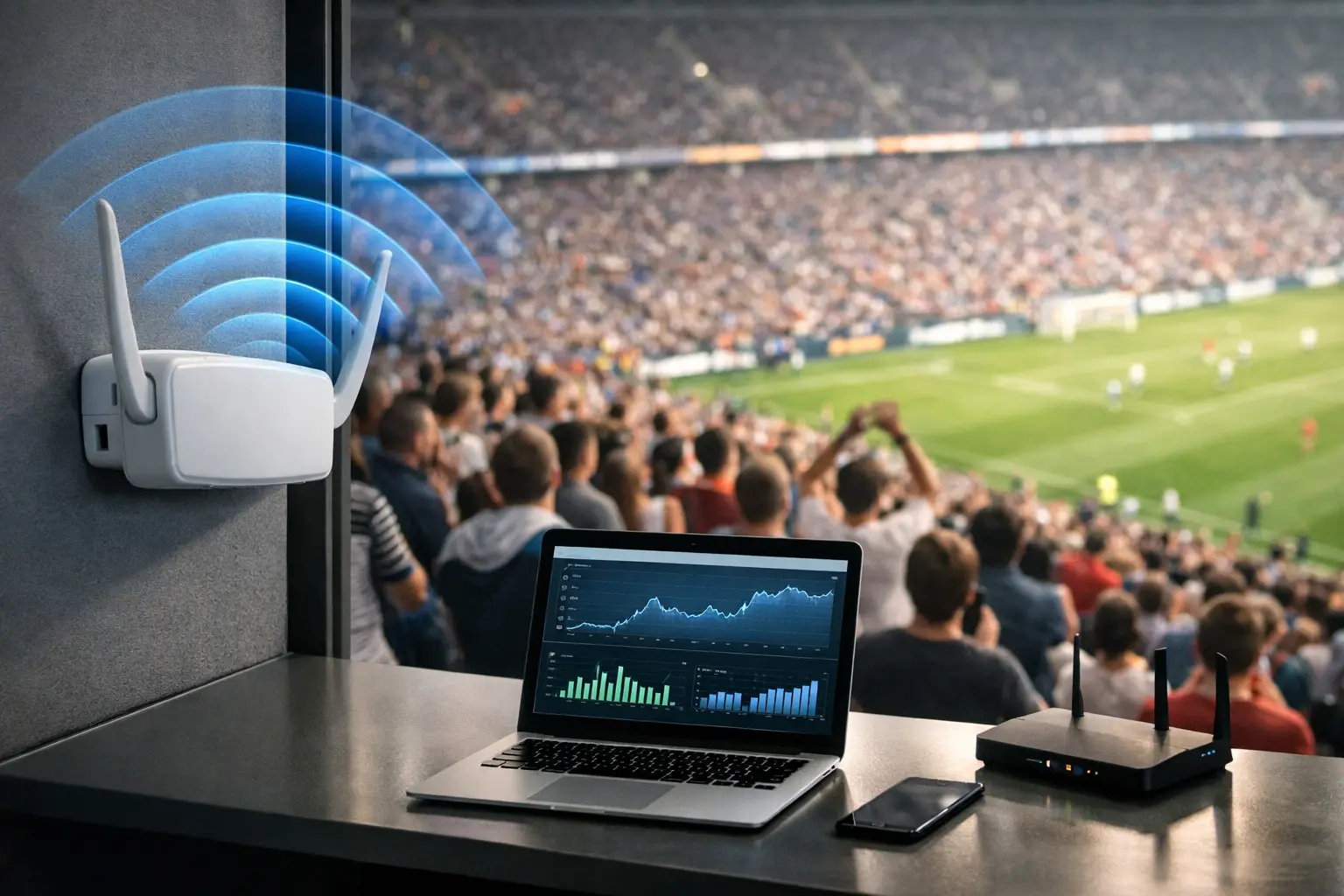
A packed bar can expose a weak wireless design in minutes. Fans arrive with multiple devices, connect before kickoff, post video during play, scan QR menus, use mobile payment, and expect every screen and stream to work without delay. To optimize guest WiFi throughput, venue operators must plan for concurrent demand, not the number of access points mounted on the ceiling.
For Atlanta businesses preparing for tournament-level crowds, guest WiFi is not a courtesy amenity. It is part of the match-day operating system. When it slows down, the impact reaches customer satisfaction, payment flow, staff communications, streaming performance, and the public perception of the venue.
Why Guest WiFi Breaks During Peak Events
Most guest WiFi failures are capacity failures disguised as internet failures. The broadband connection may be healthy, but too many devices are competing for airtime on overloaded radios. A full room can generate hundreds of active connections even when only a fraction of guests are visibly using their phones.
WiFi is shared spectrum. Every phone, tablet, laptop, point-of-sale terminal, and smart device takes turns transmitting. Older clients and weak signals consume disproportionate airtime. A single poorly placed access point can force dozens of devices to operate at lower data rates, reducing usable capacity for everyone nearby.
Streaming adds another layer of risk. Guest traffic does not always cause a venue stream to fail, but it can compete with the same uplink, switching hardware, wireless spectrum, or poorly defined network policies. The result is familiar: buffering video, delayed payments, angry guests, and staff trying to troubleshoot during the busiest ten minutes of the night.
The answer is not simply adding more access points. Too many radios in the same area can create co-channel interference, where access points compete for the same wireless channel. Capacity planning must account for room layout, wall materials, client density, application use, and the wired network behind the WiFi.
Optimize Guest WiFi Throughput by Designing for Concurrency
Start with a realistic peak-concurrency estimate. A venue with 300 guests should not assume 300 devices. Many attendees carry a phone plus a watch, tablet, or laptop. Some devices will connect automatically and remain associated even when they are not actively used. A practical design begins with expected active clients, likely device density by room, and the traffic patterns that occur before, during, and after a match.
A sports bar may see its highest wireless demand before kickoff and at halftime, when guests upload content, check scores, order food, and access mobile wallets at the same time. A hotel may see a broader load across guest rooms, lobby areas, meeting spaces, and staff operations. These are different RF environments and should not use the same assumptions.
Measure the real bottleneck
Throughput starts at the internet handoff, but it does not end there. Test the full path: ISP circuit, firewall, core switch, access switch, power delivery, access point uplink, radio configuration, and client experience. A gigabit circuit does little good if access points are connected at lower speeds, switch ports are oversubscribed, or a firewall cannot inspect traffic at peak volume.
Measure both aggregate and per-client performance. Aggregate throughput tells you how much traffic the venue is moving. Per-client testing reveals whether guests can actually browse, upload, and use cloud-based services in crowded areas. Run tests at different distances from each access point and during conditions that resemble a real event.
Watch for retransmissions, high channel utilization, poor signal-to-noise ratio, roaming failures, DNS delays, and saturated uplinks. These indicators identify whether the problem is radio contention, coverage, routing, security inspection, or the internet circuit itself.
Prioritize the network traffic that protects revenue
Guest WiFi should be isolated from business-critical systems. Point-of-sale terminals, streaming equipment, staff devices, cameras, building systems, and administrative devices need separate network segments with defined access rules. This reduces security exposure and prevents casual guest activity from directly competing with operations.
Quality-of-service policies can help, but they are not a substitute for capacity. Prioritize essential applications such as payment processing, streaming control traffic, voice, and approved operational tools. Rate-limit guest traffic only after testing. An overly aggressive cap can make ordinary browsing feel broken, while no limit lets a small number of heavy users consume a disproportionate share of available bandwidth.
For many venues, a sensible guest policy permits normal web use and social sharing while preventing long-running bulk downloads, unauthorized peer-to-peer traffic, and bandwidth-intensive activity that has no match-day business value. The right threshold depends on the venue's uplink, occupancy, and the services operating on the same connection.
Tune the Wireless Environment, Not Just the Login Page
A polished captive portal does not improve radio capacity. The work happens in channel planning, transmit power, band steering, access point placement, and client behavior.
Use 5 GHz and 6 GHz capacity where compatible devices and local conditions support it. These bands generally offer more usable spectrum than 2.4 GHz, which is often crowded with legacy devices and neighboring interference. But 2.4 GHz should not be ignored completely. It may still be necessary for older clients and certain operational devices, so it requires careful containment rather than blind removal.
Access points should be placed for client density, not visual symmetry. A large open viewing area, patio, private room, and entry line may each need different coverage and capacity treatment. Mounting an access point centrally may look clean, but walls, TVs, metal fixtures, kitchens, refrigeration equipment, and dense crowds can materially change signal behavior.
Lower transmit power is sometimes the correct move. High power can make an access point visible across too large an area, creating sticky clients that refuse to roam and increasing interference with nearby radios. Proper power settings encourage devices to connect to the nearest viable access point and distribute load more effectively.
Use narrower channels in dense deployments when needed. Wider channels can produce impressive speed-test numbers in an empty room, yet they consume more spectrum and leave fewer clean channels when multiple access points serve a crowded venue. The best configuration is the one that delivers stable capacity to hundreds of real clients, not the highest isolated benchmark.
Validate Under Match-Day Conditions
A WiFi survey completed during a quiet weekday is only a baseline. Validate changes during a busy service period or a controlled load test that reflects actual guest density. Include mobile devices from several generations, because older clients often expose issues that newer test hardware misses.
Test streaming separately from guest browsing. Verify the wired connection, streaming device path, DNS performance, outbound bandwidth, and failover behavior. If the venue relies on public internet for live sports feeds, isolate that path as much as possible from guest usage and confirm what happens when the primary connection degrades.
A match-day validation should answer direct operational questions: Can guests connect quickly at the door? Can they use payment and ordering tools in the busiest zone? Does the stream remain stable when guest usage spikes? Can staff identify the difference between an ISP outage, wireless congestion, and a streaming-source problem?
Build a Runbook Before the Crowd Arrives
The strongest venue networks are supported by a simple, tested response plan. During a high-profile match, no one should be searching for device credentials, carrier support numbers, or the location of the network rack.
A practical runbook should include:
- The primary and backup internet circuits, account details, and escalation contacts.
- A current network diagram showing firewalls, switches, access points, streaming gear, and segmented networks.
- Defined ownership for venue operations, IT support, streaming verification, and guest communications.
- A tested failover procedure and a short list of approved emergency changes.
Avoid making major wireless changes minutes before kickoff unless the failure is understood and the rollback plan is clear. Restarting equipment at random can turn a localized issue into a full outage. Diagnose first, then make the smallest change that restores service.
For Atlanta venues carrying high-stakes match-day traffic, local technical coverage matters. GDS Technology supports readiness planning and rapid response for environments where every interrupted stream, failed payment, or stalled guest connection becomes a visible business problem.
Your guests will not care how many access points you installed. They will remember whether they could post, pay, order, and watch without interruption. Build for that moment before it arrives.