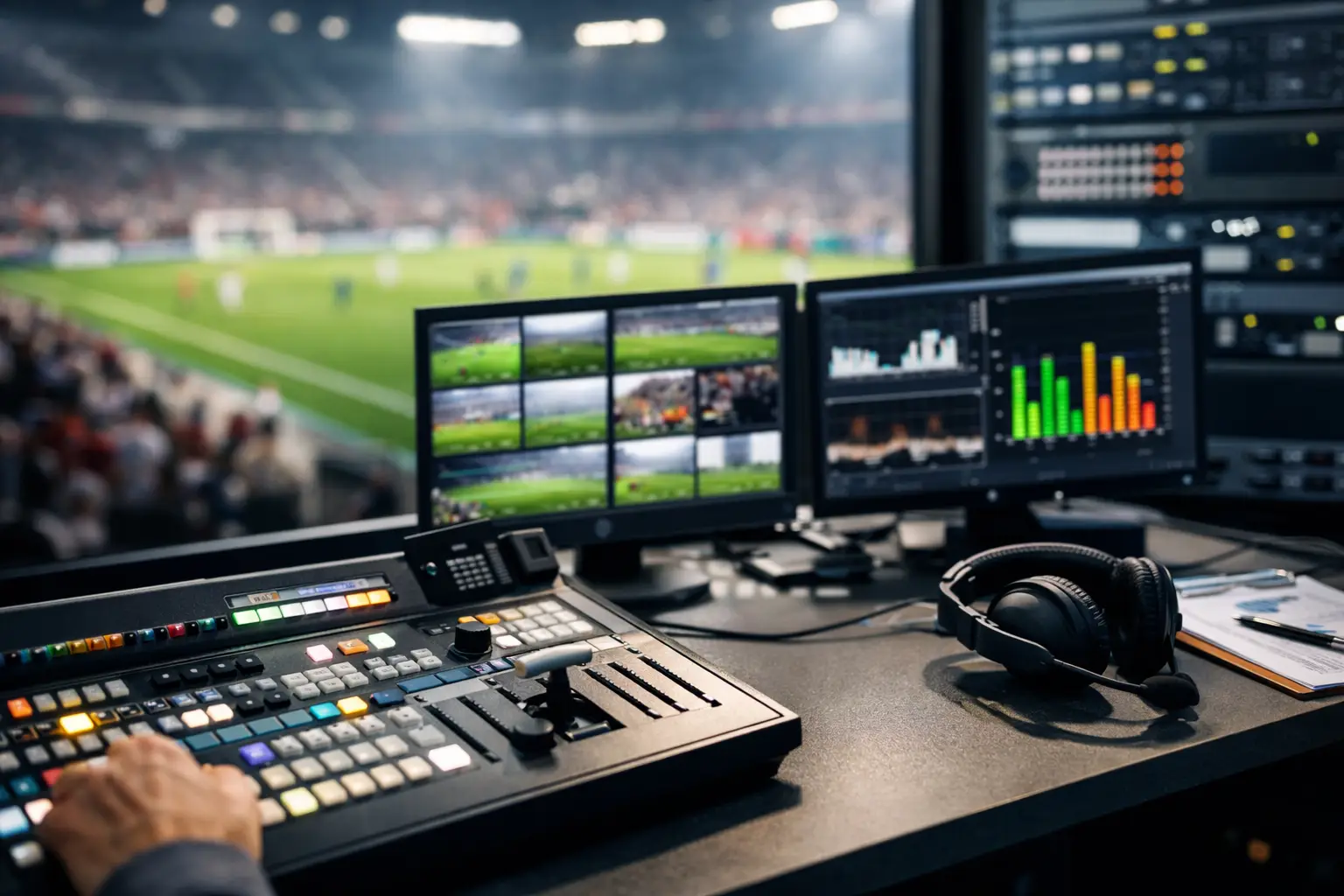
A packed room can turn against a venue in less than a minute when the match freezes. Guests do not distinguish between a broadcaster issue, an ISP problem, a WiFi conflict, or a failed display input. They see a screen go dark, a key play disappear, and a business that was not ready. This broadcast uptime planning guide is built for Atlanta operators preparing for World Cup match-day demand, when every interrupted stream can cost revenue, trust, and repeat business.
Broadcast uptime is not one device, one internet circuit, or one technician standing by. It is a chain of systems that must perform together under peak load: incoming connectivity, network routing, streaming hardware, display distribution, power, staff response, and vendor escalation. Planning starts by identifying where that chain can break before guests arrive.
Define What Must Stay Live
Not every digital service has the same business impact. A back-office printer can wait. The primary match feed cannot. Start by separating mission-critical broadcast paths from services that can degrade temporarily without disrupting the guest experience.
For most sports bars, hotels, event spaces, and sponsor activations, the priority path includes the primary video feed, alternate feed source, core network equipment, screen distribution, audio, point-of-sale connectivity, and guest communication tools. A hotel may also need conference-room feeds, lobby displays, and dedicated operations communications. A broadcaster or production partner may need contribution paths, encoder health, monitoring, and secure remote access.
Write down the standard that matters: no visible interruption on primary screens, restoration within a defined number of minutes, or automatic switch to a backup source. The right target depends on the venue. A neighborhood bar with a single viewing room may accept a brief manual switch. A large event venue selling premium watch-party packages should plan for failover that is immediate or nearly immediate.
Map the Broadcast Failure Chain
The fastest way to miss a serious risk is to test only the stream. A feed can be healthy while a failed HDMI splitter, overloaded switch, expired credential, or power issue takes screens offline. Map the signal from source to guest view.
Begin at the provider handoff. Identify the primary internet connection, its realistic upload and download capacity, the modem or gateway, firewall, core switch, streaming device or receiver, distribution hardware, displays, audio path, and power source. Record the owner, configuration, support contact, and replacement plan for each critical component.
Then ask a direct question at every point: if this fails at kickoff, what happens next? If the answer is "we would call someone," the plan is incomplete. The answer should name the fallback, the person authorized to activate it, and the expected recovery time.
Protect the Internet Edge
A second circuit is useful only when it is genuinely independent. Two services entering through the same building pathway, using the same local infrastructure, or relying on the same provider network can fail together. Where possible, use diverse carriers and different physical entry paths.
For high-visibility events, consider a layered approach: a primary wired circuit, a secondary wired circuit or fixed wireless service, and cellular backup for essential operations. Cellular is not always suitable for every high-bitrate feed, especially in dense event areas where towers are congested. It can still protect point-of-sale, staff communications, basic management access, or a lower-bandwidth contingency feed.
Failover also must be tested under load. Automatic WAN failover may preserve general internet access while interrupting existing streaming sessions. Some streaming platforms require a refresh, reauthentication, or source restart after the path changes. Test the exact behavior before match day, not during it.
Keep Broadcast Traffic Separate From Guest Demand
Guest WiFi traffic can overwhelm poorly segmented networks during major matches. Phones connect automatically, guests share clips, staff use handheld devices, and nearby users may attempt to join the network from outside the venue. If the broadcast receiver shares a congested wireless network, the result is predictable: buffering, reduced quality, and unstable playback at the worst possible moment.
Whenever practical, use wired connectivity for primary broadcast equipment. Put streaming devices, encoders, control systems, and critical displays on a dedicated VLAN with defined quality-of-service policies. Guest WiFi, staff devices, point-of-sale terminals, security cameras, and broadcast systems should not compete without intentional traffic controls.
Capacity planning should reflect peak concurrency, not a quiet weekday speed test. Measure performance while the venue is active. Check latency, packet loss, WiFi channel utilization, client counts, and firewall throughput. Raw bandwidth matters, but a high-speed connection with packet loss or overloaded network hardware can still produce a poor live feed.
Build Failover That Staff Can Actually Use
A backup plan fails when it exists only in an IT diagram. Match-day staff need a simple, rehearsed recovery sequence that works under pressure. Keep it short enough to follow while guests are asking questions and the clock is running.
The runbook should identify the symptoms, first checks, escalation path, and approved recovery actions. For example, staff should know whether a frozen feed is affecting one screen, one zone, or every display. They should know which source to select, where the spare receiver is stored, and who has authority to reboot equipment or move to a backup circuit.
Avoid giving every employee administrator access. That creates a different type of outage. Instead, assign clear roles: an on-site operations lead, a technical contact, a vendor escalation owner, and an executive decision-maker for guest communications or service recovery. Keep phone numbers, account details, circuit IDs, and access credentials available through a secure but reachable process.
A practical contingency may include a preconfigured spare streaming device, a tested alternate source, spare cables and adapters, and a known-good display input. Those small items matter. A replacement device is not useful if no one can locate the correct power supply or log in to the required account.
Test the Plan Like It Is Match Day
A planning document is not proof of readiness. Schedule a controlled failure test before major events. Disconnect the primary circuit, force the network onto backup connectivity, restart a streaming receiver, and verify that critical screens recover. Test the failover at realistic traffic levels if possible.
Watch the guest-facing result, not just the network dashboard. Did the video return? Did the audio remain aligned? Did every room receive the correct feed? Did staff understand what they were seeing? Time each step and record the delay between failure detection and restored viewing.
This exercise exposes trade-offs. Automatic failover may be faster but more expensive to configure and maintain. Manual switching may be acceptable for a smaller venue if the recovery process is reliable and a trained person is always present. Redundant hardware adds cost, but it is often less expensive than refunding a full room after a failed headline match.
Monitor the Signals That Predict Trouble
Monitoring should give operators time to act before guests notice. Track internet circuit status, packet loss, latency, firewall load, switch health, wireless access point capacity, device temperatures, and streaming session availability. For critical feeds, confirm playback at the display level rather than assuming a healthy device means a healthy guest experience.
Set alerts that match operational reality. A warning at 3:00 a.m. can be handled differently from an alert 20 minutes before kickoff. During match windows, alerts should reach the people who can act immediately. Response plans should include local support, because a remote technician cannot replace a failed cable, power supply, receiver, or switch at the venue.
GDS Technology supports Atlanta venues with readiness assessments, monitored infrastructure, and rapid local response designed for live sports environments. The goal is not to add complexity. It is to remove uncertainty from the moments when your operation is most visible.
Make the Guest Experience Part of Recovery
Even a well-designed system can encounter a provider-side issue. Your response in the first few minutes determines whether guests see a temporary technical problem or a venue failure. Train front-of-house teams to acknowledge the interruption without guessing at the cause or making promises they cannot keep.
Give managers a recovery playbook that covers guest communication, seating decisions, promotional offers when appropriate, and escalation to technical support. If an alternate screen or room remains live, staff should know how to redirect guests quickly. If the feed is delayed but stable, avoid repeated source changes that can create more disruption.
The best broadcast uptime plan is visible only when something goes wrong. Build it before the crowd arrives, test it before the schedule intensifies, and put accountable people behind every recovery step. When the decisive goal hits, your guests should be watching it - not watching your team troubleshoot.