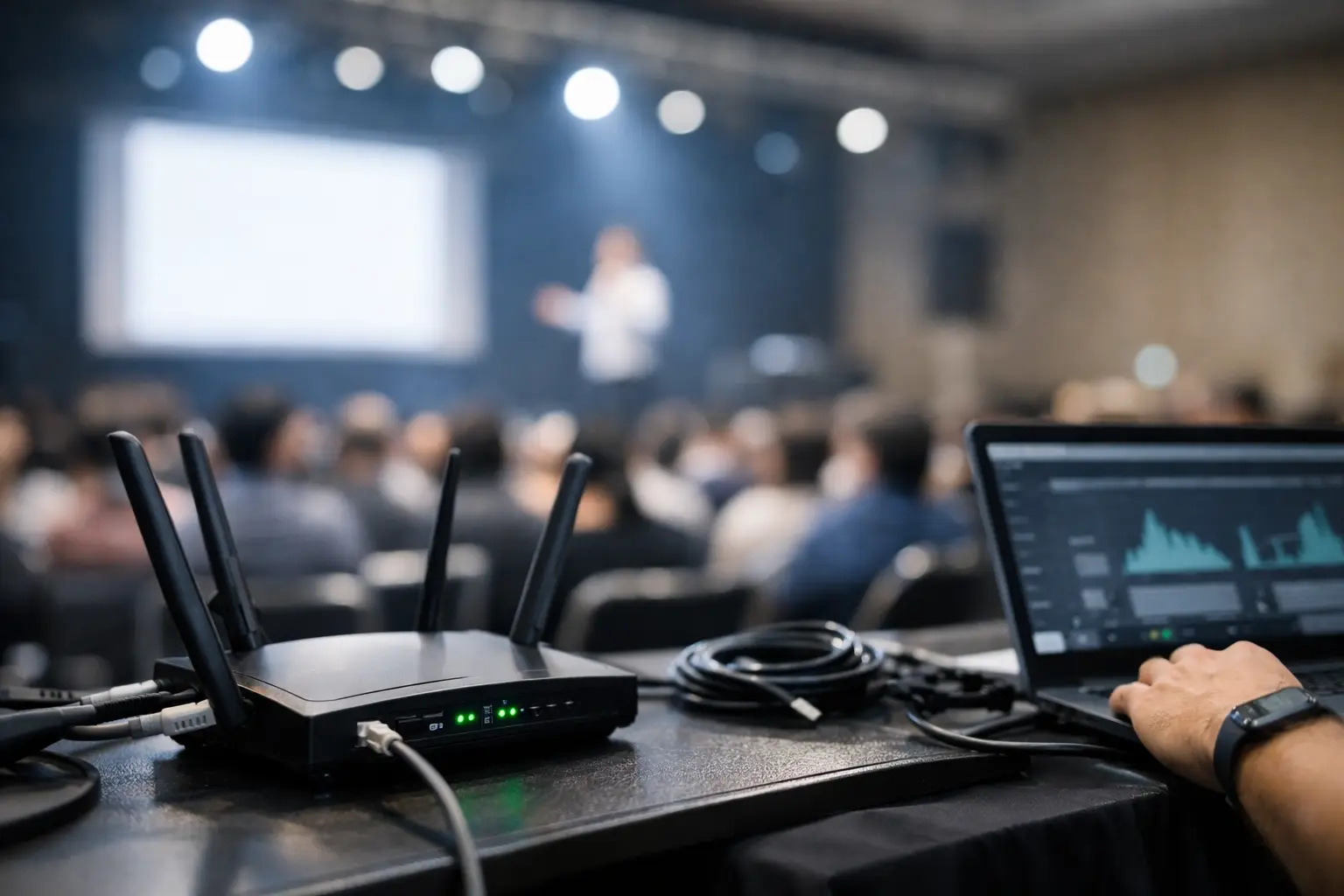
A packed sports bar in Atlanta can go from profitable to chaotic in under five minutes. Kickoff hits, every table is streaming replays, guests jump on guest WiFi, staff tablets start lagging, and the point-of-sale network begins to choke. If you are asking how to prevent wifi crashes during events, the answer is not one setting or one faster circuit. It is a capacity plan built for peak demand, not average traffic.
For venues hosting major matches, sponsor activations, live watch parties, or conference sessions, WiFi failure is rarely a mystery. It usually comes from predictable pressure points: too many devices, poor radio design, weak backhaul, no traffic separation, and no fallback when the primary connection degrades. The operators who stay online during high-stakes events are the ones who plan for saturation before the crowd arrives.
Why event WiFi fails under pressure
Most venue networks are built around normal business volume. Events are different. Device counts spike fast, usage patterns change minute to minute, and the network has to support guests, staff, streaming, digital signage, POS terminals, ticketing, cameras, and back-office systems at the same time.
That creates two separate risks. First, internet bandwidth can run out. Second, local wireless capacity can fail even when the internet circuit is technically fine. A venue may buy more bandwidth and still have guests complaining because access points are overloaded, channels are crowded, or too many critical systems are sharing the same SSID.
Physical space matters too. A bar with concrete walls, kitchen interference, outdoor patio coverage, and TVs in every direction behaves differently than a ballroom or hotel lobby. Good event WiFi is always site-specific. There is no universal template that works everywhere.
How to prevent WiFi crashes during events before they start
The most effective prevention happens before doors open. Start with a realistic estimate of concurrent users, not total attendance. In a match-day environment, concurrency is what hurts you. If 300 people enter your venue and 220 connect within 10 minutes, your network needs to absorb that surge immediately.
From there, separate traffic by function. Guest WiFi should never sit on the same network segment as payment systems, AV controls, streaming equipment, staff devices, or security cameras. Segmentation protects performance and reduces the blast radius if one part of the environment gets saturated or compromised.
Access point placement also matters more than most operators expect. Too few APs causes congestion, but too many APs placed poorly can create interference and unstable roaming. The right design depends on ceiling height, wall materials, seating density, and where guests actually cluster during key moments. A patio bar where everyone gathers for halftime is not the same as a dining room with evenly distributed tables.
Bandwidth planning needs the same discipline. If your venue is carrying live video feeds, cloud POS, mobile ordering, loyalty apps, and public guest access, a basic business internet package is usually not enough. But raw bandwidth is not the whole answer. You also need quality of service policies that prioritize business-critical traffic when the network gets busy. Payments, ticket scanning, operations, and broadcast feeds should win every time.
Build for peak load, not average demand
This is where many event operators underprepare. They test the network on a quiet Tuesday afternoon and assume it will hold on Saturday night. It will not. Peak load is what matters.
A practical rule is to model the worst 15-minute window of the event. Ask how many guests will actively connect, how many staff devices will be in use, what video streams are running, and what cloud services are essential to revenue. Then add headroom. If your plan only works when everything goes right, it is not a plan for live events.
There are trade-offs here. Higher-density deployments cost more. Additional circuits, managed switches, temporary APs, and on-site engineering support are not free. But neither is downtime during a sold-out watch party or sponsor event. For most venues, the real cost is not the network upgrade. It is the lost sales, refunds, bad reviews, and reputational damage when screens freeze and transactions stall.
The network design choices that matter most
If you want to know how to prevent wifi crashes during events, focus on the few design decisions that carry the most weight.
First, split the SSIDs by business function. Staff operations, streaming production, POS, and public guest access should not compete as equals. That allows you to control bandwidth, apply device policies, and troubleshoot faster under pressure.
Second, tune radios for density, not just coverage. Strong signal everywhere sounds good, but oversized coverage cells can create sticky clients and channel contention. In dense venues, smaller, well-managed cells often perform better than broad, overlapping coverage.
Third, use wired connections wherever possible for fixed high-priority equipment. TVs, streaming encoders, digital signage controllers, and back-office systems should not consume wireless airtime if they do not have to. Every device you remove from WiFi gives mobile users more room.
Fourth, verify switch capacity and uplinks. Event WiFi problems are sometimes blamed on the access layer when the real bottleneck sits upstream. An overloaded switch, a bad uplink, or an underpowered PoE budget can degrade performance across multiple APs at once.
Failover is not optional in event environments
Primary internet service will fail sometimes. It may be brief, partial, or total. For a live event venue, the question is not whether failover is worth it. The question is whether your business can absorb even a short outage.
A serious event setup should have a secondary path ready to take over. That could be a second wired provider, fixed wireless, or a properly engineered cellular backup. The right choice depends on location, budget, and how critical your operations are. A hotel hosting international guests may justify one design. A neighborhood bar running a high-volume watch party may need another.
What matters is testing. Many venues believe they have failover because the hardware is installed, but they have never validated switchover under real conditions. If the backup path cannot support payment traffic, essential staff operations, and the minimum streaming load you promised customers, it is not true resilience.
Monitoring during the event is where losses are prevented
Even a well-designed network needs active oversight once guests arrive. Event traffic is dynamic. Problems show up in real time: a patio AP gets overloaded, a misconfigured device floods the network, or a streaming workflow begins consuming far more bandwidth than planned.
Live monitoring lets you catch those issues before they become visible to guests. That means watching AP utilization, client counts, DHCP health, WAN latency, packet loss, and device-specific behavior. It also means having someone who can act quickly, not just generate alerts.
This is where local operational support makes a difference. During major Atlanta event windows, response time matters. A venue does not need a generic help desk ticket sitting in a queue while a full house stares at frozen screens. It needs an engineer who understands event traffic patterns and can isolate the fault fast.
Staff behavior can overload a good network
Technology is only part of the picture. Operational discipline matters too. If staff connect personal devices to internal SSIDs, if AV vendors plug unmanaged gear into production switches, or if temporary event teams bring in consumer-grade routers, network stability drops fast.
Set rules before the event. Define who can connect to which network, what equipment is approved, and who owns network changes on game day. If outside vendors are involved, review their requirements in advance. Last-minute add-ons are a common cause of instability because they bypass the normal design and testing process.
A short pre-event checklist is usually more useful than a long policy document. Confirm SSID assignments, wired device status, failover readiness, AP health, switch capacity, streaming paths, and escalation contacts. Keep it operational.
When temporary upgrades make sense
Not every venue needs a permanent rebuild. Some event periods justify short-term reinforcement instead. Temporary access points, extra switching, dedicated circuits, or event-specific monitoring can be the right move when demand spikes around major tournaments or high-attendance weekends.
That approach works well for operators preparing for unusual traffic surges, including the 2026 World Cup demand expected across Atlanta hospitality and venue spaces. GDS Technology supports exactly that kind of high-pressure environment, where readiness has to be local, fast, and built around revenue protection.
The trade-off is that temporary solutions still need proper design. Adding equipment without planning can make interference and congestion worse. If you scale up for an event, do it with channel planning, traffic segmentation, and a clear rollback strategy afterward.
The best prevention strategy is rehearsal
The closest thing to a guarantee is a live test before the crowd arrives. Simulate device load. Run the streams. Process test transactions. Force failover. Walk the floor and check roaming behavior in the places that matter most, not just the server room dashboard.
If your venue depends on connectivity for customer experience and revenue, treat the network like any other event-critical system. Rehearse it. Stress it. Fix weak points while the room is still empty.
That is the real answer to how to prevent wifi crashes during events. Not hope, not extra bandwidth alone, and not a last-minute reset when the room is already full. Build for peak demand, separate critical traffic, monitor actively, and test every fallback before it is needed. When the match starts and every screen has to stay live, preparation is what keeps the night profitable.