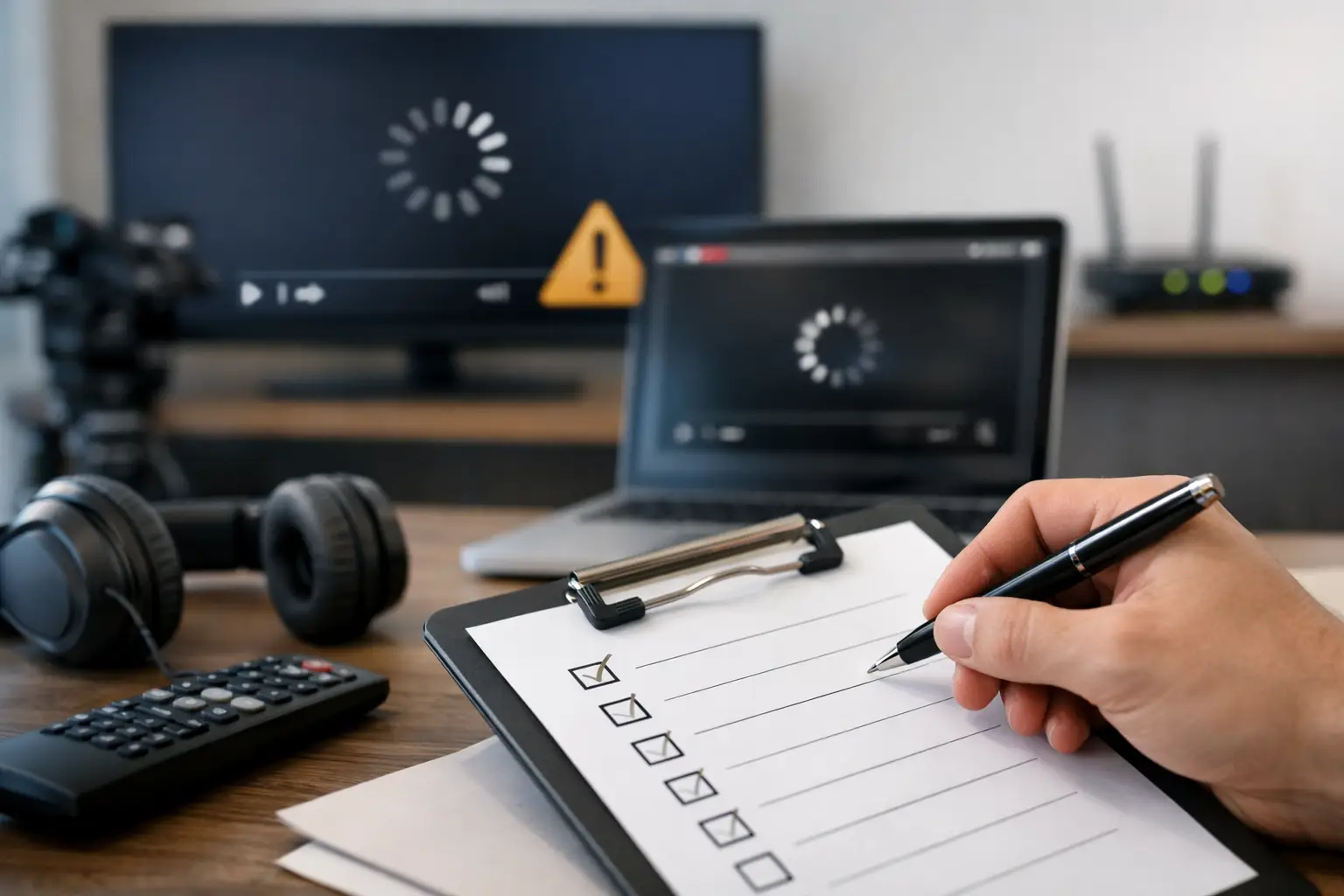
The screen goes black five minutes before kickoff, the bar is full, and staff are already hearing complaints. That is not the moment to debate whose problem it is. A streaming failure response checklist gives your team a way to move fast, isolate the fault, and protect revenue while the room is still recoverable.
For Atlanta venues carrying live sports, every minute of failed video has a direct cost. Guests leave. Tabs shrink. Staff get overloaded. Social posts start. The right response is not just technical. It is operational. You need clear ownership, a triage sequence, and fallback actions that work under pressure.
What a streaming failure response checklist needs to do
A useful checklist is not a generic troubleshooting document written for office WiFi. It has to reflect live-event conditions where network load spikes, multiple screens depend on the same feed, and the audience notices failure immediately.
That means the checklist has three jobs. First, confirm the scope of the outage fast. Second, restore service by the fastest available path, even if that path is temporary. Third, preserve enough evidence to prevent the same failure during the next match.
Many teams get stuck on the second step because they chase root cause before restoring service. In a live venue, uptime comes first. If your primary stream path is down, the immediate goal is to get a watchable signal back on screens, then work backward with discipline.
First five minutes: contain the damage
Start by assigning one decision-maker. In many venues, the failure itself is manageable, but confusion multiplies the impact. Operations, AV, IT, and floor staff all react at once, often without shared visibility. One lead should own technical triage and one manager should own guest communication.
Then confirm whether the issue is isolated or widespread. Check if all screens are affected or only one zone. Verify whether audio is still present. Test whether the stream source is down on one device or across every playback endpoint. A single failed set-top box requires a different response than an upstream WAN issue.
At the same time, avoid making three changes at once. Rebooting displays, swapping apps, and resetting the network in parallel may make recovery slower. Run the checklist in order so the team can tell what actually fixed the issue.
Streaming failure response checklist for live venues
Begin with the simplest decision: is the display path working? If the screen has power, the correct input is selected, and local content or menu overlays appear normally, the display itself is likely not the problem. If a monitor shows no signal at all, the issue may sit with the HDMI chain, matrix switcher, encoder, or source hardware rather than the stream.
Next, verify the source device. Confirm the streaming box, smart TV app, mini PC, or decoder is powered on, responsive, and still authenticated. Subscription timeouts and forced logouts are more common than many operators expect, especially after updates or idle periods. If the app is frozen, close and relaunch it before moving to a full reboot.
Then check local network status at the source. Is the device connected to the expected SSID or wired VLAN? Has it fallen back to a weak guest WiFi network? In busy hospitality environments, device reassociation happens. A stream endpoint that was stable during setup can land on the wrong segment once the building fills up.
After that, test internet reachability. If the source device cannot reach external services, verify whether the problem is at the switch, firewall, ISP, or DNS layer. DNS failures are often misread as full outages because apps simply fail to load. If you have a secondary DNS path, test it. If you have dual-WAN failover, confirm it actually triggered.
Bandwidth saturation is the next checkpoint. Match-day traffic changes the network profile fast. Guest WiFi usage surges, POS traffic competes for priority, and unmanaged streaming devices can flood the same uplink. If video quality degraded before total failure, congestion is a likely suspect. In that case, traffic shaping or emergency QoS adjustments may restore service faster than replacing hardware.
If the stream platform is reachable but buffering or erroring, validate the service itself. Some failures are provider-side. Check whether the issue appears on a separate network, such as a cellular hotspot, using a test device. If the same app fails there too, the venue may not be the source of the outage. That matters because it changes the response from repair to workaround.
Finally, activate the fallback path. This may be a backup stream device, a secondary ISP, a preconfigured hotspot, an alternate licensed feed, or a reduced-screen distribution plan that preserves key viewing zones first. A fallback is only useful if staff know where it is, how it connects, and who is authorized to switch to it.
The mistakes that make outages longer
The biggest mistake is treating every streaming issue like a full internet outage. In practice, failures split across several categories: stream provider problems, authentication issues, endpoint failure, LAN misconfiguration, WiFi contention, WAN instability, or display-chain faults. The faster your team sorts the issue into the right category, the shorter the interruption.
Another common error is relying on consumer-grade WiFi for primary match feeds in a packed venue. Wireless can work, but high-density environments punish weak design. If the stream matters to revenue, primary feeds should be wired wherever possible. Use WiFi as backup or for low-priority endpoints, not as the main path for your most visible screens.
There is also a staffing problem many operators underestimate. If only one person knows how the streaming setup works, your response time depends on whether that person answers the phone. A checklist is not just technical documentation. It is a way to turn tribal knowledge into repeatable action.
Build the checklist before the crowd arrives
The best version of this document is created during a calm period, tested during a live drill, and updated after every event. It should name the primary stream devices, list login ownership, map the network path for key screens, define who approves failover, and identify which areas of the venue must be restored first.
Priority matters. A hotel lobby, sportsbook area, premium seating section, or main bar wall should not compete equally during an outage. Your checklist should state what gets restored first and what can wait. That one decision reduces confusion when time is tight.
It should also include hard escalation thresholds. For example, if service is not restored within five minutes, switch to backup connectivity. If packet loss crosses a defined threshold, pull guest bandwidth down temporarily. If the stream provider appears to be failing, move to the alternate content plan instead of forcing endless app refreshes.
Why local engineering support changes the outcome
During a major sports event, remote-only support has limits. Someone still needs to test the switch port, inspect the cabling path, move a source device, reconfigure VLAN assignment, or validate failover at the rack. In high-traffic venues, the difference between a 10-minute interruption and a 45-minute one is often whether qualified hands can get on site fast.
That is where a local support partner earns the call. Not because every issue needs an emergency dispatch, but because some do, and the venue cannot afford to guess which ones. GDS Technology works in that exact gap between IT support and live-event continuity, where the technical fix has to happen on the clock, not after the crowd clears.
After restoration, do not waste the outage
Once the stream is back, document the event while details are fresh. Capture timestamps, symptoms, affected zones, device names, network conditions, and the exact recovery action that worked. If the root cause is still unclear, preserve logs before systems roll over.
Then ask the only question that matters for the next event: was this a one-off failure or a design weakness? If a single expired login took down your main viewing area, that is not bad luck. It is an avoidable exposure. If guest traffic consumed the same path as premium video delivery, that is not a surprise. It is a planning problem.
A strong streaming failure response checklist does more than shorten the next outage. It forces operational clarity. It tells your team what matters first, what backup options are real, and where your venue is still exposed when the room is full and every screen counts.
The right time to tighten your response is before the next packed house tests it for you.