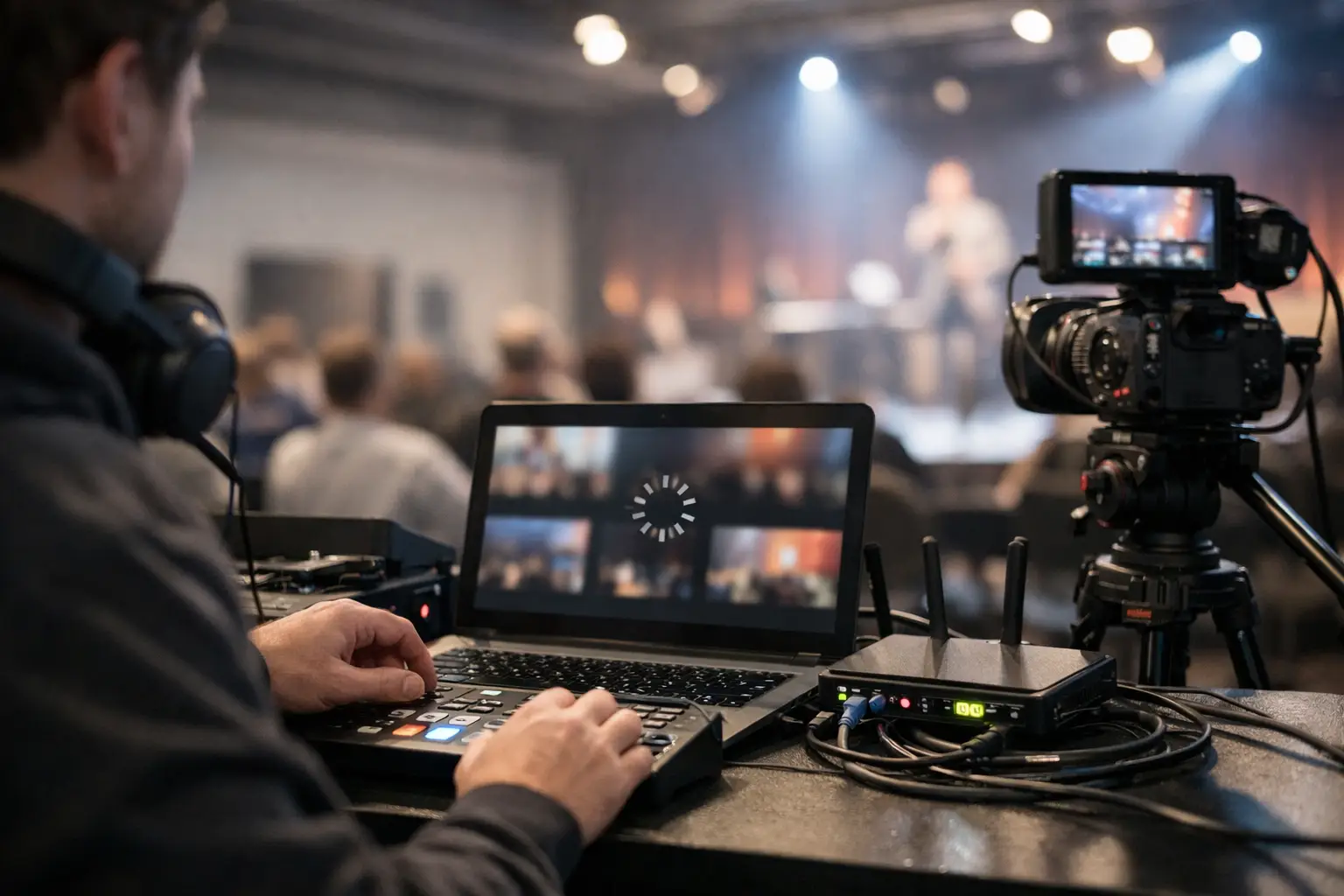
When the match is on and every screen in the building matters, live stream buffering at venue is not a minor tech issue. It is a revenue event, a customer experience failure, and a public problem that unfolds in real time. Guests do not care whether the cause is ISP congestion, overloaded WiFi, bad switch configuration, or a streaming device pinned at 100% CPU. They see frozen video, delayed audio, spinning wheels, and staff who do not have answers.
For Atlanta bars, hotels, event spaces, and sponsor activations preparing for major sports traffic, buffering usually shows up for one reason: the venue treated streaming like a consumer setup when the crowd behaves like an enterprise load. That gap is where outages happen.
Why live stream buffering at venue happens under pressure
Most venue operators assume buffering is an internet speed problem. Sometimes it is, but not often in isolation. A speed test at 10:00 a.m. on a quiet weekday does not tell you what happens 15 minutes before kickoff when every POS terminal, staff phone, guest device, digital sign, reservation system, camera, and streaming endpoint competes for bandwidth.
The first issue is contention. If your venue runs guest WiFi, operations traffic, payment systems, and live streaming across the same poorly segmented network, the stream competes with everything else. Under load, latency rises, packet loss appears, and adaptive bitrate streaming starts dropping quality or stalling outright.
The second issue is WiFi misuse. Many venues stream to TVs over wireless because it is convenient. Convenience is not reliability. WiFi is vulnerable to interference, client density, poor channel planning, and weak access point placement. A stream that looks fine during setup can fail once the room fills and hundreds of devices start probing, associating, and consuming airtime.
The third issue is edge hardware. Smart TVs, consumer sticks, and aging set-top devices are common failure points. They overheat, run old firmware, exhaust memory, and struggle when switching bitrate profiles. In a live sports environment, that translates to stutter, app crashes, and video delay between screens.
Then there is the upstream factor venues cannot ignore: ISP path instability. Even if total bandwidth looks adequate, poor routing, regional congestion, or brief drops in carrier performance can break the viewer experience. Live video is less forgiving than basic web traffic. A short disruption is enough to trigger visible buffering.
The cost is larger than the spinning wheel
When a screen buffers during a major event, customers do not just notice. They compare your venue to the one down the street. If they miss a goal, a penalty, or a replay because your feed stalls, the damage is immediate. Tabs close early. Staff spend time apologizing instead of serving. Social posts turn negative fast.
Hotels face a different version of the same problem. Guests expect in-room and common-area viewing to work without intervention. If premium sports content degrades during peak occupancy, the front desk becomes a support desk. That strains operations and weakens brand trust at the exact moment demand is highest.
For sponsors, organizers, and broadcasters, buffering carries another risk: public visibility. If an activation or watch event is tied to a brand campaign, technical failure becomes part of the audience memory. That is expensive in ways a monthly internet bill never reflects.
What to check first when the stream starts buffering
Speed is not the first question. Isolation is. You need to determine whether the issue is local to one screen, one access point, one VLAN, one service provider, or the entire venue.
Start with the stream path. If one TV is buffering and the others are clean, focus on the endpoint: device temperature, app behavior, firmware, local cabling, and whether that screen is on WiFi. If every screen is buffering at once, move upstream to switching, firewall throughput, ISP handoff, and bandwidth saturation.
Look next at packet loss and latency, not just download speed. A venue can show strong throughput and still perform badly for live video if latency spikes under load. That is especially common when guest traffic is not shaped properly or when uplink capacity is undersized.
Check whether nonessential traffic is flooding the network. Guest WiFi, cloud backups, software updates, security camera uploads, and unmanaged personal devices can all compete with video delivery. If streaming is not prioritized, the network will make no distinction between a mission-critical match feed and someone syncing photos.
Finally, test the transport. If the stream relies on WiFi, move a problem screen to wired ethernet and compare behavior. This one step often reveals whether you have an internet problem or an RF problem.
Fast fixes that actually work on match day
The fastest reliable fix is usually to reduce variables. Put primary streaming endpoints on wired connections. If cabling is available, use it. This removes interference, airtime congestion, and roaming instability from the equation.
Next, separate traffic types. Streaming devices, POS systems, back-office operations, and guest WiFi should not live in the same flat network. Even basic segmentation improves control and reduces the chance that customer traffic will disrupt business-critical services.
Apply QoS where it matters. Not every venue needs an advanced traffic policy, but high-stakes sports environments do need clear priority for streaming and payment traffic. Without it, bandwidth-heavy guest use can crowd out the services that directly affect revenue.
Replace weak endpoints before they fail publicly. If a device is already showing lag, app instability, or overheating during testing, it is not match-ready. Consumer-grade hardware has a place, but that place is rarely a packed venue during a major tournament.
If your ISP is the weak point, failover is not optional. A secondary connection can keep screens live while the primary path degrades or drops. The right design depends on venue size, feed count, and tolerance for quality shifts, but the principle is simple: one circuit is one point of failure.
Prevention is a network design decision, not a game-day scramble
The venues that stay stable under pressure do not rely on luck. They prepare for density, concurrency, and failure before the crowd arrives. That means testing the network the way the event will actually use it, not the way the venue uses it on a quiet afternoon.
A proper readiness plan starts with capacity mapping. How many screens are streaming? How many guests are expected? What applications must remain live at the same time? How much traffic will hit guest WiFi, POS, cameras, and staff systems during peak windows? Without those answers, bandwidth planning is guesswork.
From there, the network needs role-based design. Core business services should be protected. Guest traffic should be contained. Streaming endpoints should be known, monitored, and prioritized. Wireless coverage should be engineered for density, not just blanket signal strength.
Monitoring matters too. Buffering rarely appears without warning. Rising retransmissions, overloaded access points, interface errors, CPU spikes, and bandwidth saturation all leave clues. If no one is watching those indicators, the venue learns about the issue when customers start pointing at the screens.
This is where local operational support makes a real difference. A high-pressure event environment does not reward slow ticket queues or remote-only troubleshooting. Teams need fast diagnosis, on-site context, and people who understand how venue networks behave when the building is full and the cameras are on. That is the standard GDS Technology is built around in Atlanta.
When buffering is really a venue architecture problem
Some venues fix symptoms over and over because the real issue sits deeper in the stack. They swap streaming devices, reboot access points, and call the ISP every event day, but the failures keep returning. Usually that means the architecture was never designed for live-event concurrency.
Common examples include firewalls that cannot handle actual session volume, access points placed for coverage instead of capacity, unmanaged switches in critical paths, and internet circuits sized for daily operations rather than event spikes. In those cases, small fixes may buy time, but they do not create reliability.
The trade-off is cost versus exposure. Not every venue needs enterprise redesign across the whole property. But if major sports events drive premium traffic, food and beverage volume, room demand, sponsorship value, or public brand exposure, then the network should be treated like revenue infrastructure. Because it is.
What match-ready looks like
A match-ready venue does not just have internet. It has wired streaming where possible, segmented traffic, verified failover, tested endpoints, monitored network health, and a support plan for when something still goes wrong. It knows which systems are essential, which can be throttled, and who owns the response in the first five minutes of trouble.
That level of readiness is not excessive. It is practical. Live sports traffic compresses risk into a short window, and the margin for hesitation disappears once the crowd is in the room.
If your venue has already seen a frozen feed during a big moment, take that signal seriously. Buffering is rarely random. It is usually the network telling you exactly where your operation is exposed. The best time to fix it is before the next full house tests you again.