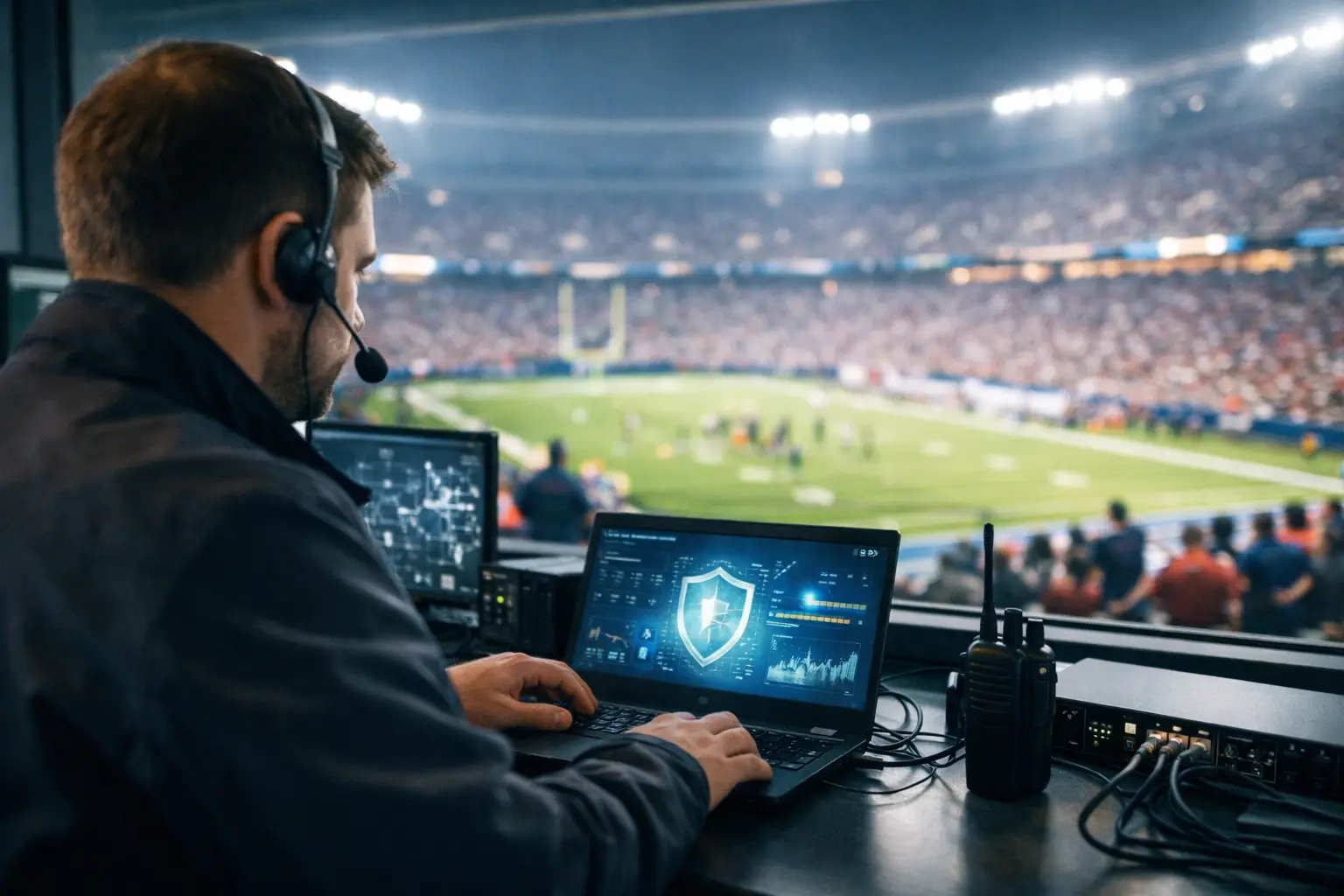
A match is about to start, the room is full, and your POS terminals lag at the same time the main stream starts buffering. That is exactly when rapid venue IT triage matters. In a live sports environment, you do not have the luxury of a slow ticket queue, a vague diagnosis, or a technician learning your setup in real time. You need immediate containment, clear priorities, and fast decisions that protect revenue first.
What rapid venue IT triage actually means
Rapid venue IT triage is the disciplined process of identifying which technical failures are hurting operations most, stabilizing the environment, and restoring the highest-value systems in the right order. It is not generic troubleshooting. It is incident response built for venues where every minute of disruption is visible to guests, staff, sponsors, and ownership.
In a bar, the first priority may be preserving the live stream and payment processing. In a hotel, guest WiFi complaints might matter, but a conference broadcast feed or front-desk system may matter more. In a stadium-adjacent event space, the order could shift again if digital signage, security systems, and broadcaster handoffs are all active. Triage works because it accepts a simple reality: not every issue can be solved at once, and not every issue costs the same amount per minute.
That distinction is where many venues lose time. They treat every outage like a flat list of symptoms instead of a business-impact problem. When traffic is peaking, that approach fails.
Why rapid venue IT triage is different on game day
A normal office outage is inconvenient. A game-day outage is public. It affects wait times, bar tabs, guest sentiment, social posts, and repeat business in a single cycle. If the stream drops during a key moment, you are not just fixing technology. You are trying to stop a room full of paying customers from deciding not to come back.
High-density environments also create compound failures. A weak uplink can degrade streaming quality, trigger staff to reconnect devices repeatedly, overload wireless access points, and create fresh authentication problems. What looks like four separate issues may be one root cause. Good triage cuts through that quickly.
The other difference is time compression. A venue can absorb a ten-minute issue on a quiet Tuesday. During a packed international match, those same ten minutes hit much harder. Food and beverage throughput slows. Guests demand refunds. Staff gets distracted by workarounds. Managers stop managing the floor and start chasing cables. The technical issue spreads into an operational issue fast.
The first 15 minutes of venue IT triage
The opening phase is about containment, not perfection. The goal is to stop the damage from spreading while confirming what must stay online at all costs.
The first question is simple: what is broken, and what is still working? That sounds obvious, but in a crowded venue, rumors move faster than facts. One staff member reports "the internet is down" when in reality the guest SSID is overloaded but POS traffic is still live. Another says the stream failed when the issue is actually a local display path. Fast triage starts by separating symptoms from verified failures.
Next comes service prioritization. Most venues under pressure need to preserve some combination of streaming, payments, production connectivity, internal communications, and core WiFi capacity. The order depends on the venue model. There is no universal checklist. A sports bar with 20 displays and high table turnover has different priorities than a hotel lobby hosting sponsor activations.
Then comes isolation. The fastest technical teams do not chase every endpoint at once. They identify whether the issue lives in the carrier circuit, firewall, switching layer, wireless environment, content source, display path, or endpoint behavior. That narrows the decision tree immediately. If the carrier is up but packet loss spikes inside the venue, you respond differently than if the upstream circuit is hard down.
The final step in that opening window is communication. One decision-maker needs a simple status line: what is affected, what is protected, and what happens next. Under pressure, clarity is part of the fix.
Where triage usually breaks down
Venue outages rarely become expensive because the technology is impossible. They become expensive because the response is disorganized.
One common failure is treating WiFi complaints as the core problem when the real issue is bandwidth exhaustion or poor traffic segmentation. Another is having no defined fallback for live streaming, which forces staff into ad hoc device swaps that create even more instability. Security problems also get missed in the middle of chaos. If a venue suddenly sees strange network behavior during a major event, that may be congestion, but it may also be unauthorized access, rogue hardware, or misconfigured temporary gear brought in for the event.
There is also a staffing reality. Many venues rely on general IT support that is perfectly capable in day-to-day business operations but not structured for high-pressure live-event escalation. Match-day support requires people who can work a layered problem fast, understand media delivery and wireless density, and make business-priority decisions on the fly.
Building a triage model before the crowd arrives
The best rapid venue IT triage starts before the first guest connects. Waiting for a failure to define your response is expensive.
A useful triage model begins with dependency mapping. Know which systems depend on the same uplink, switch stack, VLAN, controller, power source, and rack position. Too many venues discover hidden single points of failure only after a stream and POS system fail together. If two critical services share the same weakness, they should not surprise you on match day.
From there, establish recovery tiers. Tier 1 usually includes revenue and experience-critical systems such as streaming, payment processing, production connectivity, and key staff communications. Tier 2 may cover guest WiFi optimization, digital signage, back-office tools, and lower-priority endpoints. The exact categories vary, but the ranking should be decided in advance, not argued during an outage.
Run failover tests in realistic conditions. A backup circuit that has never been validated under load is not a strategy. The same applies to spare streaming hardware, alternate encoders, secondary switches, and temporary wireless configurations. Readiness only counts if it works when the room is full.
This is where a local specialist can make a measurable difference. GDS Technology focuses on high-pressure Atlanta event environments where streaming reliability, network recovery, and venue readiness have to work under real demand, not in a lab.
Rapid venue IT triage for common failure scenarios
If the primary issue is degraded streaming, triage should first determine whether the problem sits with the source feed, local decoder path, display distribution, or internet performance. Rebooting random components may briefly mask the issue, but it often destroys the evidence needed to find the real failure.
If guest WiFi slows to a crawl, the key question is whether the venue is dealing with RF congestion, poor client distribution, insufficient backhaul, or bad segmentation between guest and operational traffic. The fix might be as simple as load balancing and SSID tuning, or as serious as a capacity shortfall that needs temporary controls and hard prioritization.
If payment systems begin failing, containment becomes urgent. You need to confirm whether the POS issue is network-related, application-specific, or upstream with a processor. At that point, triage is partly technical and partly procedural. Staff needs immediate direction on fallback transaction handling while engineering isolates the dependency.
If cybersecurity indicators appear during a live event, speed matters even more. A suspicious device, abnormal traffic pattern, or unauthorized login event can become far more damaging than a performance problem. In those cases, triage must balance containment with continuity. Shutting everything down may protect the network but destroy operations. Leaving everything untouched may preserve revenue for ten minutes and create a much bigger problem after that. This is where judgment matters.
What decision-makers should expect from a triage partner
A serious triage partner should not bury you in jargon while the room is filling up. You need fast acknowledgment, a clear incident lead, and a response structure built around venue impact.
Expect direct answers to four questions: what failed, what is at risk, what has been stabilized, and what is the estimated path to recovery. You should also expect someone to think beyond the immediate fix. If the stream is restored but the same switching bottleneck remains in place for the next match, the job is only half done.
The best partners also understand trade-offs. Sometimes the fastest path is a temporary bypass, not a perfect repair. Sometimes preserving broadcast quality means limiting guest bandwidth for a period. Sometimes the right call is to move traffic aggressively and clean up architecture after service is stable. Those decisions should be made intentionally, with business impact in mind.
Rapid venue IT triage is not about heroics. It is about preparation, disciplined response, and knowing which systems protect the night when demand spikes and visibility is highest. When every screen, sale, and guest impression counts, the venues that recover fastest are usually the ones that decided in advance what cannot fail twice.