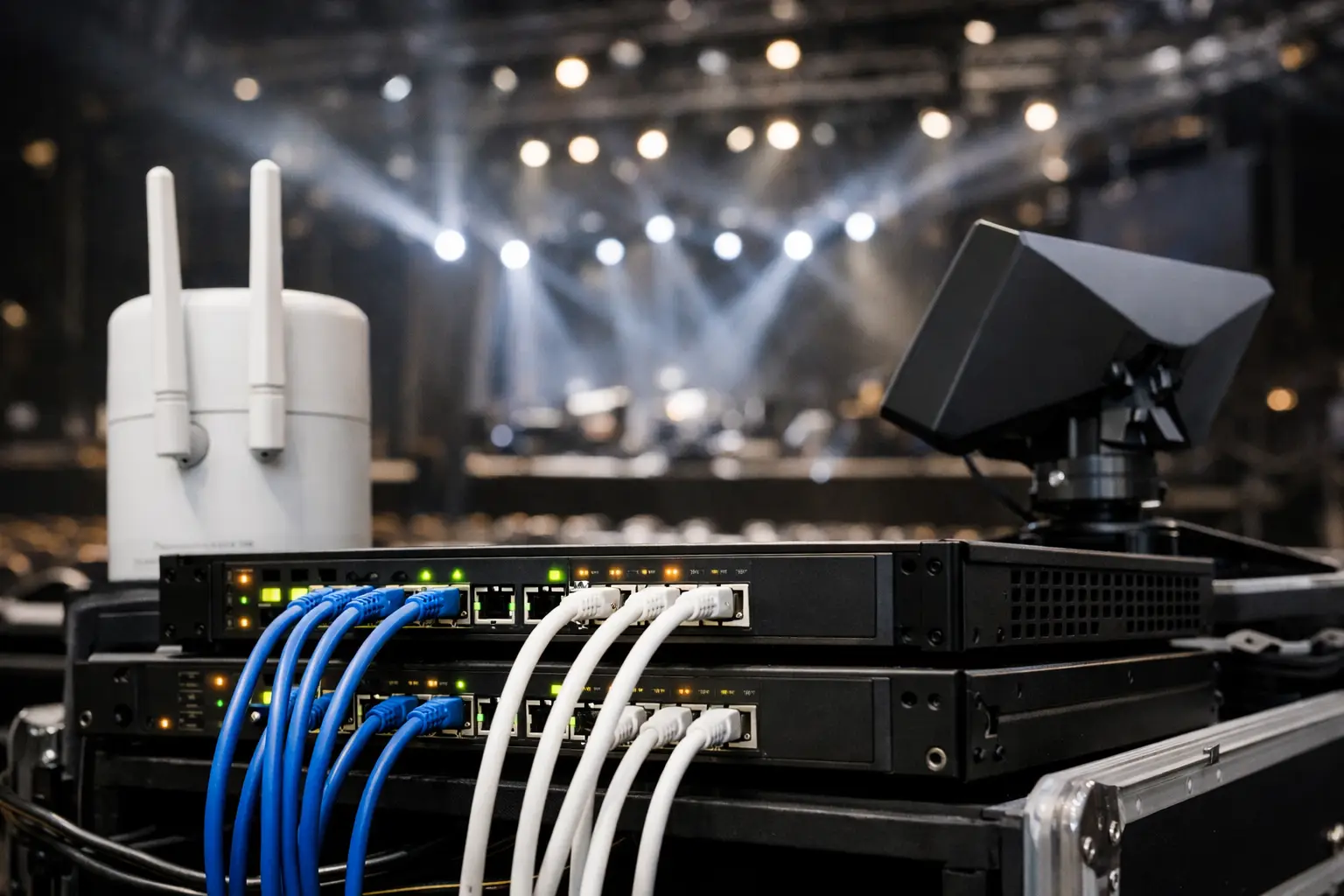
A venue internet redundancy strategy is not a backup router sitting in a closet. It is an operating plan for the moment a packed room is watching a deciding match, every POS terminal is active, guest WiFi is saturated, and the primary circuit slows down or fails. At that point, an outage is no longer an IT issue. It is lost sales, frustrated guests, staff scrambling for workarounds, and a public failure happening in real time.
For Atlanta venues preparing for World Cup-level demand, the question is not whether internet service can fail. Carriers have outages, construction cuts fiber, equipment overheats, DNS services fail, and traffic spikes expose capacity limits. The question is whether your venue can keep serving guests when it does.
Start With the Revenue You Cannot Afford to Lose
Not every internet-connected system deserves the same level of protection. A practical redundancy plan starts by identifying what must remain online during a failure and what can wait.
For a sports bar or restaurant, live video feeds, POS, payment processing, kitchen systems, staff communications, and network management are usually at the top of the list. Hotels may add reservation systems, front-desk connectivity, guest access, conference services, and security systems. A broadcaster or event venue may need protected paths for contribution feeds, production communications, credentialing, ticketing, and sponsor activations.
This prioritization changes the design. If every device is placed on one flat network, a guest WiFi surge can compete with streaming traffic and business-critical tools. If a backup link is activated without traffic rules, it may be consumed by nonessential use before the systems that generate revenue can recover.
Segment the environment before match day. Keep payment systems, streaming devices, operations systems, staff devices, production equipment, and guest WiFi in separate network zones. Then decide what each zone is allowed to do during a failover event. Guest access may need rate limits. Digital signage may need to pause. Streaming and payment traffic should receive priority.
Build Redundancy Around Independent Failure Points
Two internet connections do not automatically create resilience. If both circuits enter through the same building conduit, terminate in the same carrier facility, depend on the same local infrastructure, or connect to the same power source, one incident can take down both.
A reliable venue internet redundancy strategy looks for independence at every practical layer. That includes the carrier, physical path, last-mile technology, edge equipment, power, and network configuration.
The strongest design often pairs a primary dedicated fiber connection with a secondary service from a different provider using a genuinely separate path. Depending on the site, the backup may be cable, fixed wireless, or business-grade cellular. Fiber plus cellular can be particularly effective when the secondary connection is sized and configured for critical operations rather than treated as an afterthought.
There are trade-offs. A second wired circuit may provide better sustained bandwidth than cellular, but installation lead times can be long. Cellular can be deployed quickly and can avoid the same physical cable path, but performance may degrade when nearby users flood the same mobile network. Fixed wireless may offer useful diversity, but it requires a clear installation plan and weather-aware expectations.
The right answer depends on the venue, available carriers, expected traffic, and recovery target. What matters is that the backup is independently capable of carrying the systems you have identified as essential.
Do Not Forget Power and Hardware
An internet circuit is useless if the modem, firewall, switch, WiFi controller, or streaming equipment loses power. Place critical network equipment on properly sized battery backup units and verify runtime under actual load. For longer events or high-consequence venues, generator-backed power may be necessary.
Avoid a single firewall becoming the hidden point of failure. At minimum, keep a tested spare firewall or a documented replacement path onsite. For higher-stakes environments, use high-availability edge hardware that can assume control if the primary unit fails. Keep configuration backups current and accessible to the team responsible for recovery.
Design Failover for Speed, Not Just Availability
Many venues learn too late that their backup service technically works but does not fail over cleanly. Someone must unplug a cable, log into a device, modify a route, or call an after-hours support queue. That is manual recovery, not operational resilience.
Automatic failover should detect that the primary connection is genuinely unusable and move critical traffic to the secondary path without staff intervention. The detection method matters. A firewall that checks only whether the local modem responds may report that the connection is healthy even when the internet beyond it is unreachable. Monitoring should test meaningful external destinations and account for packet loss, latency, and DNS failure.
Failback deserves the same attention. When the primary circuit returns, moving traffic back too quickly can interrupt active streams, payment sessions, or video calls. A controlled failback policy may require the primary link to remain stable for a defined period before it resumes its role.
Load balancing is not the same as failover. It can distribute traffic across two active circuits, which may improve overall capacity. But poorly configured load balancing can break streaming sessions, VPN connections, payment gateways, or services that expect a consistent public IP address. Use it where the applications support it. For critical video paths and transactional systems, policy-based routing and a predictable primary route are often safer.
Protect Streaming From the Rest of the Building
A full venue does not create one type of traffic. It creates many competing demands at the exact moment your screens and streams matter most. Guests upload video, join video calls, update apps, use social platforms, and connect multiple devices. Meanwhile, staff process orders and streaming systems require stable throughput, low packet loss, and consistent latency.
Bandwidth alone will not solve this. A venue can have a large circuit and still experience degraded video if wireless coverage is poor, access points are overloaded, or traffic is unmanaged.
Apply quality-of-service rules that recognize your business priorities. Reserve appropriate capacity for streaming, POS, operational communications, and production systems. Set limits for guest networks. Keep streaming players and encoders on wired connections wherever possible. A wired device is not automatically safe, but it removes a major source of variability during a crowded event.
Measure more than download speed. Test upload capacity, latency, jitter, packet loss, DNS resolution, and sustained performance under load. A speed test at 10:00 a.m. on a quiet weekday does not validate a match-day network.
Test the Failure Before Guests Find It
The only meaningful redundancy plan is one that has been tested under realistic conditions. Schedule failover tests before major events, not during them. Disconnect the primary service, simulate degraded performance, and confirm that the backup takes over within the recovery window your operation can tolerate.
During the test, verify the entire customer and staff experience. Can a bartender complete a payment? Does the kitchen continue receiving orders? Are key streams stable? Can the manager reach the support team? Do staff devices reconnect as expected? Does guest WiFi remain available at an appropriate reduced level?
Document the results, including failover time, applications that fail, devices that require manual intervention, and throughput available on the secondary link. Then fix the gaps. A runbook should state who has authority to make changes, where equipment is located, how to contact carriers, and what to communicate to onsite staff if an incident occurs.
For major match days, designate an operational owner for connectivity. That person does not need to be the network engineer, but they need a direct escalation path and a clear understanding of which services take priority. GDS Technology supports venues with readiness planning, local engineering response, and live-event network recovery when the clock is running.
Monitor the Conditions That Create an Outage
A carrier failure is only one risk. Watch for rising WiFi client counts, access point overload, circuit saturation, packet loss, firewall resource exhaustion, unusual DNS failures, and unstable streaming endpoints. These signals often appear before a complete disruption.
Monitoring should produce actionable alerts, not noise. If the primary circuit drops, the right people need immediate notice. If failover succeeds, they need confirmation. If the backup link begins approaching capacity, operations needs a decision point before video quality and payment performance are affected.
Match-day resilience is built in the quiet hours: separate the traffic, validate the backup, test the handoff, protect the power, and assign ownership. When the room is full and the match is live, your venue should be focused on guests, not trying to discover whether its backup internet actually works.