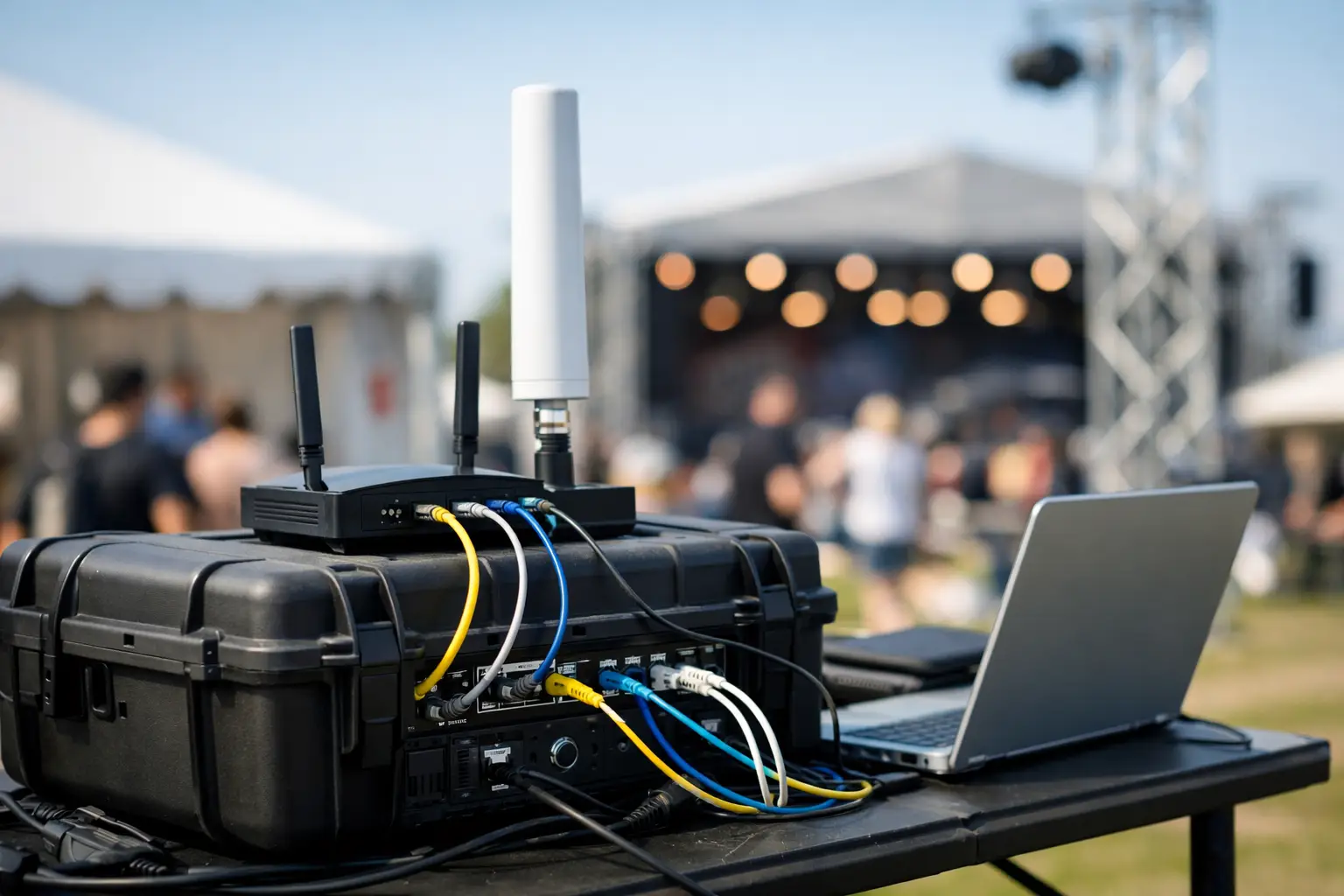
A packed Atlanta venue can expose a weak network in minutes. Guests arrive with multiple devices, point-of-sale terminals begin processing continuous transactions, staff rely on cloud tools, and every screen must carry a clean live match. A temporary network setup for events is not extra equipment placed in a corner. It is a short-term production network designed to protect revenue at the exact moment demand is highest.
For World Cup match days, the network must carry more than internet traffic. It carries the customer experience, the payment flow, staff communications, digital signage, streaming playback, security systems, and the venue's reputation. If one connection becomes the single point of failure, the event is already operating at risk.
Start With the Failure That Cannot Happen
The right temporary network design begins with operational priorities, not a device list. Ask what stops the business first if connectivity degrades. For a sports bar, it may be live video feeds and card payments. For a hotel, it may be guest WiFi, front-desk systems, and conference traffic. For a sponsor activation, it may be registration, lead capture, and a reliable broadcast upload.
Those services should not compete equally for bandwidth. A guest uploading video should not be able to affect payment authorization or the stream feeding a wall of televisions. Network segmentation separates those jobs into controlled paths. Staff devices, POS systems, production equipment, guest access, cameras, and vendor systems each receive the access they need without becoming an uncontrolled source of congestion or exposure.
This is also where many event plans fail. They measure expected attendance but ignore device density. A crowd of 500 may mean 1,000 or more active devices once guests, staff, tablets, screens, scanners, access points, and connected equipment are counted. Planning for headcount alone produces overloaded WiFi and support calls before kickoff.
Build Capacity Around Real Event Traffic
A temporary network setup for events needs a traffic model based on the venue and the event schedule. A pre-match crowd behaves differently than a full venue during a close game. Guests may be checking scores, posting video, using mobile ordering, and joining WiFi at once. At halftime, traffic can spike again as people move, pay tabs, and use their phones simultaneously.
Bandwidth matters, but available bandwidth is only one part of capacity. WiFi design depends on access point placement, radio-channel planning, client distribution, physical obstructions, and the number of users sharing each radio. An access point mounted in the wrong location can leave a high-value seating area fighting for signal while capacity sits unused elsewhere.
A site survey identifies where the network will actually struggle: dense crowds near bars, outdoor patios, ballrooms with concrete walls, registration zones, broadcast positions, and temporary structures. It also reveals interference from neighboring businesses, existing venue networks, wireless microphones, and consumer-grade hotspots that should not be part of a professional event plan.
For high-traffic environments, use wired connections wherever a service has a fixed location and a business-critical role. Streaming encoders, POS back-office equipment, broadcast workstations, and network switches should not depend on guest WiFi. Wireless should serve mobility. It should not be the default answer for every device.
Design for Internet Failure, Not Just Peak Use
A primary internet circuit can perform perfectly for months and still fail during the one event that matters most. Construction damage, carrier equipment issues, upstream routing problems, power loss, and local congestion do not wait for a convenient time. The question is not whether a venue has internet. The question is what happens when that internet path disappears.
A practical failover plan uses an independent backup connection, often from a different carrier or a business-grade cellular service. Independence is the key word. Two connections delivered through the same local infrastructure may look redundant while sharing the same failure point.
Failover also has to be tested under load. A backup connection that keeps email working may not sustain live streaming, guest traffic, cloud POS, and operational systems at the same time. During an outage, the network should automatically preserve the highest-priority services first. Guest access may need rate limits or temporary restrictions so payments and match coverage remain protected.
Power deserves the same discipline. Core network gear, modems, firewalls, switches, and streaming equipment need battery backup sized for the actual outage window. A network with two internet providers still goes dark if its central switch loses power.
Secure the Temporary Network Before Guests Arrive
Temporary does not mean low-risk. Event networks attract unknown devices, vendors operating on tight timelines, and large volumes of public traffic. That combination creates an easy path for unauthorized access if the environment is left flat, shared, or poorly managed.
Use separate network segments and access policies from the start. Guest WiFi should never sit on the same network as POS terminals or staff systems. Vendor access should be limited to the systems required for their work. Administrative interfaces should be restricted, and remote support should use protected access rather than an exposed device management page.
A managed firewall can enforce those boundaries while monitoring for suspicious activity, unusual traffic patterns, and policy violations. This is especially relevant for venues processing payments, handling guest data, or supporting sponsor activations. A match-day outage caused by a compromised device is just as damaging as an outage caused by a carrier problem.
Keep credentials controlled. Shared passwords passed through text messages and staff groups are difficult to revoke and nearly impossible to audit. Create role-based access, document who has it, and remove temporary permissions after the event. The extra preparation is small compared with the time lost tracing an unknown device during a live incident.
Treat Streaming as Its Own Critical Service
Streaming problems are often blamed on the internet connection, but degraded video can begin inside the venue. Packet loss, poor WiFi conditions, overloaded local equipment, DNS issues, or a low-priority traffic rule can produce buffering and quality drops even when a speed test looks acceptable.
For a venue showing live sports, define the stream path in advance. Identify the source, the playback devices, the wired or wireless links involved, and the failover method if the primary feed degrades. Test the exact viewing experience on the screens customers will see. A successful test on one laptop does not prove that a full video wall, distributed TVs, or a production feed will perform during a crowd surge.
Where the stakes are high, monitor the stream continuously during the event. The goal is to detect rising latency, packet loss, or playback errors before guests report them. GDS Technology supports this kind of event coverage because local, real-time intervention matters when a venue is full and every interrupted minute is visible.
Use an Event Runbook, Not Verbal Assumptions
The strongest technical setup can still fail operationally if no one knows who owns the response. A written event runbook turns the network from a collection of equipment into an accountable service.
It should name the on-site technical contact, the carrier escalation path, the backup connection details, network diagrams, equipment locations, priority systems, and the exact steps for common incidents. It should also establish decision authority. If the primary circuit fails, who can reduce guest WiFi capacity to preserve POS and streaming? If a vendor requests access, who approves it?
Run a pre-event test that includes realistic pressure. Connect staff devices, test payment workflows, verify stream playback, trigger failover, check WiFi coverage in occupied areas, and confirm that monitoring alerts reach the right person. If the event spans several match days, review performance after each one. The first event provides useful evidence for improving the next.
Match the Design to the Venue, Not the Hype
Not every event requires the same architecture. A small private watch party may need a carefully positioned access point, a wired streaming path, and cellular backup. A hotel hosting multiple fan groups may require distributed WiFi, separate networks for conference operations and guests, managed security controls, and dedicated support coverage. A public activation may need temporary cabling, outdoor-rated equipment, registration isolation, and a contingency plan for changing site conditions.
The trade-off is straightforward: more redundancy, monitoring, and segmentation increase preparation cost, but they reduce the chance that a minor technical issue becomes a visible business failure. For high-revenue match days, the cost of prevention is usually easier to defend than lost sales, refunds, staff disruption, and unhappy guests posting about a broken viewing experience.
Before doors open, walk the venue as a customer would. Check the screens, the payment terminals, the staff tools, the patio signal, the entry line, and the places where crowds will gather. The best temporary network is the one your guests never have to think about while your operation keeps moving.