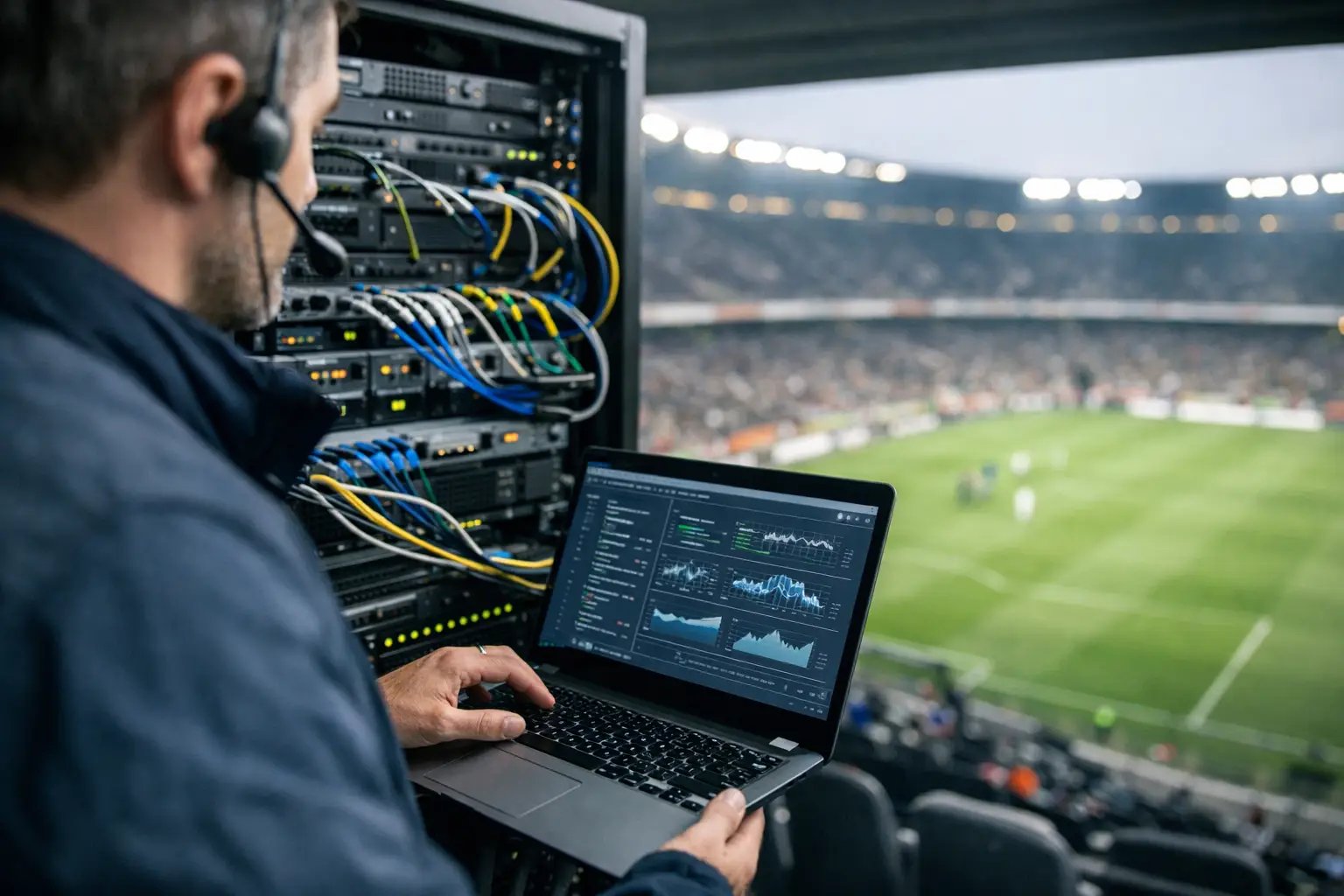
A full venue can expose a network problem in minutes. One overloaded access point, an aging switch, a poorly configured guest VLAN, or a weak backup circuit can turn a major match into frozen streams, failed payments, angry guests, and lost revenue. Knowing how to audit venue networks before match day gives operators a clear view of where the operation will hold and where it could break.
This is not a basic speed test performed from an office laptop. A venue network audit is a pressure-readiness exercise. It measures whether every part of the environment can support the people, devices, screens, payment systems, staff workflows, and streaming traffic that arrive at the same time.
Start With the Match-Day Load, Not the Internet Plan
The first mistake is treating the internet circuit speed as the whole story. A venue may have a fast connection and still deliver poor WiFi, unstable streaming, or failed point-of-sale transactions. The question is not simply, "How much bandwidth do we buy?" It is, "What will be competing for it during the busiest 30 minutes of the event?"
Build the audit around realistic peak conditions. Count every connected screen, streaming receiver, POS terminal, kitchen tablet, staff device, security camera, digital menu, music system, and guest phone. For a high-traffic sports bar or hotel, guest devices can quickly become the dominant source of wireless demand even when video traffic is wired.
Then account for behavior. Guests arrive early, connect to WiFi, post video, use mobile ordering, and check scores across multiple apps. Staff process a rush of orders while every display is pulling live content. A network that performs well on a quiet Tuesday afternoon may fail under this combined load.
Your audit should document expected concurrent users, critical devices, noncritical devices, required upload capacity, and the number of live streams or video sources running at once. This becomes the operating baseline for every test that follows.
Map the Network Before You Test It
You cannot protect what you cannot see. Create a current network map that identifies the internet handoff, firewall, switches, wireless access points, Ethernet runs, streaming devices, POS equipment, and backup connections.
The map should also show how traffic moves between systems. Payment terminals, security cameras, staff devices, guest WiFi, and streaming equipment should not all operate on the same flat network. Segmentation limits the blast radius when a device fails, consumes excessive bandwidth, or becomes compromised.
Identify the revenue-critical path
Not every connection deserves the same priority. During a major event, the revenue-critical path usually includes internet service, firewall performance, core switching, wired streaming devices, POS systems, WiFi for operational staff, and the equipment powering displays.
Mark each component by business impact. If a switch fails, does one TV go dark or does the entire venue lose payment processing and live programming? If the primary circuit drops, does a backup connection take over automatically? If an access point is overloaded, does it affect guest browsing only, or the handheld devices your servers need to close checks?
This distinction changes the audit. High-impact components require deeper testing, documented replacement options, and clear ownership. A device with no spare, no support contract, and no configuration backup is an avoidable match-day risk.
Check the physical layer
Physical problems are easy to overlook because they do not appear in a carrier speed test. Inspect network closets for heat, power protection, cable labeling, damaged patch cords, blocked ventilation, and unsecured equipment. Confirm that switches and wireless controllers have adequate battery backup and that battery runtime matches the time needed to manage a short outage or start a generator.
Review cable runs to high-demand locations such as patios, private rooms, rooftops, and overflow areas. These are often added after the original buildout and may have weak coverage, aging cabling, or improvised switching. A packed patio with poor signal can generate a flood of guest complaints and support requests while pulling staff away from service.
Test WiFi Where Guests Actually Sit
A wireless audit must be performed in the dining room, bar area, entrance, patio, meeting space, lobby, and any location where fans will gather. Standing beside an access point proves almost nothing.
Measure signal strength, channel congestion, roaming behavior, packet loss, latency, and real application performance across the venue. Test at tables, booths, corners, restrooms, outdoor seating, and high-density areas near televisions. Look for dead zones, overlapping channels, and access points serving more clients than they can reasonably handle.
WiFi design depends on the venue. A hotel lobby, stadium-adjacent bar, and private event space create different RF conditions. Concrete walls, glass, kitchen equipment, refrigeration units, crowds, and neighboring businesses can all affect wireless performance. More access points are not automatically the answer. Poor placement or poor channel planning can create interference that makes performance worse.
Guest WiFi should also be isolated from operational systems. Guests need reliable connectivity, but they should not have a path to POS terminals, streaming receivers, printers, cameras, or management interfaces. Separate networks and traffic policies protect the operation without creating unnecessary friction for customers.
Validate Streaming and Video Delivery Under Load
Live sports programming is unforgiving. A short interruption during a key moment is visible to every person in the room, and the venue does not get a second chance to make that impression right.
Test every streaming path used on match day. That includes the primary streaming device, HDMI distribution, managed displays, audio synchronization, remote controls, source switching, and any platform-specific authentication. Verify that devices are wired wherever possible. Wireless may be acceptable for guest devices, but critical video endpoints should not depend on crowded WiFi unless there is no practical alternative.
Run a controlled load test while streams are active. Add traffic similar to guest usage, process test transactions, connect sample devices, and observe whether bitrate drops, buffering increases, or latency spikes. Watch firewall utilization, switch port errors, CPU usage, and wireless client distribution. A stream can look fine until the rest of the venue starts using the network.
Also check for hidden dependencies. A streaming app may require a login, software update, license renewal, or multi-factor approval at exactly the wrong time. Complete updates and authentication checks before event day, then lock down the working configuration.
Test Failover Like You Expect It to Fail
A backup circuit is useful only if it works automatically, supports critical traffic, and has been tested under real conditions. Many venues discover failover gaps only after an outage, when traffic does not switch correctly or the backup connection cannot support the required load.
Disconnect or disable the primary circuit during a planned test. Measure how long recovery takes and confirm that payment processing, live streams, staff communications, cloud applications, and core management tools remain available. Then restore the primary circuit and make sure traffic returns cleanly.
There are trade-offs. A cellular backup may keep POS terminals and communications alive but may not have enough capacity for every screen and hundreds of guests. That is still valuable if you have a documented reduced-service plan. Decide in advance what receives priority during failover: payments, one primary display, staff systems, and critical communications typically come before guest WiFi.
Test power failure scenarios as well. A redundant internet connection does not help if the modem, firewall, switch, or access point loses power. Verify UPS capacity, outlet assignments, and restart order. Document the exact steps a manager should take if equipment does not recover automatically.
Review Security Without Disrupting Operations
Major events bring more attention, more devices, and more opportunities for abuse. A network audit should include firewall rules, remote access controls, administrative account review, software patch status, device inventory, and backup configuration checks.
Remove old accounts and unused remote-access paths. Change default credentials on network equipment and streaming devices. Confirm that firmware is current enough to address known risks, but avoid making large updates immediately before a major event unless they have been tested. Stability matters as much as feature availability when the room is full.
Monitor for unusual traffic, repeated login failures, unknown devices, and bandwidth spikes. Clear alerting helps the team act before guests notice a problem. The right monitoring plan focuses on operational signals: circuit status, WiFi health, access point load, packet loss, stream availability, and critical device reachability.
Turn Findings Into a Match-Day Runbook
An audit has value only when it produces action. Assign every finding an owner, a deadline, an impact level, and a verification step. Replace weak hardware, correct WiFi placement, separate critical traffic, improve failover, and label the equipment that staff may need to touch during an incident.
Create a short match-day runbook for managers and on-site technical staff. It should include the support escalation path, circuit account details, equipment locations, restart procedures, backup connectivity instructions, and a list of systems that must be restored first. Keep it practical. During a packed event, nobody needs a 40-page binder.
For Atlanta venues preparing for major tournament traffic, GDS Technology approaches audits as operational readiness work, not a generic checklist. The objective is simple: identify the failure points before customers, broadcasters, and staff find them for you.
The best time to test your venue network is when the room is quiet enough to fix what you find. Schedule the audit, simulate the pressure, and give your team a documented plan before the first crowd walks through the door.