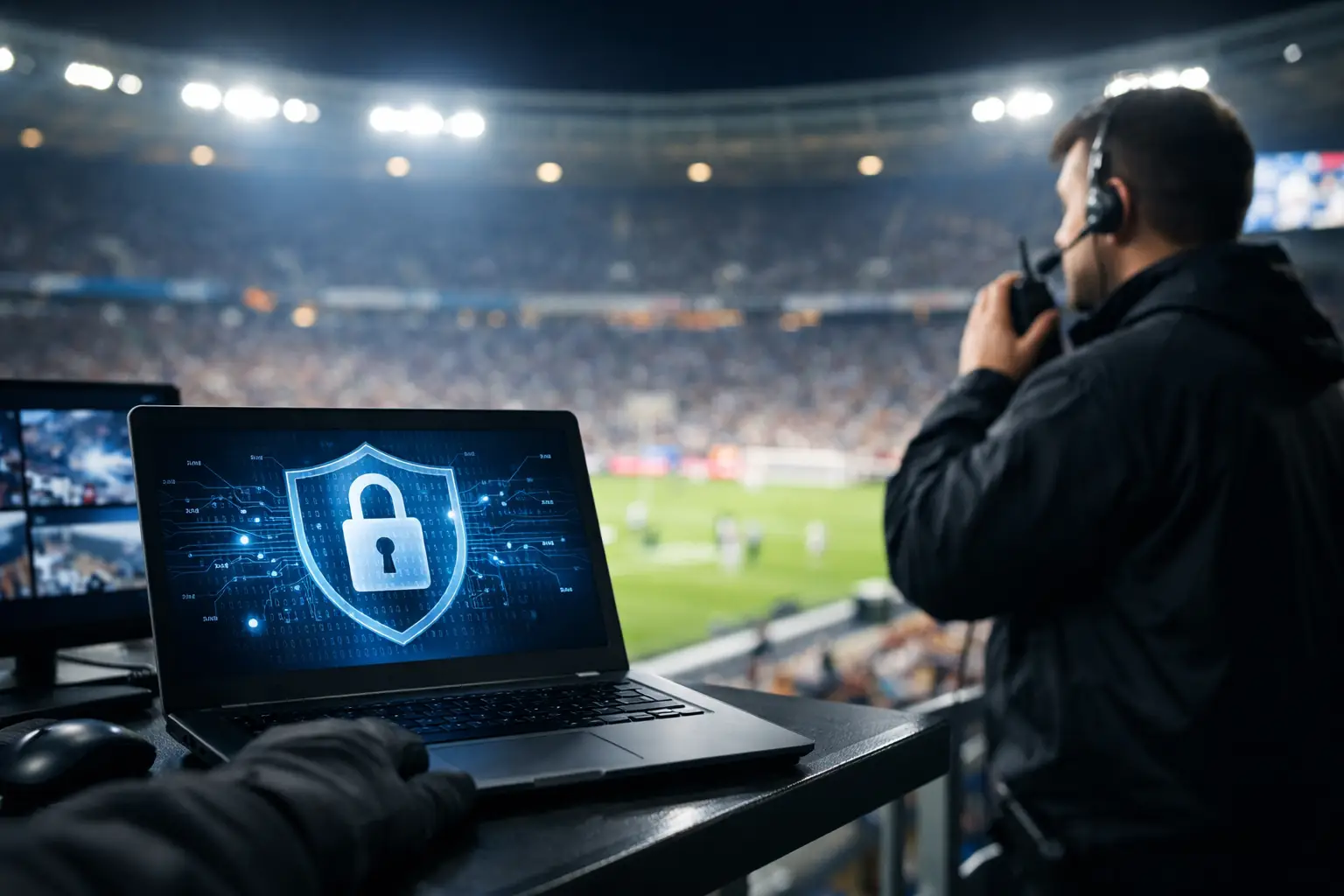
A packed match day does not fail quietly. One bad click, one exposed access point, or one compromised vendor login can knock out POS terminals, break streaming feeds, jam guest WiFi, and put your venue staff into manual workarounds while customers post about it in real time. That is why cybersecurity for sports venues is an operations issue first and an IT issue second.
If you run a bar, hotel, stadium space, watch party venue, or broadcast-heavy hospitality environment in Atlanta, your risk profile changes the moment crowds arrive. Traffic spikes fast. Temporary staff come onboard. More devices hit the network. More third parties need access. And the cost of a failure is not abstract. It shows up immediately in lost transactions, refund requests, damaged reviews, and public frustration.
Why cybersecurity for sports venues is different
A sports venue is not a typical office. The network is under pressure, the user base changes by the hour, and the business cannot pause for troubleshooting. On major event days, you are supporting guest WiFi, staff devices, digital menus, IPTV, security cameras, ticketing systems, payment processing, and often multiple streaming paths at the same time.
That creates a wider attack surface than many operators realize. A cyber incident may start with phishing, but it often spreads through old network gear, weak passwords, flat network design, remote access left open for vendors, or unmanaged devices that were added quickly to solve a game-day need. The problem is not just intrusion. It is interruption.
In a live-event setting, availability matters as much as confidentiality. If your systems are technically secure but so locked down that a broadcast partner cannot connect, that is still an operational failure. If guest WiFi is wide open and drags down payment traffic, that is a security and performance failure at the same time. The right approach balances control with uptime.
The systems attackers look for first
Most venue operators think first about card data, and that is fair. POS environments remain a prime target because they connect directly to revenue. But attackers also go after the easier path - remote desktop tools, exposed admin portals, reused credentials, and third-party support accounts.
Streaming and digital signage systems are another common weak point. They are often deployed fast, updated inconsistently, and managed by multiple parties. If those systems are connected to the same network segment as your business-critical infrastructure, a small compromise can turn into a venue-wide outage.
Guest WiFi deserves special attention. It is not just a convenience service anymore. On major sports nights, it becomes part of the customer experience and part of your network load profile. Poorly segmented WiFi can expose internal systems to unnecessary risk, while overloaded wireless infrastructure can create the kind of instability that masks a real attack until it is already affecting operations.
Security cameras, smart TVs, digital menu boards, access control hardware, and IoT devices also create risk. Many of these devices ship with weak defaults, limited patching options, or long replacement cycles. They are useful to operations, but they are rarely secure out of the box.
The real cost of getting it wrong
For a venue, cybersecurity failures rarely stay in the server room. They hit the front of house. A ransomware event can stop payment processing. A compromised router can cripple WiFi and streaming quality. A stolen account can let an attacker disable cameras or alter signage. Even a short disruption can ripple through staffing, customer service, and game-day revenue.
There is also the timing problem. Incidents tend to hurt most when the building is full, because that is when systems are stretched and staff are least able to improvise. A Tuesday afternoon outage is inconvenient. A prime-time tournament outage is expensive.
This is where many operators underestimate the reputational impact. Guests may forgive a line at the bar. They are less forgiving when screens freeze, transactions fail, and nobody can explain what is happening. Once trust drops, your next event starts from a weaker position.
What good venue security actually looks like
Strong security in this environment is practical, not theoretical. It starts with network segmentation. Guest WiFi, POS, streaming gear, staff devices, cameras, and back-office systems should not all live on the same flat network. If one area is compromised, the rest of the venue should stay operational.
Identity control is the next priority. Shared logins are common in hospitality and event operations because they are easy. They are also a liability. Admin access should be limited, named, and protected with multi-factor authentication. Vendor access should be time-bound and reviewed regularly. If a third party no longer needs remote entry, shut it off.
Patch management matters, but it needs to be planned around operating hours. In sports venues, you cannot treat every update the same way. Some patches are urgent and should be pushed quickly. Others need testing so they do not break streaming workflows, scoreboard integrations, or aging hardware. The right answer depends on the system and the event calendar.
Monitoring is what turns security from policy into action. If no one is watching for failed logins, unusual traffic, device instability, or internet path changes, you are relying on staff complaints to detect problems. That is too late on a match day. Continuous visibility into network health and security events is what gives operators time to respond before guests notice.
Backups also need a venue-specific standard. It is not enough to say backups exist. You need to know what is backed up, how quickly it can be restored, and whether recovery has been tested. A backup plan that takes twelve hours to restore may be acceptable in an office. It is not acceptable when a major event starts in forty-five minutes.
Match-day risk is not static
One of the biggest mistakes operators make is assuming their risk level is constant. It is not. Before a major match or tournament, your threat exposure increases because your visibility increases. More people know your venue will be busy. More temporary infrastructure gets added. More staff and vendors touch the environment. Small gaps that were manageable at normal capacity become serious under load.
That is why readiness should be event-based, not annual. A yearly security review has value, but high-traffic venues also need pre-event checks. Are failover connections working? Are unauthorized devices appearing on the network? Are remote support accounts current? Has anyone changed switch, firewall, or WiFi settings since the last test? Do critical systems still have clean separation?
These are not academic questions. They determine whether a venue absorbs pressure or breaks under it.
Where operators should act first
If your venue is tightening security ahead of a busy season, start with the controls that reduce both cyber risk and downtime risk. Segment the network. Lock down admin access. Review vendor credentials. Audit every internet-facing service. Confirm backups and recovery times. Test failover. Validate wireless capacity and isolation. Then monitor the environment during the event window, not just after something goes wrong.
There is always a trade-off between speed and structure. Venues often need quick fixes, especially when events are close. But temporary changes have a habit of becoming permanent vulnerabilities. The best teams move fast without leaving blind spots behind.
For Atlanta operators preparing for high-volume sports traffic, local support matters because response time matters. A provider that understands live-event pressure, broadcast dependencies, and guest connectivity can make better decisions under stress than a generic remote help desk. GDS Technology is built around that reality, especially for businesses preparing for tournament-level demand spikes.
Cybersecurity for sports venues is business continuity
The most useful way to think about cybersecurity is not as a compliance box or a background IT function. It is a continuity system for revenue, service, and reputation. When the building is full and every screen matters, security is what keeps your core systems available, controlled, and recoverable.
You do not need perfection. You need a venue that can take pressure, isolate problems fast, and keep operating when conditions are at their worst. That standard is higher than basic IT support, but the stakes are higher too.
The smartest operators do not wait for a visible breach to treat this seriously. They prepare while the network is quiet, so the venue stays calm when it is not.