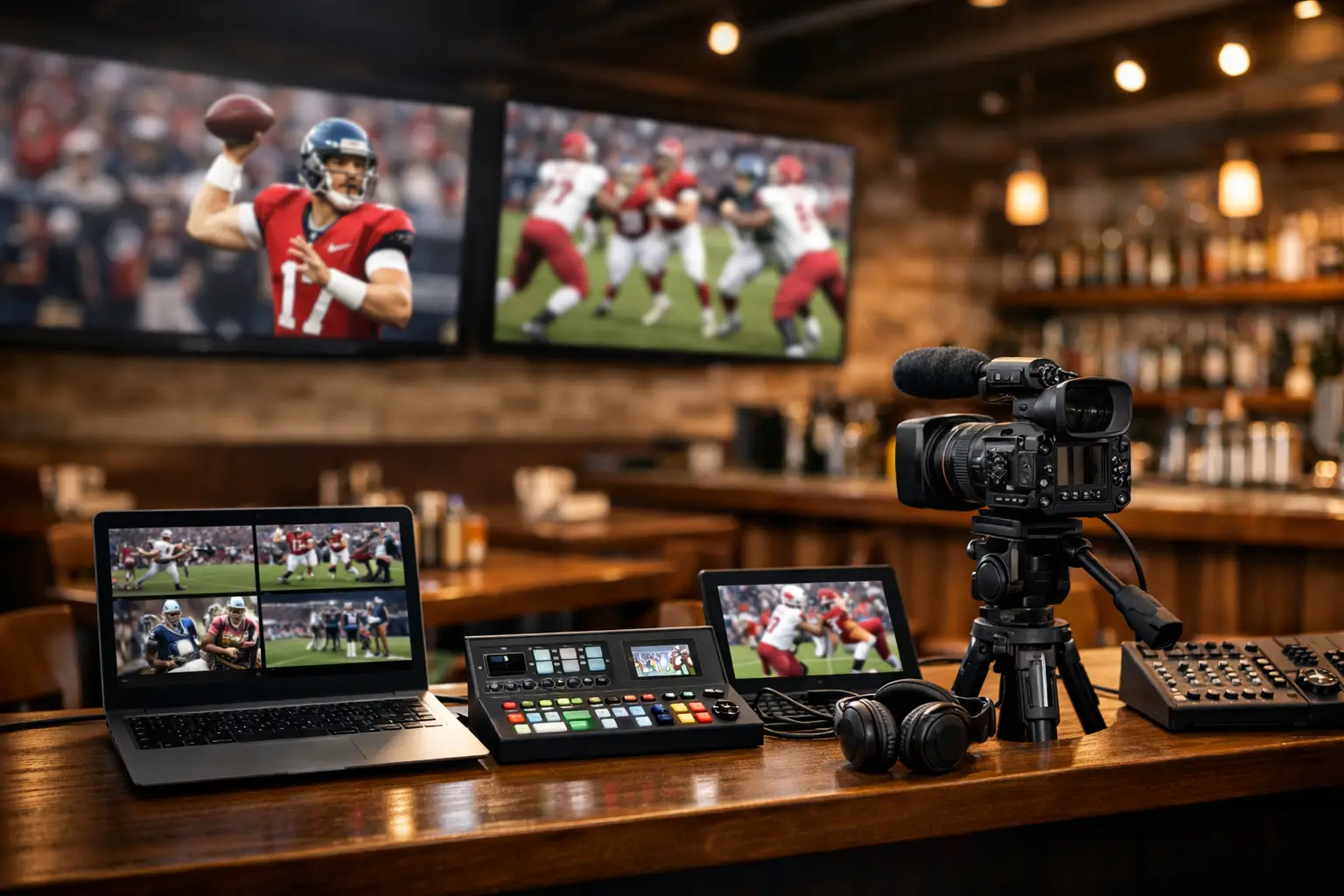
Kickoff is at 3:00. By 2:40, the dining room is full, the bar is stacked three deep, and every screen has to be live, in sync, and sharp. A restaurant game day streaming setup is not a nice-to-have in that moment. It is revenue infrastructure. If one stream buffers, one TV goes black, or guest WiFi drags down the network, the problem is visible instantly and the damage starts fast.
For Atlanta operators heading into heavier sports traffic and global event demand, the real question is not whether streaming will be used. It is whether the venue is built to handle peak load without betting the day on luck. The difference between a packed, high-spend service and a room full of complaints usually comes down to preparation at the network edge, inside the AV path, and behind the scenes where failover and monitoring live.
What a restaurant game day streaming setup actually needs
Most venues think first about TVs and subscriptions. Those matter, but they are only the visible layer. The setup that survives game day starts with bandwidth, traffic control, device planning, and a clear path from source to screen.
A reliable system usually includes a primary business-grade internet connection, a backup connection that can take over quickly, commercial networking gear, segmented WiFi, properly distributed video feeds, and a way to monitor stream health before staff notices trouble. That last part matters more than many operators expect. If your team finds out about a problem from customers, you are already behind.
There is also a trade-off between simplicity and flexibility. A small restaurant with a handful of displays may be fine with a tightly controlled setup and limited source switching. A larger sports bar with private dining areas, patio screens, and multiple service zones needs more routing control and more protection against single points of failure. The bigger the venue, the more expensive improvisation becomes.
Start with the internet, not the screens
When a stream fails during a match, the root cause is often upstream from the display. Consumer-grade circuits and overloaded shared bandwidth are common problems. If your POS, kitchen systems, streaming devices, security cameras, music, and guest WiFi all compete on the same connection without prioritization, game day will expose it.
The target is not just speed. It is consistent performance under load. A venue may have enough advertised bandwidth and still suffer if latency spikes, jitter climbs, or packet loss hits the stream. This is why business-class service with service-level expectations matters more than a headline number on a provider brochure.
Backup connectivity is where many restaurants cut corners. That decision looks efficient until the primary circuit drops in the second half. A proper failover path can be a secondary wired connection, fixed wireless, or a well-designed cellular backup, but it has to be tested under realistic conditions. Backup that exists only on paper is not backup.
Network design decides whether game day holds
A restaurant game day streaming setup should never run on a flat network where every device shares the same lane. Streaming traffic should be protected from guest activity and lower-priority systems. VLAN segmentation, traffic shaping, and quality-of-service policies give operators control when the building fills up and every phone in the room starts pulling data.
Guest WiFi is one of the biggest hidden threats to stream stability. Customers expect it, and in many venues it supports the experience. But if it is not isolated and rate-limited, it can consume the same resources your streams depend on. The result is familiar: choppy video, delayed feeds, frozen screens, and staff trying to fix a network problem from the TV remote.
Wireless coverage inside the venue matters too. Dead zones, poor access point placement, and interference from building materials or neighboring networks can cause major degradation, especially in large dining rooms and patios. Not every streaming endpoint should be wireless. In many cases, hardwiring key displays and source devices is the safer play.
Streaming sources and distribution need to be intentional
Not all streaming devices perform the same in commercial environments. Some are fine for a living room but unreliable when left to run all day, managed by multiple staff members, and expected to feed high-visibility displays in a busy venue. Commercial use changes the standard.
The best source strategy depends on your room count and content needs. A smaller venue may be able to standardize on a few dedicated source devices, each mapped to a group of screens. A larger operation usually benefits from centralized distribution that reduces device sprawl and makes support easier during service. More devices can create more flexibility, but they also create more failure points, more account-management issues, and more confusion when staff needs to switch quickly.
Synchronization is another issue operators notice only after guests complain. If adjacent screens show the same match but one is several seconds behind, the room feels broken. Audio becomes a problem too. Proper distribution and tuning can minimize visible delay mismatches, but this needs to be addressed in design, not after installation.
Screen placement and audio are operational decisions
The viewing experience affects dwell time and spend. A technically sound stream on poorly placed screens still loses the room. Every high-value seat should have a clean line of sight to at least one primary display, and high-traffic ordering areas should not become visual dead zones during major matches.
Brightness, glare, and mounting height matter more than many teams expect, especially for daytime service or patio seating. Audio zoning matters just as much. If commentary is unintelligible near the bar and overwhelming in dining sections, guests feel it even if they do not articulate the problem. The best setups separate zones so operators can adjust for different room uses without disrupting the event atmosphere.
This is where AV and IT stop being separate conversations. Video routing, network reliability, device management, and guest experience are tied together. Treating them as separate vendors without one operational plan often creates the gaps that surface on game day.
Security and control cannot be an afterthought
Any restaurant game day streaming setup connected to the internet is part of your attack surface. Shared passwords, unmanaged devices, open ports, and outdated firmware create unnecessary risk. On a high-profile event day, even a minor compromise can disrupt service and put payment systems or business data at risk.
Basic controls go a long way. Lock down admin access, standardize device management, isolate streaming hardware from business systems where appropriate, and keep updates on a schedule that does not collide with event windows. If staff can install random apps or reconnect devices without control, the environment will drift over time and become harder to support under pressure.
There is also the issue of account access. Too many venues rely on one manager's personal credentials or undocumented logins. When something logs out before kickoff, nobody knows how to get back in. That is not a technology failure. It is an operations failure.
Test under match conditions, not empty-room conditions
A setup that works at 10:00 a.m. on a Tuesday may fail at 7:30 p.m. with a full room. Real testing means simulating guest load, running the active stream mix, validating failover, checking audio zones, and confirming that staff can execute source changes without an engineer standing next to them.
This is also the time to find hidden issues like overheating devices, loose HDMI connections, unstable power, and access points that look fine until the room fills with people. Match-day readiness is about proving performance when the building behaves like it will during an actual event.
The best operators use a pre-event checklist. Not a generic one, but one tied to the venue's real topology. Verify primary and backup internet, confirm key stream logins, test priority screens, review failover steps, and assign escalation contacts. If a problem appears, minutes matter.
The support model matters as much as the hardware
Even strong infrastructure can fail if support is slow or disconnected from the venue. During a major match, waiting in a general help desk queue is not a serious option. Restaurants need local response, remote monitoring, and people who understand that video loss is not a low-priority ticket.
That is where specialized support earns its keep. A provider built for live event environments can detect stream degradation, identify whether the issue is ISP-related, local network-related, or device-specific, and move immediately. For Atlanta venues preparing for heavy international sports traffic, that local readiness matters. GDS Technology is built around that exact pressure profile.
Not every restaurant needs the same level of coverage. Some need a one-time readiness audit and remediation plan. Others need active monitoring and on-call support during every major match window. The right choice depends on your risk tolerance, staff capability, and how much revenue rides on every event.
Build for the busiest day, not the average day
A game day system should be sized for the moments that stress the business, not for quiet service. If your network only performs when the room is half full, it is undersized. If one failed device can black out a major section, it is underprotected. If nobody knows what to do when the stream platform signs out, it is underprepared.
Restaurants do not get many second chances during live sports. Guests remember buffering. They remember the screen that froze before a penalty kick. They remember the bar next door where everything worked. The operators who win these days are the ones who treat streaming, WiFi, and failover like core business systems and prepare accordingly.
Before the next big match, look at your setup the way a packed room will. Not as a collection of devices, but as a live revenue chain that has to hold when every seat matters.