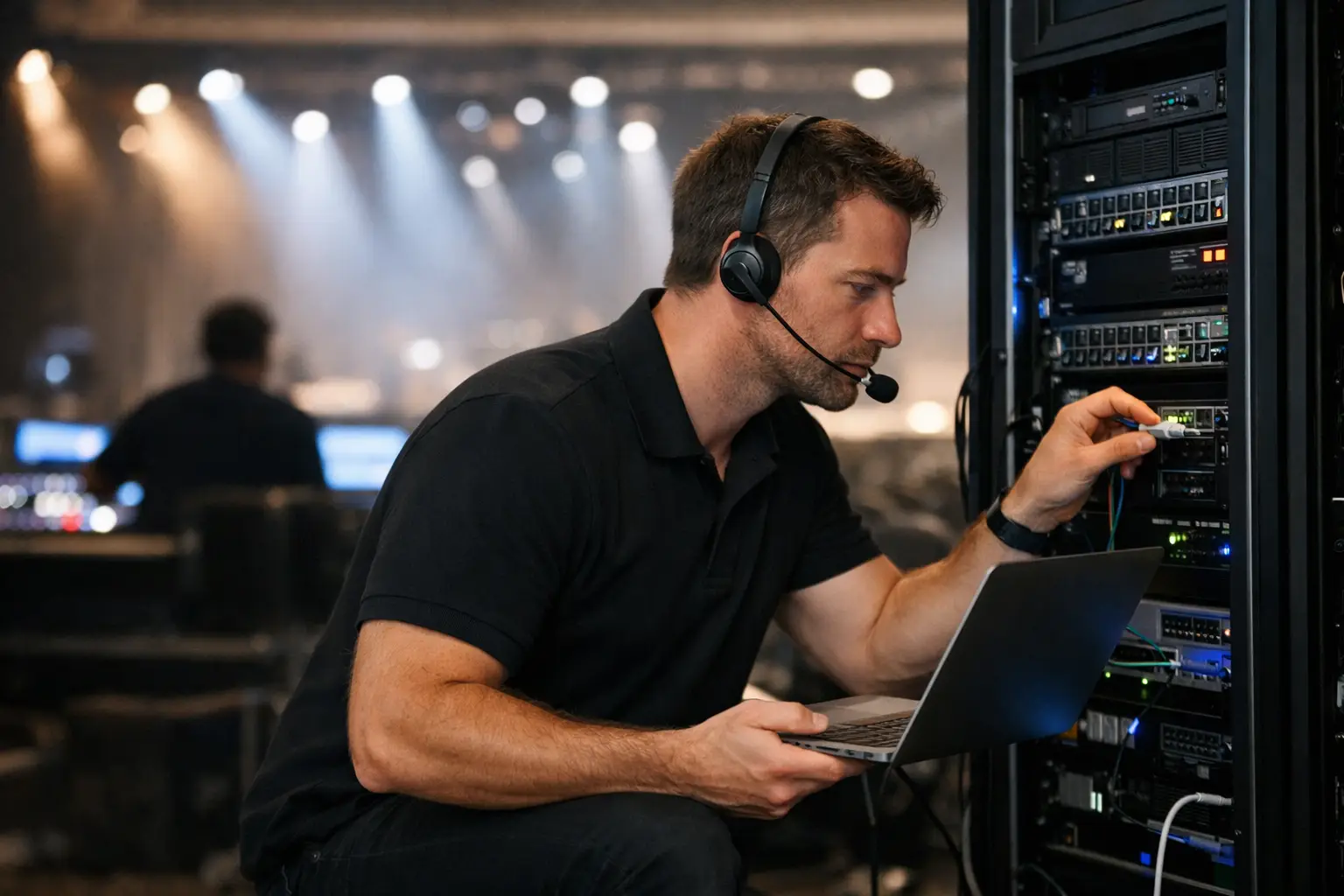
A packed match day does not leave room for a generic help desk ticket. When screens freeze, guest WiFi stalls, payment terminals disconnect, or a stream drops during a decisive moment, the issue is visible to every customer in the room. Onsite IT support for venues puts an engineer where the problem is happening, with the authority and technical context to restore operations fast.
For Atlanta bars, hotels, event spaces, broadcasters, and hospitality operators preparing for World Cup traffic, the goal is not simply to have internet access. The goal is to keep every revenue-critical system performing under peak load. That requires preparation before doors open and qualified local support when conditions change.
Why remote support is not always enough
Remote monitoring and help desk coverage have a place in a sound IT plan. They can identify a failed service, review logs, make configuration changes, and coordinate with an internet provider. But a venue outage often has a physical cause that cannot be resolved from another city.
A damaged cable, an overheated switch, a failed power supply, a misconfigured access point, a broadcast device connected to the wrong network, or an overloaded equipment closet all require someone onsite. During live sports, waiting for a service appointment can mean losing an entire service period, disappointing guests, and giving them a reason to choose another location for the next match.
The trade-off is straightforward. Remote-only support can cost less during quiet periods, but it creates a larger operational gap during a high-visibility event. Onsite coverage is designed for the moments when a delay has an immediate impact on bar sales, room stays, food orders, sponsor commitments, and reputation.
What onsite IT support for venues should protect
A venue is not supported because one laptop can reach the internet. It is supported when the systems that guests and staff depend on are working together under pressure. The scope should reflect the way your operation actually earns revenue.
Streaming and video distribution
Live sports viewing depends on more than the incoming feed. Signal distribution, display hardware, network paths, content devices, audio synchronization, and power all need to function. A stream that looks acceptable during an afternoon test can degrade when hundreds of guests connect to WiFi and staff begin processing a rush of transactions.
An onsite engineer can isolate whether the fault sits with the provider, local network, stream source, display chain, or an individual device. That distinction matters. Restarting equipment without a diagnosis may restore service temporarily while leaving the underlying issue in place for the next match.
Guest WiFi and staff connectivity
Guest WiFi is part of the experience, but it cannot be allowed to crowd out point-of-sale systems, streaming gear, staff devices, security cameras, or back-office operations. A properly designed venue network separates traffic and assigns capacity based on business priority.
This is where planning matters more than adding access points at the last minute. The number of users is only one factor. Device density, wall materials, outdoor spaces, nearby wireless interference, bandwidth demand, and the location of large viewing areas all affect performance. A full room can expose weak coverage zones that never appeared during normal service.
Payments, reservations, and operations
A network incident can turn into a revenue incident quickly. If payment terminals fail, reservation platforms cannot update, kitchen systems lose connectivity, or hotel staff cannot access operating tools, the venue faces more than an inconvenience. Teams begin improvising, manual workarounds create errors, and guests feel the slowdown.
Onsite support should understand which systems must receive priority during an outage. In many venues, payment processing and essential operations need a protected path even if guest access must be temporarily limited. That is not an ideal customer experience, but it is a better decision than allowing every system to fail at once.
Cybersecurity during crowded events
Major events attract more than fans. They also create opportunity for bad actors targeting public WiFi, exposed devices, phishing-prone staff, and rushed operators. A crowded venue can bring a large number of unknown devices onto the network in a short window.
Practical security includes network segmentation, strong administrative access controls, updated equipment firmware, monitored alerts, and an incident response path that staff can follow. It also means knowing what not to do. Employees should not connect unknown streaming devices, share network passwords broadly, or disable security controls just to resolve a short-term guest complaint.
The match-day support model
The most effective onsite model starts before match day. Waiting until a screen goes dark is emergency response, not readiness. A venue should have a documented support plan that identifies the equipment, connections, contacts, and recovery priorities required to operate.
A readiness review should test the primary internet circuit, failover connection, firewall, switches, WiFi coverage, streaming endpoints, point-of-sale connectivity, and power protection. It should also confirm who has access to provider portals, equipment credentials, vendor escalation channels, and the physical network rooms. Those details are easy to overlook until the person who knows them is unavailable.
Before opening, the onsite engineer should validate the live stream and review network health under realistic conditions. If a high-demand match is expected, staffing coverage should overlap with the highest-risk periods: pre-event setup, guest arrival, kickoff, halftime, and post-match operations. Problems frequently appear when traffic patterns shift, not when the building is empty.
During service, support should be visible enough to act but not disruptive to guests. The engineer monitors critical systems, responds to warning signs, and coordinates with venue leadership when a decision affects operations. Clear communication is part of the service. A manager needs to know whether the issue is isolated, whether a workaround is active, and what impact to expect.
After the event, the work continues. Incident notes, performance observations, capacity concerns, and repeat faults should feed into the next readiness plan. A temporary fix that is not documented becomes the next match-day surprise.
Questions to ask before you hire support
Not every IT provider is built for a live venue environment. Ask whether the team can physically deploy in your area, not just answer a phone. Confirm its experience with streaming distribution, high-density WiFi, network failover, payment-system dependencies, and provider escalation during off-hours.
You should also ask how the provider defines response time. A response time that begins with an email acknowledgment is different from an engineer arriving onsite with the right tools and access. Clarify coverage windows, escalation procedures, equipment spares, and who owns communications with your internet carrier or streaming vendor.
The right provider should be comfortable discussing limitations. No engineer can prevent every upstream carrier failure or content-provider outage. What they can do is reduce exposure through redundant connectivity, smart network design, tested recovery procedures, and local intervention when the problem is inside the venue.
Build for the crowd you expect, not the room you tested
World Cup demand will magnify weaknesses that seem minor during a normal Saturday. A single overloaded access point, an aging switch, a poorly placed receiver, or an undocumented network change can become a public failure when the room is full and the match is on.
GDS Technology approaches venue support as an operational readiness function, combining local engineering response with streaming, network recovery, WiFi optimization, and event-specific planning. The focus is keeping the systems that matter to your guests and revenue performing when the stakes are highest.
The practical next step is to walk your venue as a guest and as an operator. Look at every screen, payment device, access point, equipment closet, and dependency behind the service experience. Then make sure a qualified person can act immediately when one of them fails.