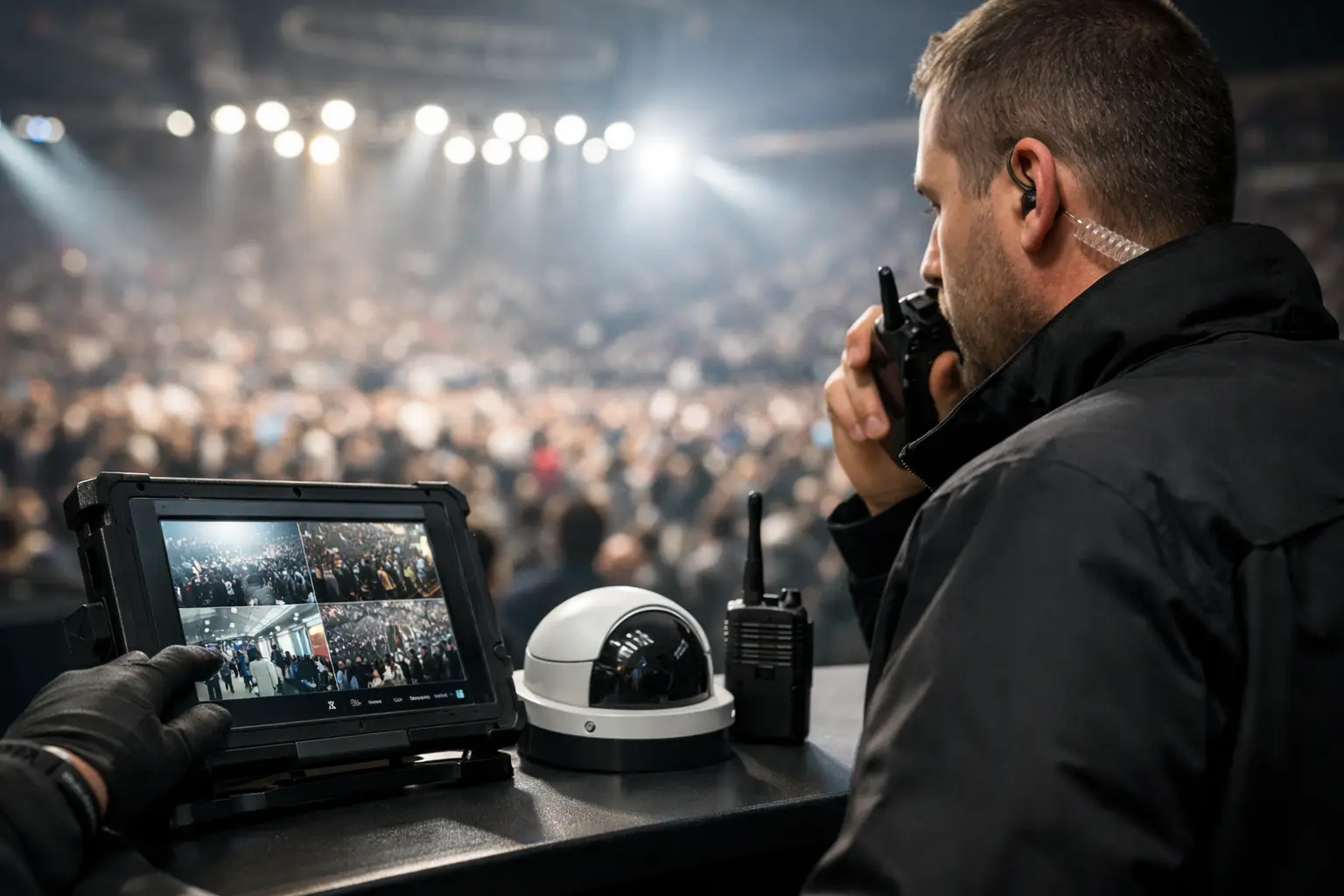
A packed venue can expose every weak point in your technology at once. Secure public venue devices before doors open, not after a streaming screen freezes, a point-of-sale terminal drops, or an unknown device lands on the network during a match. For Atlanta operators preparing for World Cup traffic, device security is not a back-office task. It is part of match-day continuity.
A public venue now runs on far more than an internet connection. Smart TVs, streaming players, WiFi access points, digital signs, tablets, payment terminals, cameras, audio controls, staff laptops, and building systems all create possible failure points. Some are visible to guests. Others are buried in closets, ceilings, and back offices. A single exposed device can create a security incident, consume bandwidth, or interrupt the experience customers came to buy.
Why public venue devices become a match-day risk
High-profile events change the threat level and the operating conditions. Guest counts rise quickly. Staff move faster. Temporary equipment appears. Vendors need access. Guests search for WiFi and may try to connect personal hardware to available ports. At the same time, streaming traffic, payment processing, guest connectivity, and internal communications all compete for capacity.
Attackers understand this pressure. Public networks and overlooked connected devices are attractive targets because they are often poorly inventoried, rarely patched, or protected by factory credentials. A compromised streaming player may seem minor until it disrupts every display in the room. An exposed network switch can be a direct path into payment systems or management systems. A staff tablet left signed in at a host stand can reveal operational data in seconds.
The financial impact is immediate. If the main event is unavailable, guests leave. If card processing fails, service slows and tabs go unpaid. If guest WiFi is abused, legitimate users blame the venue. If a cyber incident becomes public, the recovery cost extends well beyond the outage itself.
Start with a device inventory that reflects reality
Most venues have an inventory list. Fewer have one that matches the floor, the network, and the actual way equipment is used on event days. The goal is not paperwork. The goal is to know what is connected, who owns it, what it does, and what happens if it fails.
Walk the venue with operations and IT personnel. Account for every device that connects by Ethernet, WiFi, cellular, Bluetooth, or a management platform. Include equipment installed by AV contractors, security vendors, payment providers, cable providers, and temporary event teams. Record device type, physical location, network connection, software version, support contact, and business criticality.
Classify devices by consequence. A primary streaming endpoint feeding multiple screens is critical. A back-office printer may be lower priority. A device handling payment, access control, camera footage, or guest personal data requires stricter treatment even if guests never see it. This classification informs the controls, replacement plan, and response priority.
Do not assume a device is safe because it has worked for years. Older smart TVs, unmanaged switches, legacy cameras, and consumer-grade streaming hardware often remain online long after their software support ends. When replacement cannot happen immediately, isolate the device and limit what it can reach.
Segment the network by function, not convenience
Putting every device on one flat network makes outages and intrusions spread farther than they should. A guest device should not be able to discover a payment terminal. A compromised camera should not have a route to the streaming control system. A staff laptop should not automatically reach every device in the building.
Create separate network segments for guest WiFi, payment systems, business operations, AV and streaming equipment, security systems, and managed infrastructure. Then apply rules that allow only the traffic each segment needs. Streaming devices may need controlled access to approved services and local management tools. They do not need unrestricted access to point-of-sale systems or staff file shares.
This is where convenience can create risk. A venue may want every TV, tablet, and controller on the same WiFi because setup feels easier. During low traffic, it may appear to work. Under match-day load, it creates congestion and complicates troubleshooting. Segmentation gives engineers a clear operating picture. When a guest network is saturated, it should not degrade the stream feeding the main room.
For public-facing WiFi, use client isolation so guests cannot communicate directly with one another. Keep the guest network separate from internal operations, even when staff occasionally need to assist customers. A dedicated staff network is more defensible than sharing credentials for a general-purpose network.
Protect the devices that control the screens
Streaming reliability deserves its own security plan. Media players, smart TVs, casting tools, display controllers, and AV-over-IP equipment are often deployed quickly, then left with default settings. Change default passwords, disable unused casting and remote-control features, and restrict administrative access to approved staff and support personnel.
Avoid using personal accounts to activate venue streaming devices. Use organization-controlled accounts with documented recovery options and multi-factor authentication. If a manager leaves or a device must be replaced minutes before kickoff, the venue cannot depend on someone remembering a personal password.
Where possible, hardwire critical streaming endpoints. Wired connections reduce wireless contention and provide a more predictable path for high-bitrate video. WiFi still has a role for mobile operations and flexible layouts, but the most visible screens should not depend on an overcrowded shared radio environment.
Control access before the venue gets busy
Security is often lost through legitimate access that is broader or longer than necessary. Vendors, temporary staff, and managers may need to connect equipment or make changes. Grant access for a defined purpose, on a defined network segment, for a defined period.
Use individual accounts for device administration instead of one shared password written on a label or stored in a group chat. Require multi-factor authentication for remote access, network administration, streaming accounts, and cloud management portals. Remove access promptly when a contractor finishes work or an employee changes roles.
Physical controls matter as much as login controls in a public venue. Lock network closets and equipment racks. Secure unused Ethernet ports. Keep streaming remotes, tablets, and display controllers from walking away with guests or being reset by well-meaning staff. Position public charging stations and kiosks on isolated networks, because any port accessible to the public should be treated as untrusted.
A useful test is simple: if a guest, former employee, or vendor found this device unattended, could they change settings, join the internal network, or access business data? If the answer is yes, address it before the next major event.
Patch deliberately, not recklessly
Patching is necessary, but timing matters in live-event environments. Updating every device hours before a sold-out match can create as much operational risk as skipping updates altogether. A firmware change can alter network behavior, break a display integration, or require an unexpected reboot.
Build a patch calendar around the event schedule. Test updates on noncritical equipment or during low-risk windows. Document the previous version and maintain a rollback plan where the platform allows it. Critical vulnerabilities may justify an immediate change, especially for internet-facing systems, but that decision should include an operational owner who understands the event impact.
For unsupported devices, compensating controls are the practical answer until replacement is possible. Put them on isolated segments, block unnecessary internet access, restrict management ports, and monitor their traffic. That does not make an obsolete device ideal. It buys time without leaving it exposed to the full environment.
Monitor what matters during live events
A green internet-status light is not proof that the venue is ready. Monitor device availability, bandwidth utilization, WiFi client load, packet loss, access-point health, stream performance, authentication failures, and unusual network activity. The operational question is not merely whether the network is online. It is whether guests can watch, pay, connect, and move through the venue without disruption.
Set alert thresholds that reflect real capacity. If an access point reaches a client count that historically produces poor performance, the team should know before complaints reach the bar. If a primary streaming endpoint stops responding, alert the on-call engineer immediately. If a new device appears on a protected segment, investigate it before it becomes a problem.
Monitoring also improves incident decisions. During a crowded match, technicians need facts: which segment is affected, whether the failure is local or upstream, what changed recently, and which services are at risk. Guesswork wastes the minutes that matter most.
Build a response plan people can use at 8:45 p.m.
A security plan that requires a lengthy approval chain will fail under event pressure. Define who can authorize network isolation, device replacement, vendor escalation, and guest communications. Keep current contact details for internet providers, streaming platforms, payment vendors, AV support, and local technical coverage.
Prepare spare equipment for high-consequence failures. That may include a preconfigured streaming player, access point, switch, cables, power supplies, and a cellular backup option. The exact kit depends on the venue, but replacement should be faster than diagnosis when a visible device fails during peak service.
Run a short pre-event readiness check before every major match: confirm primary and backup connectivity, test the primary stream, review WiFi capacity, validate critical device status, check remote access, and make sure staff know how to escalate an issue. GDS Technology applies this operating discipline to venues where public visibility leaves no room for a slow response.
The strongest device security program is the one that works when the room is full, the stream is live, and the team has no time to search for credentials or trace cables. Treat every connected device as part of the guest experience, give it a defined role and controlled access, and make recovery a rehearsed operation rather than a match-day improvisation.