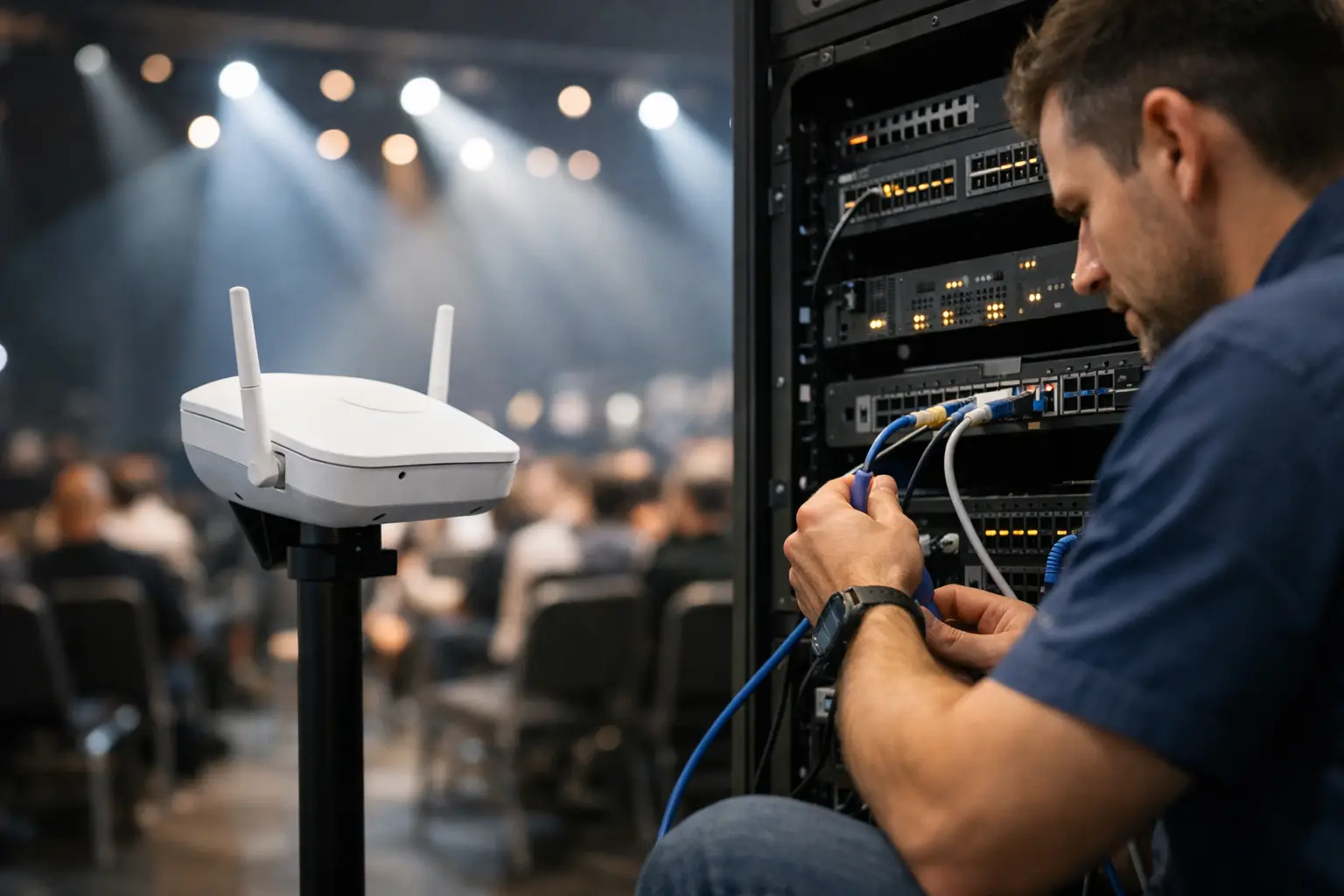
A packed room turns on you fast when the network drops. TVs buffer, payment terminals stall, guest WiFi floods the help desk, and staff start making decisions without clean data. If you need to restore venue network fast, the goal is not just getting internet back. The goal is protecting revenue, restoring service in the right order, and avoiding a second failure fifteen minutes later.
In live sports environments, recovery speed is only part of the job. Precision matters more. A venue that brings back public WiFi before POS, streaming, or internal operations can still lose the night even if the circuit technically returns. That is why the fastest recoveries follow a sequence, not a guess.
What fails first in a venue outage
Most venue outages do not begin with a total collapse. They start as congestion, packet loss, poor DHCP behavior, a bad switch uplink, or a firewall that is no longer handling the traffic mix in front of it. On match day, those small faults get amplified by dense guest traffic, multiple live streams, mobile ordering, digital signage, music systems, and security cameras all competing for the same infrastructure.
That distinction matters because recovery depends on the failure type. If the ISP is down, rebooting internal gear wastes time and can create more instability. If the core switch is locked up, waiting on the carrier wastes the same amount of time. The first five minutes should tell you which side of the network is failing: carrier, edge, switching, wireless, or application layer.
The quickest path is disciplined triage. Confirm whether the outage is full-site or partial. Check if wired systems are affected along with WiFi. Verify whether POS, streaming endpoints, and back-office systems are all failing or whether one service group is isolated. Those answers narrow the problem fast and stop random resets from making evidence disappear.
Restore venue network fast by prioritizing business-critical services
During a live event, not every service deserves equal priority. Operators who recover fastest bring back the systems that protect transactions and the customer experience first. In most venues, that means WAN connectivity, firewall stability, core switching, POS, ticketing, streaming feeds, and staff communications. Guest WiFi matters, but it should not outrank payment flow or broadcast reliability.
This is where many teams lose time. They treat the outage like a generic office problem, when it is really a live operations problem. A sports bar with 40 screens and app-based ordering has a different recovery order than a hotel ballroom or a fan activation site. The right plan reflects the venue model, the event schedule, and the systems that directly produce revenue.
If the network is limping rather than fully down, traffic shaping can buy valuable time. You may not need a full fix before kickoff if you can preserve bandwidth for core streaming, POS, and operations traffic while suppressing guest demand spikes. That is not a permanent repair, but it is often the difference between a controlled service night and a public failure.
The first 15 minutes of network recovery
The first move is containment. Freeze unnecessary changes. Stop staff from power cycling random devices. Confirm what changed in the last hour, including carrier work, firmware updates, cabling moves, AV changes, and temporary event equipment that may have been added without full testing.
Next, verify the path from outside in. Check carrier status, modem or handoff health, firewall interfaces, core switch state, and key VLAN behavior. If the WAN is up but internal traffic is failing, move directly to switching, gateway, or DHCP analysis. If wired systems are stable but WiFi has collapsed, focus on controller health, AP saturation, roaming failures, interference, or guest network exhaustion.
Then restore selectively. Bring back priority systems in controlled order and validate each one before expanding access. It is faster to confirm POS and streaming stability on a known-good segment than to re-enable everything at once and trigger another overload.
Why rebooting everything is usually the wrong move
The pressure of a full room pushes people toward the simplest visible action: reboot all the hardware. Sometimes that works. More often, it hides the original fault, extends downtime, and creates new startup issues while the venue is already under stress.
A firewall reboot can interrupt tunnels, leases, and authentication. A switch reboot can take down stable segments along with the bad one. Restarting APs during peak occupancy can flood the network with reassociation traffic and make wireless performance worse before it gets better. In other words, a broad reset may feel decisive, but it is often slower than targeted isolation.
There is a trade-off here. If the venue has no monitoring, no recent changes logged, and no visibility into device health, a controlled reboot of a failed component may be necessary. But that is different from rebooting the entire stack. Good recovery is surgical.
The hidden causes behind recurring venue outages
When a site keeps failing during major events, the outage is usually exposing a design weakness that sits quiet during normal traffic. Common examples include flat networks with no service separation, undersized firewalls, AP density that looks fine on paper but fails under real client load, and internet circuits with no practical failover.
Another common issue is unmanaged event growth. A venue adds more screens, more streaming devices, more handhelds, more QR ordering, and more guest promotions without reworking the network underneath. The business scales faster than the infrastructure. Then a major match arrives and the weak point shows up in public.
Cybersecurity can also be the trigger, not just an added concern. Misconfigured filtering, expired certificates, blocked services, malware activity, or brute-force noise during a high-profile event can degrade performance enough to look like a simple network slowdown. If the symptoms do not fit a clean hardware or carrier failure, security telemetry should be part of the review.
How to restore venue network fast and keep it stable
Fast restoration only matters if the fix holds through the event window. Once core services are back, the next job is stabilization. That means watching latency, packet loss, CPU load, wireless client counts, and circuit behavior closely enough to catch a relapse before customers do.
This is where local support has an edge. In high-stakes venues, remote advice is useful, but it cannot replace on-site validation when cabling, power, uplinks, AV racks, and temporary event gear may all be in play. A local engineer can trace the physical layer, isolate bad hardware, and verify failover behavior in real conditions instead of relying on assumptions.
Stability also depends on documentation. If nobody knows which switch feeds the bar extension, which SSID maps to which VLAN, or which stream endpoints have priority, recovery stays slower than it should be. The venues that recover cleanly usually have current diagrams, labeled gear, backup configs, and a simple decision tree for who approves changes during a live event.
The recovery plan every Atlanta venue should have
A real recovery plan is short enough to use under pressure. It should define service priority, escalation contacts, carrier details, failover options, management access methods, and the minimum validation checks before calling the network restored. It should also account for venue-specific conditions such as overflow crowds, sponsor activations, outdoor extensions, and temporary broadcast setups.
For Atlanta operators preparing for tournament-scale traffic, the bar is higher. Match-day demand will not behave like a normal weekend. More devices will connect, more people will stream on phones even while watching house feeds, and more businesses will be judged in real time on service reliability. That changes the cost of being underprepared.
A readiness audit before the event window is usually cheaper than emergency downtime during it. You find the firewall bottleneck before the room fills. You test failover before the primary circuit drops. You segment guest traffic before it competes with streaming and POS. That is the practical difference between responding fast and being ready.
GDS Technology is built for that exact environment: local, high-pressure support where a venue cannot afford vague troubleshooting or slow escalation chains. But whether your support comes from an internal team or an outside partner, the standard should be the same - clear triage, service-first recovery, and infrastructure designed for peak demand rather than average days.
When the network fails in a live venue, speed matters. The order of recovery matters more. The operators who stay in control are the ones who know what must come back first, what can wait, and what needs to be fixed before the next crowd walks in.