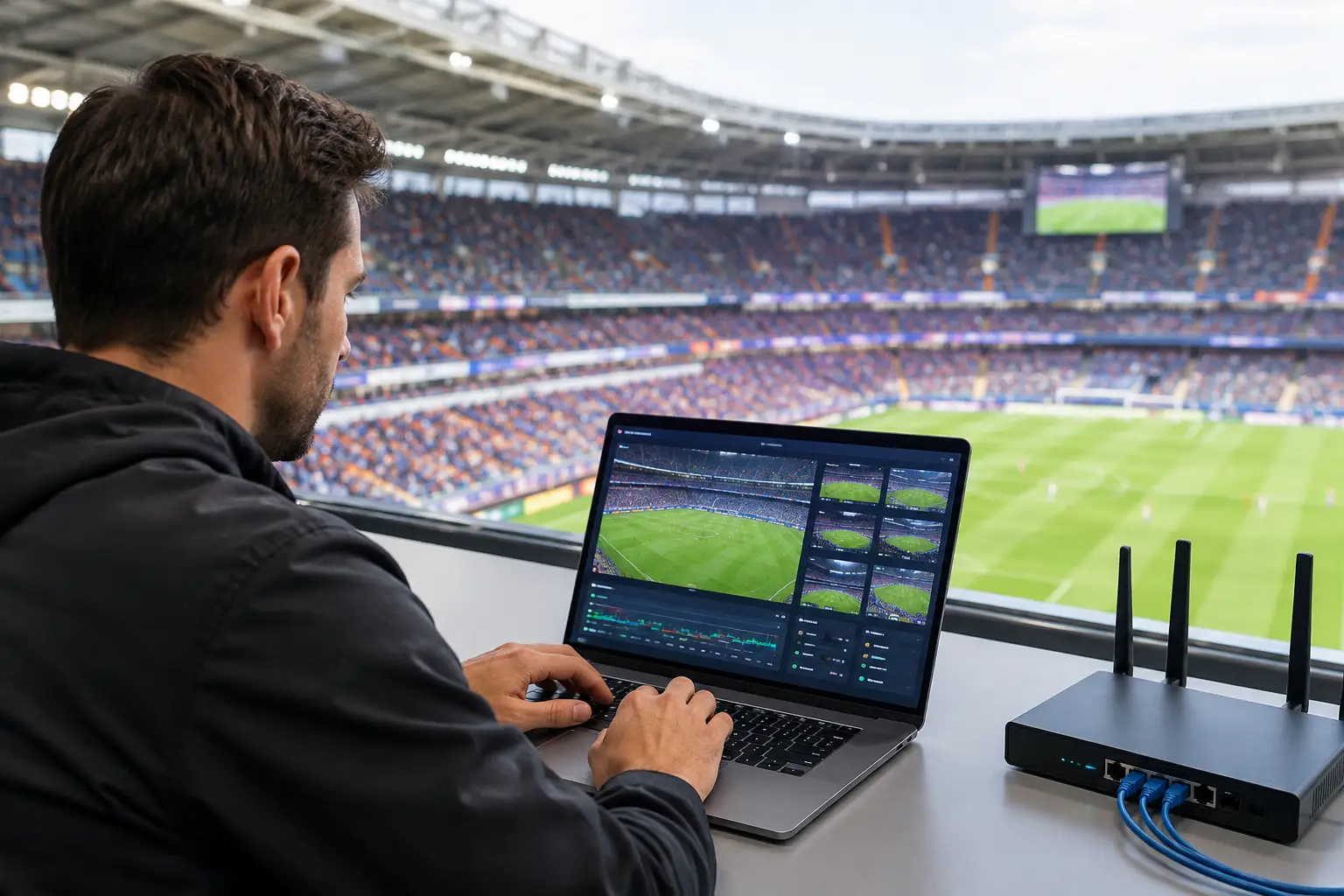
A packed match day can turn a healthy venue network into a revenue problem in minutes. To configure QoS for stadium streaming, you need more than a few priority rules on a firewall. You need a traffic policy that protects the video feed, preserves point-of-sale and operations systems, and prevents guest devices from consuming the bandwidth your business depends on.
For Atlanta bars, hotels, event spaces, and watch-party venues preparing for World Cup traffic, the objective is clear: the stream stays clean while every other service remains usable. Buffering on a feature match is visible to every customer in the room. A dropped payment terminal or overloaded guest WiFi compounds the damage.
Start With the Traffic That Cannot Fail
Quality of Service, or QoS, is the system that classifies network traffic and decides what gets served first when capacity is under pressure. It does not create more bandwidth. It determines who gets protected when the connection is full.
That distinction matters. If a venue has a 1 Gbps internet circuit but runs an unmanaged guest WiFi network, dozens of phones may begin uploading video, syncing cloud files, downloading updates, and placing video calls at the same time. The stream can still degrade because the upstream connection is congested. QoS gives the network a defined order of operations.
Before creating policies, identify every service that carries match-day risk. The typical priority order is:
- Live streaming and broadcast contribution feeds
- Point-of-sale, payment processing, and reservation systems
- Voice, security cameras, access control, and venue operations
- Staff devices and business applications
- Guest WiFi and nonessential internet use
Your exact order depends on the venue. A broadcaster sending a live contribution feed may place outbound video above all else. A sports bar showing a managed streaming service may give the stream and payment traffic equivalent protection. The key is to make the decision before the room fills.
Measure the Real Bottleneck Before You Configure QoS
QoS policies only work when they are applied at the point of congestion. In most venues, that means the WAN edge: the firewall, router, or SD-WAN appliance that connects the local network to the internet.
Start by testing both download and upload capacity during normal operating hours. Do not use the internet provider's advertised speed as your policy limit. A circuit sold as 500 Mbps may deliver less during peak conditions, and its usable upload capacity may be substantially lower. Set shaping rates below measured sustained capacity so the firewall, not the carrier, controls the queue.
For example, if a connection reliably delivers 300 Mbps down and 35 Mbps up, shape the WAN slightly below those numbers. A practical starting point might be 285 Mbps downstream and 32 Mbps upstream. This gives the edge device room to identify, queue, and prioritize traffic before packets are dropped upstream.
Also identify internal bottlenecks. A crowded access point, overloaded switch uplink, or weak WiFi design cannot be fixed by internet QoS alone. If hundreds of guests share one access point near the main viewing area, airtime contention can disrupt streaming devices even when the WAN has plenty of headroom. Wired connections for streaming endpoints are the preferred design whenever possible.
Configure QoS for Stadium Streaming at the WAN Edge
Build rules around traffic classes, then assign bandwidth guarantees and maximum limits. Avoid relying only on application names, especially for streaming services that use changing cloud infrastructure and encrypted traffic. Use a combination of device identity, VLAN, destination information where available, DSCP markings, and application recognition supported by your firewall.
Create a dedicated streaming class
Place every critical streaming endpoint on a dedicated VLAN or a tightly controlled device group. This includes smart TVs, streaming encoders, media players, broadcast receivers, and any device delivering the main match feed.
Reserve a defined percentage of available bandwidth for this class. The right number depends on feed type and the number of simultaneous streams. A single 4K stream can demand significantly more capacity than HD, while multiple displays may use little extra bandwidth if they receive the same local distribution feed. Do not assume all screens create identical WAN load. Map the actual path.
Assign this class high priority, but do not automatically make it unrestricted. A streaming device with a fault, update process, or compromised connection should not be able to consume the entire circuit. Give it a minimum guarantee and a sensible maximum.
Protect transactional and operational traffic
Payment terminals use relatively little bandwidth, but they are highly sensitive to delay, packet loss, and connection instability. Put payment processing, POS, reservation platforms, VoIP, access control, and relevant management traffic in a high-priority business class.
This class should sit alongside the streaming class, with rules that reflect business impact. During a match, losing the stream damages the guest experience. Losing card processing stops revenue immediately. Both need protection.
For voice traffic, use low-latency queuing where your platform supports it. Keep the class narrow. If every device is labeled critical, nothing is actually prioritized.
Cap guest WiFi instead of fighting it live
Guest WiFi should be isolated on its own VLAN with its own SSID, firewall policy, and bandwidth controls. Apply both a total bandwidth ceiling and a per-client limit. The total ceiling protects venue operations; the per-client limit stops a small number of users from consuming an unreasonable share.
The correct cap depends on your circuit, expected attendance, and the guest experience you intend to provide. A hotel may need a larger allocation than a bar during match hours because connected guests are also staying on-site and working. A watch-party venue may intentionally restrict guest bandwidth during kickoff windows to protect video and payment operations.
Use a captive portal or posted policy to set expectations if restrictions are aggressive. Guests accept limited WiFi more readily than a frozen screen during the deciding penalty kick.
Mark and Preserve Traffic Classes Across the Network
QoS markings are only useful if switches, access points, and firewalls honor them consistently. Use DSCP markings where practical, then verify that each network device trusts or rewrites those markings according to your policy.
Do not trust every incoming marking from guest devices. A guest phone can mark its own traffic as high priority. At the access layer, classify traffic based on the device VLAN or authenticated role, then apply your own approved markings. Trust markings from known managed endpoints only when you have validated their behavior.
WiFi deserves separate attention. Configure wireless multimedia prioritization for voice and video where supported, but treat it as one part of the design, not the entire solution. Radio congestion, poor channel planning, and insufficient access point density remain common causes of failure in packed venues.
Test Under Load, Not Before Opening
A QoS policy that looks correct in a quiet venue may fail when hundreds of devices arrive. Test with realistic conditions. Run the production streaming feed, process test transactions, place voice calls, and generate controlled guest traffic. Watch latency, jitter, packet loss, interface utilization, wireless airtime, and firewall CPU utilization.
Test both directions. Many teams focus on download traffic because viewers consume video, then overlook the uplink used by payment systems, cloud applications, staff video uploads, and streaming contribution paths. A congested upload can cause broad service failures even when the displayed stream appears normal at first.
Run a failover test as well. If the primary circuit drops, verify that critical traffic receives priority on the backup connection. Cellular failover can sustain payment terminals and essential communications, but it may not have the capacity or data allowance to support full-resolution video for an entire venue. Document exactly what remains available on backup service and what must be reduced or shut off.
Monitor the Match-Day Network in Real Time
The best QoS configuration is visible and measurable. Set alerts for WAN utilization, packet loss, latency, jitter, access point client counts, firewall resource usage, and failover events. Monitor the stream itself, not just the network. A clean ping test does not confirm that the viewer sees a stable feed.
Maintain a match-day runbook with circuit details, streaming account contacts, network diagrams, device locations, fallback procedures, and escalation numbers. Keep a local engineer or accountable support partner available during high-profile events. When the room is full, troubleshooting should begin with facts, not a search for passwords or cable routes.
GDS Technology helps Atlanta venues pressure-test these controls before major sports traffic arrives, with local support focused on streaming reliability, WiFi capacity, failover readiness, and recovery when conditions change fast.
QoS is not a one-time firewall task. Treat it as an operating plan: reserve capacity for what earns revenue, limit what creates avoidable congestion, and test the design under the same pressure your venue will face when the match matters most.