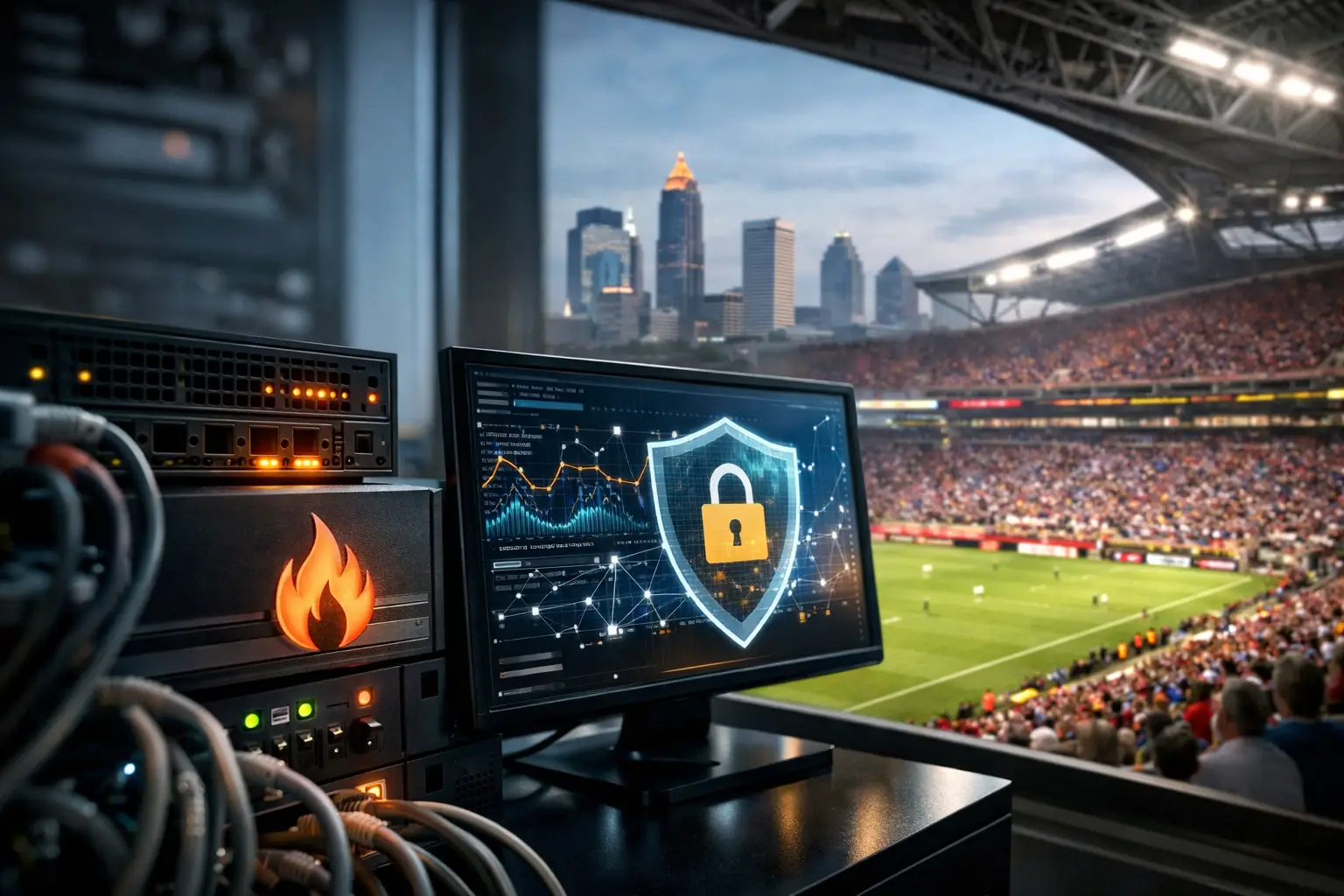
A packed sports bar can lose more revenue in ten minutes of disrupted streaming than it expects to spend on preventive network work all month. The root cause is not always the internet circuit. A firewall under strain, a blocked service, an unauthorized device, or a traffic spike can turn a match-day crowd into a service failure. Firewall monitoring gives Atlanta venues the visibility to catch those problems before guests see buffering screens, payment terminals fail, or WiFi stops responding.
For hotels, restaurants, broadcasters, and event spaces preparing for World Cup demand, the firewall is not a background appliance. It is the control point between public internet traffic and the systems that keep operations moving. That makes it a live operational dependency that needs continuous attention, clear ownership, and an escalation plan built for peak hours.
What Firewall Monitoring Watches During Peak Traffic
Firewall monitoring is the ongoing review of firewall health, traffic behavior, security events, and policy activity. It answers operational questions that matter when a venue is full: Is the device running out of capacity? Is legitimate streaming traffic being blocked? Is a guest device trying to reach a protected system? Has a circuit failed and moved to backup connectivity?
The firewall log is useful, but logs alone are not monitoring. A meaningful program turns technical signals into action. It watches processor and memory use, active sessions, throughput, interface errors, VPN status, failed connections, policy changes, and threat alerts. Just as important, it establishes what normal activity looks like before a major event creates abnormal demand.
On a quiet Tuesday, a sudden increase in encrypted outbound traffic may be a warning sign. On match day, high video traffic may be expected. The difference comes from context. A monitoring team needs to understand the venue's streaming platform, POS environment, guest WiFi design, staff devices, digital signage, and backup internet path. Generic alerts without that context create noise. Missed alerts create exposure.
Why Firewall Monitoring Protects More Than Security
A firewall is often discussed as a cybersecurity tool, but match-day operators should also view it as a performance and continuity tool. Misconfigured rules can interrupt video delivery. Session limits can affect guest access. An overloaded firewall can slow every application that crosses it, even when the internet provider reports no outage.
Consider a venue showing multiple live feeds while hundreds of guests connect to WiFi. The firewall may be processing internet traffic, guest network segmentation, DNS requests, content filtering, remote access, and traffic to cloud-based POS services at the same time. If capacity was sized for regular service instead of event load, performance can deteriorate quickly.
Monitoring exposes the warning signs: sustained utilization near capacity, rising latency, dropped packets, unusual session growth, or repeated connection failures to a critical service. These are not reports for next week's meeting. During a live event, they are decision points. The right response may be to prioritize streaming traffic, move nonessential activity to another connection, isolate a problematic device, or bring in local engineering support before the issue reaches guests.
Cybersecurity and uptime are also connected. A compromised endpoint, malware callout, or unauthorized scan can consume bandwidth and create instability at the worst possible time. Segmentation limits the blast radius, but monitoring verifies that segmentation is working under real conditions. It can reveal a guest device attempting to reach POS equipment, a staff device making unusual external connections, or a firewall rule changed outside the approved process.
Build Alerts Around Business Impact
The most common mistake is alerting on everything. An operations manager does not need a flood of low-priority notifications while managing a full venue. They need fast notice of conditions that can affect revenue, safety, security, streaming, or customer experience.
Start by defining critical services and the failure conditions that matter. This includes the primary and backup internet circuits, streaming destinations, payment platforms, WiFi controllers, network switches, remote support access, and any production systems used by broadcasters or event teams. Then assign severity based on impact, not simply on whether an event appears in a log.
A useful alert design distinguishes between an isolated failed login attempt and a sudden wave of authentication failures. It separates a brief traffic burst from sustained firewall saturation. It recognizes that a backup circuit becoming active may be an immediate escalation, even if the venue remains online, because redundancy has already been consumed.
For high-stakes environments, alerts should include the action owner. Who checks the circuit? Who validates the stream? Who contacts the ISP? Who can approve an emergency policy change? Who is onsite when remote troubleshooting is not enough? Monitoring without an accountable response path leaves teams watching a problem rather than resolving it.
Prepare the Firewall Before the Crowd Arrives
The best time to find a bad rule is not during kickoff. Pre-event testing should verify that the firewall configuration supports the services the venue intends to deliver. That means testing live streams from the actual displays, validating payment processing, checking staff and guest WiFi separation, and confirming failover behavior under realistic load.
Capacity deserves specific attention. A firewall's advertised throughput is not always the throughput available when advanced security inspection, VPN traffic, logging, and multiple network services are active. A configuration that works during normal dinner service may not hold up under simultaneous streams, full guest WiFi, and a crowded POS environment.
Review firmware status, rule changes, expired certificates, remote-access accounts, and admin permissions before a major event window. Changes made in a hurry are a frequent source of avoidable outages. Use a documented change process, keep a tested rollback plan, and restrict emergency access to the people who genuinely need it.
Network segmentation should be verified, not assumed. Guest WiFi should not share unrestricted access with payment systems, broadcast equipment, staff devices, or building controls. Separate networks reduce security exposure and make troubleshooting faster. When a guest network misbehaves, the team can isolate the problem without taking down systems that generate revenue.
What a Match-Day Response Looks Like
When monitoring detects a problem, response speed matters as much as technical skill. Start with the service impact: Is streaming affected? Are payment systems working? Is the issue isolated to one network, one circuit, or the entire site? This prevents engineers from chasing firewall alerts that are unrelated to the active business problem.
Next, validate the path. Check whether the primary circuit is available, whether failover has occurred, whether DNS is responding, and whether the firewall is dropping or inspecting traffic in a way that affects the service. If the issue involves video, test the stream at the source and at the display path. A healthy firewall does not rule out a local WiFi, switch, HDMI, or application issue.
If a security event is involved, contain first and investigate with care. Blocking suspicious traffic, isolating an endpoint, or disabling a compromised account may be necessary. But a broad emergency block can also interrupt legitimate cloud applications or streaming services. This is where venue-specific knowledge matters. The team needs to know what normal match-day traffic looks like before making a change that creates a second outage.
Document what occurred while the evidence is fresh. Record the alert time, customer impact, affected systems, actions taken, and final resolution. After the event, review whether the alert threshold, firewall policy, capacity plan, or escalation process needs adjustment. Each incident should improve the next event's operating position.
Local Readiness Beats Generic Coverage
Remote monitoring is valuable, but it has limits in a venue under pressure. A remote technician can identify an interface failure. An onsite engineer can trace a bad cable, replace hardware, coordinate with venue staff, validate displays, and confirm the guest experience in real time. For Atlanta businesses facing World Cup-level traffic, the strongest model combines continuous visibility with a local response plan.
GDS Technology approaches firewall monitoring as part of venue readiness, not as an isolated security checkbox. The objective is direct: protect streaming, guest connectivity, payment systems, and the operational confidence of the people running the floor.
Your firewall should never become the surprise on match day. Establish the baselines, test the failover path, tune alerts to business impact, and make sure a qualified team can act when the signal changes. When the crowd is watching, readiness is what keeps the experience on screen and revenue flowing.