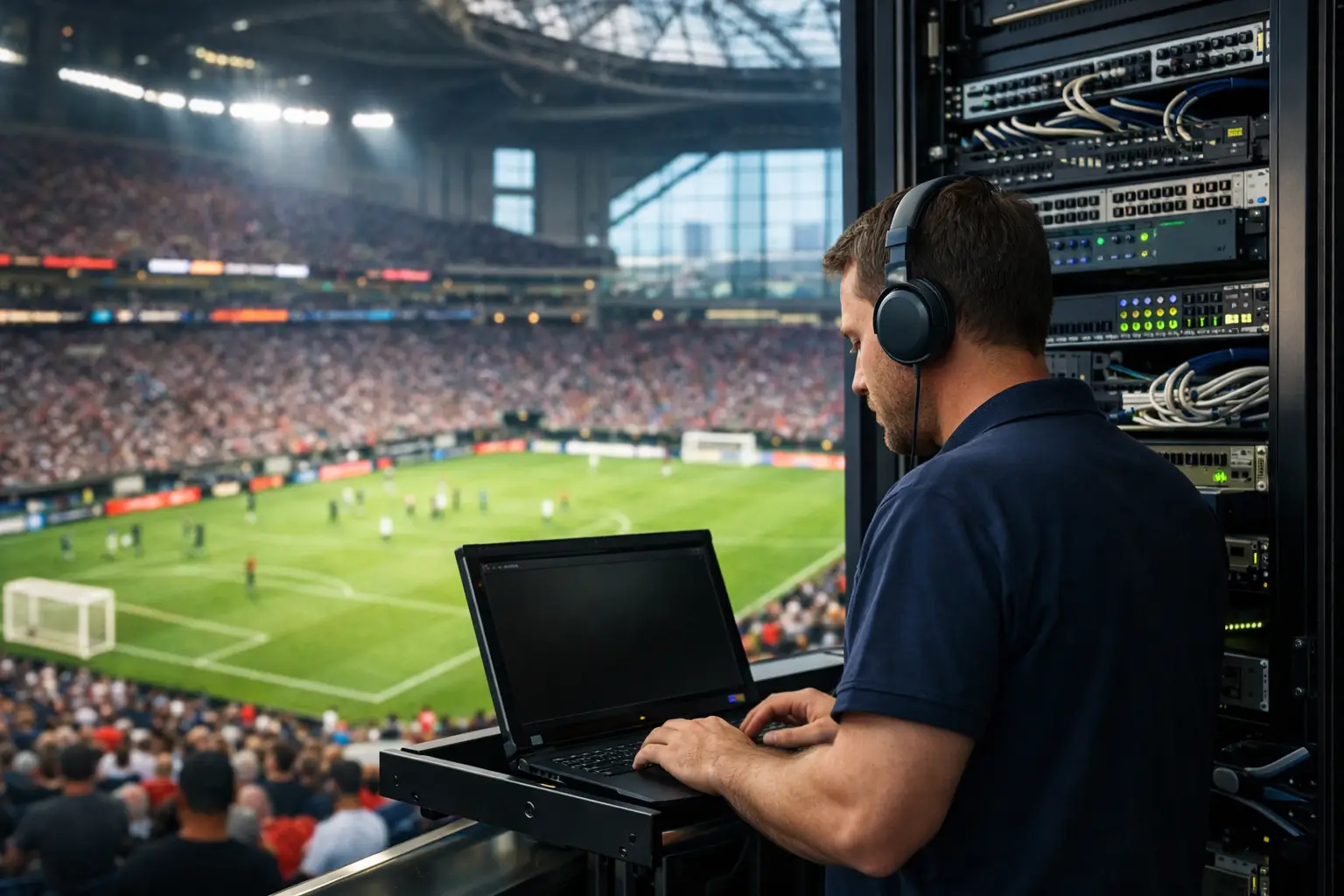
A packed Atlanta venue can lose more than a stream when the network fails. A frozen match, overloaded guest WiFi, offline point-of-sale terminals, or a compromised router can stop revenue at the exact moment demand is highest. Atlanta venue IT support has to be built for that pressure - not treated as a next-business-day help desk ticket.
For sports bars, hotels, event spaces, broadcasters, and sponsor activations, match-day technology is part of the guest experience. Customers may forgive a short wait for food. They will not forgive missing a decisive goal because the video dropped, the audio fell out of sync, or the venue could not process a payment.
What Atlanta Venue IT Support Must Protect
A venue’s technology stack is interconnected, even when it was installed in stages over several years. The streaming display depends on stable internet and correctly configured equipment. Guest WiFi competes for capacity with staff devices, payment systems, cameras, digital signage, and back-office applications. A failure in one area can quickly create symptoms somewhere else.
That is why a serious support plan starts with the business impact, not just a list of devices. Which systems must stay online to protect revenue? Which services can be isolated if traffic spikes? Who has authority to make a failover decision during a live event? Those answers determine whether an outage lasts minutes or consumes an entire service period.
For a high-traffic venue, the critical services usually include internet connectivity, streaming paths, managed WiFi, point-of-sale connectivity, staff communications, network security, and remote monitoring. The priority order will vary. A hotel hosting visiting supporters may place guest WiFi and property systems near the top. A sports bar may put display reliability and payments first. A broadcaster or production team may need dedicated bandwidth, fixed upload performance, and tightly controlled network access.
Why Match-Day Failures Are Different
A normal office can often tolerate a temporary slowdown. A live-event venue cannot. The traffic spike is predictable, but the consequences are immediate. Hundreds of guests may join WiFi in a short window. Staff begin processing transactions at the same time. Multiple screens pull high-definition video. Guests upload clips, use social apps, and make video calls. Meanwhile, a single poorly configured access point or exhausted internet circuit can pull down the experience for everyone.
The problem is not always the ISP. A circuit may be technically online while the venue is still unable to stream reliably. Common causes include WiFi channel congestion, access points placed behind obstructions, overloaded switches, duplicate IP addresses, bad VLAN rules, outdated firmware, DNS failures, misconfigured quality-of-service settings, or a single network segment carrying every type of traffic.
That distinction matters during an incident. Calling a provider is necessary when the circuit is down. It does not solve a local network bottleneck, a failed firewall, or a streaming device that has lost its route to the internet. Local engineers who can identify the failure domain quickly are the difference between guessing and restoring service.
Build Separate Paths for Critical Traffic
The most effective venue networks do not allow every device to compete on the same flat network. Guest traffic should not have the same access or priority as payments, streaming, staff systems, production equipment, or security cameras.
Network segmentation creates control when demand rises. Guest WiFi can be rate-limited and isolated. Point-of-sale terminals can operate on a protected segment. Streaming equipment can receive the stable wired path and priority it needs. Internal management systems can be separated from public-facing devices. This setup also reduces the damage if an unmanaged device, a guest, or a compromised endpoint enters the network.
Segmentation is not a magic fix. It must be designed around the venue’s actual workflows. Overly restrictive rules can prevent casting devices, ticket scanners, production gear, or vendor systems from communicating when they need to. The goal is not complexity for its own sake. The goal is clear, controlled traffic paths that keep critical operations available.
WiFi Capacity Is More Than a Speed Test
A speed test completed in an empty venue says very little about match-day readiness. Capacity depends on the number of concurrent clients, physical layout, wall materials, radio interference, access point density, channel planning, and the types of applications guests are using.
A venue may have enough internet bandwidth but insufficient WiFi coverage where customers gather. It may also have excellent coverage but too many devices contending for the same radios. A proper site assessment measures signal quality, client density, roaming behavior, uplink capacity, and performance under load. It identifies weak zones before those zones become complaint zones.
For large watch parties, guest WiFi should be intentionally managed rather than offered as an unlimited promise. A sensible per-device limit, captive portal policy, and bandwidth allocation can preserve a useful guest experience without allowing a small number of devices to consume the connection.
Streaming Reliability Requires Redundancy
A single internet connection is a single point of failure. That may be acceptable for a low-impact operation. It is not a comfortable position for a venue where a major match drives the day’s revenue.
Failover can use a second wired provider, fixed wireless, 5G, or another appropriate backup path. Each option has trade-offs. Cellular backup is fast to deploy and valuable for emergency continuity, but it may not carry every screen, payment terminal, and guest device during peak use. A secondary wired circuit generally provides greater capacity, but installation timelines and building constraints can make it impractical. The right design depends on the venue’s load, budget, and tolerance for risk.
Failover must also be tested. A backup circuit that has never carried production traffic is not a recovery plan. Teams need to verify that firewall policies, DNS behavior, VPN access, payment terminals, streaming devices, and monitoring alerts all work after the switch. The test should happen before doors open, not during the first half.
Keep Streaming Devices Off the Troubleshooting Path
When video fails, staff often restart everything. That can make a small issue worse and remove useful evidence. Instead, the venue should know whether the problem is affecting one display, a group of devices, the streaming service, the local network, or the internet connection itself.
A documented device map reduces response time. It should identify display locations, streaming endpoints, switch ports, network segments, power sources, and the primary and backup internet paths. It also helps to maintain approved credentials, current firmware records, and a clear escalation path. During a crowded event, no one should be searching through old emails for router access or trying to identify which closet serves the patio screens.
Cybersecurity Cannot Be Paused for an Event
High-profile events attract more than fans. They also create opportunities for phishing, credential theft, rogue access points, payment fraud, and attacks against exposed remote-access tools. A hurried temporary setup for a sponsor activation or production crew can introduce risk if it bypasses normal controls.
Venue cybersecurity should focus on practical controls: multifactor authentication for administrative access, managed firewall policies, secure remote support, separate vendor networks, routine patching, endpoint protection, and monitored alerts. Staff also need a simple process for reporting suspicious payment activity, unexpected login prompts, or unfamiliar devices.
Security should support operations, not obstruct them. A production partner may legitimately need controlled access to a specific network segment. A sponsor may require a dedicated connection for an activation. The answer is to define and time-limit that access, not hand over broad credentials or connect unknown equipment to the core network.
A Readiness Plan Needs People, Not Just Equipment
Technology recovery is faster when responsibilities are settled in advance. The venue manager should know who can authorize disruption to guest WiFi if payment systems are at risk. The operations lead should know where backup equipment is stored. The technical partner should have current access details, an emergency contact list, and visibility into the systems that matter.
This is where local, event-focused support changes the outcome. GDS Technology approaches venue readiness as an operational coverage issue: assess the environment, identify failure points, establish monitoring, test recovery paths, and make experienced engineers available when the room is full. The objective is not to generate a ticket. It is to keep the event moving.
Before a major match, run a short operational drill. Test failover, confirm every priority display, verify payment connectivity, walk the WiFi coverage areas, and make sure decision-makers can reach support immediately. The best time to discover a weak access point or an undocumented streaming device is when the seats are empty and the stakes are low.