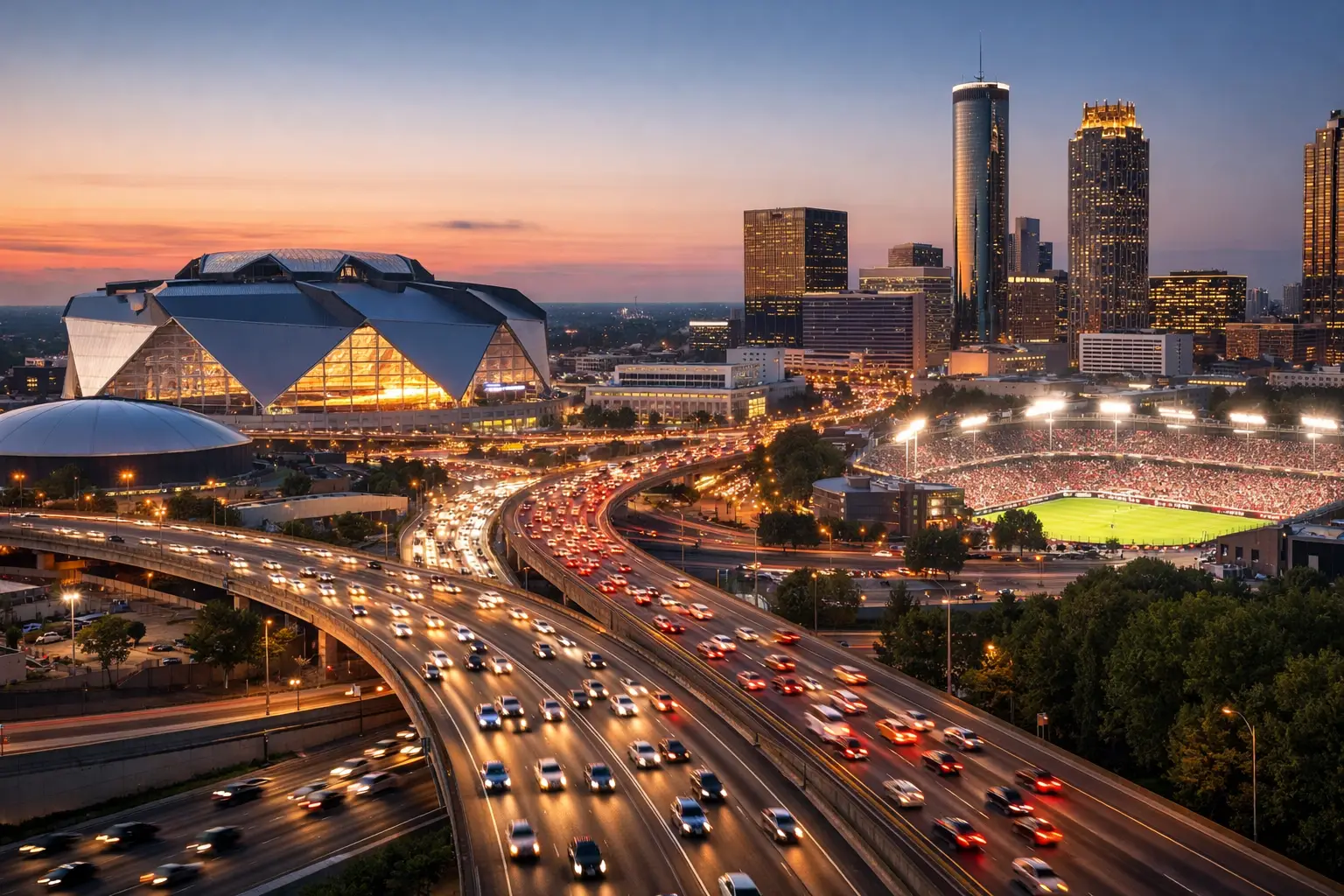
A packed room can look profitable while its network is already failing. Screens buffer, guests abandon WiFi, digital payments slow down, and staff start using personal hotspots to keep operations moving. That is the business case for 2026 match traffic forecasting: knowing what your connection, wireless network, streaming setup, and support coverage must handle before Atlanta match-day demand hits.
For bars, hotels, restaurants, viewing venues, broadcasters, and event operators, the question is not whether traffic will increase. It is whether your infrastructure can absorb the increase without degrading the guest experience that drives revenue. A normal Friday-night benchmark is not enough. Major international matches create concentrated, synchronized demand that exposes capacity limits quickly.
What Match Traffic Actually Means
Traffic forecasting is often reduced to internet bandwidth. Bandwidth matters, but it is only one part of the operating picture. A venue may have adequate download speed and still experience frozen streams, failed card terminals, unusable guest WiFi, or unstable point-of-sale systems.
Match traffic includes the combined load of live video streams, staff systems, guest devices, payment processing, digital signage, security cameras, hotel operations, media uploads, and cloud applications. It also includes the timing of that load. The network does not experience an even increase across eight hours. It gets hit in waves.
The first wave begins before kickoff, when staff arrive, screens are powered on, guests connect, and streaming sessions begin. The next arrives during entry and seating, when QR menus, loyalty apps, social posts, and payment systems all see activity. Halftime can create a separate spike as guests order, pay, upload video, and reconnect devices. Final whistles and post-match crowds can produce another surge, especially at hotels and venues serving departing attendees.
That pattern changes the planning decision. You are not forecasting an average day. You are forecasting your busiest 10 to 20 minutes, then designing for a service level that keeps critical operations stable inside that window.
2026 Match Traffic Forecasting Starts With Venue Reality
No two Atlanta venues should use the same forecast. A 150-seat sports bar with 20 displays has different risks than a 300-room hotel, a fan festival, or a broadcaster operating temporary production equipment. The starting point is an honest inventory of how guests and staff use the network during a major event.
Begin with occupancy. Use your legal capacity, expected covers, reservations, walk-in history, private-event commitments, and nearby event activity. Then estimate devices per person, not just people in the building. One guest may carry a phone and smartwatch. Groups may connect tablets, laptops, and multiple phones. Staff devices, streaming hardware, wireless access points, payment terminals, cameras, and back-office systems add to the count.
A practical forecast separates traffic into three categories. Critical traffic keeps the business running: streaming, point-of-sale, reservations, security, staff communications, and hotel operational systems. Guest traffic includes public WiFi, social platforms, uploads, browsing, and personal streaming. Nonessential traffic includes device updates, backups, large downloads, and any task that can be moved outside match windows.
That distinction is operationally useful because not every packet deserves equal treatment. If guest uploads consume available capacity while a primary match stream drops resolution, the venue has a network policy problem, not simply an internet-speed problem.
Measure the baseline before the crowd arrives
Historic data provides the best starting point. Review bandwidth use, wireless client counts, access-point performance, application latency, packet loss, and stream quality from your busiest existing events. If those records do not exist, run controlled tests during a high-occupancy evening and capture the numbers.
Look beyond the advertised speed of the circuit. A 1 Gbps connection can still fail a venue if the firewall is undersized, the WiFi design is poor, access points are overloaded, or traffic inspection adds latency at peak volume. Upload capacity also deserves attention. Guest content creation, venue marketing, camera systems, production workflows, and cloud backups can turn upload into the constraint.
The most useful baseline shows when performance changes, not just its daily average. Track utilization in five-minute intervals around arrival, kickoff, halftime, and departure. That data will reveal whether the bottleneck is the internet circuit, the wireless layer, a single switch, a streaming device, or an application dependency.
Forecast high, then build a margin
Forecasts should include a realistic surge factor. A venue may expect 500 guests but see more during a high-profile fixture, weather disruption, or late schedule change. Nearby venues with lines out the door can redirect traffic to your location within minutes. Hotels may face overlapping guest usage from attendees, media personnel, and teams.
Plan for expected demand plus headroom. The exact margin depends on your venue, circuit diversity, and ability to shed noncritical traffic, but planning to run at maximum capacity is not a plan. It leaves no room for a device failure, an access-point issue, an unexpected crowd, or an upstream provider event.
The Forecast Must Include Failure Scenarios
A demand forecast that assumes every component works perfectly is incomplete. Match-day resilience depends on what happens when the primary path does not perform.
Test the loss of your primary internet provider. Confirm that your backup connection takes over, that it has enough capacity for critical services, and that automatic failover does not interrupt streaming or transactions beyond an acceptable threshold. A low-cost backup circuit is useful only if it supports the traffic you need during an incident.
Test streaming separately. Venue operators often discover too late that their stream is dependent on a particular device, account session, HDMI path, DNS setting, or unmanaged wireless connection. Primary and backup streaming paths should be documented and tested under load. Where the business risk justifies it, use separate connectivity paths for primary and backup streams.
Wireless failure scenarios deserve the same attention. A crowded room can create radio-frequency interference and overloaded access points even when the internet circuit is healthy. Capacity planning should account for access-point placement, client density, channel design, roaming behavior, and physical obstructions. Adding a consumer-grade extender on match day may increase interference rather than solve the issue.
Cybersecurity belongs in the forecast as well. Large events attract more guest connections, more phishing attempts, more opportunistic scanning, and more pressure on staff to make fast decisions. Segment guest WiFi from point-of-sale, streaming, cameras, and internal systems. Confirm that firewall rules, credential controls, endpoint protection, and monitoring are active before the rush. A network outage caused by a security incident is still a match-day outage.
Turn the Forecast Into a Match-Day Runbook
Forecasting has value only when it changes preparation. Build a runbook that assigns ownership, identifies dependencies, and gives staff clear escalation steps. It should be usable by operations leaders under pressure, not just by the IT team.
The runbook should state which services are critical, who owns each vendor relationship, where spare hardware is located, how to initiate failover, and who is authorized to make network changes. Include circuit account information, streaming credentials, support contacts, network diagrams, and a simple decision path for staff. If a screen fails, staff should know whether they are dealing with the display, the source, the local network, the stream, or the provider.
Schedule readiness checks at least several days before each high-demand match. Validate circuit health, failover, streaming endpoints, WiFi coverage, device firmware, payment connectivity, and monitoring alerts. Then conduct a day-of check before doors open. The goal is to find a weak signal when the room is quiet, not when hundreds of guests are watching.
During the event, monitor the indicators that affect guest experience: stream status, packet loss, latency, wireless client counts, access-point utilization, WAN usage, payment errors, and security alerts. A dashboard is useful, but it must have an owner. Monitoring without an escalation path only documents the failure.
When to Bring in Local Match-Day Support
Internal teams can handle routine operations, but tournament demand can exceed normal staffing and technical coverage. Outside support is most valuable when your venue has multiple internet paths, complex WiFi, high-value streaming, temporary event infrastructure, or no on-site engineer available to troubleshoot immediately.
GDS Technology supports Atlanta operators that cannot afford to diagnose a streaming or network incident by trial and error while the room is full. The right support model combines pre-event readiness work with active monitoring, documented recovery procedures, and local engineers who can respond when remote troubleshooting is not enough.
The trade-off is straightforward. Waiting until an outage occurs may save planning time now, but it shifts the cost into lost sales, refunds, staff disruption, and public frustration later. A forecast cannot eliminate every incident. It can make the venue ready to contain one.
The next useful step is simple: take your highest-attendance match scenario, identify the five services that cannot fail, and test what happens when each loses its primary connection. That exercise will show whether your 2026 readiness plan is based on confidence or evidence.