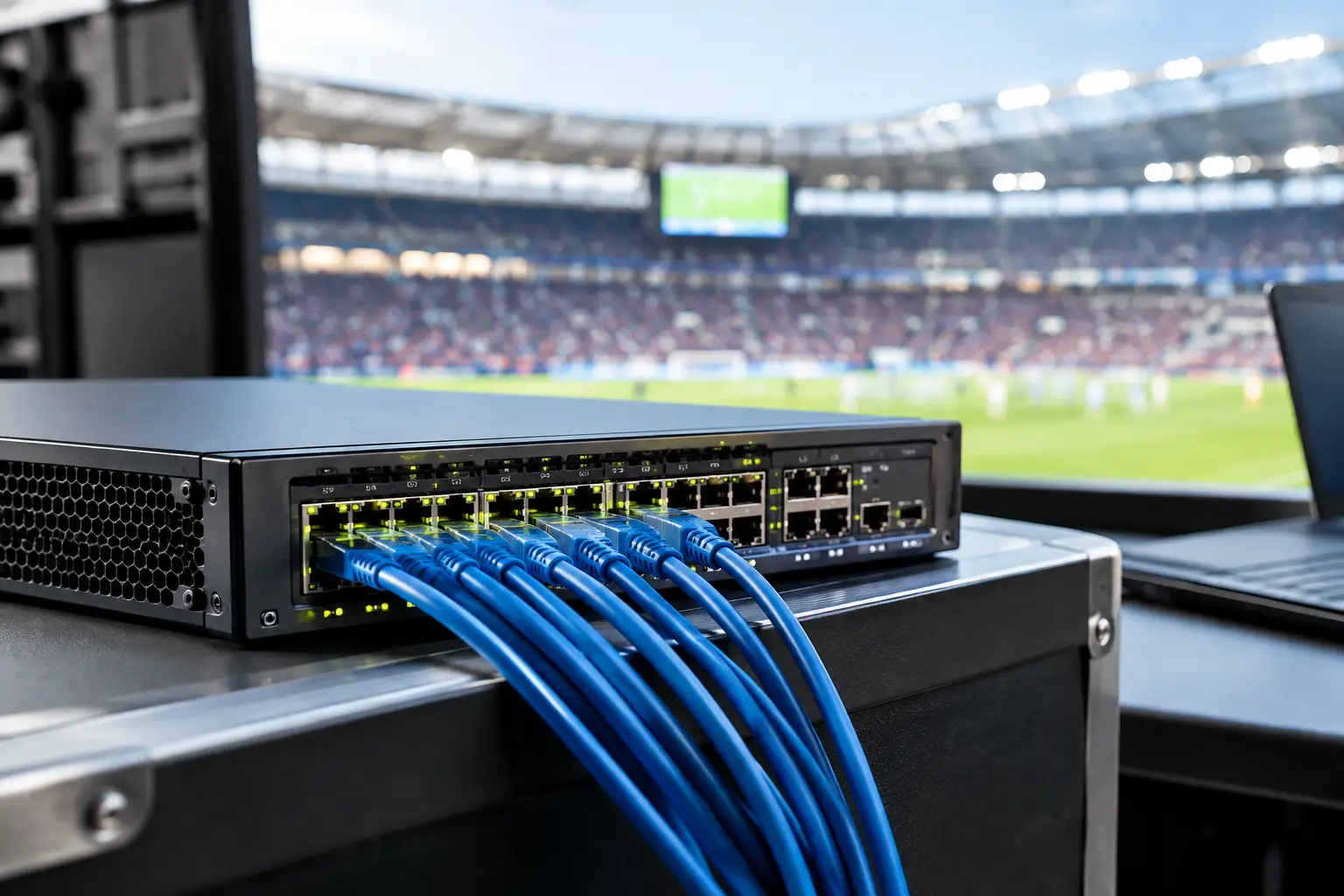
A packed Atlanta sports bar can add hundreds of devices to its network before halftime. Guest phones join WiFi, point-of-sale terminals authorize payments, staff tablets update orders, digital signs refresh, security cameras record, and multiple displays pull live feeds. Venue network switches are what keep that traffic organized when every screen, transaction, and customer expectation is under pressure.
A switch failure is rarely just an IT issue in a live-event setting. It can mean frozen card terminals, buffering video, lost staff communications, or an access point that drops an entire section of the room. During a major match, those minutes are visible. Guests notice. Revenue stops moving. The right switch design reduces that exposure before doors open.
Why venue network switches carry match-day operations
The switch is the traffic controller for a venue's wired network. It connects the devices that should have a stable physical connection, including WiFi access points, streaming equipment, cameras, POS stations, back-office systems, media players, and uplinks to firewalls or internet circuits. It determines how efficiently traffic moves between those systems and whether one busy workload can interfere with another.
For a small office, a basic switch may be enough. For a hospitality venue showing high-profile sports, that approach creates avoidable risk. Match-day demand is uneven and unpredictable. A group can arrive early and fill the guest network. A streaming source can change bitrate. A POS update can start at the wrong time. A single unmanaged device can create noise across the network.
Managed switches give operators visibility and control. They allow an IT team to separate traffic, prioritize essential services, monitor port health, and identify trouble before it becomes a public failure. The goal is not to buy the most expensive hardware. The goal is to make sure critical systems have defined capacity, protected paths, and a recovery plan.
Separate the traffic before it competes
The most practical switch feature for an event venue is network segmentation through VLANs. A VLAN creates a logical boundary on the same physical switching infrastructure. It keeps traffic types apart without requiring a separate physical network for every function.
A well-planned venue may separate guest WiFi, POS and payment systems, staff devices, streaming and broadcast gear, security cameras, building systems, and management traffic. These groups can still use the internet and approved services, but they should not all have unrestricted access to one another.
This matters for performance and security. Guest devices should not compete directly with payment terminals or reach internal equipment. Cameras can generate steady bandwidth all day, while live video traffic may need consistent low-latency treatment at specific times. If a guest device is infected or misconfigured, segmentation limits how far the problem can spread.
Segmentation is not a substitute for a firewall, endpoint protection, or disciplined access controls. It is a containment measure. It gives the network a better chance of staying operational when one part of the environment misbehaves.
Prioritize what pays the bills
Not all traffic deserves equal treatment during a full venue. Quality of Service, commonly called QoS, lets network teams define which traffic receives priority when links become congested. Payment processing, management traffic, approved video systems, and voice communications may need higher priority than general guest browsing.
QoS must be configured with care. Marking everything as high priority defeats the purpose and can create harder-to-diagnose performance problems. The better approach is to identify the applications that directly affect operations, validate their network requirements, and test priority rules under realistic load.
For example, a venue may allow guest WiFi to use available capacity while reserving predictable performance for POS and staff operations. It may also prioritize a dedicated streaming encoder over nonessential traffic. The exact design depends on the venue, its ISP circuits, its video workflow, and whether broadcast equipment is on-site.
Power over Ethernet is a capacity decision
Many venues rely on Power over Ethernet, or PoE, switches to power WiFi access points, IP cameras, VoIP phones, and certain display controllers. This reduces the need for separate power outlets at every device location and makes deployment cleaner. It also creates a dependency: the switch must have sufficient PoE budget for every connected device.
Port count alone is not enough. A 48-port PoE switch may not provide enough total wattage for 48 high-demand access points, cameras, or pan-tilt-zoom units. Before adding equipment, verify the power requirements of each device and compare the total against the switch's available PoE budget. Leave headroom for expansion and for equipment that may draw more power during peak operation.
Power resilience matters too. A switch on an unprotected outlet can take down multiple access points and cameras during a brief electrical event. Critical network closets should have appropriately sized battery backup, monitored power, temperature control, and documented shutdown procedures. In larger environments, redundant power supplies or alternate switch paths may be justified. In a smaller bar, a carefully selected UPS and a spare switch may provide better value.
Design for failure, not just normal operation
Every venue should ask a direct question: if this switch fails at 7:40 p.m. during a decisive match, what happens next?
The answer should be written down. It should identify what systems are connected to the switch, which services are affected, where the configuration backup is stored, who has access to the network closet, and how quickly a replacement can be installed. A spare that is not compatible, not configured, or locked in an inaccessible room is not a recovery plan.
Redundancy has trade-offs. Dual switches, redundant uplinks, and secondary internet connections can reduce single points of failure, but they add cost and configuration complexity. A hotel ballroom supporting sponsored watch parties and broadcast crews may need this level of design. A single-location restaurant may instead prioritize a documented replacement process, a preconfigured spare, and immediate local engineering support. Both approaches can be responsible when matched to the actual business risk.
Configuration management is part of readiness. Back up switch configurations after approved changes, maintain accurate port maps, label cables, and record which VLANs and uplinks each device uses. Under pressure, clear documentation shortens recovery time more effectively than institutional memory.
What to review before a major sports event
A pre-event switch review should focus on evidence, not assumptions. Start with current utilization. Look at uplink bandwidth, port errors, power usage, device counts, and access point load during the busiest comparable event. A network that appears healthy on a Tuesday afternoon may be close to capacity on a Saturday night.
Check for ports negotiating at unexpected speeds, recurring packet errors, loop events, aging firmware, and unauthorized devices. Confirm that switch management interfaces are not exposed to guest networks and that administrative access is protected with strong credentials and limited permissions. Review logs for intermittent issues that staff may have dismissed as isolated WiFi complaints.
Then test the operational path. Run a streaming test on the displays that matter. Process controlled test transactions where appropriate. Verify staff communications. Confirm that a device failure does not unintentionally disrupt unrelated areas. Test failover only in a planned window and with a clear rollback procedure.
This is also the time to validate physical conditions. Network closets in hospitality spaces often become storage areas, and heat is a common enemy of switch reliability. Remove obstructions, check ventilation, secure patch cables, and make sure staff can identify the correct equipment during an incident.
Monitoring turns symptoms into action
When a screen buffers, operations teams need answers quickly. Is the source feed degraded? Is the internet circuit saturated? Did an access point lose power? Is a switch uplink reporting errors? Monitoring gives technical staff the data to separate those possibilities instead of restarting equipment blindly.
Effective monitoring tracks availability, bandwidth, interface errors, PoE draw, CPU and memory use, wireless client load, and internet performance. Alerts should be tuned for action. Hundreds of low-value notifications create noise; a clear alert that identifies a failed uplink or exhausted PoE budget gets the right response moving.
For high-stakes event coverage, establish an escalation path before the crowd arrives. The manager on duty should know who to call, what information to provide, and which actions staff should avoid. Unplanned cable moves and repeated power cycling can turn a contained issue into a longer outage.
GDS Technology helps Atlanta venues assess these failure points, stabilize live-event networks, and provide local response when match-day operations cannot wait.
The standard is operational confidence
A venue network is not judged by how it performs on an empty weekday. It is judged when the room is full, every display is on, payment volume is climbing, and there is no tolerance for a visible interruption. Switches are the foundation of that performance.
Before the next major match, walk the network as an operating system, not a collection of boxes in a closet. Know what is connected, what is prioritized, what fails together, and who responds. That preparation gives your team a better chance to keep serving guests while the event is still on the screen.