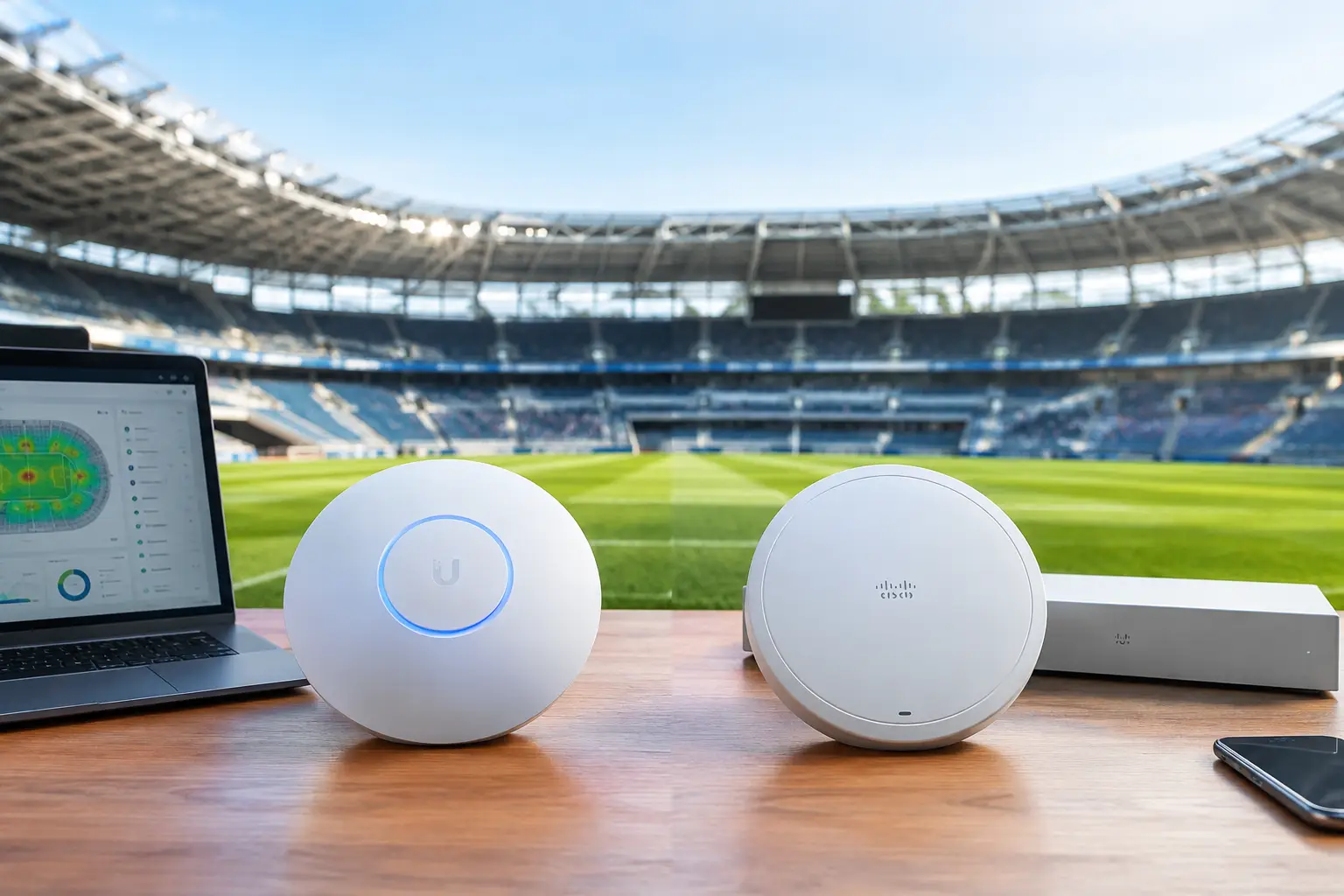
A packed sports bar can lose a room in less than a minute. The stream buffers, mobile orders stop processing, guests cannot connect, and staff starts rebooting equipment while the match is still live. For operators comparing UniFi versus Meraki venues, the decision is not about which access point has the best-looking specification sheet. It is about which platform can be managed, recovered, and supported when every seat is filled.
Atlanta venues preparing for World Cup traffic need a network designed around operational pressure. Guest WiFi, point-of-sale terminals, staff devices, security cameras, streaming endpoints, digital signage, and back-office systems all compete for capacity. The right platform depends on the venue, its internal IT capability, its budget, and its tolerance for downtime.
UniFi Versus Meraki Venues: The Operational Difference
UniFi and Meraki are both credible choices for commercial WiFi. Both can support segmented networks, centralized administration, modern wireless standards, and multi-site visibility. Their differences show up in ownership model, day-to-day management, troubleshooting depth, and the support structure behind the equipment.
UniFi is commonly attractive to independent restaurants, bars, and smaller venue groups because it offers strong capability without mandatory recurring cloud licensing for core network management. Hardware costs can be lower, and an experienced local IT team can build a capable network around UniFi gateways, switches, access points, and controller software.
Meraki is built around a cloud-managed, subscription-based model. It is often the better fit for hotel groups, larger hospitality operators, broadcasters, and multi-location organizations that need standardized configuration, centralized policy, and a clearer administrative view across sites. The interface is designed to make distributed management easier, particularly for organizations with established IT processes.
Neither answer is automatic. A single Atlanta sports bar with a hands-on network partner has different needs from a hotel hosting guests, media crews, sponsor activations, and multiple private events during a match week.
Start With Failure Risk, Not Hardware Price
The lowest equipment cost is not always the lowest operating cost. For a venue that earns heavily during live matches, the real question is what an outage costs in missed orders, refunds, staff disruption, and customer confidence.
UniFi can be an efficient choice when the network is well designed and the venue has access to skilled support. It gives technical teams significant flexibility. But flexibility creates a responsibility: someone must own configuration standards, firmware reviews, alerts, backups, documentation, and incident response. A network that was installed quickly without proper VLANs, radio planning, traffic prioritization, or backup internet will not become reliable simply because the hardware is affordable.
Meraki shifts more of the management experience into its cloud dashboard and licensing model. For teams with limited onsite technical skills, that can reduce administrative friction. A remote engineer can often inspect device status, client behavior, uplink health, and configuration from one location. The trade-off is recurring licensing expense. If licensing lapses, the operational implications are significant and should be understood before purchase.
For either platform, the cost of a poor design will exceed the cost difference between access point brands. Too few access points create overloaded radios. Too many, installed without tuning, can create interference. Flat networks expose payment devices and internal systems to unnecessary risk. A single internet circuit creates a single point of failure, regardless of how premium the WiFi equipment is.
What Match-Day Networks Actually Need
A venue network should separate business-critical operations from guest activity. Streaming devices, point-of-sale systems, staff operations, security systems, and public WiFi should not compete on one unmanaged network. Segmentation gives engineers a way to prioritize traffic and isolate problems before they spread.
Guest WiFi needs capacity controls. Hundreds of devices may connect during a high-profile match, even when only a fraction actively use bandwidth. Phones search for updates, sync photos, run social media, and reconnect repeatedly as guests move through the venue. A network designed for a quiet Tuesday lunch service can fail under this background demand alone.
Streaming requires more than advertised internet speed. A 1 Gbps circuit is not protection from poor routing, DNS failures, overloaded local equipment, or a failed streaming endpoint. Venues should test the exact TVs, apps, receivers, audio paths, and casting restrictions they will use on match day. They should also define who has authority to change inputs, restart equipment, contact the provider, and escalate an incident.
Failover internet is equally important. A wired primary connection paired with a properly configured secondary circuit or business-grade cellular backup can keep critical systems running after a carrier outage. Failover must be tested under load. An untested backup circuit is only a theory.
Where UniFi Fits Best
UniFi is a practical fit for independent venues that want capable infrastructure, lower long-term licensing exposure, and strong local control. It works especially well when a qualified team has performed a site survey, selected equipment for actual density, and documented the installation.
It can also be a good choice for a venue with a local managed IT partner that can monitor the controller, maintain configurations, and respond onsite when physical issues occur. In these environments, the value comes from pairing flexible equipment with disciplined engineering.
The risk is assuming UniFi is consumer gear because it is accessible and widely used. A properly planned UniFi deployment can perform well in commercial hospitality. A poorly planned one will reveal its weaknesses when the building fills up.
Where Meraki Fits Best
Meraki often makes sense when centralized visibility and consistency matter across multiple properties. A hotel group, event operator, or venue portfolio can use templates and centralized policy to create more predictable configurations. This is useful when IT leaders need auditability, remote administration, and a standardized process for changes.
Meraki can also suit operations where staff turnover is high or local technical expertise varies. The dashboard reduces the learning curve for common tasks, while remote support teams can gain useful visibility quickly. That does not eliminate the need for onsite engineering. It simply makes remote diagnosis more effective.
The trade-off is budget certainty over time. Licensing must be planned as an operating expense, not treated as an afterthought. Organizations should also confirm which advanced capabilities, retention periods, and support requirements apply to their specific licensing tier.
The Platform Will Not Fix a Weak Venue Design
The most expensive mistake is selecting hardware before measuring the environment. Concrete walls, kitchens, refrigeration equipment, outdoor patios, metal fixtures, neighboring networks, and dense crowds all affect wireless performance. A floor plan is useful, but it is not a radio-frequency survey.
Before a major event period, validate coverage and capacity in the areas that make money: the main viewing room, bar, patio, private event space, lobby, check-in area, and production positions. Test during realistic occupancy whenever possible. Watch client counts, packet loss, roaming behavior, uplink utilization, and streaming stability, not just a single speed test from an empty room.
Security must be part of the design. Separate payment and administrative systems from public access. Use unique credentials, controlled administrative access, current firmware, protected backups, and a clear process for removing former staff or vendors. High-traffic events attract attention from more than fans.
Make the Decision Around Your Support Model
Ask a direct question before choosing between platforms: who will take ownership at 8:15 p.m. when the stream fails and the room is full?
If the answer is an experienced internal team or a local engineering partner that understands the venue, UniFi may provide excellent value and control. If the answer is a centralized IT organization responsible for multiple sites, Meraki's cloud operations model may justify its recurring cost. In both cases, the decision should include network documentation, spare equipment, alerting, backup connectivity, and a tested escalation path.
GDS Technology approaches venue readiness from the incident backward. Identify the systems that cannot fail, define what happens when each one does, and make sure the people responding have access, authority, and the right replacement hardware before match day.
A venue does not need the most expensive network. It needs one that has been tested at capacity, segmented with intent, monitored continuously, and supported by people who can act fast. Build that operating plan now, then choose the platform that your team can run confidently when the room is watching.