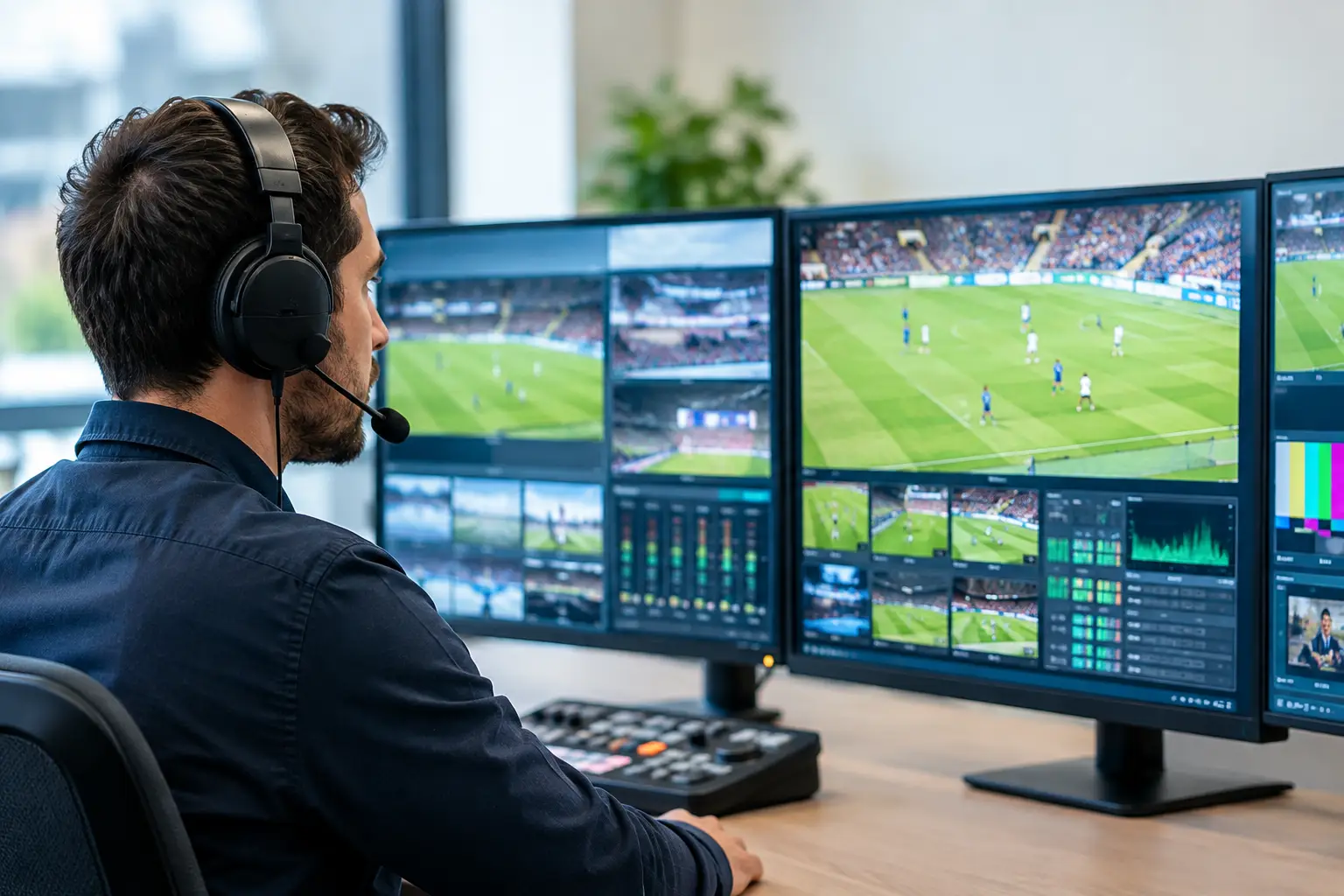
A packed room does not care whether a failure started with an ISP route, a WiFi access point, an encoder, or a streaming application. Guests see one thing: the match is frozen. The top broadcast monitoring tools give venue and broadcast teams the evidence to detect that failure early, isolate the cause fast, and keep a technical incident from becoming a revenue and reputation problem.
For Atlanta bars, hotels, fan zones, and event venues preparing for World Cup-scale demand, monitoring cannot stop at an internet speed test. You need visibility from the incoming feed to the screen, plus clear escalation rules when a metric crosses the line.
What Top Broadcast Monitoring Tools Must See
Broadcast monitoring is not one product category. A useful operating stack watches four distinct layers: source and transport quality, streaming delivery, network performance, and the last-mile viewing experience inside the venue.
A network dashboard can show that the WAN circuit is online while guests are still watching a black screen. A video probe can identify packet loss in a transport stream but cannot tell you whether a crowded guest network is starving a wireless player. The right answer depends on how content reaches your property and how much downtime you can tolerate.
For a high-visibility match, the most valuable tools provide real-time alerts, historical evidence, and enough detail for an engineer to act without starting from zero. Look for monitoring that can track black frames, frozen video, audio silence, bitrate changes, stream availability, packet loss, latency, jitter, DNS resolution, device status, and WiFi saturation.
The Top Broadcast Monitoring Tools by Operational Need
1. TAG Video Systems for live multiviewing and stream analysis
TAG Video Systems is built for teams managing multiple live feeds, especially broadcasters, production operations, and larger venues with centralized technical oversight. Its multiviewer approach can present many IP video sources on one operational canvas while exposing alarms for video, audio, captions, and transport-stream behavior.
This is a strong fit when your operation receives several contribution or distribution feeds and needs operators to see problems in real time. It is less practical as the only monitoring layer for a sports bar with consumer streaming apps running on individual displays. TAG can show that a feed is impaired, but you still need network and endpoint visibility to understand why a specific room lost playback.
2. Evertz monitoring platforms for broadcast-grade workflows
Evertz is a well-established choice for broadcast facilities that need deep visibility into routing, signal paths, multiviewers, and transmission environments. Its monitoring ecosystem is particularly relevant where SDI and IP workflows coexist, or where a broadcast operation needs alarm management tied to a larger control-room design.
The trade-off is scale and complexity. Evertz makes sense when a venue, network, or broadcaster has dedicated engineering staff and a defined facility workflow. For hospitality operators, a fully broadcast-grade deployment may be more capability than the site needs. The key question is whether your team can translate detailed engineering alarms into action during a live event.
3. Qvidium for IP video transport monitoring
Qvidium specializes in IP video transport, making it useful when feeds travel over managed networks, public internet paths, or contribution links where loss and jitter can damage video before the viewer sees it. Its probe-based approach can expose conditions that ordinary network tools often miss, including transport-stream errors, bitrate instability, and timing issues.
This category matters for remote production, venue-to-venue distribution, and any operation carrying critical live feeds over IP. It is also valuable when a carrier says the circuit is healthy but the stream is clearly not. Packet-level evidence changes the escalation conversation.
4. Telestream iQ for video quality and operational assurance
Telestream iQ is designed for media operations that need to monitor live and file-based workflows, with a focus on video quality, compliance, and service assurance. It can be a strong option for broadcasters and content owners that need deeper workflow analytics across many channels and platforms.
For an event operator, its value rises with complexity. If you are responsible for multiple streams, distributed playback locations, or a branded live production, quality assurance needs to extend beyond whether a player is technically online. You need confirmation that viewers are receiving acceptable video and audio.
5. ThousandEyes, PRTG, and similar network visibility tools
Broadcast-specific probes are only half the picture. Tools such as ThousandEyes and PRTG address the network conditions that commonly cause playback failure: circuit degradation, failed DNS lookups, unreachable cloud services, interface errors, bandwidth exhaustion, and poor path performance.
ThousandEyes is particularly useful for testing digital experience across external dependencies, including internet paths that are outside your direct control. PRTG is often a practical fit for monitoring local infrastructure such as switches, firewalls, access points, servers, and WAN interfaces. Other platforms, including Zabbix and SolarWinds, can serve similar needs depending on the team’s skills and existing environment.
These tools do not replace video monitoring. They answer a different question: is the underlying infrastructure capable of delivering a reliable stream right now?
Do Not Ignore the Screen-Level Check
The most expensive mistake is declaring the system healthy because the stream URL responds. For a match-day venue, the final test is what a guest sees and hears.
Screen-level monitoring can include managed player telemetry, HDMI and display status, remote device health, application watchdogs, and camera-based visual verification. A camera feed pointed at a critical display wall may sound basic, but it can confirm a black screen, wrong channel, frozen frame, or menu overlay within seconds. That is operationally useful when every display must be correct before kickoff.
Consumer streaming platforms add another layer of risk. Their applications may fail because of expired credentials, device updates, HDCP handshakes, regional restrictions, or an unavailable service endpoint. No transport-stream probe can diagnose all of that. Build checks around the actual playback method at each location.
How to Choose the Right Monitoring Stack
Start with the business impact, not the product catalog. A single sports bar showing one primary event needs fast outage detection, WAN and WiFi visibility, backup connectivity status, and a verified playback endpoint. A hotel with dozens of displays needs those same controls plus segmentation, device management, and room-by-room proof of service. A broadcaster or production team needs deeper feed analysis, multiviewing, audio and caption checks, and transport-level diagnostics.
Before buying or configuring anything, answer these questions:
- Which screens, feeds, and services are revenue-critical during a match?
- What metric triggers an alert, and who owns the response at 7:30 p.m. on a Saturday?
- Can the team distinguish an ISP outage from an internal WiFi or player failure?
- Is there a tested failover path for internet, streaming source, playback device, and power?
- Can an on-site manager receive a plain-language status update without interpreting engineering data?
Alert design matters as much as tool selection. A dashboard that sends 200 low-value notifications during a full venue is not monitoring. It is noise. Define a small set of critical alarms: primary feed unavailable, backup circuit active, packet loss above threshold, stream freeze detected, player offline, access-point saturation, and repeated authentication failure. Route each one to a named response path.
Build for Detection, Then Recovery
Monitoring does not keep the match on screen by itself. It shortens the time between failure, diagnosis, and recovery. That requires documented failover, spare hardware where it matters, tested backup internet, and a support team that knows the venue topology before the doors open.
GDS Technology approaches match-day readiness as an operating discipline, not a dashboard purchase. The objective is simple: detect the issue, isolate the affected layer, activate the recovery path, and keep guests engaged while the room is at its busiest.
Run a full technical rehearsal before any major event. Test the primary stream, backup stream, WAN failover, DNS behavior, WiFi capacity, display players, credentials, and alert delivery under realistic load. Record the normal performance baseline so engineers can recognize abnormal behavior quickly when traffic spikes.
The best time to find a frozen stream is during a quiet pre-event test, not when a packed Atlanta venue is waiting for the opening whistle.