A packed Atlanta sports bar loses its primary internet circuit 12 minutes before kickoff. Screens begin buffering, POS terminals slow down, guest WiFi fills with complaints, and staff are left watching a remote ticket queue instead of restoring service. In an onsite engineer vs remote support decision, this is the moment that exposes the difference. The question is not which model costs less on paper. It is which one gets your operation back under control before guests walk out.
For venues preparing for World Cup traffic, support coverage must match the consequence of failure. A remote engineer can solve many issues quickly. But when the fault involves cabling, carrier handoffs, overloaded access points, failed hardware, or a crowded equipment closet, someone has to be physically present and ready to act.
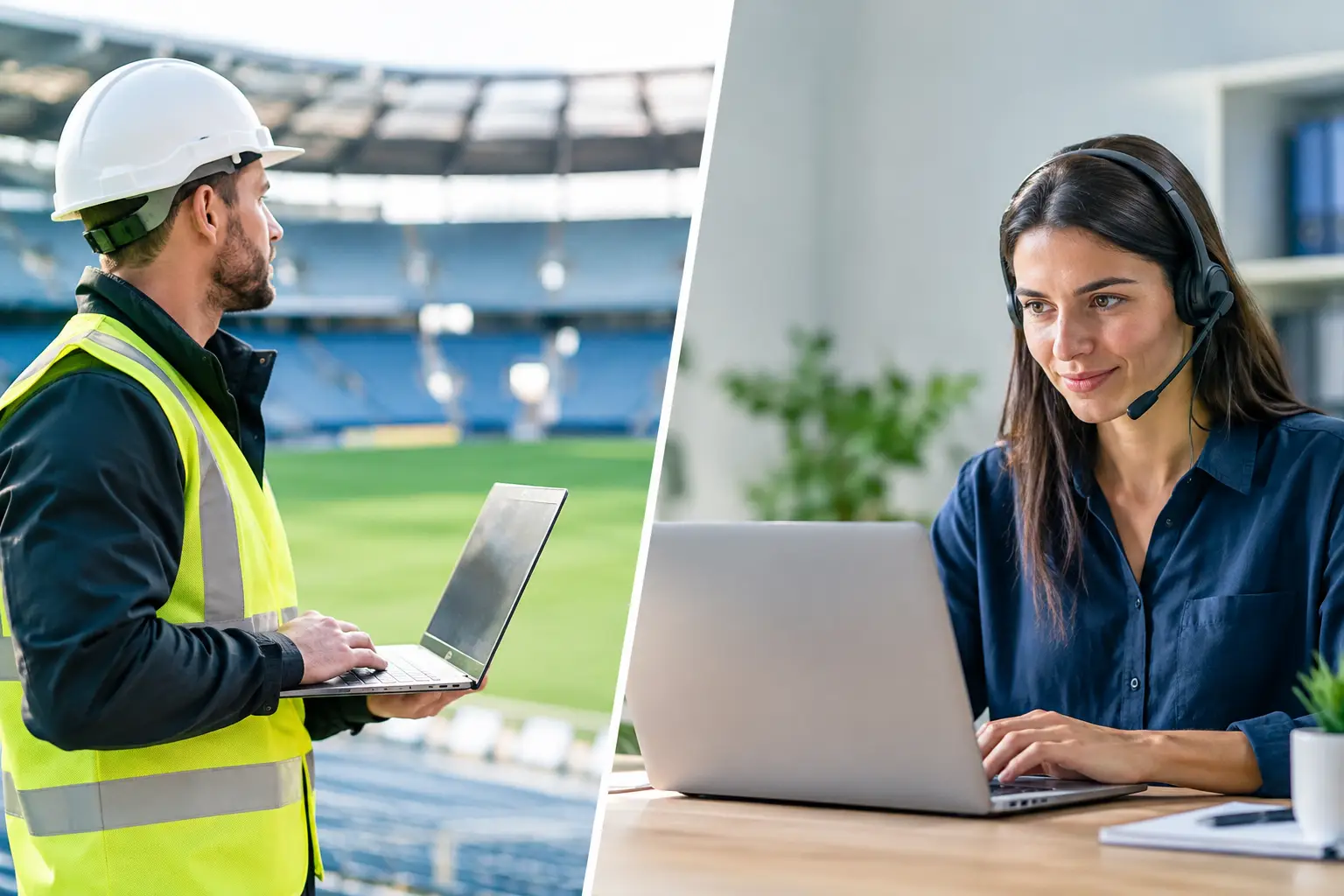
Onsite Engineer vs Remote Support: The Real Difference
Remote support starts with visibility. An engineer accesses firewalls, switches, wireless controllers, streaming devices, cloud dashboards, and monitoring platforms from another location. This model is efficient for configuration changes, diagnostics, account-level issues, policy updates, alert review, and many network incidents. If the problem is software, settings, or a known issue with a clear fix, remote response can be the fastest path to recovery.
Onsite support adds physical control. The engineer can trace a cable, inspect power, test a circuit at the demarcation point, replace a failed switch, move traffic to a backup connection, reposition an access point, and coordinate directly with venue management and carrier technicians. They can see what a dashboard cannot: an unplugged uplink, a tripped power strip, an overheated network cabinet, a damaged fiber patch cable, or a streaming device connected to the wrong VLAN.
Neither model is automatically better. The operational requirement determines the right coverage. A small office with flexible work hours may be well served by remote support. A venue with hundreds of guests waiting for live matches, food orders, hotel check-ins, and reliable guest connectivity has a different risk profile.
When Remote Support Is the Right First Move
Remote support should be the first line for incidents that can be identified and corrected without touching equipment. It provides rapid triage and preserves onsite resources for the failures that truly require dispatch.
For example, remote engineers can identify whether an outage is isolated to one SSID, one television zone, a single streaming platform, or the entire venue. They can check bandwidth consumption, firewall logs, wireless client counts, DNS resolution, packet loss, VPN status, and failover behavior. This matters because not every complaint is a network outage. A single television with poor video may be an HDMI issue. A slow payment terminal may be a processor-side problem. A guest WiFi complaint may be caused by signal coverage in one room, not an internet failure.
Remote intervention is also effective during planned changes. Firmware scheduling, access policy adjustments, network segmentation, user provisioning, monitoring review, and bandwidth reporting do not normally require a truck roll. For multi-site operators, centralized remote support can provide consistent oversight across properties without placing a full-time engineer at every location.
The limitation is simple: remote support depends on a functioning path into the environment. If the firewall is down, the circuit is unavailable, a core switch has failed, or local equipment needs replacement, a remote engineer may be able to diagnose the issue but not complete the repair.
When an Onsite Engineer Protects Revenue
Match-day operations change the equation. A venue is not just supporting staff devices. It is supporting screens, streaming platforms, point-of-sale systems, kitchen printers, security cameras, staff communications, ticketing, guest WiFi, digital signage, and sometimes broadcast production equipment. These systems compete for bandwidth and depend on the same physical infrastructure.
An onsite engineer is most valuable when downtime has immediate public consequences. That includes a sold-out watch party, a hotel hosting international guests, a sponsor activation, a live broadcast, or a venue operating at capacity during a major tournament match. In these conditions, every minute of uncertainty becomes an operations problem and a reputation problem.
Physical presence shortens the decision cycle. Instead of asking staff to locate a switch, read port lights, restart equipment, or describe a cable layout over the phone, the engineer can assess the environment directly. They can isolate nonessential traffic, validate the backup circuit, replace failed components, test streaming endpoints, and confirm recovery before the next surge of guests arrives.
Onsite coverage is also valuable when a carrier escalation is required. Internet providers may report that a circuit is operational while the venue is still offline due to a local handoff, router, firewall, or cabling issue. A local engineer can test each layer, document the failure, and give the carrier precise evidence. That prevents wasted time and vague escalation notes while a full room watches spinning load icons.
The Best Model Is Usually Both
For high-stakes venues, the strongest answer is not onsite or remote. It is remote monitoring and triage backed by local onsite response.
Remote coverage detects early warning signs before the venue reports a crisis. Rising access point utilization, packet loss, unstable WAN performance, unusual bandwidth consumption, repeated device disconnects, and failed backup connectivity can all signal risk. An engineer can investigate, adjust, or escalate before the issue reaches guest-facing systems.
Onsite support becomes the escalation layer when physical action is required or when the event is too important to leave to remote troubleshooting alone. This model gives venue operators speed without paying for an engineer to sit idle every day. It also avoids the opposite failure: discovering that a remote-only agreement cannot replace hardware, reroute a cable, or take command of a crowded network room during kickoff.
GDS Technology applies this approach to Atlanta live-event environments: remote visibility for rapid diagnosis, paired with local engineering support when venue infrastructure needs hands-on recovery.
Build the Decision Around Failure Scenarios
Do not choose a support model based only on monthly pricing or generic service-level language. Build it around the incidents most likely to hurt your business.
Start with the primary circuit. If it fails, does your backup connection activate automatically? Has it been tested under actual streaming and POS load? A remote engineer can validate configuration, but an onsite engineer may be needed if the backup modem, failover router, or physical handoff does not respond as expected.
Then assess WiFi capacity. Guest WiFi that performs well on a normal Tuesday can collapse during a full watch party. Remote monitoring can show client density and channel congestion, while onsite engineering can adjust access point placement, inspect interference, and address coverage gaps that only become visible when the building is full.
Streaming deserves its own recovery plan. A venue may have internet service while one or more screens still fail because of device authentication, DNS problems, local switching issues, HDMI handshakes, application updates, or bandwidth contention. The support team must know which systems are business-critical, which traffic can be deprioritized, and who has authority to make changes during an event.
Cybersecurity is part of the same discussion. High-traffic events create more guest connections, more staff activity, more third-party devices, and more opportunities for risky behavior. Remote security monitoring is effective for detecting suspicious activity and managing protections. Onsite support adds value when an unknown device is physically connected, a network segment needs immediate isolation, or venue staff need direct operational guidance.
Questions to Ask Before You Commit
A support provider should be able to answer practical questions without vague promises. Ask how quickly an engineer acknowledges an incident, whether after-hours coverage is staffed or merely on-call, and what conditions trigger an onsite dispatch. Ask whether they monitor your network before match day or wait for your manager to report a failure.
Ask about spare equipment and access. If a switch, firewall, access point, power supply, or streaming device fails, who owns the replacement? Where is it stored? Can the support team access the network room, roof equipment, carrier demarcation, and management accounts after hours? A perfect technical plan fails if the only person with a key is offsite.
Finally, ask for a live-event readiness process. It should include capacity testing, failover validation, streaming checks, WiFi review, escalation contacts, and a clear command path for match-day incidents. The goal is not to create paperwork. The goal is to remove uncertainty before it costs revenue.
The right support model should let your team focus on guests, service, and the match on screen. When the room is full and the stakes are public, remote expertise is valuable. Local hands that can act immediately are often what keep a technical issue from becoming a venue-wide failure.