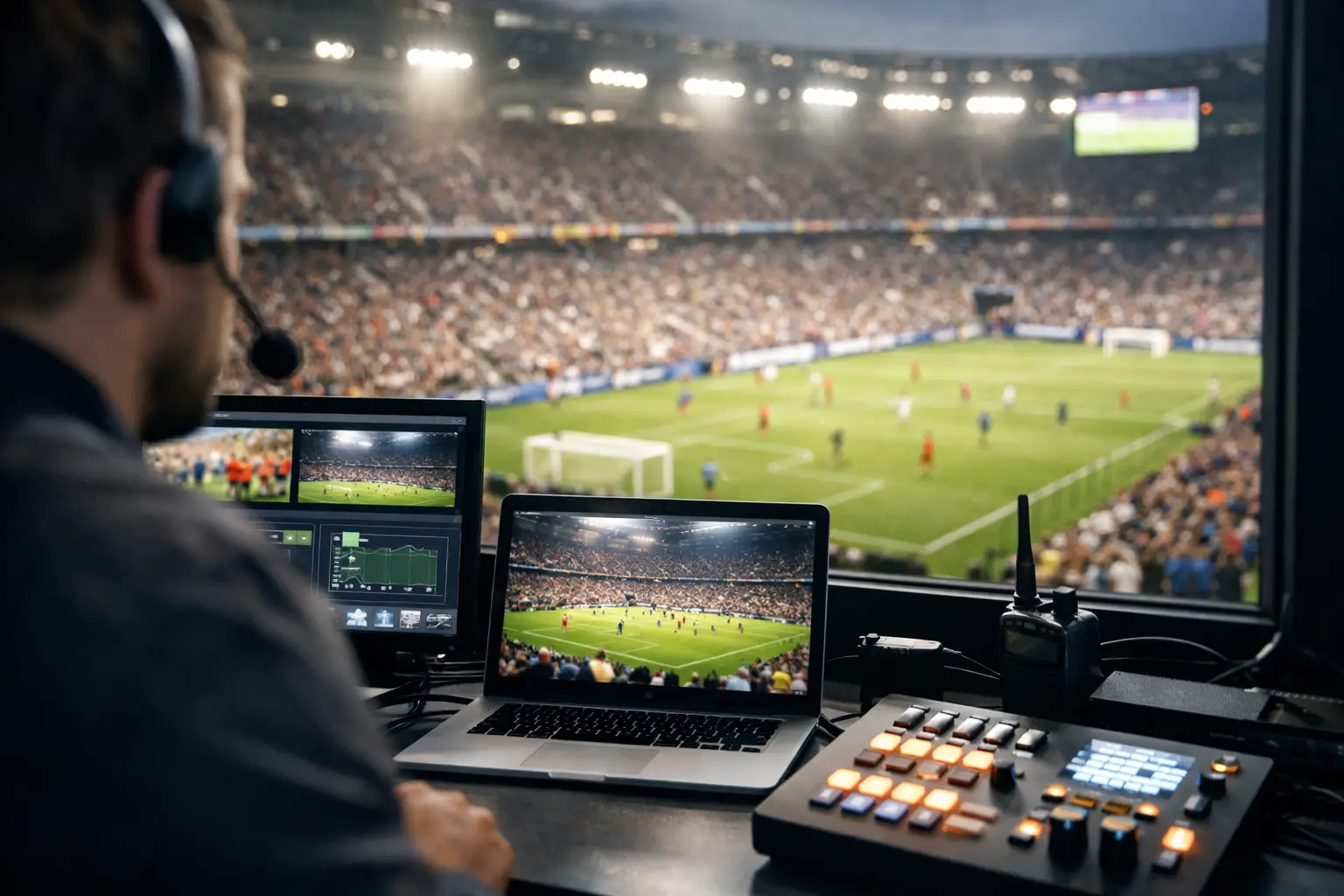
A packed room goes quiet fast when the picture freezes at kickoff. Guests do not care whether the problem is an ISP issue, an overloaded access point, a DNS failure, or a streaming-device update. They see a failed match-day experience. This live sports venue IT guide is built for Atlanta operators who need their networks, screens, payment systems, and guest WiFi to perform when traffic is at its highest.
For a sports bar, hotel, event space, or sponsor activation, technology is not back-office infrastructure during a major match. It is part of the product. Every interrupted stream can mean lost food and beverage sales, refunds, negative reviews, and customers who choose another venue for the next game.
Start With the Revenue-Critical Systems
Not every connected device deserves equal priority. Match-day planning starts by identifying the systems that directly affect revenue and guest experience, then designing the network around them.
The broadcast or streaming path comes first. That includes the primary internet circuit, firewall, streaming receivers, media players, display controllers, switches, cabling, and every screen guests can see. Payment terminals, point-of-sale systems, reservation platforms, and staff communications follow close behind. Guest WiFi matters, but it should never compete with video delivery or payment processing for the same available bandwidth.
Map the full path before the event. If a stream fails, your team should know which circuit feeds the firewall, which switch serves the media rack, where the streaming device is connected, and who has authority to contact the provider. A vague answer such as “the internet is down” wastes the first critical minutes of an outage.
Document practical details: provider account numbers, circuit IDs, static IP information, support contacts, equipment locations, admin access procedures, and replacement-device inventory. Keep this information available to the operations lead and the technical person on site. It should not live only in one manager’s inbox.
Build the Match-Day Network for Priority
A single flat network is an invitation to trouble. When staff devices, guest phones, streaming hardware, cameras, payment terminals, and office computers share the same network segment, a surge in guest traffic can affect systems that should be protected.
Separate traffic into purpose-built network segments. Streaming and broadcast equipment should receive a dedicated, controlled segment. Point-of-sale and payment devices need their own protected path. Staff systems, building devices, cameras, and guest WiFi should be isolated from one another. This reduces congestion, limits the spread of a compromised device, and makes troubleshooting faster when pressure is high.
Bandwidth is only one part of the equation. A venue may have a fast internet plan and still experience video problems because of poor WiFi coverage, overloaded switches, outdated cabling, aggressive security filtering, or a streaming device connected through a weak wireless signal. Critical video endpoints should be hardwired whenever possible. WiFi is valuable for mobility and guest access, but a championship match is not the time to rely on a crowded wireless connection for the main screen.
Quality-of-service rules can help prioritize time-sensitive traffic, but they are not a substitute for sufficient capacity or good network design. If the circuit is saturated, prioritization determines what slows down. It does not create more bandwidth.
Plan for Guest WiFi Peaks
Guest WiFi demand rises sharply before kickoff, at halftime, and after the final whistle. Hundreds of phones may connect at once, opening social apps, posting video, making video calls, and using mobile ordering. The result can be high device density even in a venue that looks manageable on a normal night.
Capacity planning should consider more than total square footage. Dense seating areas, patios, queues, private rooms, and entrances all have different coverage needs. Access point placement, channel planning, client limits, and backhaul capacity determine whether guests get usable service or a frustrating login screen.
Set a realistic guest WiFi policy. For many venues, that means limiting bandwidth per client, blocking high-risk traffic categories, enforcing acceptable-use terms, and keeping guest traffic completely separate from internal operations. The goal is not to provide unlimited bandwidth at the expense of the business. The goal is dependable connectivity that supports the guest experience without putting match-day systems at risk.
Protect Streaming With Redundancy That Works
A backup connection is valuable only if it has been tested under actual conditions. Too many venues discover a failover configuration problem after the primary circuit fails, when the room is full and the match is already underway.
Use a second internet path that does not share the same likely point of failure as the primary service. That may mean a second wired provider, a properly sized 5G connection, or both. The right choice depends on the venue, local carrier performance, budget, and the importance of uninterrupted programming. A cellular backup can keep core services alive, but it may not support every display, guest device, and operational system at full demand.
Test automatic and manual failover before an event. Verify that streaming applications reconnect, point-of-sale devices continue to function, remote monitoring remains available, and public IP-dependent services behave as expected. Then test the return to the primary connection. Failback can create its own disruption if it is poorly configured.
Keep a local contingency plan for the video layer as well. Confirm that each television can be switched to an alternate source, that spare HDMI cables and adapters are on site, and that staff know who is authorized to change inputs. One failed media player should not take an entire room dark.
Secure the Venue Without Blocking the Event
Major sports events attract attention from more than fans. High-traffic venues are targets for phishing, credential theft, payment fraud, malicious guest devices, and opportunistic attacks against exposed systems. Security controls must be active, but they must also be tuned so they do not break legitimate event operations.
Before match day, patch firewalls, switches, wireless controllers, streaming devices, and management workstations. Remove former employees and vendors from privileged accounts. Require multi-factor authentication for remote access and administrative portals. Review who can access the network, not just who knows the WiFi password.
Do not place payment systems or streaming equipment on an open guest network. Disable unused switch ports, change default credentials, and make sure remote-management interfaces are not exposed unnecessarily to the public internet. If a vendor needs access during the event, provide time-limited, monitored access rather than a shared permanent credential.
There is a trade-off. Excessively restrictive filtering or inspection can interfere with streaming services, software updates, and authentication. Test security policies against the exact platforms and devices you will use. The right posture is controlled access, clear logging, and fast escalation - not security theater that leaves operators unable to act.
Run a Real Readiness Test Before Doors Open
A readiness test should look like a match-day rehearsal, not a casual speed test from a manager’s phone. Run it during a period that approximates peak load. Connect streaming sources, bring up every major screen, process test payments, and place staff and guest devices on their intended networks.
Validate the experience from the guest perspective. Walk the room. Check for audio sync issues, dead WiFi zones, buffering screens, incorrect television inputs, and displays that are technically on but poorly visible from occupied seating. Test bathrooms, patios, private rooms, host stands, and entry areas. Those are often where weak coverage and overlooked displays appear.
Use monitoring to watch circuit health, latency, packet loss, access point load, switch status, and key device availability. Speed tests have limited value when used alone. A connection can show acceptable download speed while suffering packet loss or latency spikes that cause streams to buffer and payment systems to lag.
Create a simple incident workflow that staff can follow without technical guesswork. The operations lead should know who makes the first call, where the equipment is, what can be safely rebooted, and when to escalate. The IT lead should have clear thresholds for engaging the internet provider, replacing hardware, or moving to failover.
Live Sports Venue IT Guide: Support During the Event
The best technical plan includes people. On-site staff need a fast path to experienced support when an issue crosses beyond a basic restart. During a high-profile match, waiting in a generic help desk queue is not an operational strategy.
Local coverage matters because some problems require physical action: replacing a failed switch, tracing a cable, repositioning an access point, recovering a media player, or isolating a faulty device. Remote monitoring can identify a problem quickly, but it cannot plug in a replacement cable or verify what is happening on a crowded floor.
For Atlanta venues preparing for World Cup-scale demand, GDS Technology focuses on the systems that cannot fail in public: streaming, network recovery, WiFi performance, cybersecurity, and technical coverage built around the event schedule. The practical objective is simple - keep your venue operating while your guests keep watching.
Do not wait for the first packed match to learn where your infrastructure bends. Test it under load, isolate what matters, and make sure the person responsible for revenue on the floor has a direct route to technical help when every screen needs to stay on.