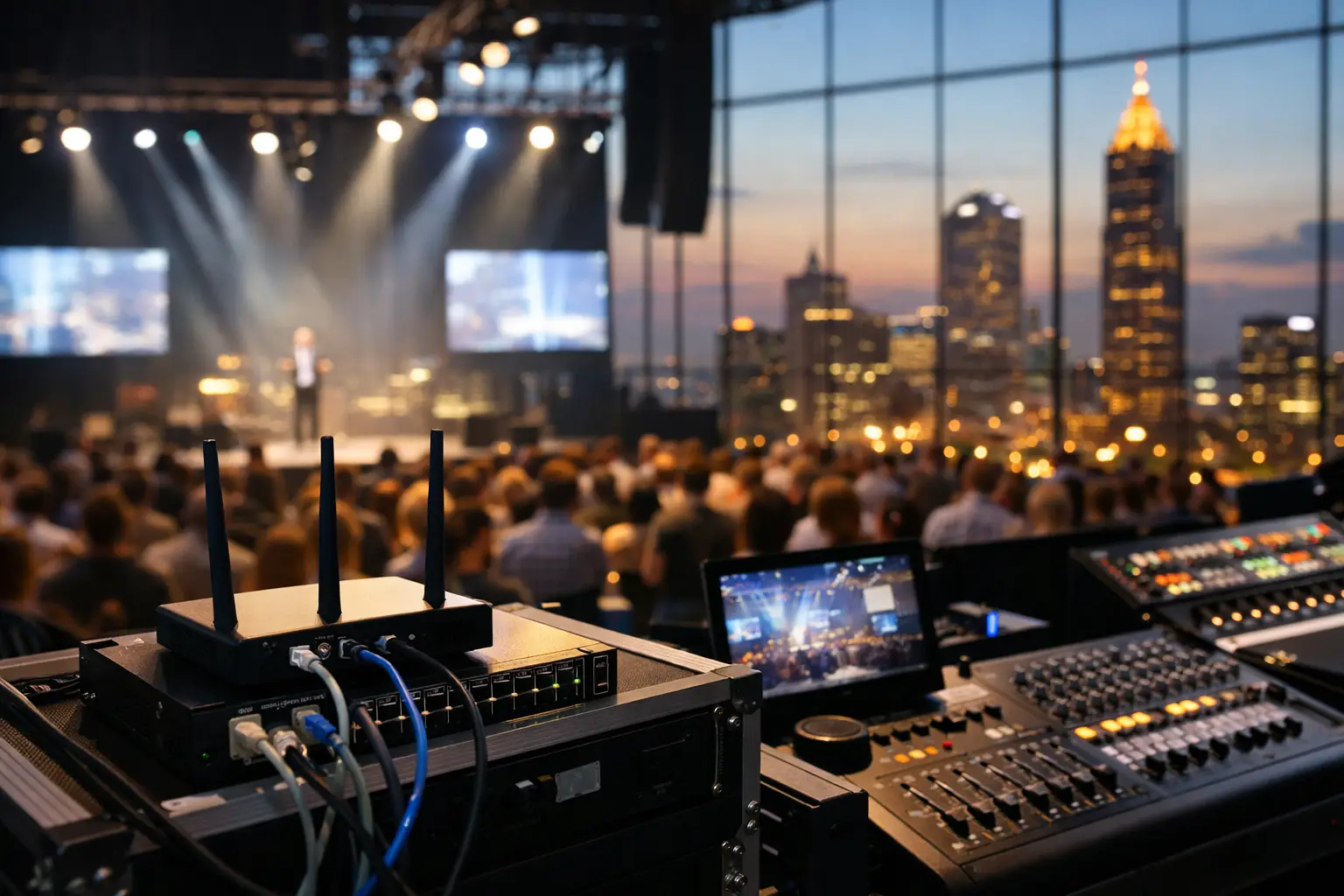
A packed room can turn a minor network weakness into a public failure in minutes. This live event connectivity guide is built for Atlanta bars, hotels, venues, broadcasters, and organizers that cannot afford frozen streams, failed payments, or frustrated guests when the match is underway.
For major sports events, connectivity is not a background utility. It is part of the guest experience, the point-of-sale operation, the security posture, and the revenue plan. A venue may have internet service that performs adequately on a normal Tuesday and still fail when hundreds of guests arrive with multiple devices, every screen is streaming, staff are processing transactions, and social traffic is surging at the same time.
The objective is not simply to buy more bandwidth. It is to build an operating plan that holds under pressure.
Live Event Connectivity Guide: Start With Real Demand
Most event failures begin with an inaccurate assumption about capacity. Operators often look at their contracted internet speed, see a large number, and conclude they are covered. That number does not show how traffic behaves during a peak event, how WiFi clients compete for airtime, or whether a stream has a protected path across the network.
Start by mapping what must remain online during the event. Guest WiFi is one category, but it should not compete directly with point-of-sale terminals, payment processors, staff communications, security cameras, streaming devices, production equipment, and back-office systems. Each has a different consequence if performance drops.
A sports bar with 20 screens may need only a fraction of its total bandwidth for one broadcast feed, depending on its distribution design. But if each television, set-top box, and staff tablet independently pulls content from the internet, demand rises quickly. A hotel may face a different problem: hundreds of guests streaming independently while public-area screens, property systems, and conference operations share the same connection.
Measure usage during a comparable busy period whenever possible. Record total bandwidth, latency, packet loss, WiFi client counts, access point load, and application performance. The goal is to identify the point where service begins to degrade, not merely to prove that the network works when the building is quiet.
Separate Traffic Before It Becomes a Fight
Network segmentation is a business-continuity decision. Place guest traffic, payment systems, streaming equipment, staff devices, operational technology, and administration on separate networks or VLANs with defined rules between them. This limits congestion and reduces the chance that one compromised or misconfigured device reaches systems it should never touch.
Prioritize the traffic that protects revenue and the live experience. Payment processing, authorized streaming paths, internal communications, and critical operational tools should receive clear priority over nonessential guest browsing. That does not mean guest WiFi should be poor. It means a guest uploading video should not be able to interrupt a payment terminal or cause a broadcast feed to buffer.
There is a trade-off. Aggressive traffic controls can create problems if they are applied without testing. A poorly written policy may restrict a legitimate streaming service, conferencing tool, or vendor device. Build the rules early, test them under load, and document how to adjust them during an event.
Design WiFi for Density, Not Floor Plans
A WiFi design that reaches every corner of a venue is not automatically ready for a sold-out event. Coverage answers whether a device can connect. Capacity answers whether hundreds of devices can use the network at once without dragging each other down.
High-density environments need access point placement based on guest concentration, wall materials, seating patterns, kitchens, outdoor areas, and expected device counts. A single access point covering a large room may look efficient on a diagram, but it can become overloaded once guests arrive with phones, watches, tablets, and laptops.
Wireless interference also matters. Nearby networks, Bluetooth devices, kitchen equipment, building materials, and incorrectly selected channels can reduce performance even when the internet circuit is healthy. A proper assessment examines the radio environment, not just the speed test result.
Avoid treating the guest network as an unmanaged amenity. Use authentication policies that fit the venue, set sensible client limits, monitor access point utilization, and retain enough visibility to identify abnormal use. During a major event, open WiFi can attract unauthorized users from outside the premises and consume capacity intended for paying guests.
Treat Streaming as a Critical Application
The stream guests came to see deserves its own plan. Confirm the source, the delivery method, the equipment path, the authentication requirements, and the fallback option before doors open. Test every feed on the actual displays and distribution equipment that will be used during the event.
A clean picture in a manager's office does not prove the system will perform in the main room. Test with production loads active: guest WiFi in use, point-of-sale traffic flowing, staff devices connected, and all intended screens online. Watch for buffering, audio drift, resolution changes, app logouts, HDMI handoff problems, and excessive delay between rooms.
When possible, use a wired path for critical streaming equipment. Wired connections reduce exposure to wireless interference and provide more consistent performance. If a wireless component is unavoidable, it should be treated as a known operational risk with a tested backup.
Also verify licensing and account access well in advance. Technical readiness cannot correct an expired subscription, a locked account, or a provider restriction discovered ten minutes before kickoff.
Build Failover That Works in the Real World
A backup circuit is only valuable if it takes over when the primary service fails. Many locations have secondary connectivity but discover during an outage that automatic failover was never configured, the backup has insufficient capacity, or key applications do not recover correctly after the network changes.
Use diverse connection paths where feasible. A primary fiber circuit and a secondary connection that relies on the same physical route, provider infrastructure, or building entry point may fail together. Cellular or fixed wireless can provide a practical backup, but performance can vary during a crowded event and should be tested at the venue during peak conditions.
Define what the backup is designed to support. A secondary circuit may keep payment systems, critical communications, and a limited number of streams operating, but it may not deliver the full guest WiFi experience. That is still a successful continuity plan if leadership understands the priorities before an incident occurs.
Test failover deliberately. Disconnect the primary path during a controlled window and measure how long critical services take to recover. Confirm that firewalls, VPNs, cloud applications, payment terminals, DNS settings, and streaming devices behave as expected. Then document the results and correct any gaps.
Secure the Event Without Slowing It Down
Major events attract more than fans. They attract opportunistic attackers, unauthorized users, phishing attempts directed at staff, and devices that should not be on the network. A compromised point-of-sale environment or ransomware incident during a high-profile match can become far more damaging than a short outage.
Patch firewalls, wireless controllers, routers, access points, streaming devices, and endpoints before the event window. Remove unused accounts, enforce multifactor authentication for administrative access, and make sure remote management is restricted to approved personnel. Back up configurations so a failed device can be replaced or restored quickly.
Staff should know exactly how to escalate suspicious activity. A rushed employee who receives a convincing message about a stream account, vendor invoice, or urgent schedule change can accidentally create an incident. Brief the team on the few scenarios most likely to affect the operation and provide a direct escalation path.
Assign Ownership Before Match Day
Technology plans fail when everyone assumes someone else is watching. Assign a named owner for network health, streaming validation, WiFi performance, vendor coordination, and escalation. For larger events, establish a simple command structure: who makes the call to move to backup connectivity, who contacts the carrier, who communicates with staff, and who keeps leadership updated.
Create a runbook that is usable under pressure. It should include circuit details, provider contacts, equipment locations, credentials stored securely, network diagrams, priority services, recovery steps, and current support contacts. A 40-page technical document is less useful than a clear incident checklist that an on-site manager and a network engineer can follow quickly.
GDS Technology supports Atlanta operators with local engineering, event-readiness planning, monitoring, and rapid response when live connectivity becomes a business-critical issue.
The 72-Hour Readiness Check
Three days before the event, verify the basics one final time. Confirm that circuits are active, failover is tested, streaming accounts work, firmware and configurations are stable, and support coverage is scheduled. Check that spare cables, power supplies, adapters, and essential equipment are available on-site.
The day before, run a full rehearsal. Power on the screens, validate every stream, process test transactions where permitted, connect representative guest devices, and verify the escalation list. Do not make unnecessary network changes immediately before the event unless a confirmed issue requires one.
On match day, monitor actively. Watch bandwidth, latency, packet loss, access point health, client counts, stream quality, and security alerts from before doors open through post-event departure. The best time to correct a growing problem is before guests notice it.
A venue does not need perfect conditions to deliver a reliable live event. It needs clear priorities, tested fallback options, and accountable technical support ready to act. Build that discipline before the crowd arrives, because once the match starts, every minute of downtime is visible.