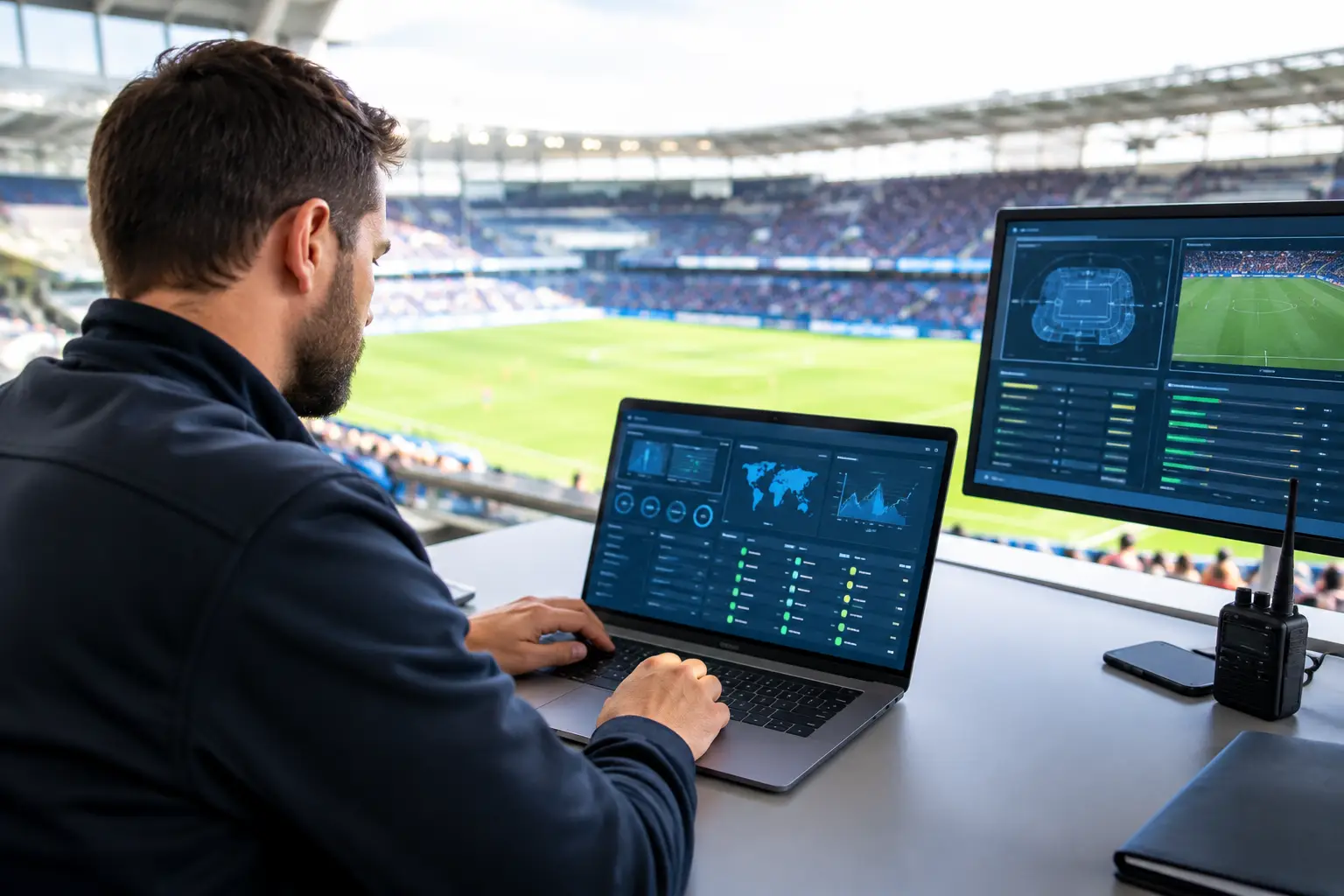
A packed room can expose an IT weakness in minutes. One stream buffers, guests move to mobile hotspots, payment terminals begin timing out, and staff lose the ability to explain what is happening. To prepare match-day IT systems is to protect the revenue, reputation, and customer experience that depend on every screen, transaction, and connection working under peak demand.
For Atlanta bars, hotels, restaurants, venues, broadcasters, and event organizers, match day is not a normal operating day with more people in the building. It is a controlled stress test. Traffic arrives in bursts. Guests expect live video without delay. WiFi demand rises sharply before kickoff, at halftime, and after the final whistle. A technical plan built for an ordinary Tuesday will not reliably carry a high-stakes sports crowd.
Start With the Match-Day Revenue Path
Do not begin with a generic equipment checklist. Begin with the services that stop producing revenue when connectivity fails. For most hospitality and venue operators, that path includes the primary internet circuit, streaming endpoints, point-of-sale systems, guest WiFi, staff communications, digital signage, and security systems.
Rank these services by business impact and recovery priority. If a payment terminal outage prevents transactions, it may take priority over guest WiFi. If your venue is promoting a featured match on multiple displays, the streaming path may be the immediate priority. The order depends on your operation, but the decision must be made before the crowd arrives.
Map each critical service to its dependencies. A display may depend on a streaming device, a local switch port, DNS resolution, internet bandwidth, an account login, and a working remote control. A failure at any point can look like a simple video problem to guests. Your staff needs to know which team owns each layer and how to escalate quickly.
Define what “working” means
A green status light is not proof that the guest experience is acceptable. Set a practical operating standard for each critical service. For streaming, that could mean stable HD playback on every designated screen with audio synchronized where required. For WiFi, it could mean reliable guest access in high-density seating areas without staff devices competing for capacity. For payments, it means transactions process consistently during a simulated rush.
This standard gives managers a clear trigger for action. It also prevents the common mistake of waiting until a complete outage before calling for support.
Load Test Before You Need Capacity
Peak demand is rarely linear. Hundreds of guests may enter within a short window, join WiFi at once, open social platforms, place orders, and watch several high-definition streams. The issue is not simply the bandwidth number printed on an ISP invoice. It is how the network handles concurrent devices, wireless interference, traffic prioritization, and the behavior of streaming platforms under load.
Test during conditions that resemble the event. Run multiple streams from the same platforms you will use on match day. Connect staff devices, payment terminals, guest devices, and operational systems. Walk the venue with a test device, especially through outdoor patios, private rooms, entrances, and high-density viewing areas. Dead zones are easier to correct before tables and temporary fixtures change the wireless environment.
WiFi tuning often requires trade-offs. A single network name may be simpler for guests, but separate guest and operational networks provide stronger control and reduce the chance that public traffic affects point-of-sale or staff systems. Adding access points can improve coverage, but poor placement or channel planning can create interference instead. Capacity planning must account for the physical venue, not just a device count.
Protect streaming from avoidable contention
Streaming should not compete blindly with guest uploads, software updates, cloud backups, or nonessential devices. Apply traffic policies that prioritize business-critical systems where appropriate, and schedule large updates outside event windows. Confirm that streaming hardware is wired wherever practical. Wired connections reduce the variables that can disrupt a featured match.
Also validate the entire playback chain. Test each television, receiver, cable, input setting, audio zone, streaming account, and backup source. A perfect internet connection cannot fix an expired subscription, a misconfigured display, or a device that has installed an update overnight.
Build Failover That Actually Fails Over
A backup circuit is only valuable if it takes over when the primary connection fails. Many venues discover too late that a secondary connection was never configured for automatic failover, lacks enough capacity for critical services, or cannot support the systems that need it most.
Test failover during a controlled window. Disconnect the primary circuit and measure what happens. Confirm the switch occurs, identify which applications reconnect automatically, and document the steps for services that need manual intervention. Then restore the primary connection and confirm the network returns to its intended state.
Your backup strategy may involve a second wired provider, fixed wireless, 5G, or a combination. Each option has limits. Cellular backup can be fast to deploy, but performance can decline when the surrounding area is congested. A second wired circuit offers stronger separation, but it may not be truly independent if both providers share the same local infrastructure. Review the physical path, not just the provider name.
Keep a reduced-service plan as well. If bandwidth becomes constrained, know which systems remain active first: payment processing, essential staff communications, featured streaming, or reservation systems. A planned partial operation is far better than an uncontrolled collapse.
Secure the Network Without Slowing Operations
Major matches attract more than guests. Public WiFi networks, connected streaming devices, temporary staff access, and hurried setup work can expand the attack surface. Cybersecurity on match day is operational protection, not a separate IT project.
Segment guest access from payment, staff, and production networks. Change default credentials on streaming devices, access points, and network equipment. Confirm that remote administration is limited to authorized users and that multi-factor authentication is active for critical accounts. Review who can access streaming subscriptions and payment platforms, particularly when several managers share responsibility.
Avoid making major network changes shortly before doors open unless the risk of leaving an issue unresolved is greater. Patching and upgrades matter, but untested changes create their own outage risk. Establish a change freeze for critical systems before major events, with an exception process for urgent fixes.
Put People and Escalation Paths in Place
The first person to notice an issue is often a bartender, host, floor manager, or guest. Their job is not to diagnose routing problems. Their job is to report the right facts fast: which screen, which area, what time the issue started, whether payments or WiFi are affected, and whether the problem is isolated or venue-wide.
Create a one-page match-day escalation sheet for managers. It should identify the on-site decision-maker, internet provider contacts, streaming support credentials, equipment locations, network documentation, and the local IT escalation number. Keep it available in print as well as digitally. If the network is unstable, a cloud-only runbook is not enough.
For high-visibility matches, assign ownership by function. One person manages guest-facing communications, another verifies streaming and displays, and a technical lead coordinates troubleshooting. This prevents multiple staff members from changing equipment settings at the same time or giving guests conflicting information.
GDS Technology supports this kind of local readiness with rapid-response engineering designed for Atlanta live-event environments. The value is not merely having a number to call. It is having a support partner that understands the difference between a minor office inconvenience and a room full of guests watching a decisive match.
Run a Final Pre-Doors Check
A focused pre-event check catches the issues that routine monitoring misses. Complete it early enough to correct problems without disrupting staff setup. Verify the internet circuit and backup connection, then test the actual streams on the actual screens guests will watch. Process a test payment, check staff connectivity, and walk the public WiFi coverage areas.
Use this final sequence:
- Confirm primary internet health, failover readiness, and active monitoring alerts.
- Validate every featured stream, display input, audio zone, and account login.
- Test payment terminals, ordering systems, staff communications, and reservation tools.
- Check guest WiFi capacity and coverage in high-density areas.
- Confirm escalation contacts, equipment access, and on-call support coverage.
Do not treat a successful morning test as permanent proof. Recheck streaming shortly before kickoff, especially after staff have connected devices, adjusted displays, or moved equipment. Live-event operations change by the hour.
Prepare Match-Day IT Systems for the Next Match Too
The best operational teams turn each event into better readiness for the next one. Record incidents, including small ones that did not become guest complaints. Note the time, symptoms, affected systems, root cause, recovery steps, and whether the response plan worked. That record turns scattered troubleshooting into an operating playbook.
Pay attention to near misses. A stream that recovered after one buffer event, a payment terminal that reconnected slowly, or a patio WiFi complaint may point to capacity limits that will become visible during a larger crowd. Fixing those weak signals before the next marquee match is less expensive than managing a public failure during it.
Before doors open, ask one direct question: if the primary connection, a key stream, or the guest WiFi fails in the next ten minutes, does every responsible person know what happens next? If the answer is not immediate and specific, there is still work to do.