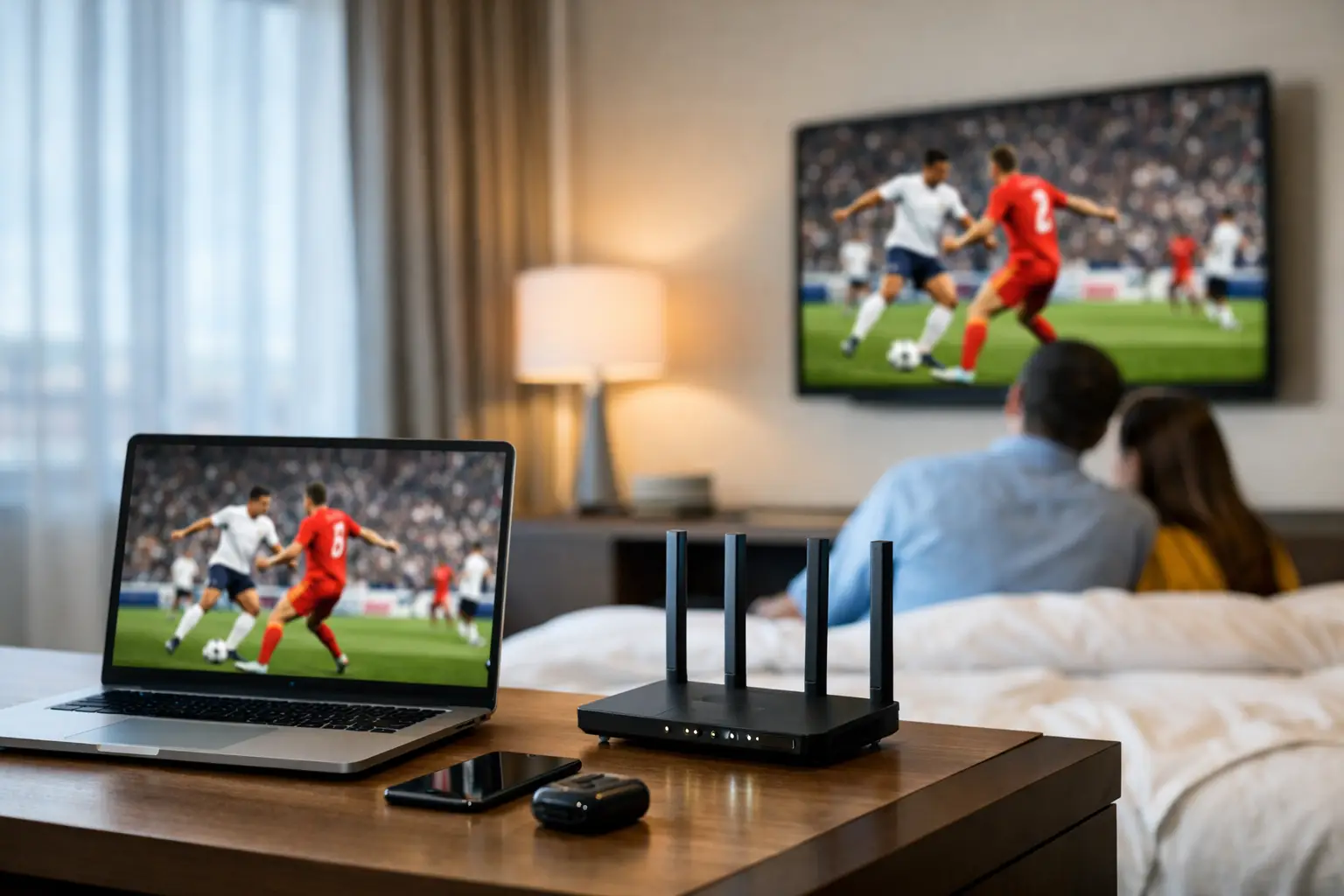
A full hotel can absorb a delayed check-in. It cannot easily absorb 600 guests losing WiFi while a major match is underway, multiple lobby screens start buffering, and the front desk cannot process mobile payments. Hotel guest bandwidth planning is not a routine IT exercise for Atlanta properties preparing for tournament traffic. It is a revenue-protection decision.
During major sports events, occupancy tells only part of the story. A hotel may have 300 occupied rooms, but its network can be serving thousands of concurrent devices once guests, event staff, media crews, restaurant patrons, and meeting attendees arrive. The peak is also compressed. Demand spikes before kickoff, surges again at halftime, and remains elevated as guests return from venues and stream highlights late into the night.
Why Match-Day Hotel Traffic Breaks Normal Capacity Assumptions
Most hotels plan connectivity around average occupancy and ordinary guest behavior. That model fails when guests bring multiple high-bandwidth devices and expect every screen to work at the same time. A single room may have two phones, two laptops, a tablet, a gaming device, and a streaming television. Add staff tablets, property-management systems, point-of-sale terminals, security cameras, digital signage, and back-office cloud applications. The guest network is no longer isolated from operational risk.
Live sports raises the stakes because buffering is visible. Guests will tolerate a slow webpage for a few seconds. They will not tolerate missing a decisive moment because the stream drops, the app stalls, or the casting connection fails. At a hotel hosting supporters, corporate groups, or broadcast-adjacent guests, poor connectivity becomes a front-desk escalation, a negative review, and a direct hit to food, beverage, and event revenue.
Planning must account for concurrency, not just the internet circuit printed on an invoice. A 1 Gbps connection may sound sufficient, but available capacity can disappear quickly when traffic is unmanaged, access points are overloaded, or a large group begins streaming high-definition video simultaneously. Bandwidth is only one part of the operating picture. WiFi coverage, radio-frequency design, wired switching capacity, traffic policy, and failover readiness determine whether that bandwidth reaches guests when demand peaks.
Hotel Guest Bandwidth Planning Starts With Real Demand
The right question is not, “How much bandwidth does a hotel need?” The right question is, “What will this property need during its busiest 30 minutes of the highest-demand match day?” That answer depends on room count, event programming, guest profile, common-area density, and the systems sharing the network.
Start with the property’s expected peak device count. Do not use one device per guest. For tournament periods, a realistic planning range is often three to five connected devices per occupied room, with more for premium rooms, team blocks, media guests, and long-stay international travelers. Then count devices in public spaces. A lobby watch party, hotel bar, ballroom activation, or sponsor event can add hundreds of devices that were never included in the standard room-occupancy model.
Next, identify which traffic is business-critical. Payment terminals, reservation platforms, door-lock systems, staff communications, surveillance, and managed streaming screens cannot compete on equal terms with guest software updates or recreational downloads. These systems need clear network separation and priority rules. Without segmentation, a guest traffic surge can degrade the very services staff need to respond to the surge.
A useful planning exercise is to model three conditions: normal occupancy, a sold-out match day, and a failure scenario where one internet circuit is unavailable. If the hotel remains functional only in the first condition, it is not ready for a high-visibility event period.
Estimate Streaming Demand Without Guesswork
Streaming demand varies by platform, video resolution, and device behavior. A standard-definition stream may use a few Mbps. High-definition streaming commonly requires several Mbps per device, while 4K can demand far more. The point is not to multiply every connected device by maximum 4K consumption. That produces an expensive and unrealistic estimate.
Instead, estimate how many devices will actively stream during each peak window and apply a sensible usage profile. A hotel where guests watch on personal devices will behave differently from one that promotes a lobby viewing event. A property with reliable in-room televisions may see less individual video traffic than a hotel where guests depend on tablets and laptops. The plan should reflect the actual guest experience you are offering.
Build headroom into the result. Planning a circuit to run at its theoretical limit is planning for visible failure. Capacity should absorb sudden bursts, retransmissions, new-device connections, and the uneven behavior of consumer streaming apps. If a major match is central to your guest proposition, headroom is not waste. It is operational insurance.
The WiFi Network Can Be the Bottleneck
Hotels often discover that the internet connection is adequate while the WiFi design is not. A speed test in an empty hallway does not validate performance in a crowded lobby. Neither does a successful stream in one guest room prove that an entire floor can handle simultaneous video consumption.
Access-point density matters, particularly in high-traffic public spaces. Large ballrooms, breakfast areas, bars, pool decks, meeting rooms, and entrance zones may need their own design assumptions rather than being treated as extensions of room-floor coverage. Devices cluster around screens, charging stations, and seating. They compete for airtime even when the broadband circuit has capacity available.
Channel planning, transmit power, band steering, and client-load balancing affect the outcome. So does the age of the equipment. Older access points may support a connection but struggle under a high number of active clients. A network audit should identify not only dead zones, but also crowded zones where guests can connect yet receive poor performance.
Wired capacity deserves the same scrutiny. Access points, displays, switches, and uplinks must support the load they aggregate. A fast internet circuit connected to an undersized switch or saturated uplink will still produce a poor guest experience. Match-day readiness requires an end-to-end view.
Separate Guest Convenience From Hotel Operations
Guest WiFi should never be allowed to consume the resources needed for business continuity. Segment guest, staff, payment, building systems, surveillance, and streaming infrastructure into defined networks with appropriate controls. This reduces security exposure and gives the IT team a way to manage traffic under pressure.
Quality-of-service policies can protect essential traffic, but they are not a substitute for adequate capacity. Overly aggressive shaping may cause guests to perceive the hotel as slow even when the network is technically stable. The objective is balance: preserve operational systems, keep approved event streaming reliable, and prevent a small number of heavy users from consuming disproportionate resources.
Cybersecurity also becomes more urgent during event periods. Hotels become targets when guest volumes rise and temporary staff, unfamiliar devices, and public-facing activations expand the attack surface. Network segmentation, updated firmware, secure administrative access, and active monitoring should be verified before demand arrives, not during an incident.
Build Failover for the Failure You Cannot Schedule
A single internet circuit is a single point of failure, no matter how reliable the provider’s service history appears. Construction damage, carrier outages, equipment failures, and upstream routing problems do not wait for low occupancy. For properties expecting tournament demand, a secondary connection with automatic failover is a practical requirement.
The backup path must be tested under load. A failover configuration that works during a quick test may not support payment systems, guest connectivity, cloud applications, and streaming traffic at the same time. Define what remains fully available, what is limited, and what can be temporarily paused when operating on secondary capacity.
Document the response path as well. Front-desk leaders need a short, clear escalation process. Engineering teams need current network diagrams, provider contacts, equipment access, and a decision-maker authorized to approve emergency work. Confusion adds minutes, and minutes matter when guests are standing in a lobby watching a frozen screen.
Test During Realistic Peak Conditions
The final step is controlled pressure testing. Test guest WiFi in occupied areas, stream video on multiple devices, process transactions, connect staff systems, and observe performance at the same time. Monitor latency, packet loss, access-point client counts, uplink utilization, and application behavior. A network that looks healthy by one metric can still fail the guest experience test.
For Atlanta hotels preparing for World Cup-scale traffic, local response coverage should be part of the plan. GDS Technology helps properties assess capacity, isolate weak points, test failover, and prepare on-site support for high-pressure operating windows. The goal is not a prettier dashboard. The goal is to keep rooms connected, screens live, payments moving, and staff in control.
Your next sold-out match day should not be the first time your hotel learns its network limit. Schedule the load test before the crowd arrives, while every fix is still planned work instead of a public recovery.