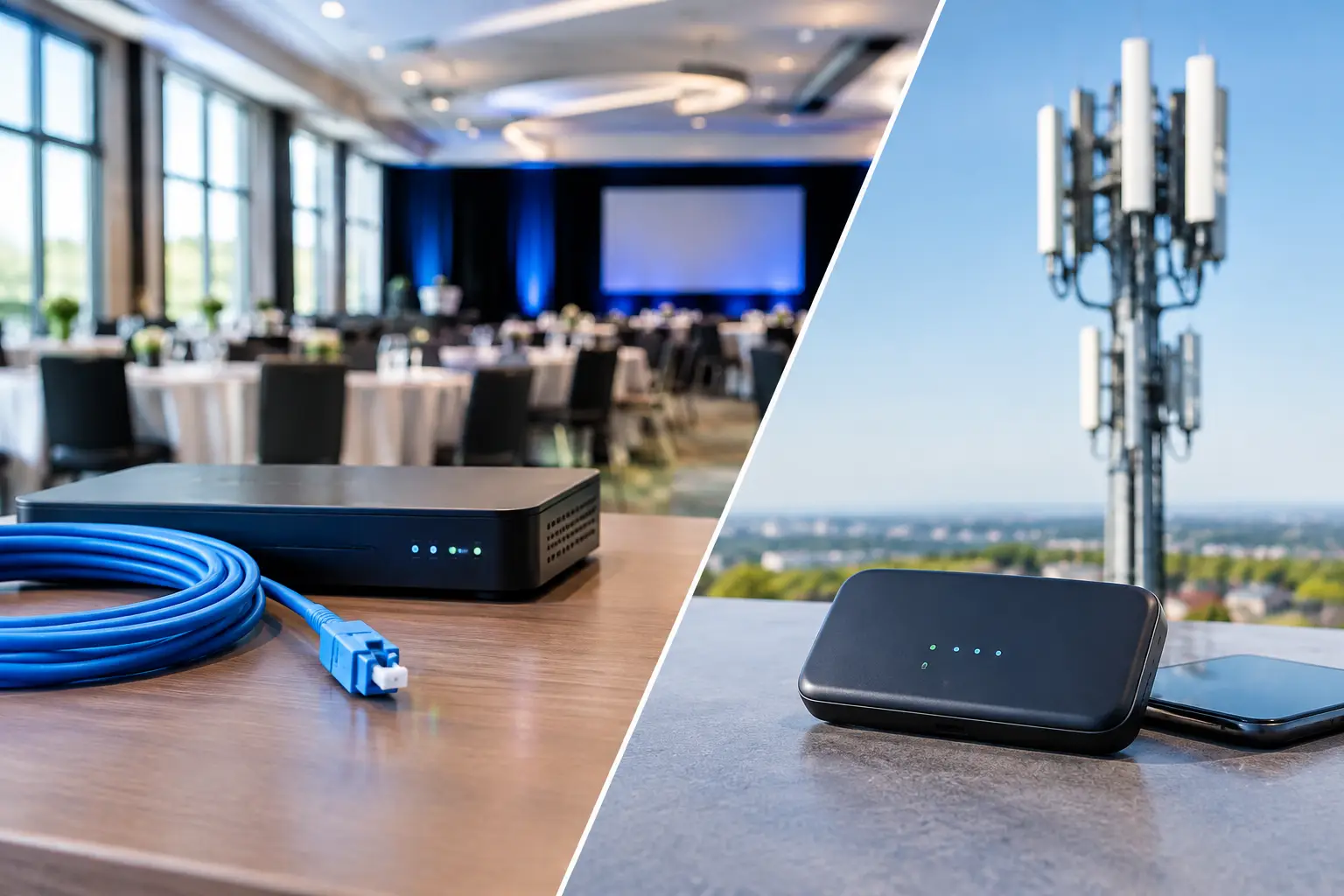
A packed Atlanta sports bar can lose thousands of dollars before the first halftime whistle if its connection fails. Screens freeze, card payments stall, guests move to the next venue, and staff are left explaining an outage they cannot fix. The decision is not simply fiber internet versus cellular backup. For a venue that depends on live sports, the correct design is usually fiber as the primary connection and cellular as an independently engineered failover path.
That distinction matters during World Cup match days, major concerts, sold-out watch parties, and any event where public visibility is high. Fiber delivers the capacity and consistency required to operate. Cellular gives the operation a second route when the primary route is unavailable. Neither should be treated as a plug-in afterthought.
Fiber Internet Versus Cellular Backup: The Real Decision
Fiber is the production connection. It is built for sustained traffic, low latency, and the simultaneous demands of streaming, point-of-sale systems, guest WiFi, staff devices, security cameras, cloud applications, and back-office operations. A properly sized fiber circuit can support heavy demand without forcing every business function to compete for a narrow connection.
Cellular backup serves a different job. It protects the venue when a fiber circuit, local handoff, provider network, router configuration, or construction incident interrupts service. A 5G or LTE connection can restore critical traffic quickly, but it is not automatically equivalent to fiber. Wireless capacity fluctuates with signal quality, carrier congestion, building materials, local tower conditions, and the number of nearby users competing for service.
For an Atlanta venue near a stadium, fan zone, hotel cluster, or major transit corridor, that last factor is serious. The same crowd creating revenue inside the building may also be overloading the cellular network outside it. A backup that performs well on a quiet Tuesday can struggle when thousands of fans arrive with phones in hand.
The operational question is therefore not, “Which one is better?” It is, “What must stay online when the primary circuit fails, and what backup capacity is required to keep those functions running?”
What Fiber Should Carry on a Match Day
Fiber should carry the full operating load. That includes high-definition or 4K streaming feeds, employee and guest WiFi, cloud-based POS terminals, reservation systems, digital signage, security systems, voice platforms, payment processing, and communications with remote production teams.
Streaming deserves its own capacity plan. A venue may have several displays showing different feeds, but the source traffic often comes through a small number of streaming devices, receivers, or distribution points. If those devices share a congested WiFi network with hundreds of guests, video quality can degrade even when the fiber circuit itself is healthy. The fix is not always more bandwidth. It may require wired connections, VLAN segmentation, traffic prioritization, and properly placed access points.
Fiber also supports predictable performance over long operating hours. A six-hour match-day window is not just a six-hour streaming event. It includes setup, early arrivals, transactions, halftime spikes, post-match service, and staff closeout. The primary circuit must have enough headroom for the highest realistic load, not the average weekday load.
What Cellular Backup Can Keep Running
A well-configured cellular backup can preserve the systems that protect revenue and operations during an outage. The priority order should be deliberate. Payment processing, business communications, essential streaming feeds, management access, and critical cloud applications often come first. Guest WiFi may need to be rate-limited or temporarily disabled to preserve capacity for revenue-producing traffic.
That is not a failure of the backup plan. It is the plan working as designed. During a primary outage, the objective is controlled continuity, not recreating every normal service at full scale.
A useful failover policy may look like this:
- Keep POS, payment terminals, business phones, and operational communications active.
- Maintain designated live-streaming feeds needed for the event experience.
- Restrict or pause guest WiFi access if it threatens critical traffic.
- Limit software updates, cloud backups, camera uploads, and other nonessential background activity.
- Alert the responsible manager and technical support team the moment failover begins.
This policy should be configured in the network before the event, not improvised during a crowd-facing failure.
Why “Automatic Failover” Is Not Enough
Many businesses buy a cellular router, connect it to a dual-WAN firewall, and assume they are protected. They may be protected from one narrow type of failure. They are not necessarily ready for a match-day incident.
Automatic failover must be tested for speed, application behavior, and recovery. Some sessions will drop when the public IP address changes. A streaming platform may require reauthentication. A VPN can fail if it was designed around a fixed IP address. Payment systems may reconnect without issue, while a remote camera platform does not. DNS problems can make an active internet connection appear unusable. A power problem can take down the fiber modem, firewall, WiFi switches, and cellular gateway at the same time.
The network must also detect a real outage accurately. A device that only checks whether an Ethernet port is physically connected may not fail over when the provider has an upstream outage. Better monitoring checks external reachability and application-level performance, then returns traffic to fiber only after the primary connection is stable.
Failback deserves the same attention. Switching back to fiber at the wrong moment can interrupt a payment session or live stream. Controlled failback, with a stability timer and planned testing, reduces unnecessary disruption.
Design for Independent Failure Paths
The strongest design uses different paths wherever practical. Fiber and cellular are valuable together because they usually rely on different access methods. But independence is not guaranteed. A fiber provider and a cellular carrier can still share a damaged utility corridor, a building power source, or an incorrectly configured edge device.
Start by examining the full chain: the fiber entrance, modem or optical network terminal, firewall, switches, WiFi equipment, cellular gateway, power supply, and management access. Put critical network equipment on battery backup. For larger venues, evaluate generator-backed power and redundant hardware for the firewall or core switching layer.
Carrier selection matters too. Test signal levels and real throughput inside the exact areas where equipment will operate. A cellular device placed near an exterior wall, elevated location, or purpose-built antenna may perform far better than one sitting in a locked rack room surrounded by concrete, metal, and kitchen equipment.
For high-stakes properties, a second cellular carrier can be justified. One carrier may be affected by localized congestion or maintenance while another remains usable. The cost should be weighed against the revenue and reputational risk of losing transactions or live programming during a major match.
Capacity Planning: Do Not Size Backup by Guesswork
Cellular plans are often sold with attractive peak-speed claims. Peak speed is not the number that protects an event. Measure sustained upload and download performance during busy periods, understand any data caps or throttling rules, and calculate the traffic required for essential services.
A venue that streams multiple feeds, runs dozens of payment devices, supports cloud POS, and provides guest WiFi can burn through a limited cellular data allowance quickly. If the backup plan assumes unlimited use but the carrier applies deprioritization after a threshold, performance can change precisely when the venue needs it most.
Document what happens in a four-hour outage, not just a five-minute test. Track data consumption, transaction success, video stability, latency, packet loss, and staff workflow. Those results turn a vague backup promise into an operating standard.
Build a Match-Day Failover Runbook
Technology alone does not create readiness. The venue team needs a short, usable runbook that tells managers what they will see, what they should do, and who owns the next action. It should identify the status indicators for fiber and cellular service, the systems that are intentionally limited during failover, and the support escalation path.
Test the runbook before high-traffic dates. Disconnect the primary circuit during a controlled window. Confirm that payment terminals work, priority streaming devices reconnect, staff can communicate, guest WiFi policies behave as expected, and monitoring generates an alert. Then restore service and verify that traffic returns to fiber without creating a second disruption.
GDS Technology approaches this as venue readiness, not a generic internet installation. The objective is to identify where a failure will surface first and remove uncertainty before doors open.
The Right Answer Is a Layered One
Fiber gives Atlanta venues the performance foundation for daily business and high-demand event traffic. Cellular backup gives them a separate path when that foundation is interrupted. The value comes from the architecture around both connections: traffic priorities, tested failover, adequate power, real monitoring, and a staff response plan.
Before the next major crowd arrives, pull the primary connection during a planned test. If the systems that protect revenue stay online and the team knows exactly what to do, the venue is ready. If not, the outage has already identified the work that cannot wait.