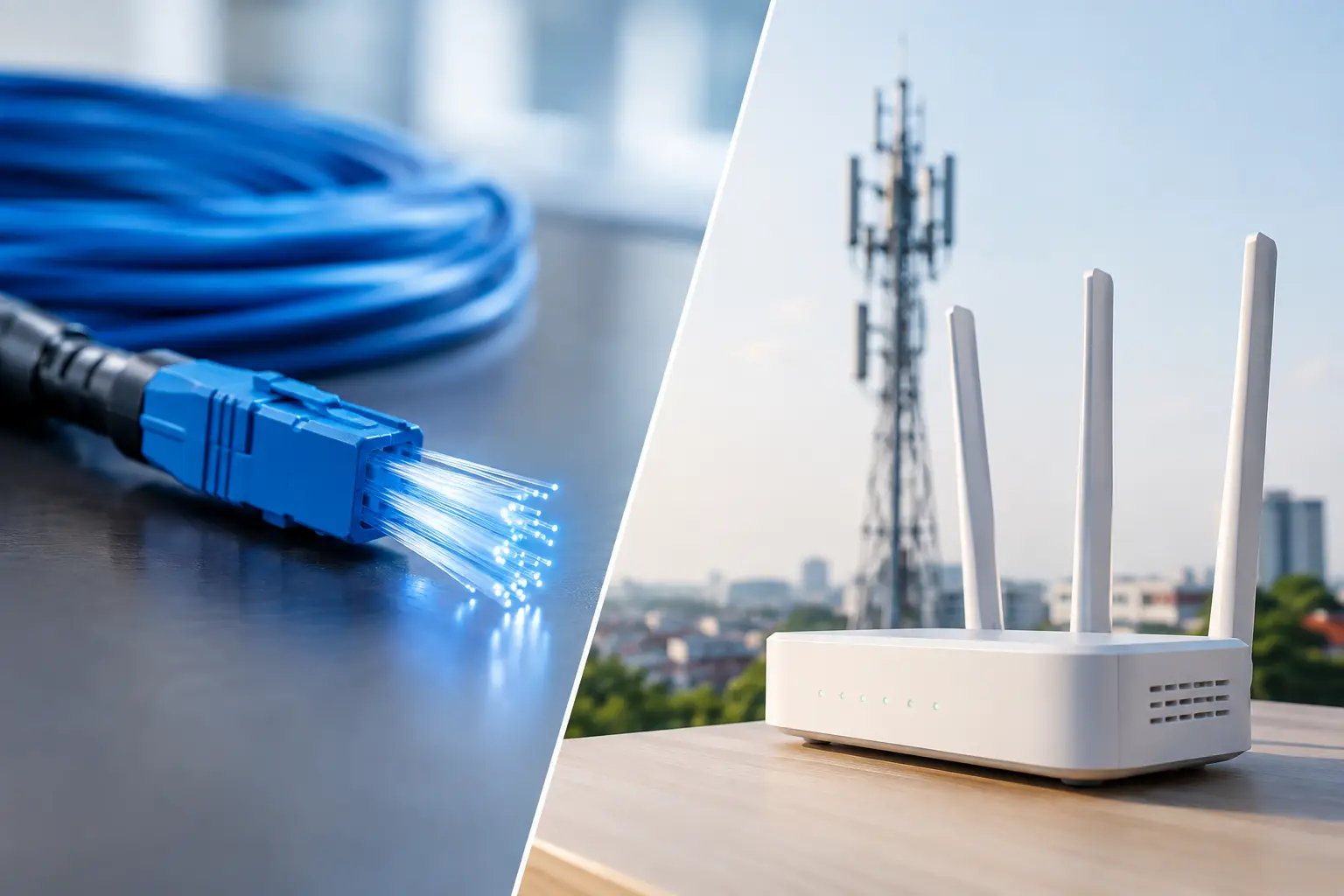
At kickoff, a venue does not need an internet connection that is usually fast. It needs one that holds when every television is streaming, every guest is posting, every POS terminal is authorizing payments, and staff are managing a full room. That is the real decision behind fiber internet versus 5G backup for Atlanta bars, hotels, event spaces, and broadcast operations preparing for World Cup-level demand.
Fiber should be the primary connection for most commercial venues. A properly designed 5G connection can be an excellent backup. Treating them as interchangeable is where match-day problems begin.
Fiber Internet Versus 5G Backup: The Operational Difference
Fiber is a wired service delivered over dedicated fiber-optic infrastructure. It is built for sustained capacity, low latency, and predictable performance. For a sports bar running multiple live streams, a hotel serving hundreds of guests, or a venue supporting production crews and ticketing, those characteristics matter more than a headline download-speed number.
5G backup uses cellular infrastructure. It can be deployed quickly, keeps critical operations alive during a wired outage, and avoids relying on the same physical path as the primary connection. That separation is valuable. If construction cuts a cable, a building equipment failure takes down the demarcation point, or a carrier suffers a local fiber issue, a cellular path may still be available.
But 5G capacity is shared with the surrounding area. During a major match, the same network may be carrying traffic from packed sidewalks, nearby hotels, rideshare drivers, media crews, and thousands of fans uploading video at once. A speed test at 10:00 a.m. on a Tuesday does not prove 5G will carry an entire venue at 3:00 p.m. on match day.
The right question is not, “Which service is better?” It is, “Which workloads must continue if the primary circuit fails, and how much capacity do they require?”
Why Fiber Belongs in the Primary Position
Fiber gives venues the performance foundation that high-visibility operations require. It generally offers higher available bandwidth than cellular service, with more consistent upload performance and lower latency. Upload capacity is especially relevant for broadcasters, content teams, cloud-based camera systems, guest services platforms, and venues transmitting live social content.
Consistency is the larger advantage. Streaming failures are not always complete outages. They often start as increased latency, packet loss, jitter, or intermittent congestion. Video quality drops. Streams buffer. Cloud POS transactions lag. WiFi users start reconnecting. By the time the room notices, the operation is already absorbing damage.
A business-grade fiber circuit also supports deliberate network design. IT teams can allocate bandwidth, separate business traffic from guest WiFi, prioritize streaming and payment systems, and monitor utilization before the connection becomes a bottleneck. Those controls are difficult to rely on when the primary connection varies based on cellular signal conditions and local tower congestion.
That does not mean every fiber installation is automatically event-ready. A low-speed circuit, overloaded firewall, poorly configured WiFi environment, or single point of failure inside the building can still take down operations. Fiber is the right foundation, not a substitute for engineering.
Fiber risks that still need a plan
Fiber can fail because of a carrier outage, accidental cable damage, power loss, damaged network equipment, or a failure within the venue itself. If the primary circuit enters through one building path and all network equipment sits on unprotected power, the venue has created a single point of failure regardless of how reliable the carrier may be.
For critical sites, the design should include monitored equipment, battery backup for network gear, documented escalation procedures, and a tested secondary WAN path. A second fiber circuit can add capacity and resilience, but it may not provide true redundancy if both circuits share the same carrier, conduit, building entry point, or local aggregation equipment.
Where 5G Backup Performs Best
5G is highly effective when it is assigned a clear job. It is often the fastest way to restore essential connectivity while a primary carrier resolves an outage. It also works well for temporary deployments, pop-up fan zones, mobile production areas, and locations where a second wired circuit is unavailable or too slow to install.
For many hospitality venues, the first priority during failover is not restoring every guest device to full speed. It is protecting revenue and operations. Payment terminals, core POS services, reservation platforms, staff communications, security systems, and a limited number of priority streams should receive bandwidth first.
That distinction matters. A 5G connection may sustain a carefully prioritized operation very well while struggling to support hundreds of guest devices, unrestricted guest WiFi, dozens of simultaneous HD or 4K streams, and cloud backups at the same time. Failover should reduce nonessential traffic automatically rather than allowing guest usage to consume the connection needed for transactions and programming.
Signal quality must also be verified inside the actual venue. Concrete, low-emissivity glass, kitchens, mechanical rooms, basements, and dense construction can materially weaken cellular performance. An outdoor signal reading is not a deployment plan. The router location, antenna option, carrier selection, and power protection all need testing under realistic conditions.
5G backup limitations to plan around
Cellular performance can change minute to minute. Weather, crowd density, tower load, radio interference, and local network events all affect results. Public IP requirements, inbound access, VPN behavior, data caps, and carrier traffic-management policies can also complicate a failover deployment.
Some applications handle a WAN change cleanly. Others do not. Existing video streams may need to reconnect. VPN tunnels can reset. Payment systems may require reauthorization. Cloud tools may flag an IP change. That is why a failover plan must be tested during a controlled window, not discovered when a goal is scored and the room goes silent.
Build Failover Around Business Priorities
A reliable design begins with an honest inventory of what must stay online. For a sports bar, that may include primary streaming endpoints, POS, payment processing, staff communications, and one management workstation. For a hotel, it may include front desk systems, property management platforms, guest support channels, security, and selected public viewing areas. A broadcaster may prioritize contribution feeds, production communications, monitoring, and dedicated engineering access.
Next, calculate the bandwidth those services actually need. Do not estimate based only on employee count or guest count. Measure stream bitrates, payment traffic, cloud application needs, WiFi use patterns, camera traffic, and operational peaks. Then decide what can be paused, shaped, or blocked during failover.
A practical failover configuration normally uses dual-WAN routing with health checks. The network continuously tests the fiber circuit and shifts traffic when failure thresholds are met. For sensitive environments, avoid failing over after a single missed response. Brief carrier instability can trigger unnecessary route changes, disrupting active sessions. Use thresholds that identify a real outage while still protecting the venue from prolonged degradation.
Network segmentation is equally important. Guest WiFi should not compete directly with POS, streaming, staff systems, or production equipment. Establish separate network segments, traffic policies, and authentication controls before match day. If an incident occurs, engineers should be able to preserve the systems that generate revenue and protect guests without making changes under pressure.
Test for the Crowd You Expect, Not the Crowd You Have
The most common readiness mistake is testing a backup circuit on a quiet day and declaring the site protected. Test at the closest possible approximation of event load. Run priority streams, process transactions, connect expected staff devices, simulate guest WiFi demand, and verify that monitoring identifies the change from fiber to 5G.
Document what happens to every critical application. Measure how long failover takes, whether streams reconnect automatically, which systems need manual action, and how much usable bandwidth remains. Test the return path as well. Automatically restoring traffic to fiber can interrupt active sessions if it occurs at the wrong moment, so failback should be deliberate and aligned with operations.
For venues expecting extraordinary match-day traffic, a readiness review should look beyond the WAN connection. WiFi access point density, switch capacity, firewall throughput, power protection, DNS reliability, streaming-device configuration, and onsite support coverage all influence the final result. GDS Technology approaches these issues as an operational continuity problem, because no guest cares which component failed when the game disappears.
The Right Decision for High-Stakes Venues
Use fiber as the primary connection when live streams, transactions, staff systems, and guest experience depend on predictable high-capacity performance. Use 5G as an independent backup path when the goal is to maintain essential service through a carrier or building-side failure. For the highest-risk operations, consider a layered design: primary fiber, a physically diverse secondary wired path where available, and 5G for additional resilience or rapid recovery.
Do not buy backup connectivity based on advertised maximum speeds. Buy it based on tested performance at your location, defined priority traffic, and a failover process your team has rehearsed. The next full room should be the moment your plan proves itself, not the first time anyone finds out whether it works.