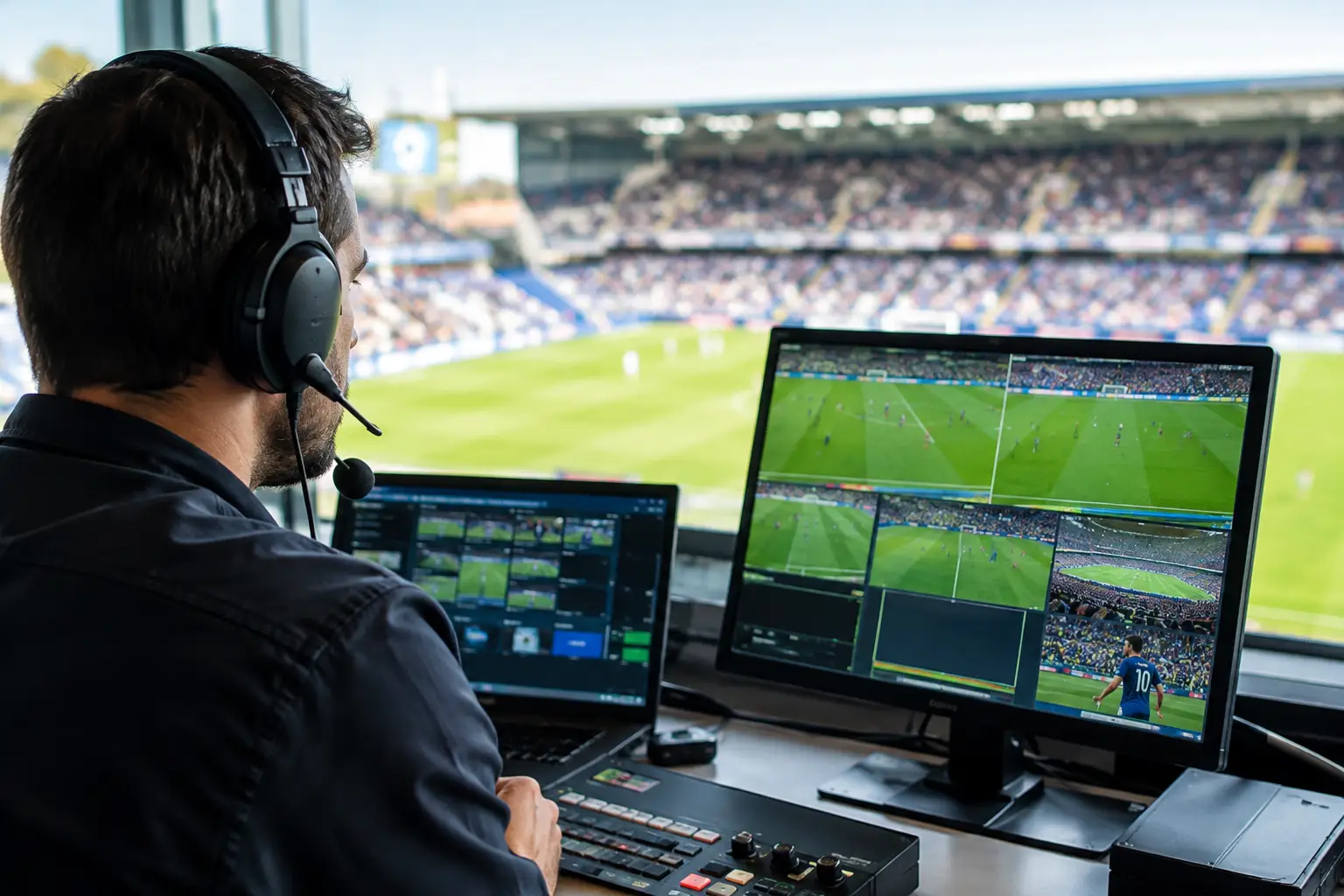
A broadcast latency reduction case starts with a moment every Atlanta venue operator recognizes: a goal hits a guest’s phone 20 seconds before it reaches the screens in the room. The reaction is immediate. The room loses its shared live moment, customers question the setup, and staff are left answering for a failure they cannot see. During a major tournament, that gap is not a minor technical defect. It is an operational risk with direct consequences for guest experience, dwell time, food and beverage sales, and venue reputation.
For World Cup match days, reducing latency is not about chasing a theoretical number. It is about controlling the delays your venue can control, identifying the ones it cannot, and building a viewing environment that remains synchronized when network demand peaks.
The Broadcast Latency Reduction Case Is a Revenue Case
A delay between live action and the screen is created across multiple systems. The source broadcast is encoded, delivered through a distribution platform, processed by a streaming app or receiver, and held in a playback buffer. Then the venue network has to deliver that stream reliably while hundreds of guests use WiFi, point-of-sale terminals process transactions, and staff systems remain online.
A sports bar or hotel cannot eliminate every second of delay created upstream by a broadcaster or streaming platform. It can, however, prevent its own network, display chain, and playback settings from adding avoidable delay. That distinction matters. Replacing a weak access point will not make one streaming service match another service’s distribution delay. It can stop congestion, packet loss, and repeated buffering from turning a manageable delay into a visible match-day failure.
The business impact also extends beyond the main screen. If the lobby display, patio television, private event room, and bar wall are receiving the same match through different devices or paths, they may be seconds apart. A crowd hears the celebration from one room before the play appears in another. For a high-visibility event, that is a poor customer experience and a signal that the operation was not prepared for live traffic.
Find the Delay Before You Try to Fix It
Latency reduction begins with measurement, not assumptions. A venue should test the actual source, subscription tier, receiving hardware, network connection, television settings, and screen locations it will use on match day. Testing a stream at 10:00 a.m. on a quiet weekday does not validate performance during a packed Saturday fixture.
Start by establishing a reference. If an approved low-latency source is available, compare every display against it and record the difference. Repeat the test after the network has realistic load. The useful finding is not simply that one screen is delayed. It is whether the delay is fixed, whether it grows under load, and whether screens drift apart over time.
A fixed delay can often be managed by standardizing sources and receivers. A growing delay points toward buffering, WiFi contention, unstable bandwidth, or a device struggling to decode and render the stream. Random jumps usually indicate packet loss, wireless interference, a changing bitrate profile, or an overloaded local network path.
The test must include the full viewing chain. Smart television apps may carry more buffer than a dedicated receiver. Some displays apply motion smoothing, image processing, or audio treatments that create additional delay. Wireless HDMI systems, AV extenders, matrix switches, and audio processors can also introduce timing differences. The network may be healthy while the screen configuration remains the bottleneck.
Separate broadcast delay from venue-created delay
This is the most useful operational question. If every display is consistently behind the reference by the same amount, the delivery platform is likely setting the baseline. If one television is 12 seconds behind another using the same source, that is a venue problem and should be treated as one.
Do not mix platforms in a single viewing area without validating synchronization. A cable feed, a streaming app, a mobile device, and a social clip will not follow the same timing. During a goal-scoring opportunity, even a five-second difference is enough to spoil the room.
Build a Network That Protects the Stream
Match-day streaming should not compete blindly with guest traffic. The most dependable design separates critical systems from general use. Broadcast receivers, production equipment, point-of-sale, staff devices, and guest WiFi need defined network policies rather than one flat network where every device fights for the same airtime and bandwidth.
A wired connection is the preferred path for fixed broadcast endpoints. It removes the variables that make WiFi difficult in a crowded venue: radio interference, device density, roaming behavior, and unpredictable client demand. WiFi still has a major role, especially for staff and guests, but it should not be the only path carrying the screen that anchors the room.
Capacity planning must account for the real event load. A 500 Mbps internet circuit may sound sufficient until hundreds of phones begin uploading video, guests connect multiple devices, cloud point-of-sale traffic increases, and every screen pulls separate high-bitrate streams. The issue is not only download speed. Upstream capacity, latency, jitter, packet loss, firewall throughput, DNS performance, and WAN failover behavior all affect the experience.
Quality-of-service policies can prioritize defined business traffic, but they are not a substitute for enough bandwidth or clean wireless design. Prioritization helps when contention occurs. It cannot repair a saturated circuit or an access point serving too many active clients. For venues with multiple viewing zones, a readiness assessment should also verify switch capacity, cabling quality, power protection, and the actual uplink speed at every critical endpoint.
Standardize the Playback and Display Chain
The fastest way to create visible drift is to let every screen operate differently. Match-day rooms need a documented standard: approved source, approved receiver, wired network path where possible, selected stream profile, television picture mode, and audio configuration.
Disable unnecessary image processing on priority displays. Features marketed for cinematic viewing can add processing time and make screens disagree. Use a low-latency or game-oriented picture mode only after checking picture quality and commercial display requirements. The goal is not a setting label. The goal is consistent timing across the room.
Audio deserves equal attention. If the house audio is ahead of the video, guests notice immediately. If it trails too far behind, the room feels disconnected. Digital signal processors may allow controlled audio delay to align sound with the dominant video feed. That adjustment should be made only after the video source is stable. Trying to compensate for a stream that changes delay every few minutes creates a new problem.
For larger venues, use a central distribution strategy where practical. One validated source feeding synchronized displays is easier to manage than 20 independent app sessions. The right architecture depends on licensing, building layout, screen count, existing AV equipment, and the authorized source. The core principle remains the same: fewer uncontrolled variables produce a more consistent live experience.
Plan for Failure While the Match Is Still Distant
A low-latency design without a recovery plan is incomplete. Internet circuits fail. Streaming platforms experience regional issues. A receiver can lock up at kickoff. The response must be predetermined, not invented while a full room watches a frozen screen.
Critical venues should document a primary source, a tested backup source, the switch-over procedure, and the person authorized to make the call. The backup must be tested through the same displays and audio path, not merely confirmed on a laptop. If the alternate source has a different delay, staff need to understand which screens or rooms must switch together to avoid creating a split viewing experience.
Monitoring should begin before doors open. Check circuit health, WAN failover status, receiver connectivity, stream startup time, packet loss, access point utilization, and display synchronization. During peak periods, assign ownership. Someone must be watching the technical status while the operations team runs the room.
GDS Technology supports Atlanta venues with readiness planning, live network troubleshooting, and rapid local response when a broadcast path fails under event load. The objective is straightforward: protect the match experience before a crowded room turns a technical issue into a public one.
Treat Every Match as a Performance Test
The best latency plan improves after each event. Record what happened: start time, audience size, active screen count, WiFi client volume, network alerts, stream delay, and any recovery actions. Patterns appear quickly. A problem that seems random may occur only when a certain room opens, a specific display chain is activated, or guest WiFi reaches a predictable threshold.
Do not wait for the tournament’s highest-profile match to learn that the patio has weak coverage or that the backup circuit cannot carry critical traffic. Test under pressure, standardize what works, and keep the recovery path ready. When the room reacts to a goal at the same time, the technology has done its job - and your operation gets to own the moment.