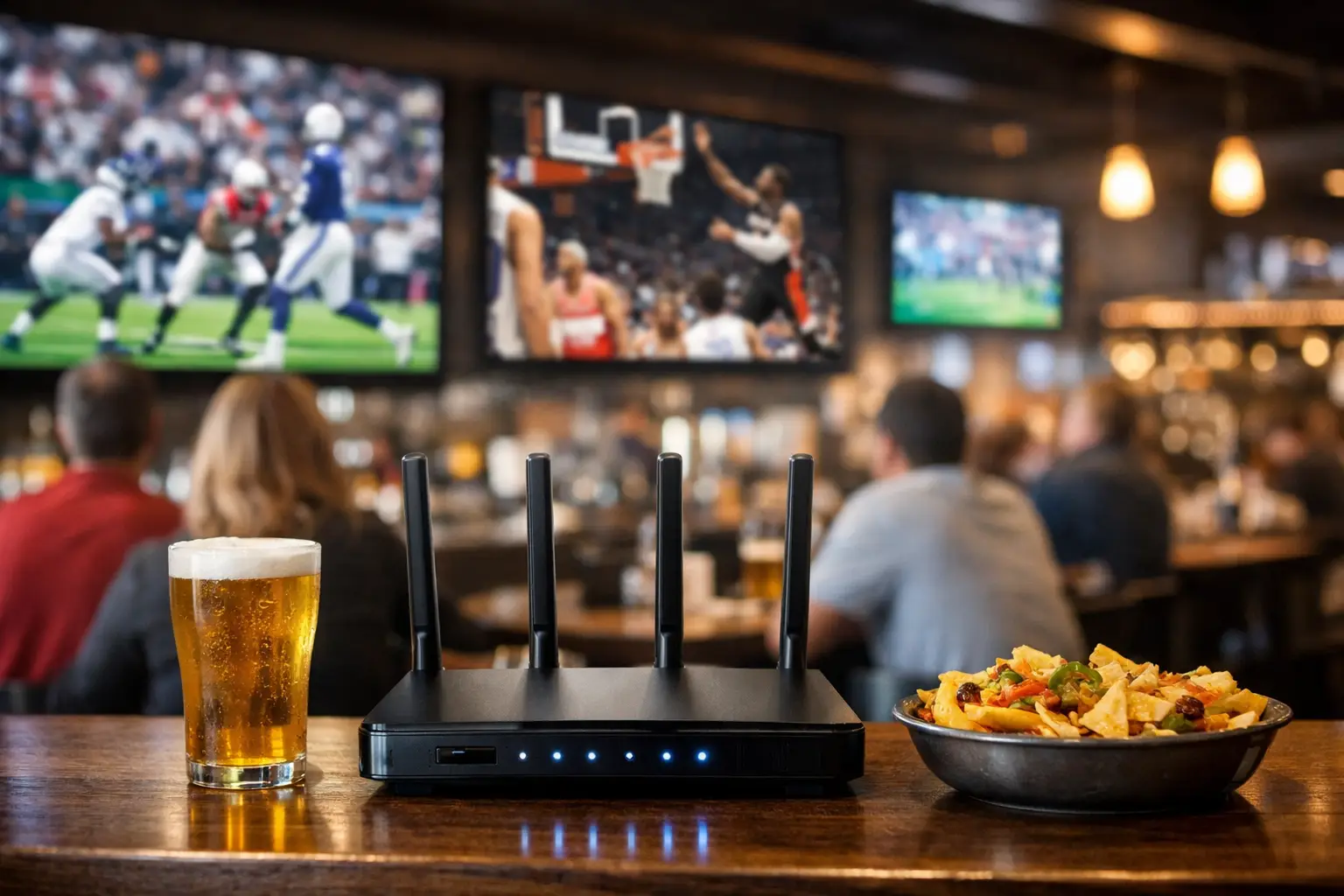
A packed room can turn Atlanta sports bar connectivity into a revenue event or a public failure in minutes. Every television is pulling video, every guest is joining WiFi, POS terminals are processing orders, staff are using handhelds, and the next goal can trigger a surge of people posting, calling, and refreshing scores at once. If the picture freezes, the card reader drops, or the guest network stalls, customers do not see an IT issue. They see a bar that was not ready.
For Atlanta operators preparing for major tournament traffic, connectivity is not a background utility. It is part of the match-day experience, alongside sightlines, sound, staffing, inventory, and security. The right question is not whether the venue has internet. It is whether the entire environment can operate under peak load, recover quickly when a carrier has trouble, and keep critical systems protected from guest traffic.
Why Atlanta Sports Bar Connectivity Fails Under Crowd Load
Most venue failures are not caused by a single broken device. They happen when an ordinary network is asked to carry an extraordinary event load without clear priorities or capacity planning.
A bar may have a business-class internet connection that performs well on a normal Thursday. Then a high-profile match brings a full house, a waitlist, dozens of guests connecting multiple devices, staff tablets taking orders, and several displays pulling high-definition streams. Bandwidth is only one part of the equation. WiFi access point density, radio interference, switch capacity, traffic segmentation, DNS performance, and the health of the streaming source all affect what guests and staff experience.
Video is especially unforgiving. A minor delay in loading a webpage is inconvenient. A frozen broadcast during a penalty kick can clear attention from the screen and put every employee on the defensive. If different televisions are fed by different streaming paths, poor network design can also create visible timing gaps between screens. One side of the room reacts before the other has seen the goal.
The operational impact reaches beyond the broadcast. Congested wireless networks can slow handheld payment devices. Guest devices can compete with POS traffic if both share the same network segment. A poorly secured guest network can create exposure for the business systems that handle payments, employee access, and operational data. The room may look busy and profitable while its underlying technology is one incident away from disruption.
Build for the Peak, Not the Average Night
Capacity planning starts with a realistic view of match-day demand. The number of people in the building matters, but device count matters more. A crowd of 200 guests can easily create 400 to 600 connected devices once phones, watches, tablets, staff equipment, televisions, streaming hardware, security cameras, and back-office systems are counted.
That does not mean every venue needs the same circuit speed or hardware stack. A neighborhood bar with one main viewing room has different requirements than a multi-floor venue showing matches across patios, private rooms, and event space. What matters is measuring the actual environment: expected occupancy, viewing zones, internet-dependent systems, wall construction, outdoor coverage needs, and the number of simultaneous video sources.
Separate traffic before it becomes a problem
Critical systems should not compete with guest traffic. POS, payment terminals, streaming equipment, staff devices, security systems, and guest WiFi need defined network segments and policies. That separation limits congestion and reduces the chance that a guest device issue affects operations.
Prioritization also matters. If capacity tightens, a venue should protect payments, staff communication, and approved streaming devices first. Guest WiFi is valuable, especially when customers share the atmosphere online, but it cannot be allowed to consume the resources required to run the business.
This is a practical trade-off. Aggressive guest restrictions can frustrate customers, while an open, ungoverned network can hurt everyone. A properly configured guest network gives visitors reliable access while applying sensible limits, isolation, and security controls behind the scenes.
Test WiFi where customers actually sit
A WiFi signal test at the manager's desk is not a venue assessment. Coverage must be tested in crowded seating areas, bar lines, patios, restrooms, private rooms, entrances, and areas where staff process payments. Concrete, brick, metal fixtures, kitchen equipment, coolers, and dense crowds all change wireless performance.
Access point placement is a design decision, not a cosmetic one. Too few access points creates overloaded coverage zones. Too many, installed without channel planning and power tuning, can create interference and unstable connections. The goal is consistent service across the venue, not a strong reading at one convenient location.
Streaming Reliability Requires More Than Fast Internet
A fast speed test cannot confirm that match streaming will hold up. Streaming reliability depends on the full delivery chain: the internet circuit, local network, DNS resolution, device health, application settings, display distribution, account authorization, and the stream provider itself.
Operators should identify exactly how each screen receives content before doors open. Is it a licensed commercial distribution path, a managed streaming device, an app on a smart TV, a browser-based stream, or an AV system distributing a source across multiple displays? Each option carries different risks and support requirements.
A single consumer-grade streaming device might work in a quiet room, yet become a weak point during the highest-visibility event of the year. Devices can overheat, lose authentication, apply updates, or fail to reconnect after a brief outage. Smart TVs can have inconsistent app behavior. Browser-based delivery can introduce login and pop-up issues at the worst possible time.
Test the exact match-day setup in advance. Verify every display, audio zone, login, subscription authorization, cable path, and source switch. Confirm that backup sources are available for priority screens. If the venue uses a central AV distribution system, test failure scenarios at the source and at the endpoints. A backup that has never been tested is only an assumption.
Failover Is the Difference Between an Outage and a Disruption
No operator controls the local carrier, construction damage to a line, a regional service interruption, or a failed modem. They can control what happens next.
A failover plan uses an independent backup connection, commonly cellular or a second wired provider, to maintain critical operations when the primary circuit fails. The key word is independent. Two services that share the same physical path or upstream dependency may fail together. A readiness review should examine how diverse the backup truly is.
Failover also needs clear expectations. A cellular backup may keep POS, staff communications, core streaming, and operational systems working, but it may not support unrestricted guest WiFi for a full building at the same level as the primary connection. That is not a reason to skip it. It is a reason to define priorities before the outage begins.
The network should fail over automatically where possible, with monitoring that alerts the right people when the primary circuit drops. Staff also need a simple operating procedure: who checks the status, who contacts support, what gets paused if backup capacity is limited, and how management communicates with guests if a provider-side broadcast issue occurs.
Match-Day Monitoring Cuts Response Time
The period before kickoff is the best time to detect a problem. Once the room is full, every diagnosis takes longer and every disruption is more visible.
Active monitoring gives operators visibility into circuit performance, device availability, WiFi health, packet loss, and unusual traffic patterns. It can expose a degrading connection or unreachable streaming endpoint before a bartender reports that a screen is buffering. Monitoring does not prevent every incident, but it turns blind troubleshooting into informed response.
For high-stakes dates, establish a pre-event checklist and a support escalation path. Confirm that the venue's decision-maker, manager on duty, AV contact, internet provider details, and technical support team can reach one another immediately. Keep credentials, network diagrams, equipment locations, and service account information current. A locked account or missing admin password can cost more time than the underlying outage.
Local support matters when the issue requires hands-on work. Remote engineers can diagnose many problems quickly, but a failed switch, damaged cable, overheated device, or physical access point issue may need someone onsite. GDS Technology supports Atlanta venues with readiness planning, network recovery, WiFi optimization, and live-event technical coverage designed for that reality.
Treat Cybersecurity as Part of Guest Experience
Major events create attention, and attention attracts opportunistic threats. Public WiFi, temporary staff access, unmanaged devices, phishing attempts, and poorly protected remote administration can all create unnecessary risk.
The baseline is straightforward: isolate guest WiFi, use secure administrative access, keep network equipment updated, remove old accounts, protect payment and business systems, and back up critical configurations. For venues with multiple locations or external AV and IT vendors, access should be assigned deliberately and reviewed regularly.
Security controls should support operations rather than slow them down. The point is to prevent a guest network, compromised device, or unauthorized login from becoming a match-day incident that interrupts service or exposes the business.
The Standard Is a Room That Never Notices the Network
Customers will remember the screen that froze, the payment that failed, and the moment the room lost the match. They will not congratulate a venue because its failover worked or its access points were correctly tuned. That is the job.
Before the next high-demand match, test the room at its expected load, protect the systems that generate revenue, verify every streaming path, and rehearse the response to a primary internet failure. The best Atlanta sports bar connectivity plan is measured in a full room that stays focused on the game, keeps ordering, and never has to ask what went wrong.