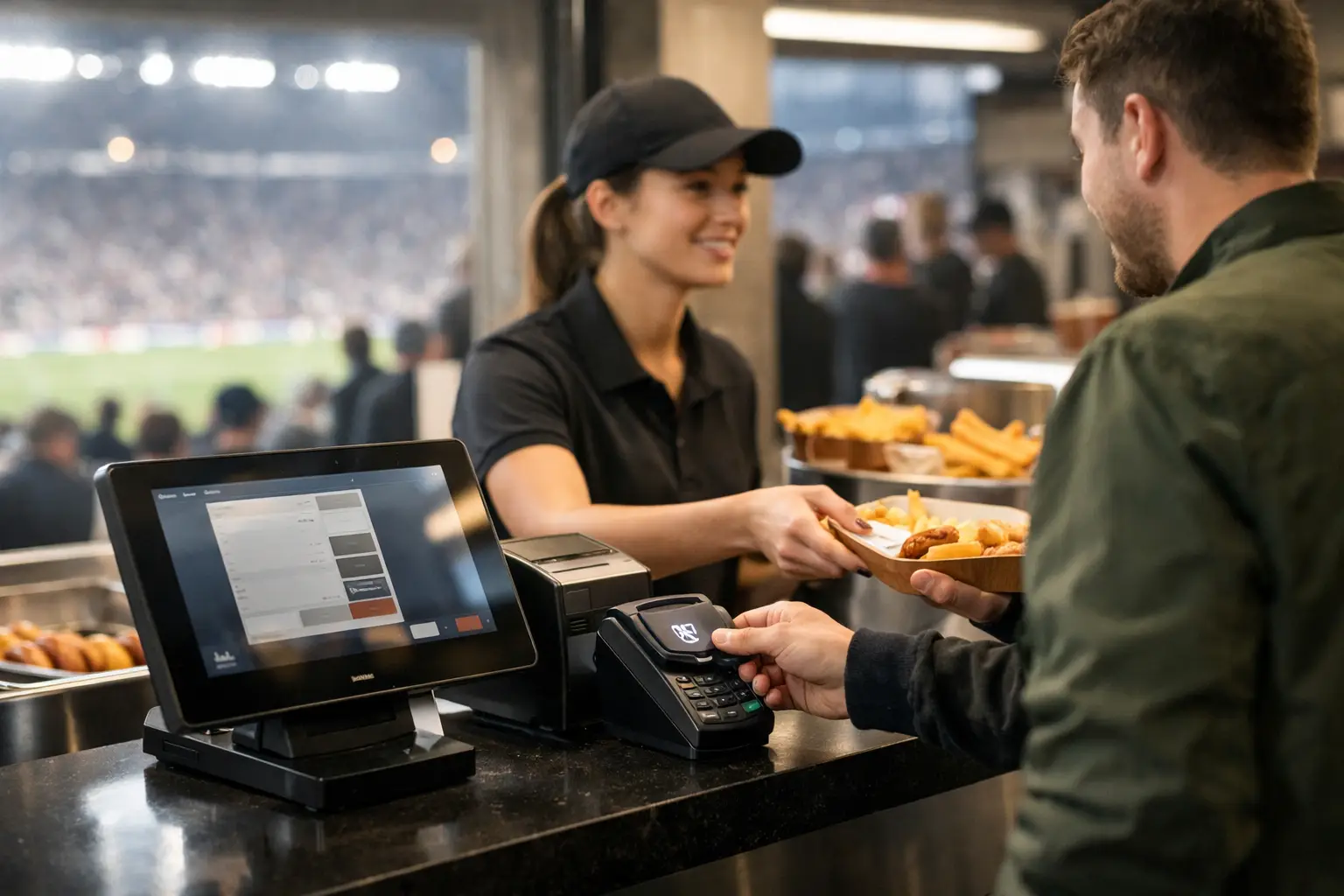
A packed room can survive a slow guest WiFi connection. It cannot absorb a failed payment line at halftime. Venue POS isolation separates point-of-sale systems from the traffic, devices, and failures that build up around a major event - protecting the transactions that keep food, beverage, merchandise, and hospitality revenue moving.
For Atlanta operators preparing for World Cup-level demand, this is not a back-office network preference. It is an operational control. When hundreds of guests arrive with multiple connected devices, staff stream highlights, televisions pull live feeds, and payment terminals process a burst of orders at once, every shared dependency becomes a possible failure point.
What Venue POS Isolation Actually Means
Venue POS isolation means creating a dedicated, controlled network environment for payment terminals, POS stations, kitchen display systems, receipt printers, and the services they require. That environment is separated from guest WiFi, staff personal devices, public-facing displays, streaming equipment, office systems, and other nonessential traffic.
The goal is not to make the POS network invisible or inconvenient. The goal is to give payment operations predictable access to the services they need while limiting their exposure to congestion, misconfiguration, malware, and unauthorized devices.
A properly isolated design generally controls three things: who can connect, what systems can communicate, and which paths traffic can take. A terminal may need to reach its payment processor, a local POS server, a kitchen printer, or a management platform. It does not need unrestricted access to every device in the building. Likewise, a guest on public WiFi should never be able to discover or communicate with a payment terminal.
This distinction matters because a separate WiFi name alone is not necessarily isolation. If guest and POS traffic still share the same switching infrastructure without meaningful segmentation, the same internet circuit without traffic controls, or permissive firewall rules, the venue may still have a large shared failure domain.
Why Match-Day Networks Put POS Revenue at Risk
Traffic volume is only part of the issue. Major sports events create sudden, synchronized demand. A goal, halftime, weather delay, or post-match crowd surge can send dozens of staff members to terminals at the same time while guests upload video, request WiFi access, and stream content on their phones.
When all of that activity competes on a flat network, payment traffic can become delayed, dropped, or routed through equipment that is already under strain. The result may look like a POS problem, even when the terminal hardware is working correctly. Card authorizations time out. Orders duplicate. Printers fall behind. Staff start manually retrying payments while lines get longer.
The commercial damage arrives quickly. Guests abandon orders, bartenders lose pace, managers issue comps, and a visible failure changes the mood in the room. During a high-profile match, a five-minute outage can feel much longer to a customer standing at the bar.
Isolation also reduces cybersecurity exposure. POS environments are attractive targets because they process payment information and connect to revenue-critical systems. A compromised guest device, rogue access point, infected staff laptop, or improperly managed smart device should not have a direct path to POS equipment. Segmentation does not replace endpoint protection, patching, or payment security requirements. It gives those controls a far better chance of working as intended.
Build the POS Network Around Business-Critical Traffic
The right design depends on the venue's POS platform, building layout, payment processor requirements, existing cabling, and available connectivity. A neighborhood sports bar with six terminals has different needs than a hotel hosting sponsor events across multiple floors. But the operating principle remains the same: prioritize the systems that take orders and accept payment.
Separate the network by function, not convenience
Start by defining functional zones. POS terminals and payment devices belong in one controlled zone. Kitchen display systems, printers, and POS back-office services may belong in that zone or in tightly defined adjacent segments, depending on how the platform communicates. Guest WiFi should be fully separate. Streaming, digital signage, security cameras, staff devices, and building systems should each be evaluated independently.
This is where many venues make a costly shortcut. They place every operational device on one "staff" network and assume the password provides protection. It does not provide the visibility or control needed for a busy event environment. A shared password spreads quickly, devices come and go, and troubleshooting becomes much harder when every system can talk to every other system.
Use dedicated VLANs or equivalent logical segmentation, then enforce policy with firewall rules. Permit only the traffic POS devices need. Deny unnecessary lateral communication by default. Document each approved connection so an engineer can identify quickly whether a service is essential, misconfigured, or suspicious.
Give POS traffic priority without starving the event
Isolation does not mean POS traffic should consume every available resource. Streaming may be central to the customer experience, especially during World Cup matches. The operational question is how to ensure a large screen stream, a guest upload surge, or an automatic software update cannot interfere with payment authorizations.
Quality-of-service policies can prioritize critical POS traffic, but they must be designed against real conditions. A policy that looks correct on paper may fail if the upstream circuit is saturated, the firewall cannot process peak traffic, or a wireless access point is overloaded. Test under load before match day, not during the first high-volume fixture.
For wired terminals, use managed switching, locked-down ports where appropriate, and clear device inventories. For wireless handhelds, use a dedicated secured SSID with enterprise-grade authentication where the POS vendor supports it. Consumer-grade WiFi equipment may be acceptable for a low-demand back office, but it is a poor foundation for a full venue processing transactions under pressure.
Remove single points of failure
A dedicated POS network still fails if it depends on one overloaded firewall, one aging switch, one internet circuit, or one incorrectly configured access point. Isolation improves containment. Resilience keeps the business operating when a component goes down.
At minimum, venues should know what happens if the primary internet connection fails. Some payment systems can use cellular failover, secondary broadband, or an approved offline transaction mode. Each option has trade-offs. Cellular backup can be limited by signal quality and data priority during crowded events. Offline mode may carry transaction limits, delayed authorization risk, and processor-specific rules. A second wired circuit improves independence only if it does not share the same local access path or power dependency.
The correct answer is not identical for every operation. The right answer is a tested recovery plan with defined ownership. Managers should know who calls support, which terminals are affected, and how staff continue service while the issue is being resolved.
Test Isolation Before the Crowd Arrives
A venue cannot validate POS isolation by checking whether a terminal can process one card on a quiet Tuesday morning. The test must reflect event conditions: active streaming, guest WiFi demand, staff devices online, digital signage operating, and multiple transactions occurring at once.
Run a controlled failover test. Confirm that POS devices remain functional or shift to the planned backup path when the primary circuit is unavailable. Test firewall policies after POS software updates, payment processor changes, and new device installations. Verify that guest WiFi cannot see POS addresses or local payment services. Confirm that printers, kitchen systems, and handhelds still work when segmentation rules are active.
Monitoring matters as much as testing. A venue should be able to see internet health, access point load, switch status, packet loss, latency, and the availability of critical POS paths. Monitoring does not prevent every incident, but it reduces the time spent guessing. During a live event, the difference between "the network is down" and "the guest WiFi VLAN is saturated while the POS gateway is healthy" determines how fast the team can act.
GDS Technology helps Atlanta venues assess these dependencies before high-traffic events and respond when operations are already under pressure. The work is not just about deploying equipment. It is about identifying which failure would stop revenue first, then designing a practical path around it.
The Operational Standard for Venue POS Isolation
The strongest POS design is often invisible to staff and guests. Orders process, kitchen tickets appear, card terminals authorize, and managers focus on the room instead of the network closet. That outcome comes from deliberate separation, tested failover, active monitoring, and clear escalation procedures.
Do not wait for a match-day payment failure to learn whether guest traffic shares a path with your POS system. Map the connections now, isolate what matters, and test the recovery plan while the cost of interruption is still low.