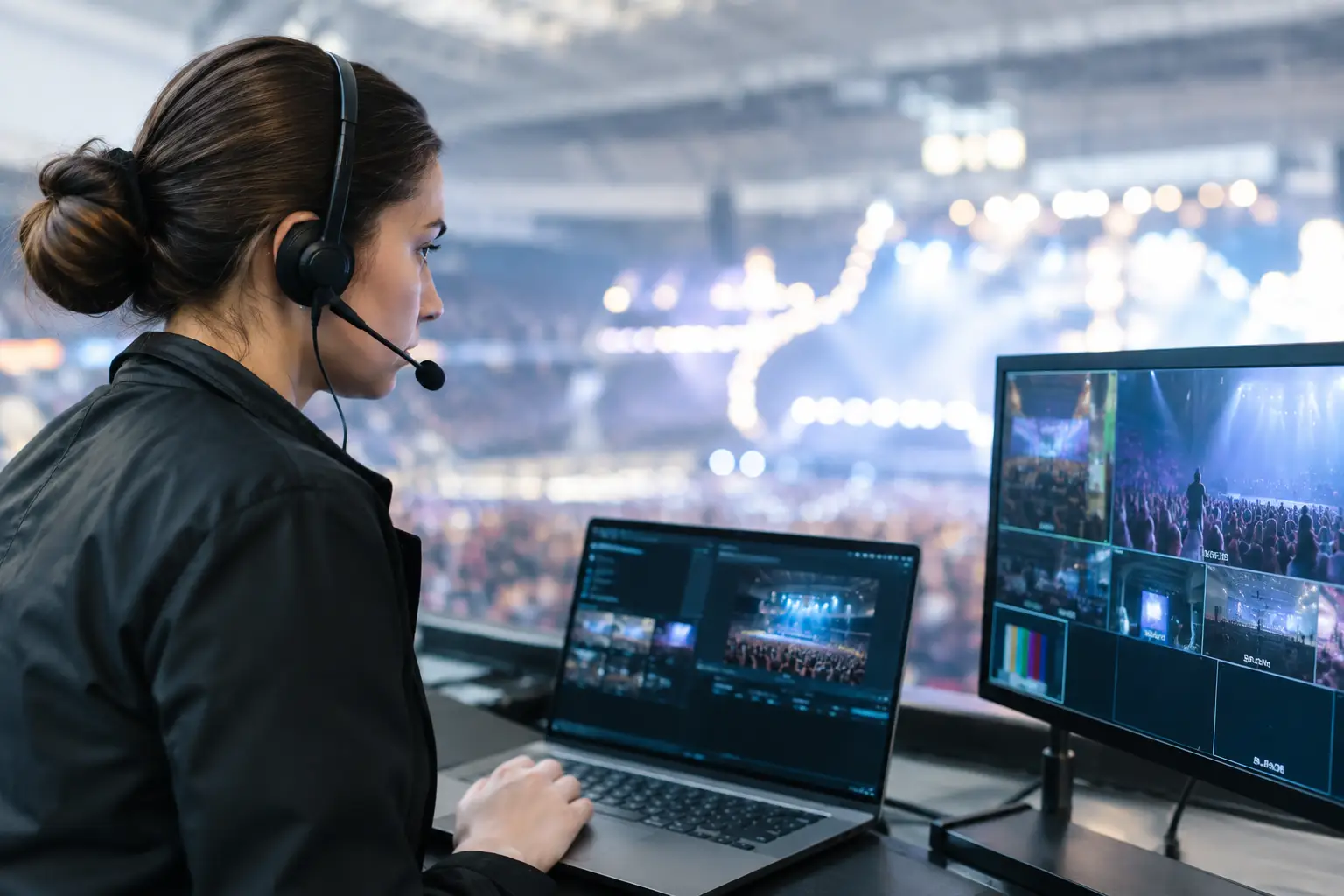
A streaming incident response example is most useful when it looks like a real match-day failure: a packed Atlanta sports bar, kickoff minutes away, every table watching, and a primary screen freezes while audio continues. This is not a minor IT ticket. It is a revenue, guest experience, and reputation incident with a clock running.
For venues preparing for World Cup traffic, the objective is not simply to get video back. The objective is to identify the failure domain quickly, protect unaffected screens, restore the feed through the fastest safe path, and confirm that the same issue will not return during the next match window.
The incident: video degradation before kickoff
At 6:38 p.m., a venue manager reports that the main streaming feed is buffering every 20 to 30 seconds. Three smaller displays are still playing normally. The venue is at 80% capacity, reservations are arriving, and the match begins at 7:00 p.m.
The first mistake would be rebooting everything. A blind reboot can erase useful evidence, interrupt working displays, and consume the most valuable minutes of the response. The incident lead starts with a narrow question: is this a stream-source problem, a local device problem, a WiFi problem, or an upstream internet issue?
An engineer checks the operational facts. The primary display is connected through a streaming device on the guest WiFi network. The smaller displays are hardwired to a different media distribution path. The internet circuit is active, but guest WiFi utilization has spiked as patrons arrive. A speed test may show acceptable bandwidth, yet that does not clear the network. High latency, packet loss, poor access point performance, or traffic contention can still break live video.
Within five minutes, the team has a working diagnosis: the streaming device is competing with hundreds of guest devices on an overloaded wireless segment. The video platform is functioning. The ISP is not fully down. The failure is local network contention affecting a business-critical endpoint.
Contain first, then restore
The incident commander directs staff to move the main streaming device from guest WiFi to the venue's dedicated operations network. If a wired port is available, wired service is the preferred recovery path. It reduces wireless variables and gives the engineer a cleaner way to validate stability.
While that change is underway, the venue activates its fallback display plan. A secondary source is routed to the largest available screen, and staff are given one clear message for guests: the venue is switching feeds before kickoff. Front-of-house teams should not speculate about the cause or promise a restoration time they cannot control. Their job is to keep guests informed, preserve confidence, and avoid sending customers elsewhere.
At 6:49 p.m., the primary device is connected to the operations VLAN. The engineer restarts only the affected streaming application, not the entire network. The stream returns at full resolution, but the response is not complete. A feed that plays for 30 seconds is not proof of recovery.
For the next eight minutes, the team monitors playback, bitrate behavior, packet loss, WiFi utilization, device CPU load, and the video output at the screen. The incident is marked resolved only after the feed remains stable through the pre-match broadcast and the venue confirms that audio and video are synchronized across priority displays.
What made this response work
The recovery took less time because the venue had defined ownership before an incident occurred. Someone had authority to make a network change. Someone could access the streaming account. Someone could move guests and staff toward a backup screen. Without those decisions in place, an avoidable technical fault becomes an operational bottleneck.
This streaming incident response example also shows why internet speed alone is a poor measure of readiness. A venue can have a fast circuit and still fail under event demand. Live streaming depends on the complete delivery path: the provider feed, the streaming account, the playback device, local cabling, switching, WiFi design, network segmentation, DNS, firewall policy, and display hardware.
The best response teams isolate that path instead of treating every disruption as an ISP outage. If one screen fails while others are stable, start local. If every stream, point-of-sale terminal, and guest device slows down at once, investigate the circuit, gateway, or broader network load. If the stream fails at multiple locations but general internet access is normal, the provider or account may be the issue.
A practical match-day response sequence
A reliable response sequence should be short enough to use under pressure. First, confirm the business impact. Which screens are affected? Is the venue losing the match feed, or only a secondary display? Are point-of-sale, reservations, and guest WiFi also affected?
Next, preserve the working service. Do not reboot core switches, access points, or gateways if only one player has failed. Keep unaffected video paths live. Move attention to the impaired endpoint, its connection, and its source.
Then identify the failure domain. Check whether the device has network connectivity, whether DNS resolves, whether the streaming application can authenticate, and whether the display is receiving a stable signal. Compare the failed path with a working one. That comparison often identifies the cause faster than a long series of random tests.
Restore service using the lowest-risk option. That may mean moving from WiFi to Ethernet, switching to a pre-authorized backup device, changing to a secondary circuit, or moving priority traffic onto an isolated network segment. The right choice depends on the incident. A backup circuit will not solve a failed HDMI adapter, and a device reboot will not solve access point saturation.
Finally, validate under load. Watch the recovered stream long enough to expose buffering, audio drift, login prompts, or resolution changes. Confirm that the backup plan remains available. Document the time of detection, diagnosis, mitigation, restoration, and any unresolved risk before the next event window begins.
The hidden issue: guest WiFi and streaming should not compete
Many venue incidents begin with a predictable design problem: customer devices and critical streaming endpoints share the same wireless network, access point capacity, or unprioritized internet path. That design may appear acceptable during normal service. It fails when hundreds of guests arrive, start uploading content, connect to social platforms, and use mobile devices at the same time.
A match-day network should separate guest access from business operations and streaming equipment. Segmentation limits noise and gives the response team visibility into what is consuming capacity. Quality-of-service policies can prioritize approved operational traffic, but they are not a substitute for sufficient bandwidth, proper wireless coverage, and correctly sized hardware.
There is also a trade-off. Aggressive traffic shaping can protect a stream while degrading guest WiFi enough to generate complaints. The answer depends on the venue's layout, expected attendance, number of simultaneous displays, internet capacity, and whether guests rely on WiFi for ordering, payments, or event engagement. Testing during realistic peak demand is the only credible way to set those priorities.
Turn the incident into readiness
After service is restored, conduct a short post-incident review while the details are fresh. The review should answer what failed, why existing controls did not prevent it, what restored service, and what needs to change before the next match.
In this case, the permanent fix is not just putting the device on Ethernet. The venue should inventory every critical display, label its network path, verify each streaming account and credential, test backup devices, and establish a clear primary and secondary internet plan. It should also define who can approve changes during a live event.
For high-visibility sports service, readiness is a business control. A tested failover path protects food and beverage revenue, private-event commitments, sponsor visibility, and the guest trust that brings people back for the next match. GDS Technology supports Atlanta operators with local engineering coverage built for exactly these time-sensitive failures.
The useful lesson is simple: do not wait for a frozen screen to discover which network it uses, who owns the account, or where the backup device is stored. Test the full viewing experience before doors open, assign decision authority, and treat every match feed as the revenue-critical service it is.