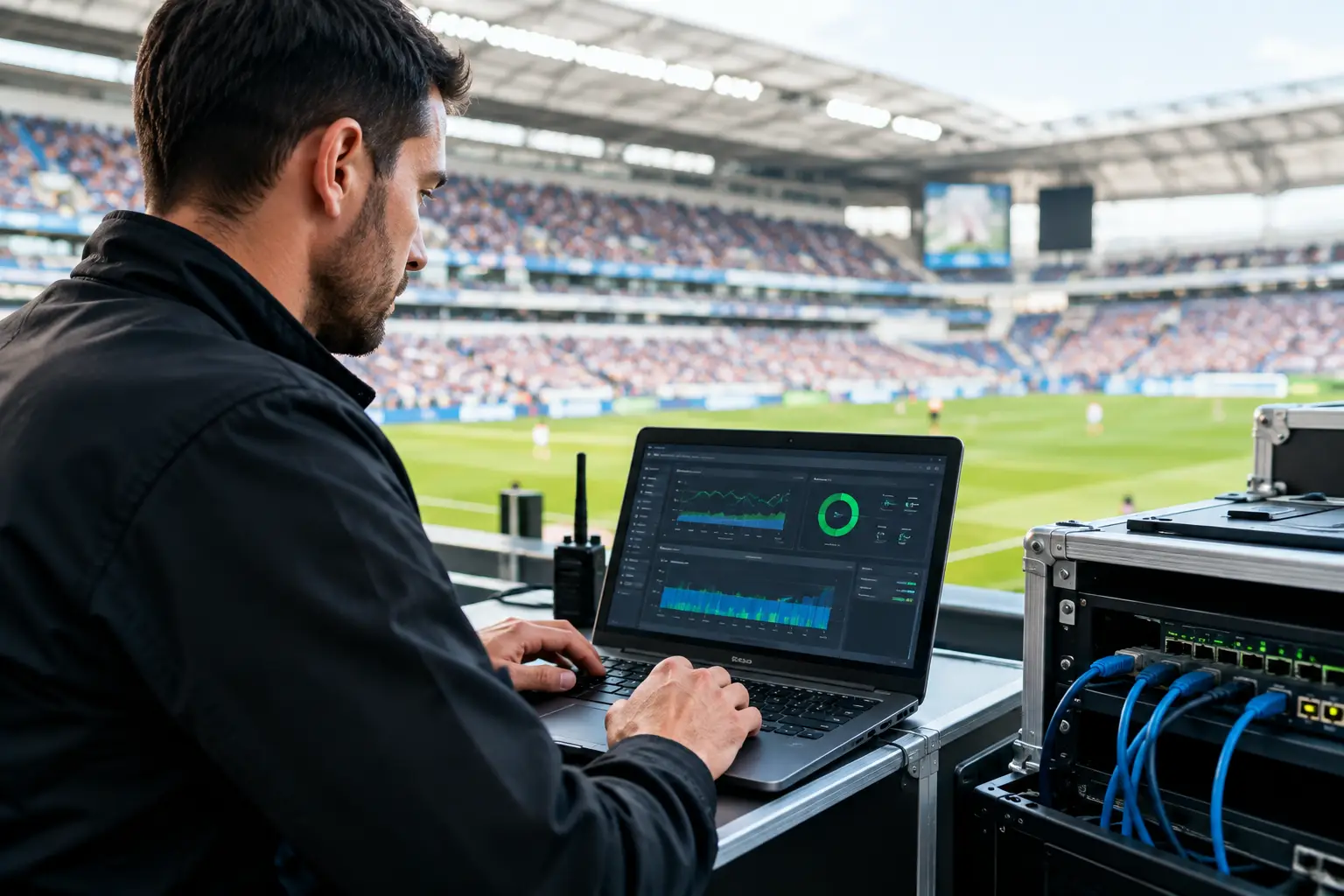
A full venue, every screen carrying a live match, hundreds of guests refreshing phones, POS terminals processing orders, and staff relying on cloud tools creates one operating condition: peak load with zero tolerance for failure. Local event IT engineering is what separates a minor technical disruption from a match-day outage that costs revenue, guest confidence, and repeat business.
For Atlanta operators preparing for major sports traffic, internet access is not a background utility. It is part of the event experience. A frozen stream can clear a bar. A congested WiFi network can block payment processing. A compromised guest network can create a security problem at exactly the wrong time. The right engineering plan anticipates those pressure points before kickoff.
Why Local Event IT Engineering Matters
Live events stress systems in ways normal business hours do not. A restaurant may have dependable connectivity at lunch and still struggle when every television, mobile device, payment terminal, and staff tablet is active at once. The issue is rarely just the advertised internet speed. It is how traffic is prioritized, how access points are positioned, whether network hardware can handle concurrent connections, and what happens when a primary circuit fails.
This is especially relevant for the 2026 World Cup demand surge in Atlanta. Hotels, sports bars, event venues, sponsor activations, broadcasters, and pop-up hospitality spaces will all face concentrated traffic around match windows. Guests will expect high-definition video, fast checkouts, reliable guest WiFi, and immediate answers when something does not work.
Generic remote help desk support is often too slow for that environment. An engineer who understands the local venue, its ISP handoff, its cable paths, its equipment layout, and its operating priorities can make decisions faster. Local accountability matters when a manager is looking at a room full of customers and a live broadcast is buffering.
The Failure Points That Hit Revenue First
Match-day incidents often begin quietly. Video quality drops on one screen. Guests report weak WiFi near a patio. A point-of-sale terminal begins timing out. Then demand rises, a network bottleneck expands, and separate symptoms become one visible failure.
Streaming Is More Than Internet Speed
A fast internet plan does not guarantee stable streaming. Video performance depends on packet loss, latency, jitter, DNS resolution, device configuration, and the way streaming traffic competes with other activity on the network. If a venue is relying on consumer-grade WiFi for display devices, staff traffic, and guest usage, congestion can affect the broadcast at the moment attention is highest.
A proper event setup separates critical traffic from convenience traffic. Streaming devices and business systems should not compete equally with guest browsing, software updates, or a staff member uploading video to social media. Network segmentation and traffic policies give priority to the systems that protect operations.
There is also a practical trade-off. Hardwired connections are generally more reliable for fixed displays and production equipment, but they require planning and physical infrastructure. Wireless can be appropriate where cabling is not feasible, provided access-point density, channel design, and device placement are engineered for the room rather than assumed.
Guest WiFi Can Overload Faster Than Expected
Guest WiFi demand is not measured only by headcount. A crowd of 200 people may bring 350 to 500 connected devices when guests carry phones, watches, tablets, and laptops. Each device creates background traffic even when nobody appears to be actively using it.
Capacity planning should account for the venue layout, wall materials, outdoor areas, high-density seating, and the number of devices likely to connect at the same time. One access point may cover a room physically while still failing to serve that room under actual match-day load. Coverage and capacity are different engineering problems.
A WiFi assessment should also identify dead zones, interference from neighboring networks, outdated access points, and weak uplinks between network closets. Adding another access point without reviewing the wired infrastructure can simply move the bottleneck.
Failover Must Be Tested, Not Assumed
Every venue with significant event revenue needs an answer to one question: what happens if the primary internet circuit goes down at kickoff? A secondary connection, cellular backup, or alternate ISP path can protect operations, but only if failover has been configured and tested under realistic conditions.
Automatic failover can take longer than expected if routing, DNS, authentication, or firewall rules are not prepared correctly. Some services may also behave differently over a backup circuit. A test should verify streaming, payment systems, staff applications, remote access, and guest WiFi after the failover occurs. The plan is only real when the venue has seen it work.
Building a Match-Day Readiness Plan
The strongest readiness plans begin before the event calendar fills. They document critical systems, identify likely failure paths, and assign decision-makers before a problem starts. This is not paperwork for its own sake. It reduces the time spent guessing under pressure.
Start with a site-level review of the internet circuit, firewall, switches, wireless network, streaming endpoints, payment systems, and network closets. Confirm who owns each service, where support contacts are stored, and what equipment is approaching end of life. A venue that cannot identify its ISP account details or firewall administrator during an outage loses valuable recovery time.
Next, classify what must stay online. For many operators, the priority order is live streams, POS and payment processing, staff communications, operational applications, and guest WiFi. That order can vary. A broadcaster may prioritize production paths and encoder health. A hotel may place property systems and guest access ahead of public viewing areas. Engineering should follow the business impact, not a generic checklist.
Then run a controlled peak-load test. Validate whether display devices are wired where possible, whether WiFi access points support expected concurrency, and whether the network remains stable when traffic rises. Test the backup connection. Test the power protection in critical closets. Test the ability to contact a local engineer after hours.
GDS Technology approaches this work as event readiness, not routine IT maintenance. The objective is clear: identify the conditions that can interrupt the guest experience and correct them before a packed room discovers them first.
Security Cannot Be Paused for a Live Event
High-traffic events attract more than customers. Public WiFi, temporary staff access, sponsor devices, QR-code campaigns, and unfamiliar equipment can expand a venue's exposure quickly. Security controls must protect the environment without creating unnecessary friction for operations.
Guest networks should be isolated from POS, streaming, administrative, and production systems. Network equipment should use current credentials, current firmware, and controlled remote access. Staff should know how to recognize suspicious payment prompts, fake WiFi networks, and urgent requests that attempt to exploit a busy shift.
The balance matters. Overly restrictive controls can interfere with legitimate production workflows or partner equipment. Overly permissive access can expose systems that should never be visible to guests. A local engineering team can review the real equipment and workflow on site rather than applying a one-size-fits-all policy remotely.
What Fast Incident Response Looks Like
When an outage occurs, speed depends on preparation. The first goal is not to make every system perfect immediately. It is to restore the business-critical path first. That may mean moving streaming traffic to a backup circuit, isolating a failed switch, shifting a display to a known-good connection, or restricting guest WiFi temporarily to preserve payments and broadcasts.
Effective incident response follows a disciplined sequence: confirm the scope, isolate the fault, protect critical traffic, communicate clearly, and document the permanent fix after service is restored. Random reboots and trial-and-error changes can make an already difficult problem harder to diagnose.
Local presence changes the recovery equation. Some failures require physical access to a network closet, a damaged cable, a power source, an ISP modem, or an access point mounted in a high-traffic area. Remote monitoring can identify the issue quickly, but on-site engineering closes the gap when hands on equipment are required.
Prepare for the Crowd Before the Crowd Arrives
Atlanta's major-event opportunity will reward venues that treat technology as part of operations, not an emergency expense after the first failure. The right local event IT engineering plan is built around real conditions: the room, the crowd, the revenue model, the live streams, and the backup options available when demand peaks.
A readiness review now gives your team time to correct weak WiFi, test failover, separate critical network traffic, and establish a clear escalation path. When the match begins, your staff should be focused on guests, service, and revenue - not searching for a signal while the room watches a loading screen.