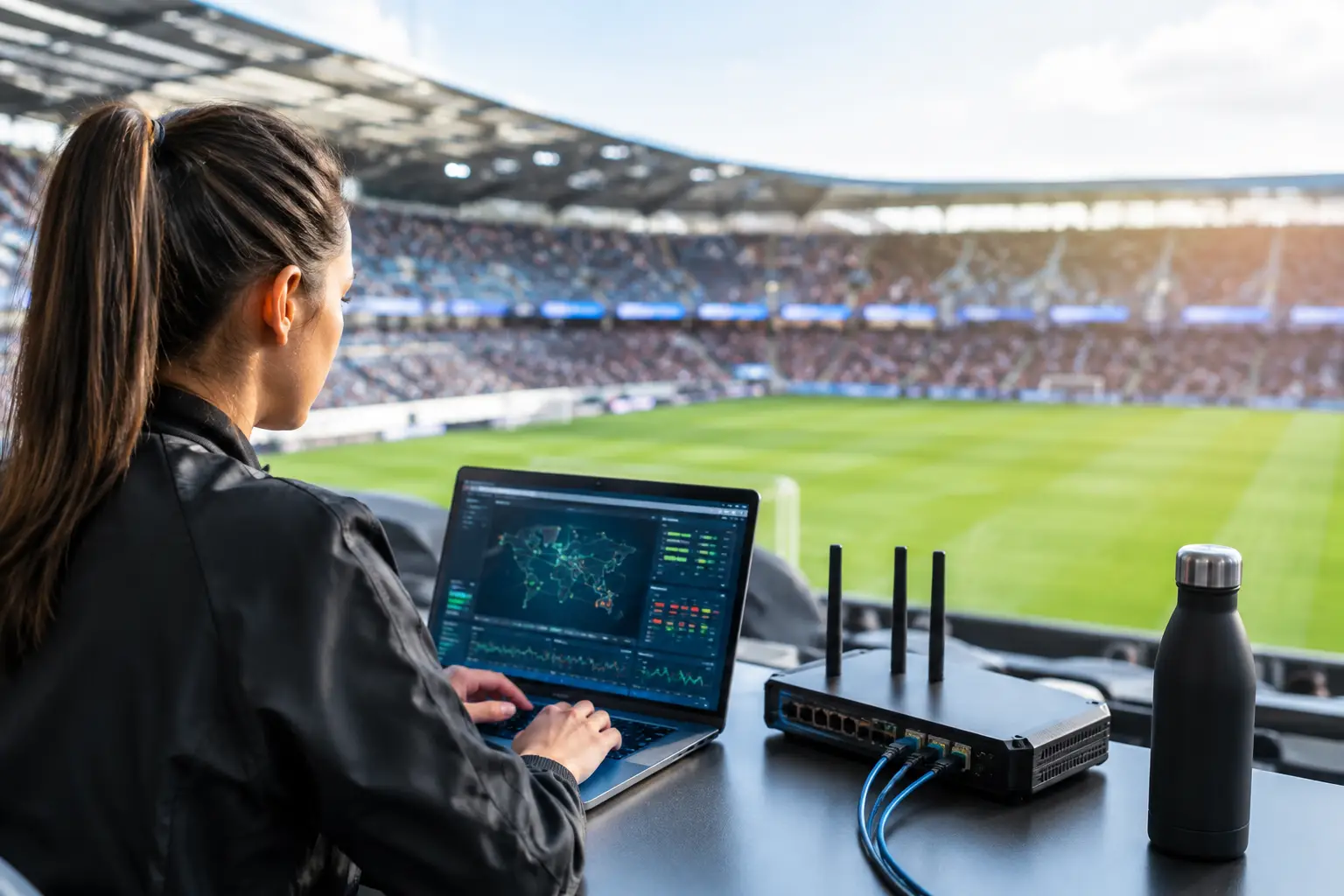
A packed room goes quiet when the match freezes. Within seconds, bartenders are answering questions, guests are checking their phones, and a venue’s reputation is taking a hit in full view of the people who matter most. Event connectivity is not a background utility during major sports events. It is the operating system for streaming, payments, staff communication, guest WiFi, security systems, and the customer experience.
For Atlanta businesses preparing for 2026 World Cup traffic, the technical question is not whether demand will increase. It will. The question is whether your network, internet service, and response plan can perform when every screen is live and every table is occupied.
Why Event Connectivity Fails Under Real Crowd Conditions
A connection that works on a normal Tuesday can fail on match day without any equipment actually breaking. The issue is often capacity, design, or a dependency that was never tested under peak load.
A sports bar may have dozens of displays pulling high-definition streams while hundreds of guests connect to WiFi. A hotel may be supporting lobby viewing areas, guest rooms, point-of-sale terminals, conference spaces, and back-office systems on the same property. An event venue may add ticket scanning, sponsor activations, production crews, temporary workstations, and live social coverage to an already busy network.
The internet circuit is only one part of that chain. Bandwidth can be sufficient on paper while WiFi access points are overloaded, switches are saturated, DNS is slow, or a poorly configured firewall is restricting the traffic that matters. Streaming can also degrade because of upstream provider issues, device limitations, multicast behavior, or a WiFi network that gives equal priority to a guest downloading files and a screen carrying the match.
That is why readiness has to account for the entire operating environment, not just the speed listed on an ISP invoice.
Event Connectivity Starts With Critical Services
Not all traffic carries the same business consequence. If guest browsing slows briefly, that may be frustrating. If the primary match stream drops, card terminals stop processing, or staff cannot communicate during a packed event, the impact is immediate.
Start by identifying what must remain available. For most hospitality and live-event operators, that includes broadcast or streaming feeds, point-of-sale and payment processing, staff communications, ticketing or access control, security systems, and business-critical cloud applications. Guest WiFi matters too, but it should not be allowed to consume the capacity required by revenue-producing operations.
This is where network segmentation becomes operational, not theoretical. Separate guest traffic from staff devices. Keep point-of-sale terminals away from public WiFi. Place streaming endpoints and production equipment on appropriately managed networks. Apply traffic policies that preserve performance for critical services when the building is full.
Segmentation also limits exposure. A guest device infected with malware should not have a direct path to payment terminals, cameras, or administrative systems. For venues handling high public traffic and temporary devices, this separation is a practical cybersecurity control as well as a performance control.
Build for Peak Demand, Not Average Usage
Average bandwidth reports create false confidence. They do not show what happens in the 20 minutes before kickoff, during halftime, or when a late goal drives every guest to upload video at once.
Capacity planning should use a realistic peak scenario. Estimate the number of connected guests, the number of staff and operational devices, the displays and streaming endpoints, and any production or sponsor equipment on site. Then test the network while those services are active. A speed test on an empty floor is not a match-day validation.
WiFi design deserves the same scrutiny. Access point location, radio-channel planning, client density, roaming behavior, and physical obstructions all affect results. More access points do not automatically solve the problem. Poorly placed or poorly tuned access points can create interference and make performance worse.
For high-density spaces, operators should verify that their wireless design supports the number of clients expected in each zone. A patio, lobby, ballroom, private viewing room, and main bar may each have different load patterns. Treating the entire property as one uniform WiFi environment is how dead zones and congestion appear when the doors open.
Streaming Requires a Protected Path
The screen is often where guests notice the failure, but the cause may sit several layers deeper. Streaming reliability depends on stable connectivity from the provider through the firewall, switches, wireless or wired connection, endpoint device, and display system.
Whenever possible, primary streaming equipment should use wired connections instead of congested guest WiFi. Wired service reduces variables and creates a more predictable path for critical video. It also makes troubleshooting faster when time matters.
Build redundancy where the cost of interruption exceeds the cost of backup service. That may mean a secondary internet circuit, cellular failover, an alternate streaming device, spare cables and adapters, or a documented way to switch services without guesswork. The right approach depends on the venue, but relying on a single circuit and a single playback device is a high-risk position during a major match.
Failover is only valuable if it has been tested. A backup circuit that has never carried live traffic can fail at the exact moment it is needed. Test the transition, verify that essential services recover, and document who has authority to make the switch.
The Match-Day Response Plan Must Be Specific
When an outage starts, vague responsibility wastes expensive minutes. Staff need a short, usable escalation plan that tells them what to check, who to call, and how to protect guest experience while technical recovery is underway.
The plan should distinguish between a streaming problem, a local network problem, a WiFi issue, a payment outage, and a full internet failure. These incidents can look similar to a manager on the floor, but they require different actions. If only one display has failed, restarting the entire network may make the situation worse. If payments are down across the building, the response must move faster and involve different stakeholders.
A strong match-day plan includes clear ownership for the venue manager, on-site technical contact, internet provider, streaming provider, and emergency engineering support. It also records key details before the event: provider account information, circuit IDs, network diagrams, equipment locations, admin access procedures, and a list of critical devices.
The following four signals should trigger immediate technical escalation:
- Multiple displays buffering or losing stream quality at the same time
- Payment terminals failing, timing out, or switching to offline behavior
- Guest WiFi complaints rising across more than one area
- Firewall, switch, or access point alerts showing heavy utilization or failed uplinks
Staff should not have to diagnose root cause under pressure. Their role is to recognize the operational symptom, report it accurately, and activate the response process.
Local Support Changes the Recovery Window
Remote support can be useful for configuration changes and monitoring, but it has limits when physical equipment, cabling, power, or venue-specific conditions are involved. A failed switch, damaged fiber patch, overheated equipment closet, or misbehaving access point often requires hands on site.
For Atlanta operators expecting World Cup-related traffic, local engineering support reduces the gap between identifying a problem and correcting it. It also improves planning before the event. A technician who can inspect equipment rooms, map coverage areas, trace cabling, and understand the venue’s workflow will find risks that a remote assessment can miss.
GDS Technology supports this type of high-pressure environment with local event readiness, network recovery, WiFi optimization, cybersecurity support, and streaming-focused troubleshooting. The objective is not generic IT coverage. It is protecting revenue and customer confidence when a public failure is most visible.
Test the Business Experience, Not Just the Network
Technical monitoring is essential, but operators should also test what guests and staff actually experience. Can the primary stream remain stable while a crowd connects to WiFi? Can a manager process payments from every service area? Can staff reach critical cloud tools? Does the backup connection work after the primary circuit is disconnected?
Run this exercise before a major event and document what happened. Look for slow recovery steps, devices with weak signal, unclear ownership, and services that were assumed to be protected but were not. Fixing those gaps during preparation is controlled work. Fixing them during kickoff is public damage control.
A reliable event operation is not defined by never having an issue. It is defined by detecting issues early, isolating them quickly, and restoring critical services before the room turns against the experience. Before the next major match, test your network at the level your customers will test it: full room, full screens, full pressure.