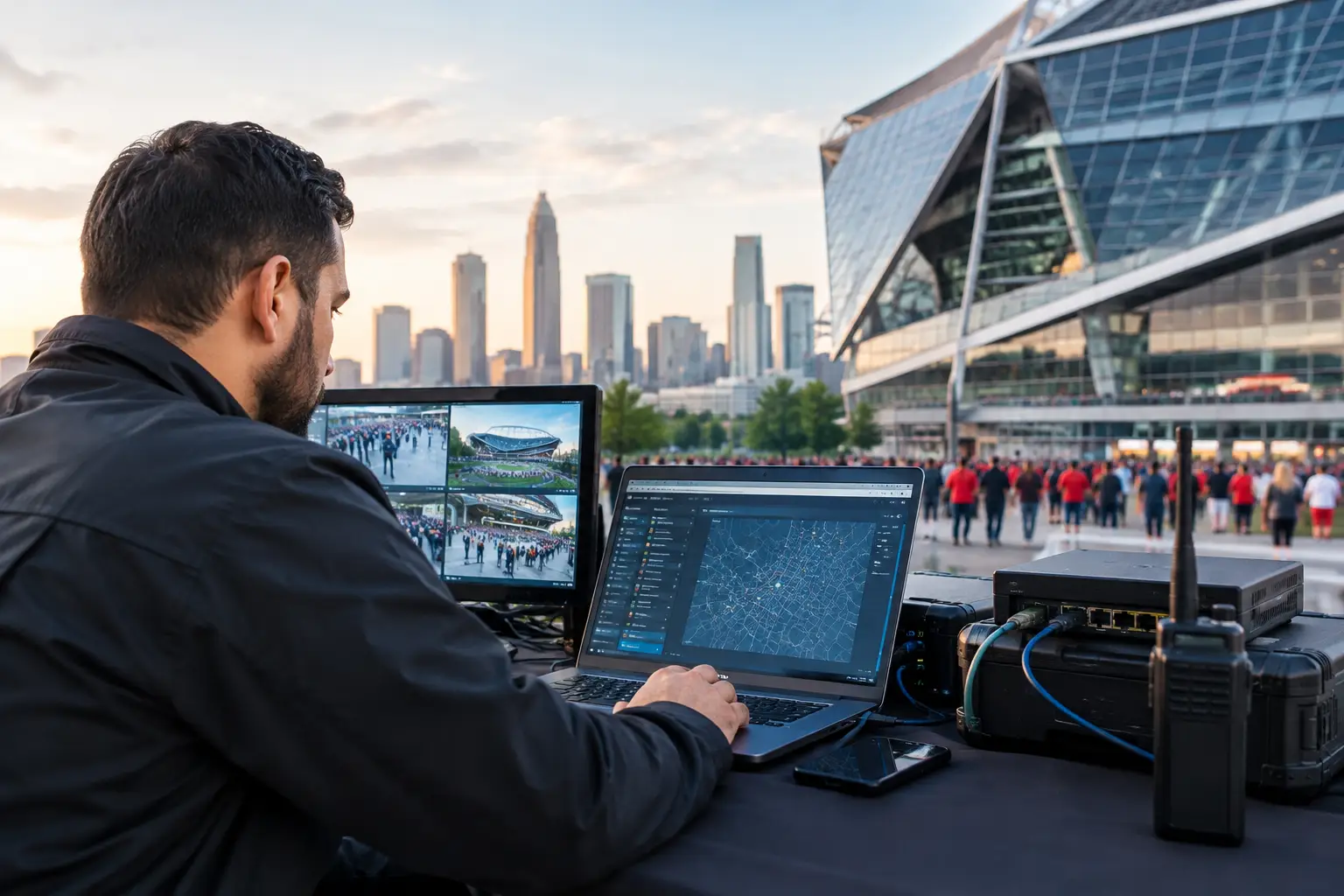
A packed sports bar loses its primary internet connection 10 minutes before kickoff. Hotel guests are joining the WiFi in waves. Every screen is waiting for a live stream, point-of-sale terminals are timing out, and staff have no room for a slow troubleshooting cycle. This is where emergency IT becomes an operational requirement, not a backup plan.
For Atlanta businesses preparing for World Cup-level demand, downtime is visible immediately. A frozen match feed sends customers elsewhere. Poor guest WiFi creates complaints at the front desk. A network outage can halt payments, access control, digital signage, and communications at the same time. The response has to be fast, local, and built around restoring service without creating a second failure.
What Emergency IT Means in a Live Event Environment
Emergency IT is rapid technical intervention when a business-critical system fails or begins to degrade. In a venue environment, that can include internet recovery, streaming diagnostics, WiFi stabilization, firewall and network troubleshooting, cybersecurity containment, or temporary connectivity when a carrier circuit is down.
The difference between ordinary IT support and emergency support is the operating context. A standard help desk may log a ticket, request screenshots, and schedule a technician. During a major match, that process does not protect revenue. The priority is to identify the failure domain, isolate the impact, activate the fastest available workaround, and restore the primary service safely.
That work requires engineers who understand how venue systems interact. A stream may appear to be the problem when the real issue is DNS resolution, overloaded wireless access points, a failed switch uplink, ISP packet loss, an expired certificate, or a firewall rule that is blocking a required service. Treating every problem as “the internet is down” wastes the minutes that matter most.
The Failures That Hurt Atlanta Venues Fastest
Not every outage looks dramatic at first. Often, the warning signs begin as intermittent buffering, payment terminals that lag, guests disconnecting from WiFi, or staff reporting that only certain screens have lost the feed. Those partial failures deserve immediate attention because they can become a full-service interruption under peak load.
Streaming failures are especially damaging during live sports. The venue may have working internet but insufficient bandwidth for concurrent traffic. It may be competing with guest devices, cloud backups, POS traffic, and staff systems on the same connection. It may also have a provider-side issue that affects one streaming service more than another. A proper emergency response tests the path end to end instead of repeatedly restarting devices and hoping the feed returns.
WiFi failure creates a different but equally public problem. During match-day traffic, a network designed for ordinary guest volume can run out of capacity. Access points may be poorly placed, channel plans may overlap, captive portals may delay connections, and older hardware may not handle the number of simultaneous sessions. Adding more access points without analyzing the wireless design can increase interference rather than improve service.
Cybersecurity incidents demand a separate response path. If a suspicious login, ransomware alert, phishing compromise, or unknown device appears during an event, the team must balance containment with continuity. Pulling systems offline without a plan can stop operations. Ignoring the alert can turn a small incident into a much larger exposure. Emergency IT should establish which assets are affected, preserve evidence, limit lateral movement, and keep essential business functions running where it is safe to do so.
Emergency IT Response: The First Critical Minutes
The first response should be controlled, not frantic. Venue managers need one accountable technical lead and a clear operational picture: what is down, who is affected, what still works, and what business function is at risk next.
A capable response starts by separating carrier issues from internal network issues. Engineers verify circuit status, test from the edge of the network, check firewall health, review switch and access point status, and measure packet loss, latency, and available bandwidth. At the same time, they confirm whether the problem affects all devices, a single VLAN, one room, one stream, or one provider.
If the primary connection has failed, failover should activate quickly. That might mean a secondary wired circuit, business-grade cellular connectivity, or a preconfigured temporary connection. The trade-off matters. A backup link may keep POS, critical streaming, and staff communications alive, but it may not support unrestricted guest browsing for hundreds of users. Traffic prioritization is what keeps the most valuable services online.
The same principle applies to streaming. During a degraded condition, the goal may be to protect the main match displays first, then restore secondary screens, guest WiFi capacity, digital signage, and nonessential traffic. That is not a compromise in service standards. It is disciplined incident management.
Build Match-Day Readiness Before the Crowd Arrives
The best emergency IT call is the one that starts with a prepared environment. Venues should test their technical operating plan under realistic load well before a major event. A speed test alone is not enough. The question is whether the complete environment can support streaming, point-of-sale, staff devices, guest connectivity, security systems, and vendor equipment at the same time.
A readiness review should examine the internet circuit, backup connectivity, network segmentation, wireless capacity, streaming device configuration, power protection, firewall rules, and monitoring coverage. It should also document who can authorize technical changes when the venue is busy and who has access to carrier accounts, equipment credentials, and vendor support information.
Four readiness gaps appear repeatedly in high-traffic locations:
- A single internet connection with no tested failover path.
- Guest WiFi sharing bandwidth and network space with POS or streaming devices.
- Streaming equipment installed without validating its network requirements under load.
- No current network map, credentials, escalation contacts, or after-hours support plan.
Each gap turns a manageable incident into a longer outage. A second circuit is valuable only if it fails over correctly. Network segmentation is valuable only if it is documented and tested. Monitoring is valuable only if someone can respond when alerts appear.
Local Support Changes the Outcome
Remote support has a role in diagnosis, monitoring, and configuration. But there are incidents that require hands on the equipment: a failed switch power supply, damaged cabling, an access point that has gone offline, a modem that needs replacement, or an on-site vendor installation that does not match the venue’s network design.
For Atlanta operators, local emergency IT support reduces the gap between identifying the issue and executing the fix. It also creates accountability during the busiest periods. The team responding should understand that the technical goal is not merely to close a ticket. It is to protect the guest experience, transaction flow, broadcast quality, and reputation of the venue while the event is still happening.
GDS Technology supports this type of high-pressure environment with local engineering, event-focused readiness planning, network recovery, WiFi optimization, cybersecurity response, and live-stream reliability support. The operating model is built for venues where a technical failure is immediately visible to customers and staff.
Decide What Must Stay Online
Every venue should define its service priorities before an incident forces the decision. For a sports bar, the main stream and POS may come first. For a hotel, guest communications, front desk systems, access control, and lobby viewing areas may take priority. For an event organizer or broadcaster, production connectivity and secure communications can outrank general guest access.
Those priorities should be translated into network policy. Critical systems need dedicated capacity, appropriate segmentation, and a tested failover plan. Guest traffic should not be allowed to consume the bandwidth needed for a live match feed. Automatic cloud syncing, software updates, and nonessential downloads should be controlled during peak event windows.
There is no one-size-fits-all design. A 75-seat restaurant, a multi-floor hotel, and a large event venue face different load patterns and recovery options. What they share is the cost of being unprepared when demand spikes.
When the crowd arrives, your network is part of the event. Treat it like the screens, the staff, the inventory, and the security plan: test it before doors open, monitor it while demand rises, and have emergency IT ready to act before a technical issue becomes the moment everyone remembers.