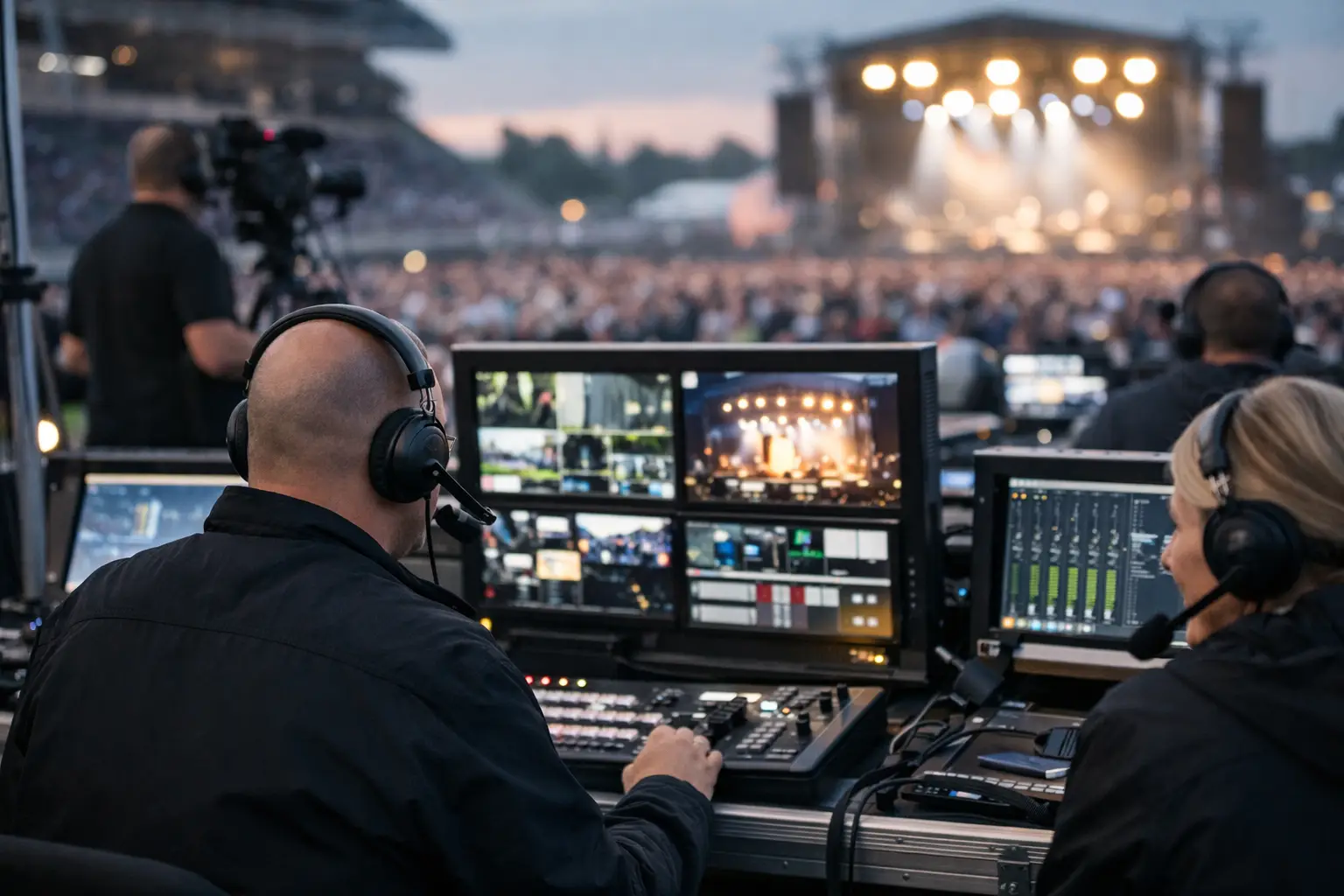
A packed room can turn on your network faster than any normal business day. Hundreds of guests join WiFi, multiple displays pull high-definition video, point-of-sale traffic spikes, and every frozen frame becomes visible. Broadcast support for live events is the operational layer that keeps those systems working when there is no acceptable window for failure.
For Atlanta bars, hotels, event venues, broadcasters, and sponsors preparing for World Cup traffic, the goal is not simply to get a stream on screen. The goal is to protect revenue, guest confidence, and the reputation your operation has built over years. That requires tested capacity, clear ownership, and technical coverage that can respond while the event is still live.
What broadcast support must protect
A live broadcast depends on more than the connection supplied to the building. It depends on the full path between the source and the audience: the internet circuit, firewall, switches, wireless access points, streaming devices, video distribution equipment, display endpoints, and the people responsible for each layer.
One weak point can affect the entire room. A WiFi network overloaded by guest devices may interfere with wireless streaming hardware. A firewall rule change made for security can block a required content-delivery connection. An unmanaged switch can introduce packet loss that looks like a streaming-provider problem. When the match begins, those distinctions matter less to guests than the result: the screen is buffering.
Effective support starts by separating critical broadcast traffic from ordinary business and guest traffic. Payment systems, staff devices, guest WiFi, cameras, digital signage, and streaming equipment should not compete blindly for the same resources. Network segmentation, traffic prioritization, and capacity planning give critical services a defined path instead of hoping the network behaves under load.
Broadcast support for live events starts before doors open
Match-day recovery is necessary, but preparation is cheaper and less disruptive. A venue should know its real performance under pressure before its first high-attendance event, not discover its limits during a knockout match.
A readiness assessment should verify available bandwidth, but bandwidth alone is not the answer. Engineers also need to test latency, jitter, packet loss, DNS resolution, WiFi radio density, switch-port health, device firmware, and the performance of the actual streaming platforms and display configuration in use. A speed test from one laptop cannot confirm that 30 televisions, guest devices, POS terminals, and staff tablets will coexist successfully.
The test should mirror the event as closely as possible. Run the primary stream at peak expected quality. Turn on every display. Connect representative guest devices. Process transactions. Test both wired and wireless components. If the venue has multiple rooms, patios, ballrooms, or overflow areas, test them separately. Physical layout changes the result. Concrete, metal, kitchen equipment, walls, and crowded rooms all affect wireless coverage.
Document the findings as an operating plan, not a technical report that sits unread. The plan should identify the primary connection, backup connection, escalation contacts, equipment locations, power dependencies, and the exact person authorized to make decisions during an incident. When an outage occurs, a clear plan saves minutes. During live sports, minutes are the margin that matters.
Build failover around the actual risk
No single backup design works for every location. A neighborhood sports bar with two critical displays has different exposure than a hotel hosting a sponsor activation across several floors. The right architecture depends on attendance, broadcast complexity, business impact, and how quickly the operation can tolerate a disruption.
A second internet provider offers meaningful protection when it enters through a genuinely independent path. Two services that rely on the same local infrastructure may fail together. Cellular failover can be valuable for maintaining essential operations, but it must be tested for capacity and signal quality. It may support payment systems and limited management access without carrying a full venue-wide broadcast load.
Power is part of the broadcast plan as well. Network gear, streaming devices, and key displays need appropriate battery backup and documented restart procedures. A brief power event can leave equipment online in the wrong order, creating a problem that resembles an internet outage. Technicians should know which equipment can be safely rebooted, what should not be touched during a live feed, and when to escalate rather than experiment.
Redundancy has a cost. For a low-volume event, full duplicate infrastructure may not be justified. For a venue with premium reservations, advertising commitments, or a large match-day audience, the cost of a failed broadcast can exceed the cost of preparation quickly. The decision should be based on financial exposure, not optimism.
Monitoring turns warning signs into action
The best time to respond to a deteriorating stream is before guests notice it. Active monitoring provides visibility into circuit health, device status, packet loss, access point load, and stream availability. It gives support teams evidence instead of guesswork.
Monitoring also creates a timeline during an incident. If packet loss begins when guest traffic rises, the response may focus on network capacity or traffic controls. If the connection is clean but one streaming endpoint fails, the issue may be local to that device, application, or display path. That distinction prevents wasted time and unnecessary changes.
For major events, monitored streams should be paired with live operational coverage. Automated alerts are useful, but they do not replace an engineer who can interpret the alert, contact the venue, and make a controlled correction. GDS Technology supports this model with local engineering coverage built for Atlanta operations where public visibility and time pressure are high.
What an on-site response team needs to know
A technician arriving without venue context loses valuable time. Broadcast support is faster when the engineering team has a current network diagram, access credentials, inventory of streaming hardware, circuit details, and a record of recent changes.
Venue teams should also define what success looks like during a disruption. Is the priority restoring the main room first? Keeping POS online? Protecting a sponsor feed? Maintaining communications with a production crew? A practical incident plan ranks these needs so technical decisions support business priorities.
Before a major live event, confirm these five operational controls:
- A named event lead can authorize network and equipment changes.
- Primary and backup internet paths are tested, not merely installed.
- Critical broadcast devices are labeled, documented, and connected where possible by wire.
- Support contacts know the venue address, access process, parking constraints, and equipment-room location.
- Staff know how to report a problem accurately, including the affected screen, room, time, and visible symptom.
These details may sound basic, but they reduce confusion when a venue is loud, full, and under public scrutiny. An engineer can fix a technical fault more quickly when the operational environment is already organized.
Avoid the fixes that create a second outage
Under pressure, teams often restart everything. That can restore service, but it can also interrupt working systems, erase useful evidence, and create a longer recovery. A better response isolates the scope first. Determine whether the failure affects one screen, one streaming device, one room, or the whole location.
Avoid moving critical broadcast equipment onto guest WiFi as a quick fix unless it has been tested and approved. Do not make firewall changes without recording them. Do not assume a streaming issue is external before checking local DNS, device connectivity, account status, and display inputs. Controlled troubleshooting protects the operation from turning one fault into several.
The same principle applies after recovery. Log the incident while details are fresh, identify the failed component or process, and correct the underlying exposure before the next event. A temporary fix is not readiness.
Make technical readiness part of the guest experience
Guests will not ask whether your network was segmented correctly. They will remember whether the match was on, the picture was clear, service continued, and the room stayed confident. That is why broadcast support belongs in event operations alongside staffing, inventory, security, and guest flow.
Before the next high-stakes event, schedule a realistic test with the systems you will actually use and the traffic you expect to carry. The strongest match-day recovery plan is the one you never need to activate because the venue was ready before the first whistle.